
Indledning
The PlayStation Pulse Elite Wireless Headset offers an immersive audio experience for gaming. Featuring planar magnetic drivers, it delivers lifelike sound with a lossless and lightning-fast PlayStation Link wireless connection. The headset includes a fully retractable microphone with AI-enhanced noise rejection for clear communication. With up to 30 hours of battery life and quick charging capabilities, it is designed for extended gaming sessions.
Nøglefunktioner:
- Next Generation Gaming Audio with Planar Magnetic Drivers
- Multi-Device Connectivity (PlayStation Link and Bluetooth)
- Command and Control with Retractable Microphone and AI-enhanced Noise Rejection
- Long Battery Life (Up to 30 hours) and Quick Charging
Hvad er der i æsken
Bekræft at alle varer er til stede i pakken:
- PlayStation Pulse Elite trådløst headset
- PlayStation Link USB-adapter
- Opladning Station
- USB opladningskabel
- Brugermanual

Image: PlayStation Pulse Elite Wireless Headset shown with its retail packaging.
Opsætning
Indledende opladning:
Before first use, fully charge the headset using the included USB charging cable and charging station. Connect the USB cable to the charging station and a compatible USB power source (e.g., PS5 console, USB wall adapter).

Image: The dedicated charging station for the headset.
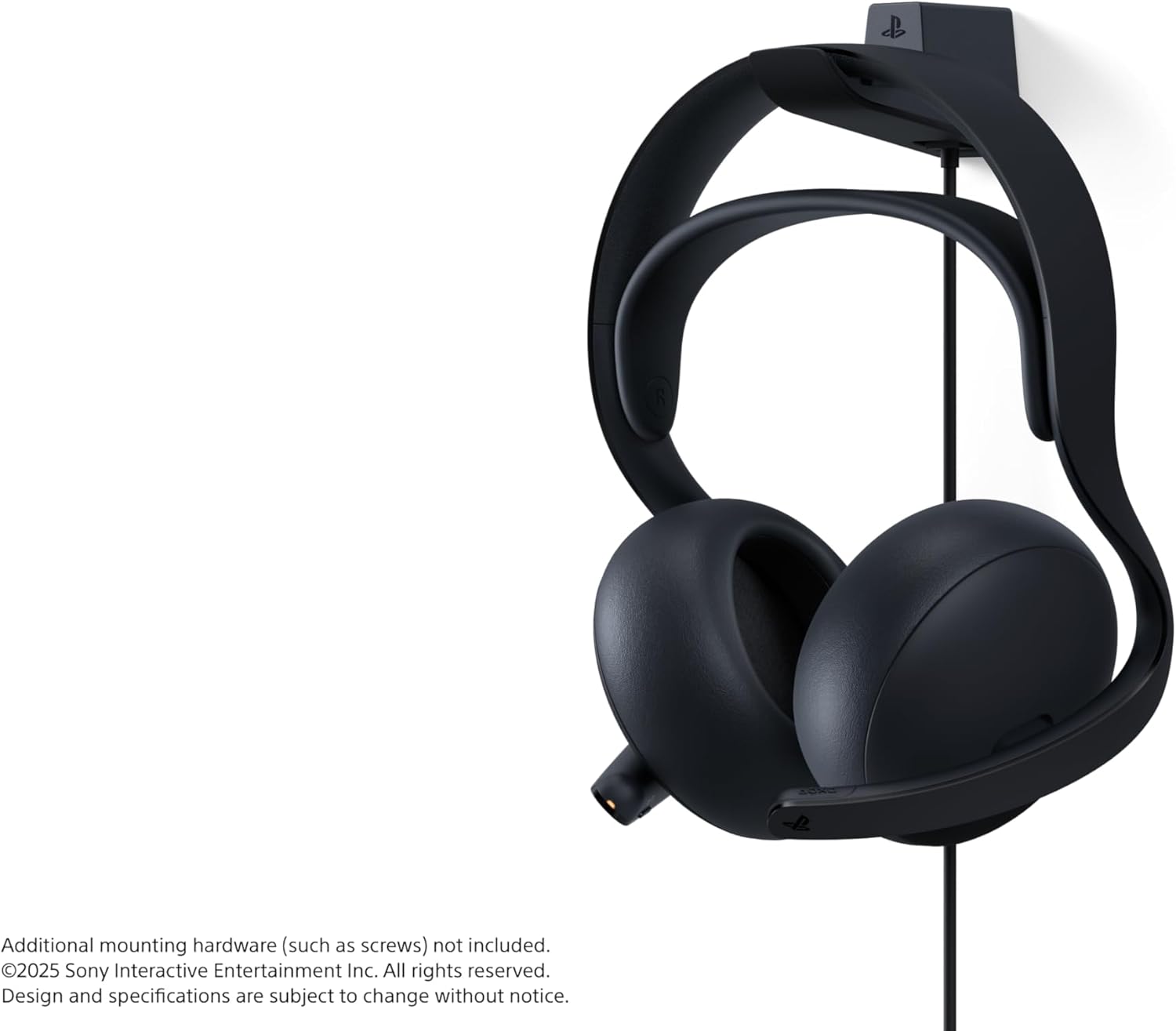
Image: The headset securely placed on its charging station.
Connecting to PlayStation 5 (PS Link):
- Insert the PlayStation Link USB adapter into a USB-A port on your PlayStation 5 console.
- Turn on the Pulse Elite headset. It should automatically pair with the USB adapter.
- Confirm connection on your PS5 screen.
Tilslutning via Bluetooth:
- Sørg for, at headsettet er tændt.
- Activate Bluetooth pairing mode on the headset (refer to the headset's specific button combination in the included user manual).
- On your device (e.g., smartphone, PC), go to Bluetooth settings and select "PULSE Elite" from the list of available devices.
- The headset supports simultaneous connection to a PS Link device and a Bluetooth device.
Betjeningsvejledning
Brug af headsettet:
Place the headset over your ears, ensuring the earcups fully cover your ears for optimal sound isolation and comfort. Adjust the headband for a secure yet comfortable fit.

Billede: Forside view of the headset, showing the earcups and headband.

Billede: Side view of the headset, highlighting its profile.
Mikrofonbrug:
The microphone is fully retractable. Extend the microphone boom when you need to communicate. The AI-enhanced noise rejection technology will help filter out background sounds for clear voice capture.

Image: The headset with its retractable microphone extended for use.
Kontrolelementer:
The headset features intuitive controls for volume adjustment and microphone muting. Refer to the detailed diagram in the included user manual for exact button locations and functions.
Opretholdelse
Rensning:
Wipe the headset and charging station with a soft, dry cloth. Do not use abrasive cleaners or solvents. Keep the charging contacts clean and free of debris.
Opbevaring:
When not in use, store the headset on its charging station or in a protective case to prevent damage. Avoid exposing the headset to extreme temperatures or direct sunlight.
Batteripleje:
For at forlænge batteriets levetid bør du undgå at aflade headsettet helt ofte. Oplad headsettet regelmæssigt, selvom det ikke er i konstant brug.
Fejlfinding
Ingen lyd:
- Sørg for, at headsettet er tændt og fuldt opladet.
- Verify the PlayStation Link USB adapter is securely connected to the PS5.
- Check the volume levels on both the headset and the connected device (PS5/PC/mobile).
- If using Bluetooth, ensure the headset is paired and connected to the correct device.
Mikrofonen virker ikke:
- Sørg for, at mikrofonen er trukket ud og ikke slået fra.
- Check microphone settings on your connected device (PS5/PC/mobile) to ensure the Pulse Elite is selected as the input device.
Forbindelsesproblemer:
- Ensure the headset and USB adapter are within range.
- Try re-pairing the headset with the PS Link adapter or re-connecting via Bluetooth.
- Undgå interferens fra andre trådløse enheder.
Specifikationer
| Feature | Detalje |
|---|---|
| Modelnavn | PULS Elite |
| Modelnummer | CFI-ZWH2 |
| Forbindelsesteknologi | Wireless (PlayStation Link, Bluetooth) |
| Bluetooth version | 4.0 |
| Audio driver type | Plan magnetisk driver |
| Batterilevetid | Op til 30 timer |
| Kompatible enheder | Cellphones, Desktops, Gaming Consoles (PS5, PS Portal), Laptops |
| Varens vægt | 2.28 pund |
| Produktdimensioner | 8.5 x 5.75 x 10 tommer |
| Fabrikant | Sony Interactive Entertainment |
Garanti og support
For warranty information and technical support, please refer to the official PlayStation support webwebstedet eller kontakt PlayStations kundeservice. Gem dit købsbevis til garantikrav.
Online support: www.playstation.com/support