
1. Introduktion
This manual provides detailed instructions for setting up, operating, and maintaining your WONLINK AX1500 WiFi 6 Extender Booster. This device is designed to expand your existing WiFi network coverage, eliminate dead zones, and provide stable, high-speed internet access throughout your home or office.
2. Produktet er slutview
The WONLINK AX1500 WiFi 6 Extender Booster (Model WL-NE3601) is a dual-band device supporting both 2.4 GHz and 5 GHz frequencies, compliant with the 802.11ax (WiFi 6) standard. It features four high-gain, rotatable antennas for optimal signal transmission and reception.

Front view of the WONLINK AX1500 WiFi 6 Extender Booster, illustrating its signal broadcasting capabilities.
Nøglefunktioner:
- WiFi 6-teknologi: Experience faster speeds and improved network efficiency.
- Dual Band Support: Operates on both 2.4 GHz and 5 GHz bands for versatile connectivity.
- Bred dækning: Extends WiFi signal to eliminate dead zones and cover large areas.
- Højforstærkningsantenner: Four adjustable antennas enhance signal strength and stability.
- Multi-mode funktionalitet: Understøtter repeater-, adgangspunkt- (AP) og router-tilstande.
- Nem opsætning: Quick installation via WPS or web browsergrænseflade.
- Ethernet-port: Includes a Gigabit Ethernet port for wired connections.
- Bred kompatibilitet: Works with various WiFi-enabled devices including gaming consoles, laptops, smartphones, and smart TVs.

The extender showcasing its core features: WiFi 6 technology, ultra-speed performance, dual-band support, and one-tap WPS setup.

Close-up of the extender highlighting its four high-gain, rotatable external antennas, designed for flexible positioning, stable WiFi coverage, and enhanced signal transmission.
3. Opsætning og installation
The WONLINK AX1500 Extender offers multiple setup methods for your convenience. Choose the method that best suits your needs.
Metode 1: WPS (Wi-Fi-beskyttet opsætning)
- Sæt extenderen i en stikkontakt i nærheden af din primære router.
- Vent på, at strøm-LED'en på forlængeren lyser konstant blåt.
- Tryk på WPS-knappen på din primære router.
- Within 2 minutes, press the WPS button on the extender (located on the side).
- Wait for the WiFi, 2.4GHz, and 5GHz LEDs on the extender to turn solid blue, indicating a successful connection.
Metode 2: Via Web Browser (Manual Setup)
- Sæt forlængeren i en stikkontakt.
- Connect your computer or smartphone to the extender's default WiFi network (e.g., "WONLINK_Ext").
- Åbn a web browser og indtast
192.168.10.1i adresselinjen. - Enter the default password (usually "admin") to access the configuration page.
- Follow the on-screen instructions to select your existing WiFi network and enter its password.
- The extender will reboot. Reconnect your device to the new extended WiFi network (usually your original network name with "_EXT" appended).

Step-by-step visual guide for quick setup using a smartphone or WPS one-tap setup.
Relocation for Optimal Performance:
After initial setup, relocate the extender to a position about halfway between your router and the WiFi dead zone. Ensure the location is within the range of your router. The signal indicator LEDs on the extender will help you find the best spot (solid blue indicates a strong signal).
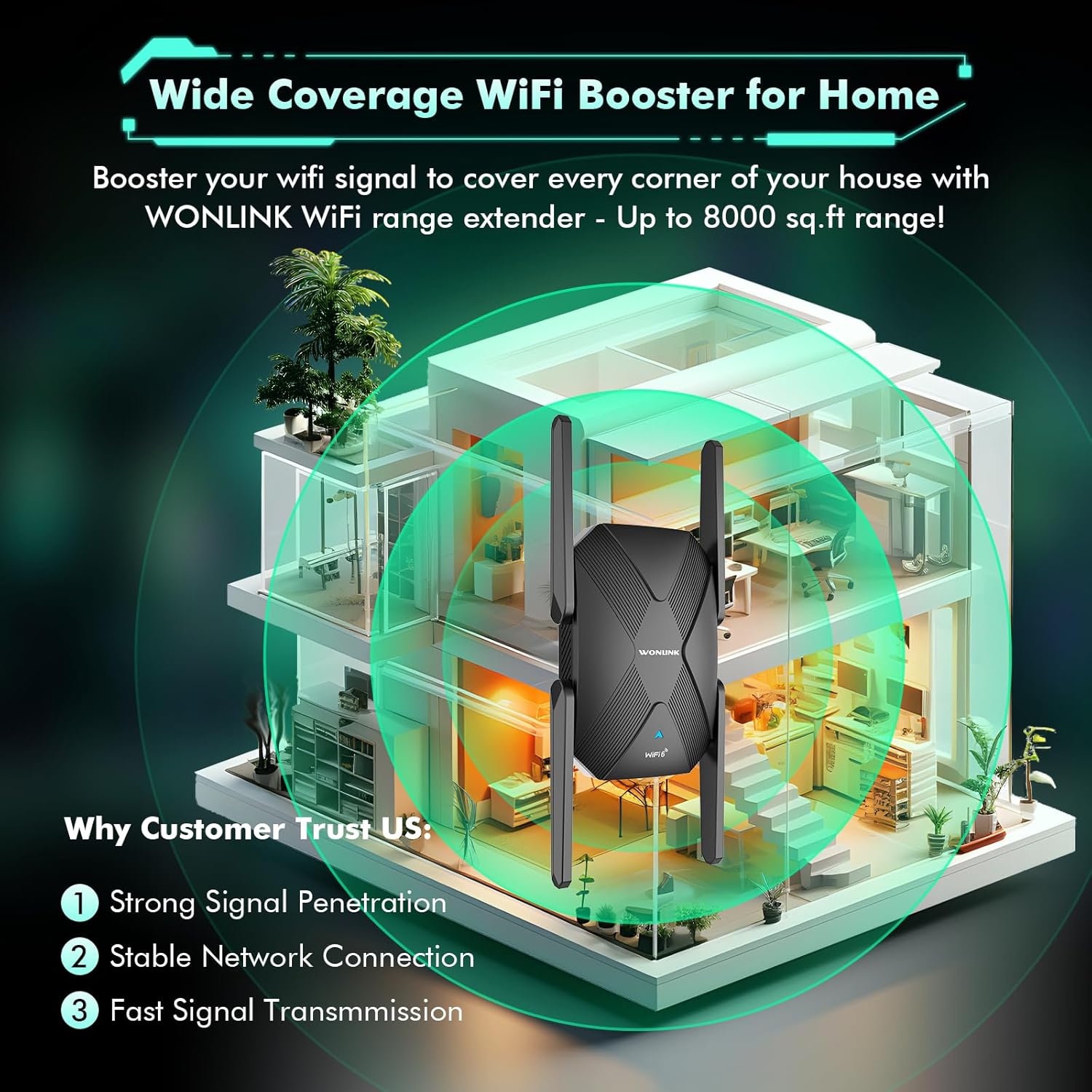
Diagram illustrating the extender's ability to boost WiFi signal and cover large areas within a home, ensuring strong signal penetration and stable connections.
4. Driftstilstande
The WONLINK AX1500 Extender supports multiple operating modes to suit various networking needs:
- Repeater-tilstand: Extends the range of your existing wireless network. This is the most common mode for eliminating WiFi dead zones.
- Access Point (AP) tilstand: Transforms your existing wired network into a wireless one. Connect an Ethernet cable from your router to the extender's Ethernet port, and the extender will broadcast a new WiFi signal.
- Routertilstand: Fungerer som en primær router og opretter et nyt privat netværk. Denne tilstand bruges typisk, når du har et modem, men ingen router.
You can switch between modes via the web administrationsgrænseflade (192.168.10.1) after logging in.
5. Præstation
The AX1500 WiFi 6 Extender is designed to deliver high-speed, lag-free internet. With dual-band support, it offers:
- 5 GHz bånd: Up to 1200 Mbps, ideal for high-bandwidth activities like online gaming, 4K/8K video streaming, and video conferencing.
- 2.4 GHz bånd: Up to 300 Mbps, suitable for general web browsing, file transfers, and downloading.
The device's advanced dual-core chip and four high-gain antennas ensure stable network connections and efficient data transfer, even with multiple devices connected simultaneously.

Visual representation of the extender's dual-band speeds: 1200Mbps for 5GHz and 300Mbps for 2.4GHz.

Image demonstrating the broad compatibility of the extender with devices such as laptops, smartphones, tablets, gaming consoles, smart TVs, and security cameras.
6. Vedligeholdelse
To ensure optimal performance and longevity of your WONLINK AX1500 Extender, consider the following maintenance tips:
- Placering: Avoid placing the extender near obstructions, large metal objects, or devices that emit strong electromagnetic interference (e.g., microwaves, cordless phones).
- Firmwareopdateringer: Kontroller regelmæssigt producentens webwebstedet for de seneste firmwareopdateringer for at sikre optimal ydeevne og sikkerhed.
- Rensning: Hold enheden ren og fri for støv. Brug en blød, tør klud til rengøring. Brug ikke flydende rengøringsmidler eller aerosoler.
- Ventilation: Ensure the extender has adequate ventilation to prevent overheating. Do not block the ventilation holes.
- Nulstil: If you experience persistent issues, a factory reset may resolve them. Use a pin to press and hold the Reset button (often combined with WPS) for about 5-10 seconds until the LEDs flash.
7. Fejlfinding
If you encounter issues with your WONLINK AX1500 Extender, try the following troubleshooting steps:
- Ingen strøm: Ensure the extender is securely plugged into a working power outlet. Check if the power outlet is functional.
- Ingen internetforbindelse:
- Bekræft, at din primære router har en aktiv internetforbindelse.
- Check the signal strength LEDs on the extender. If they are red or off, relocate the extender closer to your main router.
- Genstart både din primære router og extenderen.
- Langsom hastighed:
- Ensure the extender is placed in an optimal location (refer to 'Relocation for Optimal Performance' above).
- Try connecting to the 5 GHz band for higher speeds if your device supports it.
- Minimér interferens fra andre elektroniske enheder.
- Kan ikke få adgang Web Ledelsesside:
- Sørg for, at din enhed er forbundet til extenderens WiFi-netværk.
- Bekræft, at du bruger den korrekte IP-adresse (
192.168.10.1) and default password ("admin"). - Ryd din browsers cache, eller prøv en anden browser.
- WPS Setup Failure: If WPS setup fails, try the manual setup method via web browser.
8. Specifikationer
| Mærke | WONLINK |
| Model | WL-NE3601 |
| Trådløs Standard | 802.11ax (WiFi 6) |
| Dataoverførselshastighed | Op til 1500 Mbps (1200 Mbps på 5 GHz, 300 Mbps på 2.4 GHz) |
| Frekvensbånd | 2.4 GHz and 5 GHz (Dual Band) |
| Antenner | 4 x High-Gain External Antennas |
| Havne | 1 x Gigabit Ethernet-port |
| Kompatible enheder | Spillekonsol, bærbar computer, personlig computer, smart-tv, smartphone, tablet |

Close-up of the product label, indicating the model number WL-NE3601, default IP address 192.168.10.1, and default password 'admin'.
9. Garanti og support
For warranty information and technical support, please refer to the documentation included with your product or visit the official WONLINK webwebsted. Gem din købskvittering for garantikrav.