
Indledning
The Hollyland Solidcom SE PRO is a full-duplex wireless intercom headset system designed for professional team communication. This system supports up to 9 users without requiring a central hub, utilizing advanced 1.9 GHz technology for stable performance. It offers an impressive line-of-sight (LOS) range of up to 1312 feet (400 meters) and features Environmental Noise Cancellation (ENC) for clear audio. The lightweight design, long battery life, and dust and water resistance make it suitable for various demanding environments, including movie shoots, live shows, and event coordination.
Hvad er der i æsken
Your Hollyland Solidcom SE PRO package includes the following components:
- Solidcom SE PRO Wireless Master Headset Single-Ear Version (x1)
- Solidcom SE PRO Wireless Remote Headset Single-Ear Version (x8)
- Li-ion Battery Pack 770 (x18)
- 8-Slot Charging Base (x1)
- USB-A til USB-C-kabel (x1)
- Number Stickers 01 (x2)
- Brugervejledning (x1)
- Garantikort (x1)

Image: All components included in the Solidcom SE PRO 9-Set package.
Opsætning
The Solidcom SE PRO system is designed for immediate use, coming pre-paired directly out of the box. No complex setup procedures are required for initial communication between headsets.
Installation og opladning af batteri
Each headset is powered by a Li-ion battery pack. To install, align the battery with the slot on the headset and push until it clicks into place. To charge, insert the battery packs into the provided 8-slot charging base. The charging base features indicator lights to show charging status. An extra battery is included for each headset, ensuring extended operation.

Image: The 8-slot charging base with batteries. Indicator lights show charging status.
Første gang tændt
Once batteries are installed, simply press the power button located on each headset to turn them on. The headsets will automatically connect to each other.
Video: En overview of the Hollyland Solidcom SE PRO, demonstrating unboxing and initial setup. This video highlights the ease of getting started with the system.
Betjeningsvejledning
Communication Control (Talk/Mute)
The Solidcom SE PRO offers intuitive control over your communication:
- Taletilstand: To activate your microphone and begin speaking, simply pull down the boom mic. Voice prompts will confirm activation.
- Lydløs tilstand: To mute your microphone, lift the boom mic back up towards your ear. Voice prompts will confirm muting.
- PTT (Push-to-Talk) Mode: For situations requiring momentary communication, the system supports PTT. When the mic lever is down and in 'MUTE' state, long press the dedicated 'PTT' button to open the mic. Release the 'PTT' button to return to the 'MUTE' state.

Image: Visual guide for PTT, Talk, and Mute operations using the boom mic and dedicated button.
Lydstyrkejustering
Volume controls are located on the side of the earcup, allowing you to adjust the listening volume to your preference.

Image: Detail of the headset's controls, including volume buttons.
Nøglefunktioner
Miljømæssig støjreduktion (ENC)
The Solidcom SE PRO features dual-mic noise cancellation technology to effectively minimize ambient sounds, ensuring clear and intelligible communication even in noisy environments. Its 150Hz–7kHz wideband frequency response delivers rich audio quality.

Image: Demonstration of noise reduction, showing sound waves before and after ENC processing.

Image: Visual representation of the ENC 2.0 system for enhanced audio clarity.
Extended Wireless Range and Stability
Operating on the 1.9 GHz frequency, the system provides a line-of-sight (LOS) range of up to 1312 feet (400 meters). This frequency band is less susceptible to interference from 2.4 GHz devices. Auto Frequency Hopping technology further enhances stability by intelligently navigating around environmental disruptions.
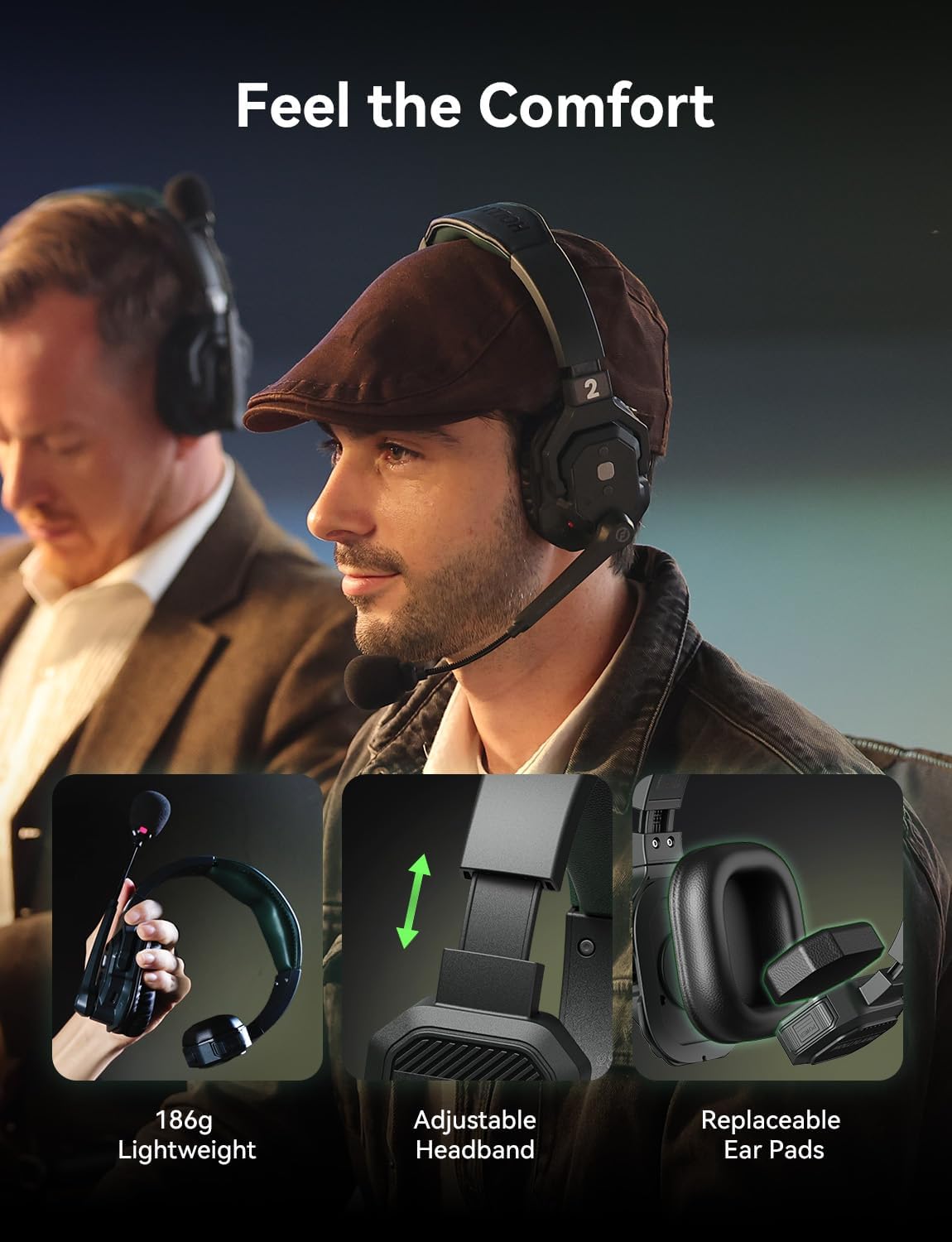
Image: Diagram showing the extensive communication range between two headsets.

Image: Visual explanation of how Auto Frequency Hopping maintains stable transmission.
Long Battery Life and Flexible Charging
Each battery provides up to 10 hours of continuous use. With two batteries supplied per headset, you can achieve extended operational periods. The headsets also support USB-C charging via a power bank while in use, offering flexibility for prolonged events.
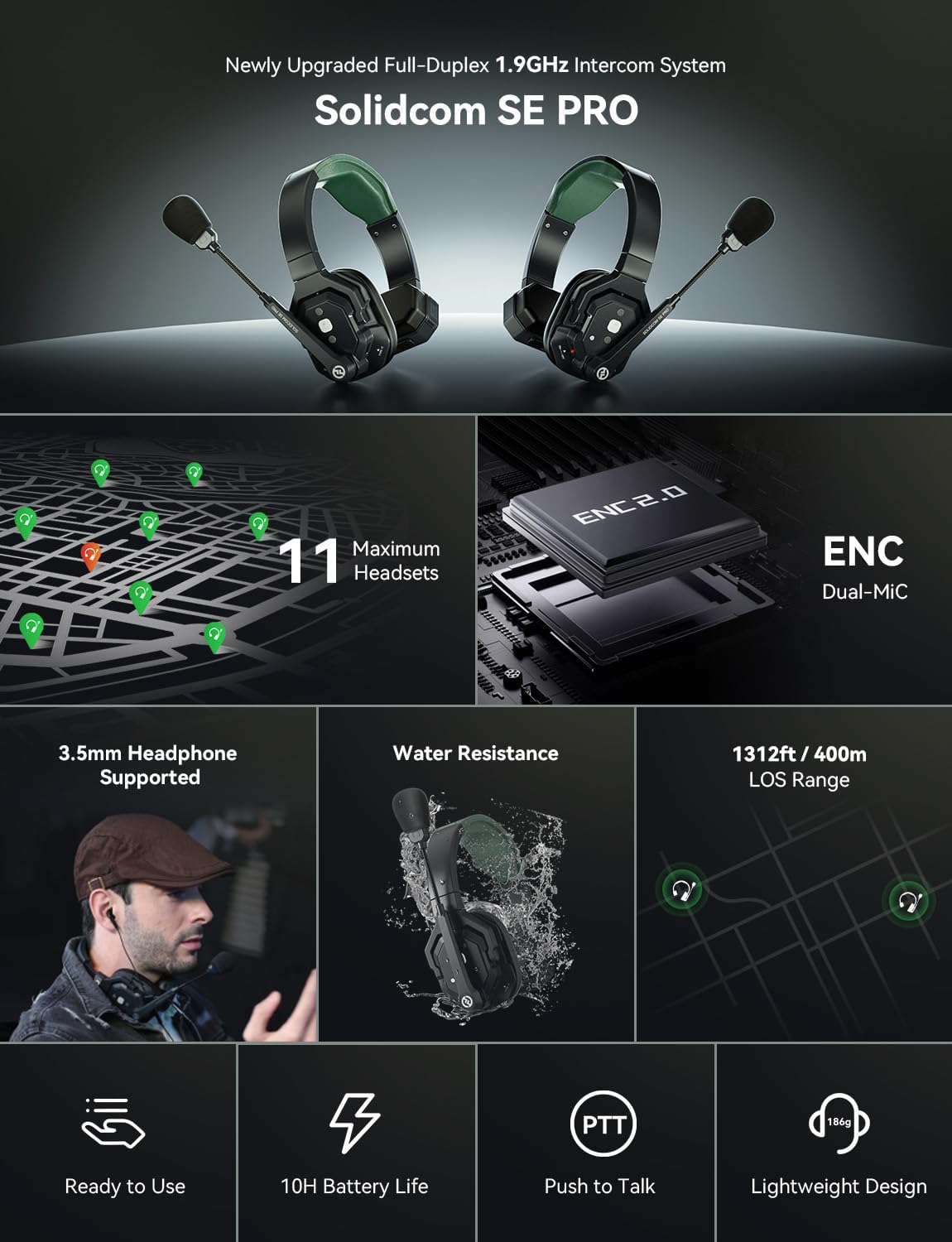
Image: Key features summary including battery life, user capacity, and range.
3.5mm Headphone Compatibility
The USB-C port on the headset allows connection to a Hollyland USB-C to 3.5mm adapter (sold separately), enabling the use of your preferred 3.5mm headphones for a customized audio experience.
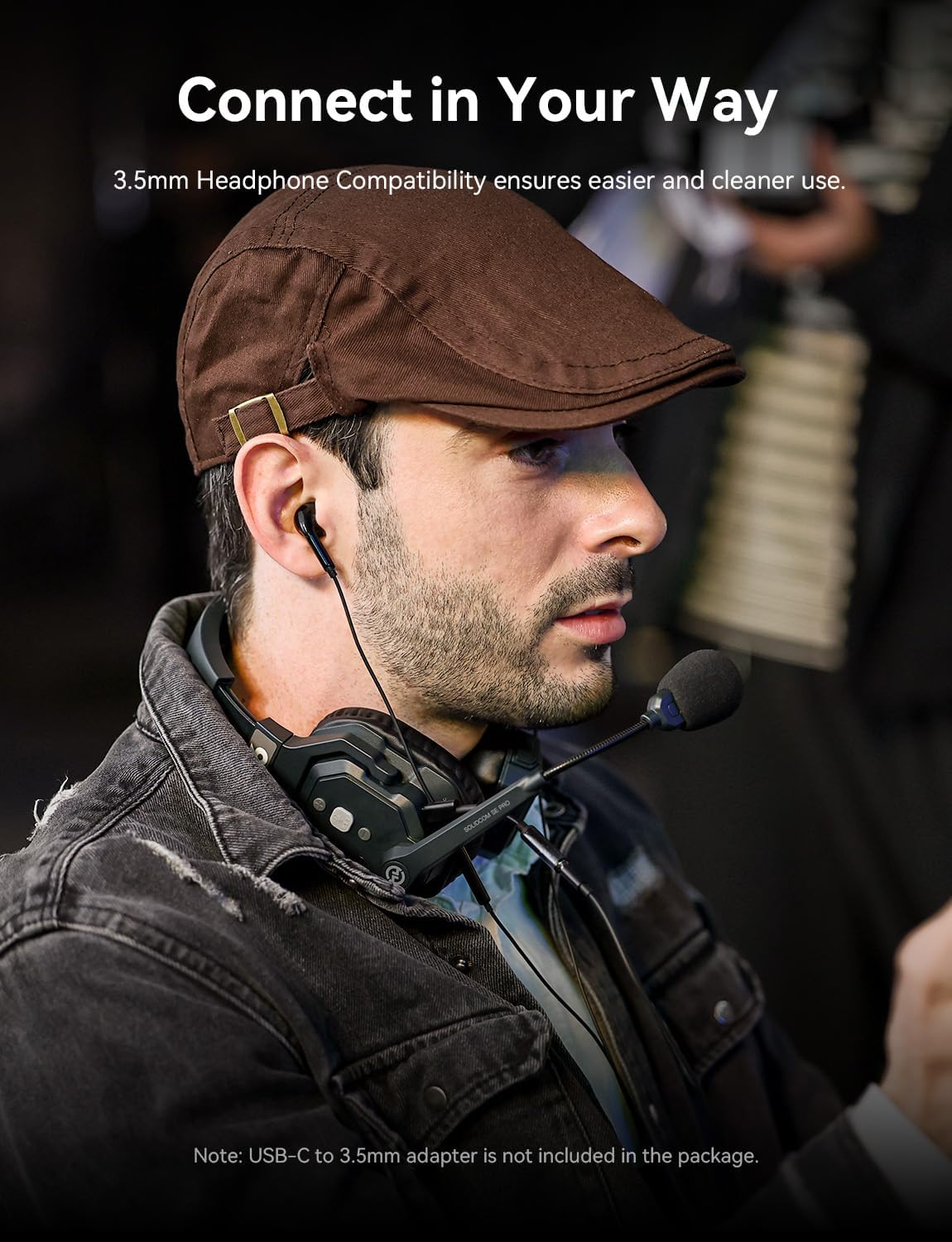
Image: A user demonstrating the 3.5mm headphone compatibility feature.
Lightweight and Durable Design
Crafted from lightweight, durable materials, each Solidcom SE PRO headset weighs under 186g, ensuring a secure and comfortable fit for long hours of use without causing discomfort.

Image: Visual representation of the headset's lightweight construction.
Støv- og vandtæthed
The headsets are built with dust and water resistance, allowing them to withstand rain and splashes. This ensures reliable performance and consistent connectivity in various outdoor and challenging environments.

Image: Visual demonstration of the headset's durability against dust and water.
Opretholdelse
To ensure the longevity and optimal performance of your Solidcom SE PRO system, follow these maintenance guidelines:
- Rensning: Regularly wipe the headsets with a soft, dry cloth. For stubborn dirt, a slightly damp en klud kan bruges, så det sikres, at der ikke trænger fugt ind i de elektroniske komponenter.
- Opbevaring: When not in use, store the headsets and accessories in the provided hard carrying case to protect them from dust, moisture, and physical damage.
- Batteripleje: Store batteries in a cool, dry place. Avoid fully discharging batteries for extended periods. Charge them periodically if not in use for a long time.
- Miljøbeskyttelse: While resistant to dust and splashes, avoid submerging the headsets in water or exposing them to extreme temperatures.
Fejlfinding
If you encounter issues with your Solidcom SE PRO system, consider the following:
- No Audio/Intermittent Connection:
- Ensure all headsets are powered on and within the specified operating range (1312ft LOS).
- Check battery levels and replace/recharge if necessary.
- Verify that the boom mic is correctly lowered for talk mode and not accidentally muted.
- Move to an area with less potential interference, as the Auto Frequency Hopping works best when not overwhelmed.
- Poor Audio Quality/Excessive Noise:
- Confirm the boom mic is positioned correctly near the mouth.
- The ENC feature should actively reduce background noise; if not, ensure the headset is functioning correctly.
- Check for physical obstructions or strong electromagnetic interference in the environment.
- Headsettet tænder ikke:
- Sørg for, at batteriet er fuldt opladet og korrekt isat.
- Try a different charged battery if available.
For further assistance, please refer to the detailed user manual included in your package or contact Hollyland customer support.
Specifikationer
| Mærke | Hollyland |
| Modelnummer | Solidcom SE 1.9G |
| Modelnavn | 9-Set |
| Forbindelsesteknologi | Trådløs (RF) |
| Trådløs teknologi | 1.9 GHz |
| Rækkevidde | Up to 1312 ft (400m) Line-of-Sight |
| Støjkontrol | Aktiv støjreduktion (ENC) |
| Frekvensområde | 150Hz-7kHz |
| Batteriets gennemsnitlige levetid | 10 Hours per battery |
| Vægt | Under 186g per headset |
| Vandmodstandsniveau | Waterproof (Rainproof/Splash-resistant) |
| Hovedtelefonstik | 3.5 mm Jack (via adapter, not included) |
| Kontroltype | Touch Control, Boom Mic Mute, PTT Button |
| Materiale | Plast |
| UPC | 191460007989 |
Garanti og support
The Hollyland Solidcom SE PRO system comes with a 1-års garanti from the manufacturer. For warranty claims, technical support, or additional product information, please refer to the warranty card included in your package or visit the official Hollyland Store.
Du kan finde flere oplysninger og supportressourcer ved at besøge Hollyland-butikken på Amazon.