
Indledning
This manual provides detailed instructions for the safe and effective use of your GPEESTRAC BFNO-TD200-07 Bluetooth Earphones. These earphones feature Bluetooth 5.4 connectivity, Active Noise Cancellation (ANC), a multi-function touch display on the charging case, and extended battery life. Please read this manual thoroughly before using the product and retain it for future reference.
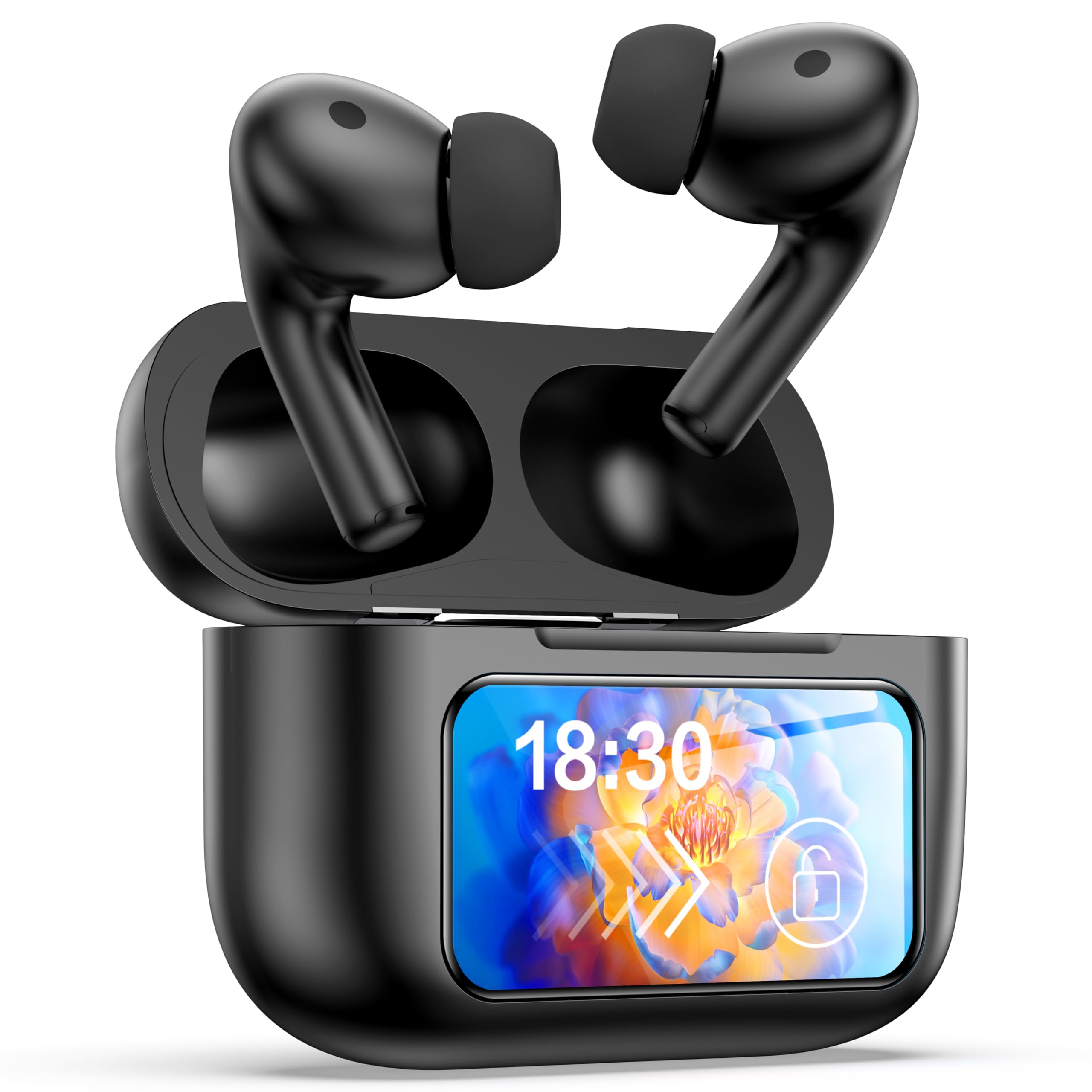
Image: The GPEESTRAC BFNO-TD200-07 Bluetooth Earphones with their charging case, showcasing the LED screen and various features.
Produkt overview
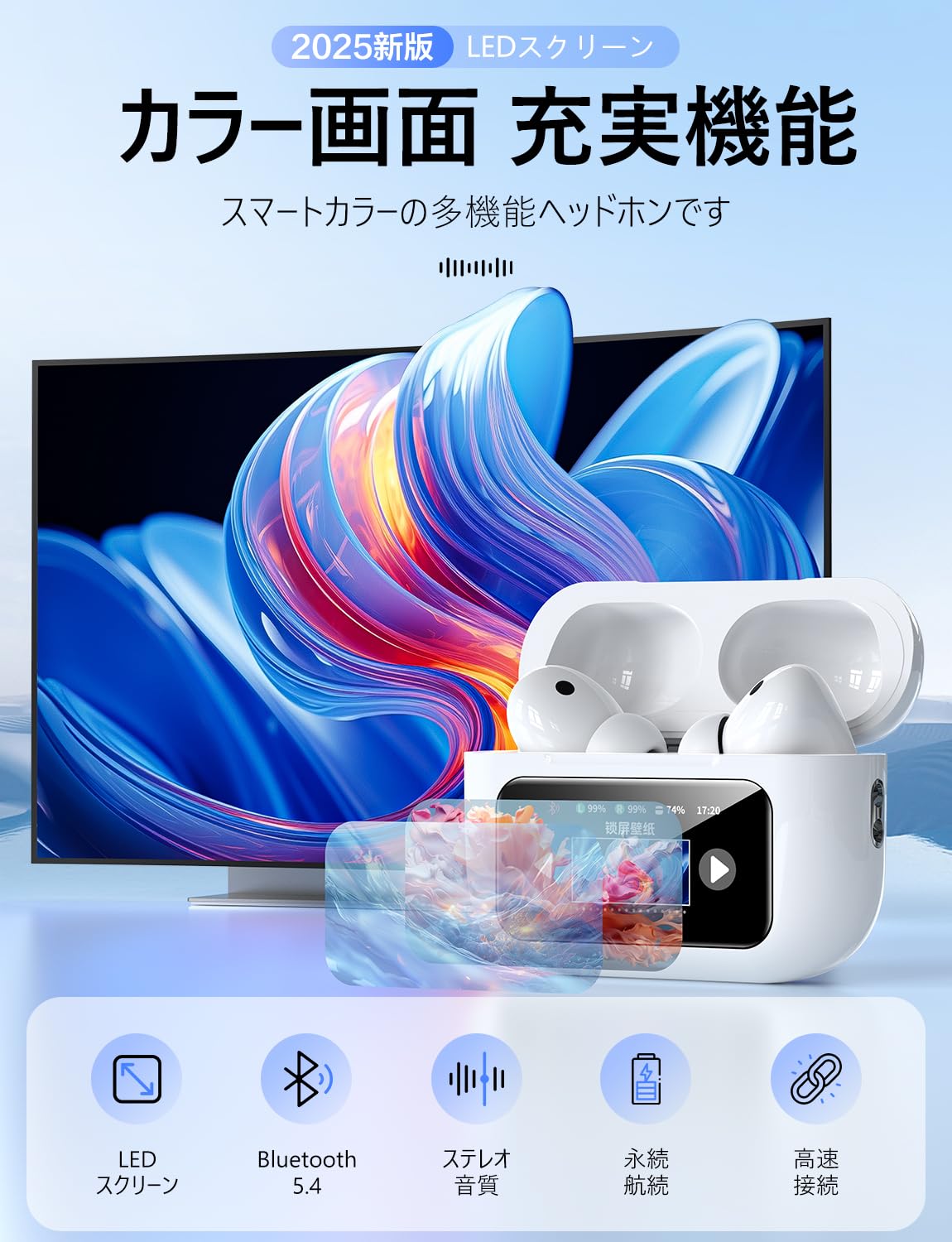
The GPEESTRAC BFNO-TD200-07 consists of two wireless earbuds and a portable charging case. The charging case is equipped with a color touch display for easy control and monitoring.
Nøglekomponenter:
- høretelefoner In-ear design, lightweight (approx. 3.7g each), with touch-sensitive controls.
- Opladningsetui: Houses the earbuds, provides charging, and features a multi-function color touch display.
- Ørespidser: Various sizes for a comfortable and secure fit.
- USB Type-C ladekabel: For recharging the charging case.
Billede: En detaljeret view of the GPEESTRAC BFNO-TD200-07 earbuds and the charging case, highlighting their design.
Opsætning
1. Opladning af øretelefoner og etuiet
Before first use, fully charge the charging case and earbuds. The charging case has a 1200 mAh battery capacity.
- Placer ørepropperne i opladningsetuiet. Sørg for, at de er korrekt isat.
- Tilslut USB Type-C-opladerkablet til opladningsporten på etuiet og til en strømkilde.
- The touch display on the charging case will show the charging status and remaining battery level for both the case and individual earbuds.
- A full charge provides approximately 5 hours of playback for the earbuds and the case can recharge the earbuds 3-4 times, offering up to 32 hours of total playback.

Image: The charging case connected via a Type-C cable, displaying battery levels on its screen, with an earbud being worn.
2. Parring med en Bluetooth-enhed
The earphones utilize Bluetooth 5.4 technology for a stable and fast connection.
- Sørg for, at din enheds Bluetooth er tændt.
- Open the lid of the charging case. The earbuds will automatically enter pairing mode (if not already paired).
- On your device, search for Bluetooth devices and select "BFNO-TD200-07" from the list.
- Once paired, the earphones will automatically connect to your device when the case lid is opened, provided Bluetooth is enabled on your device.

Image: Illustration of the Bluetooth 5.4 chip and a smartphone screen showing the earphones ready for pairing.
Betjeningsvejledning
Aktive støjreduktionstilstande (ANC)
The earphones feature a proprietary noise-canceling chip, offering a noise reduction depth of up to 36 dB, which can increase to 45 dB with properly fitted eartips. The charging case's touch display allows you to switch between modes.
- ANC-tilstand: Reduces ambient noise, ideal for immersive listening.
- External Sound Capture Mode (Transparency Mode): Allows you to hear your surroundings while listening to audio, enhancing safety and awareness.
- Ai Adaptive Mode: Justerer automatisk støjreduktion baseret på dine omgivelser.

Image: Visual representation of ANC technology and users demonstrating the use of ANC and transparency modes in different environments.
Multi-Function Touch Display and Controls
The charging case features a color touch display that provides access to various functions without needing your phone.
- Music Player Controls: Afspil, sæt på pause, spring numre over, juster lydstyrken.
- Valg af ANC-tilstand: Switch between ANC, Transparency, and Ai Adaptive modes.
- Find Earphones: Find forkert placerede ørepropper.
- Timer funktion: Indstil en timer direkte fra etuiet.
- Kameracontroller: Fjernstyr dit smartphonekamera.
- Sprogskifte: Skift visningssprog.
- Stemmeassistent: Aktivér din enheds stemmeassistent.
The earbuds themselves have touch-sensitive areas for basic controls like play/pause, answering calls, and activating voice assistant. A multi-function button on the back of the charging case allows for restarting and resetting the device.

Image: The charging case's LED touch display showing various icons for functions such as time display, volume control, language settings, and camera control.
Lydkvalitet og opkald
The earphones are designed to deliver Hi-Fi sound quality with a 14mm diameter flexible diaphragm, providing clear audio from deep bass to crisp treble. They also support HD calls for up to 4 hours of talk time.

Image: A smartphone screen displaying various music equalizer modes, suggesting customizable audio experiences with the earphones.
Opretholdelse
Korrekt vedligeholdelse sikrer dine øretelefoners levetid og optimale ydeevne.
- Rensning: Regularly clean the earbuds, eartips, and charging contacts with a soft, dry, lint-free cloth. Do not use abrasive materials or harsh chemicals.
- Opbevaring: Når de ikke er i brug, skal øretelefonerne opbevares i deres opladningsetui for at beskytte dem mod støv og skader.
- Undgå fugt: Keep the earphones and charging case away from water and excessive humidity.
- Opladning: Charge the case regularly, even if not in use, to maintain battery health.
Fejlfinding
Hvis du støder på problemer med dine øretelefoner, kan du bruge følgende almindelige løsninger:
| Problem | Mulig løsning |
|---|---|
| Øretelefoner parrer/forbinder ikke |
|
| Ingen lyd eller lav lydstyrke |
|
| Ladeetui oplader ikke |
|
| ANC er ikke effektiv |
|
Specifikationer
| Feature | Detalje |
|---|---|
| Mærke | GPEESTRAC |
| Model | BFNO-TD200-07 |
| Bluetooth version | 5.4 + EDR |
| Opladeretuiet batteri | 1200 mAh |
| Øreproppernes afspilningstid | Ca. 5 timer |
| Samlet afspilningstid (med etui) | Op til 32 timer |
| HD Talk Time | Op til 4 timer |
| Støjreduktionsdybde | 36 dB (up to 45 dB with optimal eartips) |
| Driver størrelse | 14 mm |
| Earbud vægt | Approx. 3.7 g (each) |
| Totalvægt (med etui) | Ca. 64 g |
| Opladningsport | USB Type-C |
Garanti og support
For warranty information and technical support, please refer to the documentation provided with your purchase or contact GPEESTRAC customer service. Keep your proof of purchase for warranty claims.
Fabrikant: GPEESTRAC