
Indledning
Tak for købetasing the Andoer Digital Camera H12. This manual provides detailed instructions for the proper use and maintenance of your camera. Please read this manual thoroughly before using the camera to ensure optimal performance and longevity.
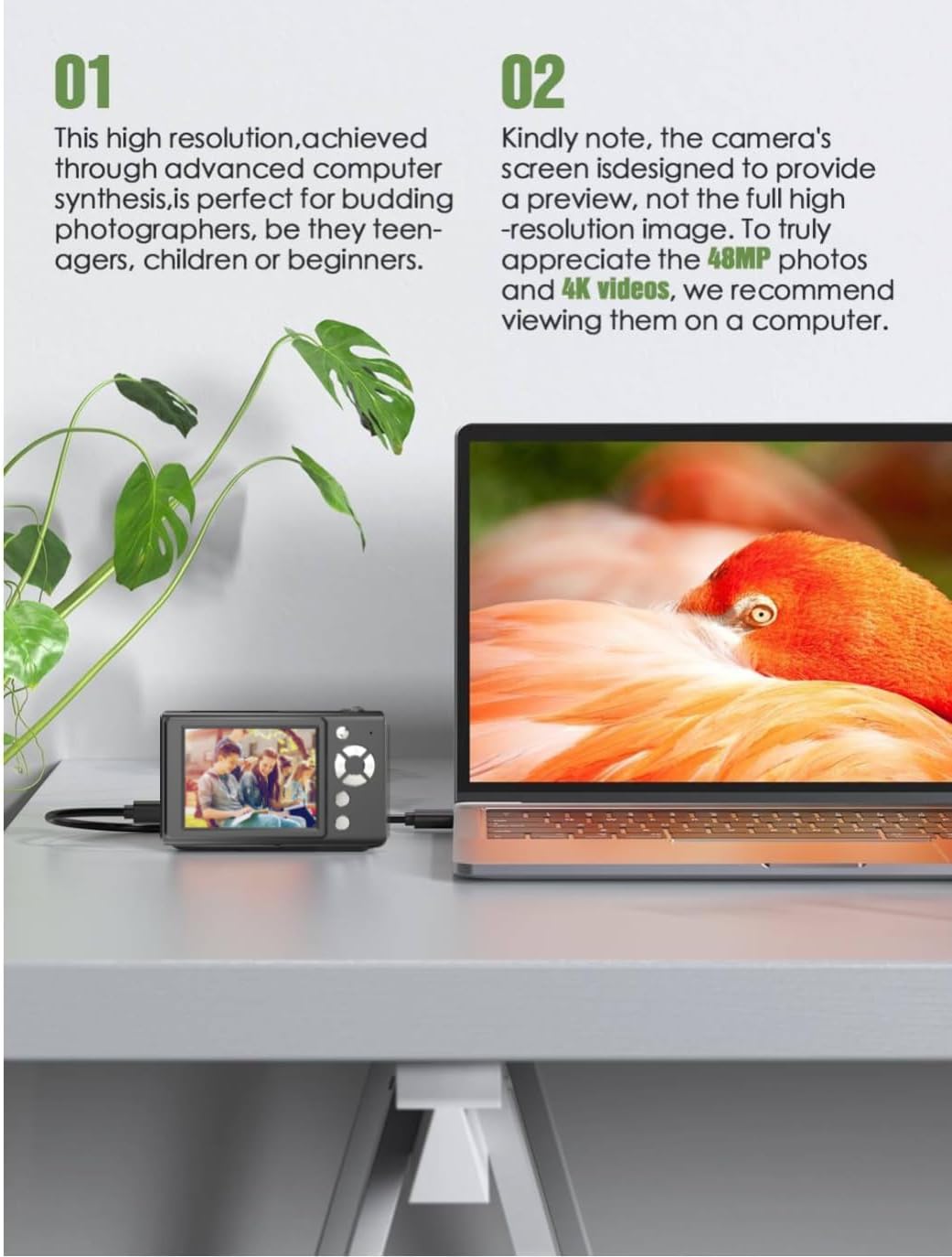
The Andoer H12 is a compact digital point-and-shoot camera featuring 1080P video recording, 48MP photo resolution, 16x digital zoom, autofocus, and an anti-shake function. It is designed for ease of use, making it suitable for various users.
Pakkens indhold
Kontroller venligst pakkens indhold ved udpakning for at sikre, at alle varer er til stede:
- 1 x Andoer Digital Camera H12
- 1 x USB-kabel (Type-C)
- 1 x håndledsrem
- 1 x 32GB hukommelseskort
- 1 x-kortlæser
- 1 x brugermanual
Opsætning
1. Opladning af batteriet
The camera is equipped with a built-in 3.7V 700mAh lithium battery. Before first use, fully charge the battery.
- Connect the included Type-C USB cable to the camera's USB port.
- Tilslut den anden ende af USB-kablet til en USB-strømadapter (medfølger ikke) eller en computers USB-port.
- The charging indicator light will illuminate. Once charging is complete, the indicator light will change or turn off.
Note: A full charge typically takes approximately 2-3 hours. Do not use the camera while it is charging.
2. Indsættelse af hukommelseskortet
The camera supports TF (MicroSD) cards up to 128GB. A 32GB memory card is included in the package.
- Find hukommelseskortåbningen på siden af kameraet.
- Gently insert the TF card into the slot with the metal contacts facing the front of the camera until it clicks into place.
- To remove the card, gently push it in again until it springs out.

3. Fastgørelse af håndledsremmen
Attach the included wrist strap to the camera for added security and to prevent accidental drops.
- Thread the thin loop of the wrist strap through the strap eyelet on the camera body.
- Pass the larger end of the strap through the thin loop and pull tight to secure it.
Betjeningsvejledning
1. Tænd/sluk
- For at tænde skal du trykke på tænd/sluk-knappen og holde den nede, indtil skærmen lyser.
- For at slukke skal du trykke på tænd/sluk-knappen igen, indtil skærmen slukker.
- The camera features an auto power-off function (off/3 mins/5 mins) which can be configured in the settings.
2. Tage billeder
- Turn on the camera. The camera will typically start in photo mode.
- Komponer dit billede med den 2.8-tommer IPS-skærm.
- Press the shutter button halfway down to activate autofocus. The camera will recognize and track subjects.
- Once focus is achieved (indicated by a green frame), press the shutter button fully to take the picture.

3. Optagelse af videoer
- Switch to video mode (refer to the camera's on-screen interface for the mode switch button).
- Press the shutter button to start recording. A red indicator or timer will appear on the screen.
- Tryk på udløserknappen igen for at stoppe optagelsen.
The camera supports 1080P and 720P video resolutions in AVI format. Loop recording can be set for 3, 5, or 10 minutes.
4. Zoomfunktion
Use the zoom buttons (usually marked 'W' for Wide and 'T' for Telephoto) to adjust the 16x digital zoom. This allows you to magnify distant subjects.

5. LED-udfyldningslys
The camera features a built-in ring LED fill light with three lighting modes to assist in low-light conditions.
- Hvidt lys: Bright, even, and soft illumination.
- Varmt hvidt lys: Pure natural light, soft and comfortable.
- Gult lys: Warm color adjustment for a warm atmosphere.
Access and cycle through these modes via the camera's menu or a dedicated button (refer to the on-screen interface).

6. Andre funktioner
- Selfie-timer: Options for off, 2s, 5s, or 10s delay before taking a photo.
- Kontinuerlig optagelse: Tag en serie billeder hurtigt.
- Anti-shake: Hjælper med at reducere sløring forårsaget af kamerabevægelse.
- Filtereffekter: Various built-in filters to enhance your photos.
- Spil: Includes 4 simple games for entertainment.
- MP3-afspilning: Download MP3 music to the memory card and play it through the camera.

Opretholdelse
- Rengøring af kamerahuset: Brug en blød, tør klud til at tørre kamerahuset af. Ved genstridigt snavs, tør letampRengør kluden med vand og tør den derefter af. Undgå at bruge kemiske rengøringsmidler.
- Rengøring af linse og skærm: Use a specialized lens cleaning cloth or brush to gently remove dust and smudges. Do not use abrasive materials or excessive force.
- Opbevaring: When not in use for extended periods, store the camera in a cool, dry place away from direct sunlight and extreme temperatures. Remove the memory card if not in use.
- Batteripleje: Undgå at aflade batteriet helt for ofte. Oplad batteriet regelmæssigt, selvom kameraet ikke er i brug, for at opretholde batteriets sundhedstilstand.
- Vandtæthed: Dette kamera er ikke vandafvisendeUndgå udsættelse for vand, regn eller høj luftfugtighed.
Fejlfinding
| Problem | Mulig årsag | Løsning |
|---|---|---|
| Kameraet tænder ikke. | Batteriet er afladet eller ikke opladet. | Charge the camera battery fully using the provided USB cable. |
| Kan ikke tage billeder/optage videoer. | Memory card is full, not inserted correctly, or corrupted. | Check if the memory card is inserted correctly. Delete unnecessary files or replace the memory card. Format the card if necessary (this will erase all data). |
| Billeder er slørede. | Autofocus failed, camera shake, or dirty lens. | Ensure autofocus is engaged. Hold the camera steady or use the anti-shake function. Clean the lens with a soft cloth. |
| Skærmen er tom eller frosset. | System error or temporary malfunction. | Press and hold the power button for 10 seconds to force a shutdown, then restart the camera. If the issue persists, contact customer support. |
| Kan ikke overføre files til computeren. | Incorrect cable connection or driver issue. | Ensure the USB cable is securely connected. Try a different USB port or computer. Use the included card reader to transfer files direkte fra hukommelseskortet. |
Specifikationer
| Feature | Detalje |
|---|---|
| Modelnavn | H12 |
| Vise | 2.8 tommer IPS LCD |
| Foto opløsning | Up to 48MP (48M, 40M, 24M, 20M, 18M, 16M, 12M, 10M, 8M, 5M, 3M, 2M, 1M) |
| Fotoformat | JPG |
| Video opløsning | 1080P, 720P |
| Videoformat | AVI |
| Digital Zoom | 16X |
| Autofokus | Yes (Contrast Detection, 9 points) |
| Billedstabilisering | Optisk |
| Sensortype | CMOS (1/4-inch) |
| Opbevaring | TF card, max. 128GB (32GB included) |
| Batteri | Indbygget litiumbatteri (3.7V 700mAh) |
| Opladningsgrænseflade | USB Type-C |
| Selfie Timer | Off/ 2s/ 5s/ 10s |
| Automatisk sluk | Off/ 3 mins/ 5 mins |
| Loop-optagelse | 3 mins/ 5 mins/ 10 mins |
| Indbyggede funktioner | LED Fill Light (3 modes), Filter Effects, 4 Games, MP3 Playback |
| Produktstørrelse | 103 x 31 x 65 mm |
| Produktets vægt | 149g (camera body) / 260g (item weight including packaging/accessories) |
| Vandmodstandsniveau | Ikke vandafvisende |
Garantioplysninger
The Andoer Digital Camera H12 comes with a 1 års garanti fra købsdatoen. Denne garanti dækker fabrikationsfejl og funktionsfejl ved normal brug. Den dækker ikke skader forårsaget af misbrug, ulykker, uautoriserede reparationer eller naturkatastrofer.
Gem venligst dit købsbevis for garantikrav.
Kundesupport
If you encounter any issues or have questions not covered in this manual, please contact Andoer customer support. You can typically find support contact information on the official Andoer webhjemmeside eller gennem din forhandler.
For yderligere hjælp, besøg venligst Andoer Store on Amazon.