
1. Introduktion
Thank you for choosing the ZEBRONICS EnergiPOD 27R3 Power Bank. This high-capacity portable charger is designed to provide efficient and rapid power to your electronic devices, including smartphones, tablets, and laptops. With its advanced features and robust safety mechanisms, the EnergiPOD 27R3 ensures reliable charging on the go. Please read this manual carefully before using the product to ensure proper operation and to maximize its lifespan.
2. Sikkerhedsoplysninger
To ensure safe and optimal use of your power bank, please adhere to the following safety guidelines:
- Udsæt ikke powerbanken for ekstreme temperaturer (over 60 °C eller under 0 °C), direkte sollys eller høj luftfugtighed.
- Avoid dropping, disassembling, or attempting to repair the unit yourself. Unauthorized repairs can void the warranty and pose safety risks.
- Hold powerbanken væk fra vand og andre væsker.
- Brug kun certificerede opladningskabler og adaptere.
- Do not place heavy objects on the power bank.
- Opbevares utilgængeligt for børn.
The ZEBRONICS EnergiPOD 27R3 incorporates multiple safety protections:
- Beskyttelse mod overopladning: Forhindrer skader fra overopladning.
- Overbelastningsbeskyttelse: Beskyttelse mod strømstød.
- Kortslutningsbeskyttelse: Afbryder automatisk strømmen i tilfælde af kortslutning.

Image: The power bank features comprehensive safety protections including overcharge, short circuit, and overload protection.
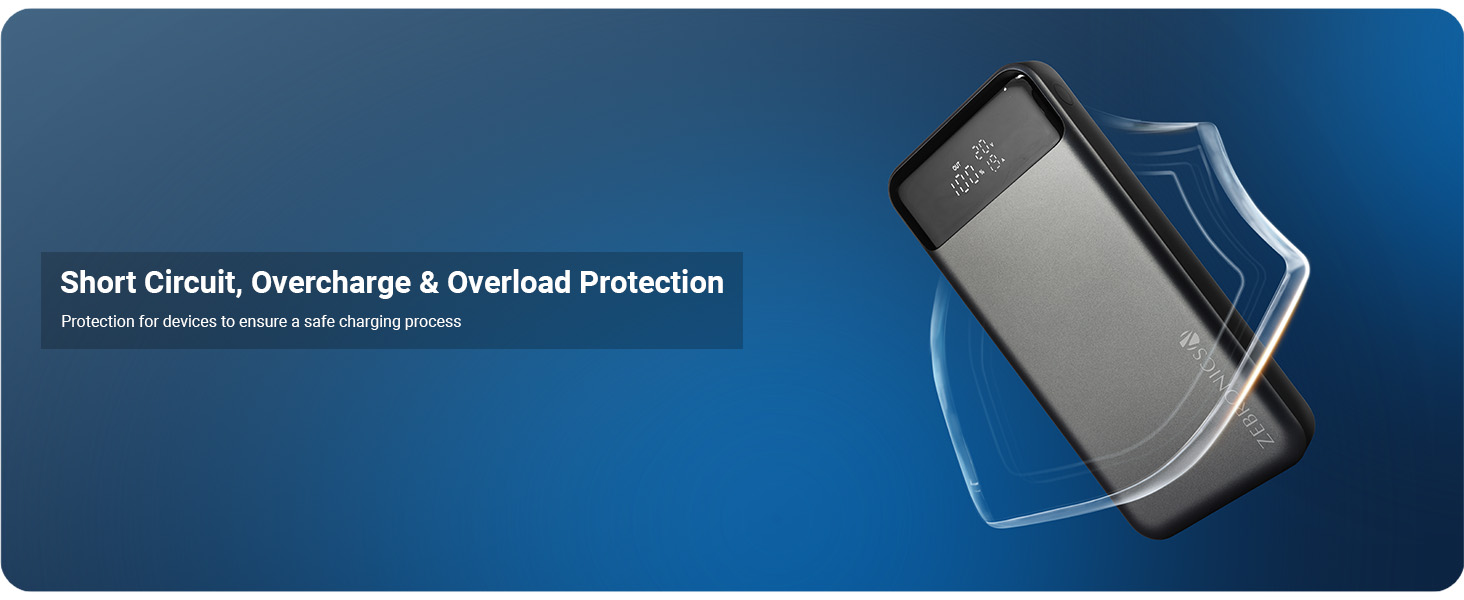
Image: Visual representation of the power bank's built-in safety features.
3. Produktet er slutview og funktioner
The ZEBRONICS EnergiPOD 27R3 is a versatile power bank designed for high-performance charging. Key features include:
- Høj kapacitet: 27000mAh batterikapacitet til længere tids brug.
- Kraftig output: Provides up to 100W (Max.) output for various compatible devices.
- Flere udgange: Equipped with dual Type-C ports (Type-C1: DC 5V/3A, 9V/3A, 12V/3A, 15V/3A, 20V/5A, 3.8~20V/5A PPS; Type-C2: DC 5V/3A, 9V/3A, 12V/2.5A, 3.3~11V/3A PPS) and one USB-A output port (DC 4.5V/5A, 5V/4.5A, 5V/3A, 9V/2A, 12V/1.5A).
- Hurtig opladning: PD3.0 Type-C output ensures fast charging for compatible devices.
- LED display: Provides real-time information on remaining battery percentage, bindtage, og watt.
- Flight Friendly: Designed to meet airline regulations, making it suitable for travel.
- Universal kompatibilitet: Charges smartphones, tablets, and laptops.

Image: The power bank simultaneously charging a smartphone and a laptop.

Image: The 27000 mAh power bank is flight-friendly and ideal for travel.

Image: Demonstrating PD 3.0 Type-C rapid charging capability.

Image: The power bank delivers a powerful 100W (Max) output.

Image: The power bank is compatible with smartphones, tablets, and laptops.
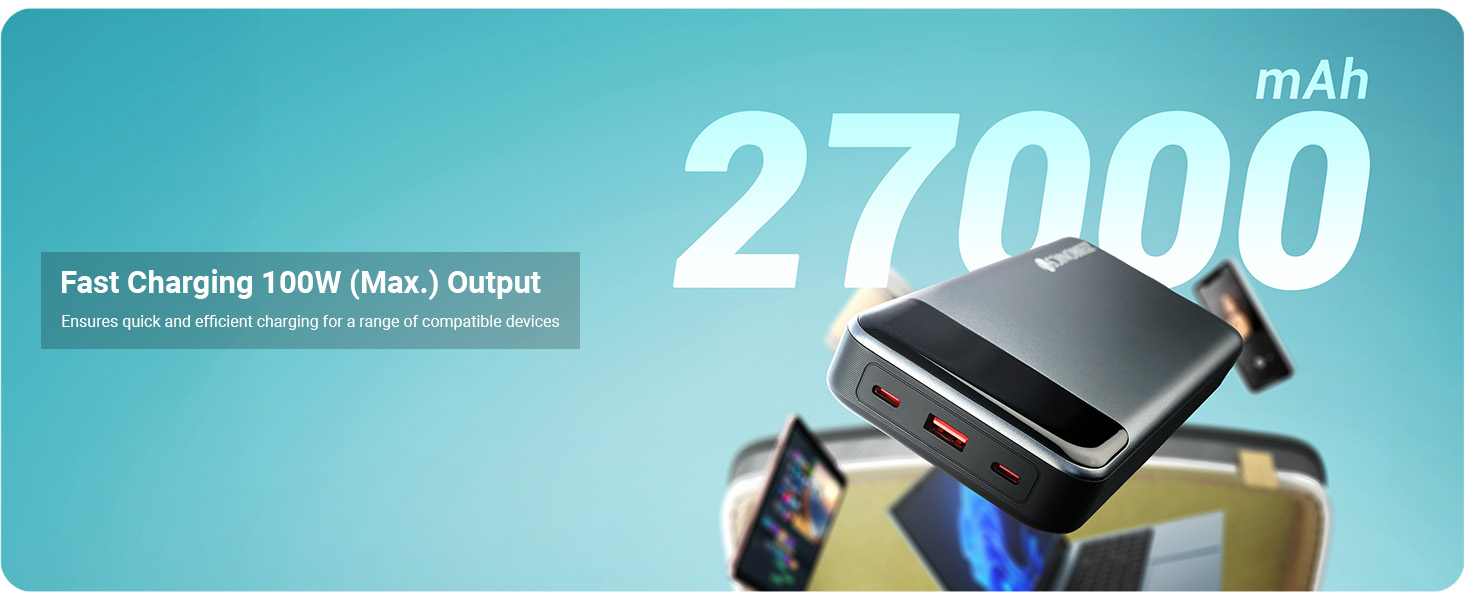
Image: Fast charging with 100W (Max.) output for various devices.
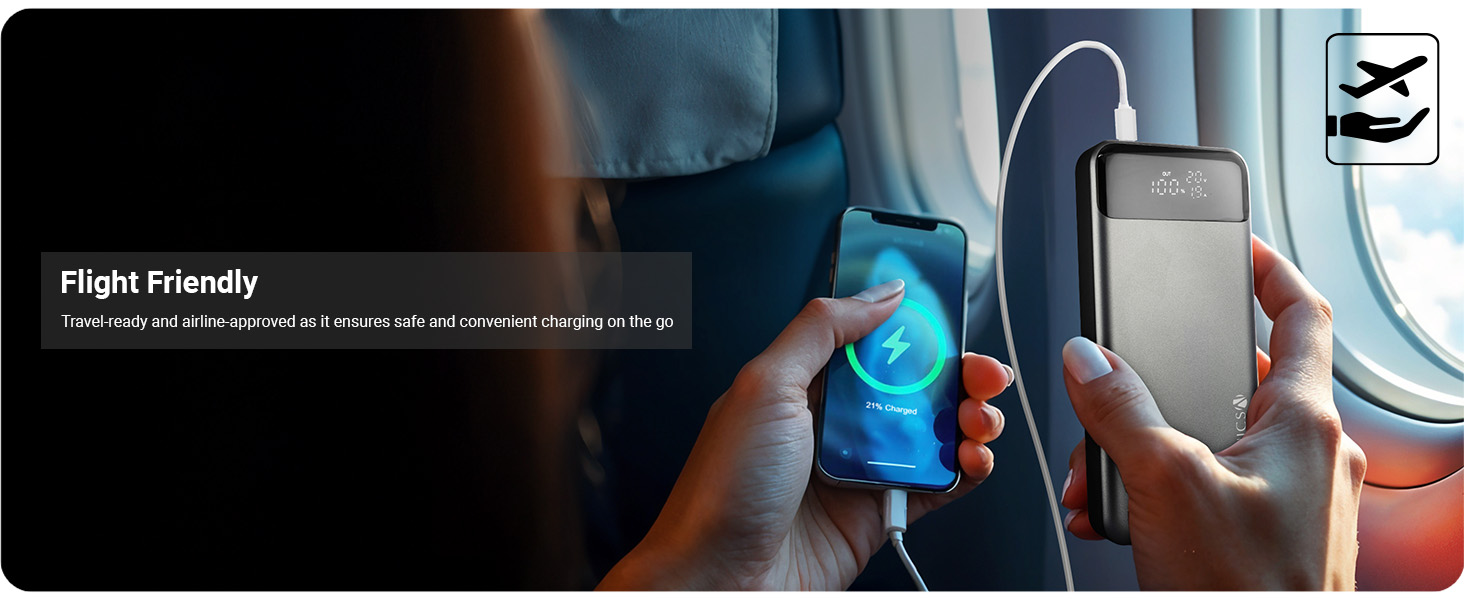
Image: The power bank is flight-friendly, ensuring safe and convenient charging during travel.

Image: Compatibility with smartphones, tablets, and laptops for rapid charging.
4. Pakkens indhold
Markér venligst feltet for følgende elementer:
- ZEBRONICS EnergiPOD 27R3 Power Bank - 1 unit
- Charging Cable - 1 unit
- QR-kodeguide - 1 enhed
5. Opsætning
5.1 Første opladning af powerbanken
- Connect the provided charging cable to the Type-C1 input port on the power bank.
- Connect the other end of the cable to a compatible USB wall adapter (not included) with a minimum output of 20V/3A for optimal charging speed.
- LED-displayet viser opladningsstatus og batteriprocenttage.
- Oplad powerbanken helt før første brug.
5.2 Understanding the LED Display and Ports

Billede: Detaljeret view of the power bank's ports and LED display.
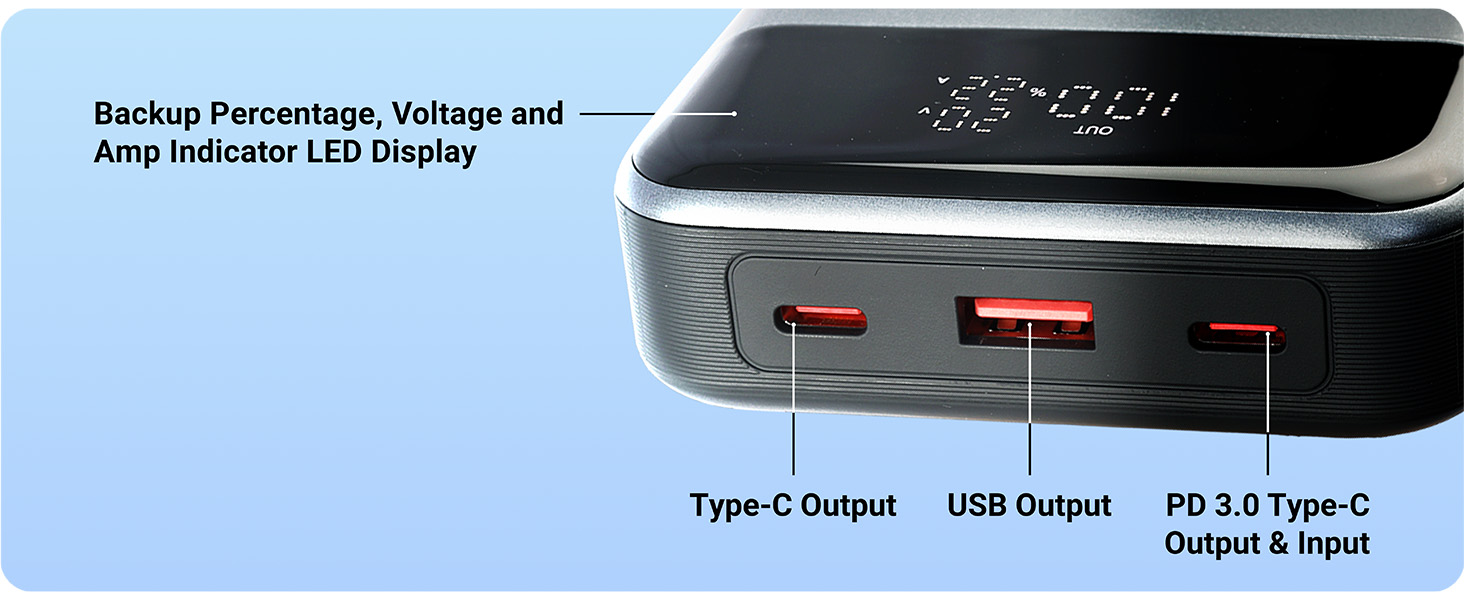
Image: The LED display shows backup percentage, bindtage, og amp indicators, alongside clearly labeled ports.
The LED display provides crucial information:
- Batteri Percentage: Shows the remaining charge of the power bank.
- Voltage (V): Angiver udgangsvolumentage.
- Ampalder (A): Indicates the output current.
The power bank features the following ports:
- Type-C1-port: Supports both input (charging the power bank) and output (charging devices) with PD 3.0.
- Type-C2-port: Supports output (charging devices).
- USB-A-port: Supports output (charging devices).
6. Betjeningsvejledning
6.1 Opladning af dine enheder
- Connect your device's charging cable to the appropriate output port on the power bank (Type-C1, Type-C2, or USB-A).
- Tilslut den anden ende af kablet til din enhed.
- The power bank will automatically begin charging your device. The LED display will show the output voltage og ampslette.
- Du kan oplade flere enheder samtidigt ved hjælp af de tilgængelige porte.
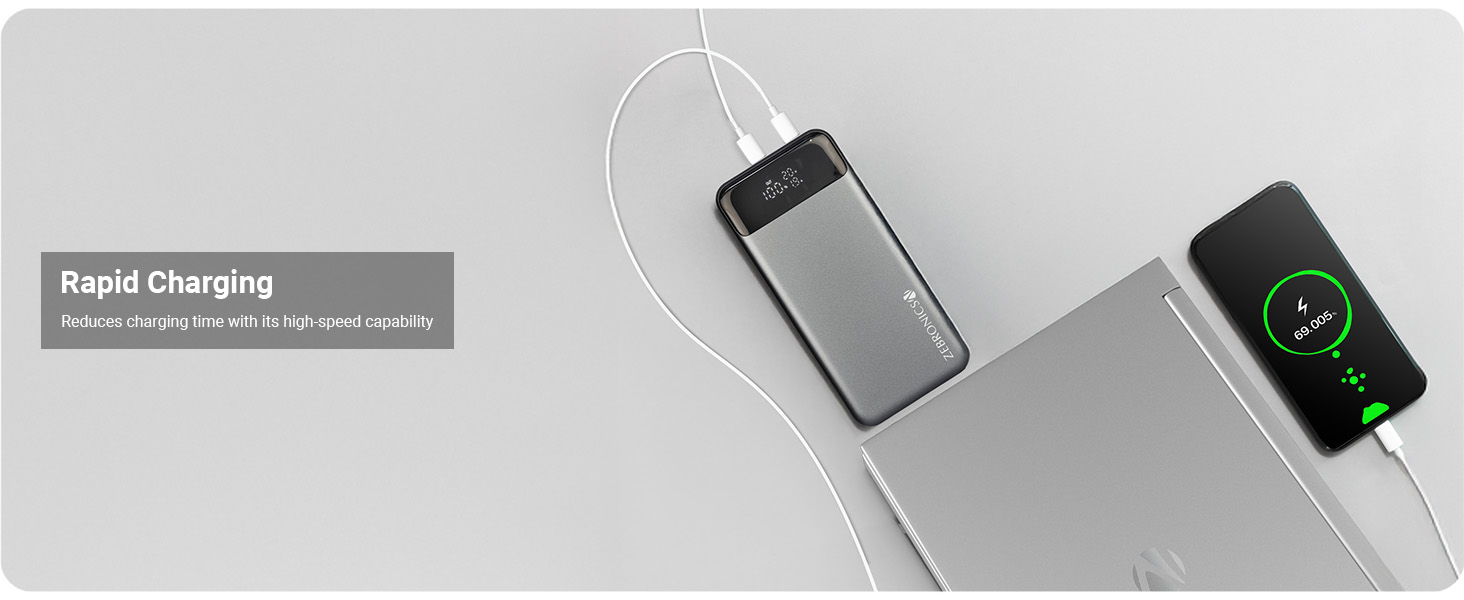
Image: The power bank provides rapid charging, reducing overall charging time.
6.2 Kontrol af batteriniveau
Simply press the power button (if available, or it activates automatically upon connection) to view den nuværende batteriprocenttage on the LED display. The display will illuminate and show the remaining charge.
7. Vedligeholdelse
Korrekt vedligeholdelse sikrer din powerbanks levetid og ydeevne:
- Rensning: Brug en blød, tør klud til at rengøre overfladen på powerbanken. Brug ikke skrappe kemikalier eller slibende materialer.
- Opbevaring: Store the power bank in a cool, dry place away from direct sunlight and extreme temperatures. If storing for extended periods, charge the power bank to approximately 50-70% every three months to maintain battery health.
- Undgå dråber: Beskyt enheden mod fysiske stød og fald.
8. Fejlfinding
If you encounter issues with your ZEBRONICS EnergiPOD 27R3, refer to the following common problems and solutions:
| Problem | Mulig årsag | Løsning |
|---|---|---|
| Powerbank oplader ikke | Loose cable connection, faulty adapter, damaged cable, power bank fully charged. | Ensure cables are securely connected. Try a different wall adapter and charging cable. Check LED display for full charge indication. |
| Enheden oplader ikke fra powerbanken | Power bank low on charge, loose cable connection, incompatible cable/device, power bank in standby mode. | Recharge the power bank. Ensure cables are securely connected. Try a different cable or device. Press the power button to activate output. |
| Langsom opladning | Cable not supporting fast charging, device not supporting fast charging, multiple devices charging simultaneously, high ambient temperature. | Use a high-quality, fast-charging compatible cable. Ensure your device supports PD 3.0. Disconnect other devices. Move to a cooler environment. |
| LED display virker ikke | Power bank completely discharged, internal fault. | Try charging the power bank for a few minutes. If it doesn't light up, contact customer support. |
If the problem persists after trying these solutions, please contact ZEBRONICS customer support for further assistance.
9. Specifikationer
| Feature | Detalje |
|---|---|
| Modelnummer | ZEB-PB 5 |
| Batterikapacitet | 27000mAh |
| Max udgangseffekt | 100W |
| Type-C1 udgang | DC 5V/3A, 9V/3A, 12V/3A, 15V/3A, 20V/5A, 3.8~20V/5A PPS |
| Type-C2 udgang | DC 5V/3A, 9V/3A, 12V/2.5A, 3.3~11V/3A PPS |
| USB-A-output | DC 4.5V/5A, 5V/4.5A, 5V/3A, 9V/2A, 12V/1.5A |
| Type-C1 indgang | DC 5V/3A, 9V/3A, 12V/3A, 20V/3A |
| Vise | LED (Battery Percentage, bindtage, Watts) |
| Farve | Sort+grå |
| Varens vægt | 628 g |
| Pakkedimensioner | 19.4 x 9.9 x 6 cm |
| Oprindelsesland | Indien |
10. Garanti og support
Your ZEBRONICS EnergiPOD 27R3 Power Bank comes with a standard manufacturer's warranty. For specific warranty terms and conditions, please refer to the QR Code Guide included in your package or visit the official ZEBRONICS webwebsted.
For technical support, troubleshooting assistance, or warranty claims, please contact ZEBRONICS customer service:
- Webwebsted: www.zebronics.com
- Kundeservice Kontakt: Henvis til embedsmanden website for the latest contact information (phone numbers, email support).
Please have your product model number (ZEB-PB 5) and purchase details ready when contacting support.