
CAIWEI A10R
CAIWEI A10R 4K Ultra HD Projektor Brugermanual
Model: A10R
1. Introduktion
Tak for købetasing the CAIWEI A10R 4K Ultra HD Projector. This manual provides essential information for setting up, operating, maintaining, and troubleshooting your projector. Please read this manual thoroughly before using the product to ensure proper operation and to extend its lifespan. The CAIWEI A10R is designed to deliver an immersive visual experience with its 4K Ultra HD resolution, high brightness, and smart Android 9.0 operating system.
2. Sikkerhedsoplysninger
For at sikre sikker drift og forhindre skader, bedes du overholde følgende sikkerhedsforanstaltninger:
- Strømforsyning: Brug kun den angivne strømadapter. Sørg for, at stikkontakten passer til projektorens lydstyrke.tage krav.
- Ventilation: Bloker ikke ventilationsåbningerne. Sørg for tilstrækkelig luftgennemstrømning omkring projektoren for at forhindre overophedning.
- Varme: Projektoren lamp becomes very hot during operation. Do not touch the lens or ventilation areas immediately after use.
- Væskeeksponering: Udsæt ikke projektoren for regn, fugt eller andre væsker. Placer ikke genstande fyldt med væsker, såsom vaser, på projektoren.
- Rensning: Tag stikket ud af stikkontakten før rengøring. Brug en blød, tør klud. Brug ikke flydende rengøringsmidler eller rengøringsmidler på sprayform.
- Lyskilde: Se ikke direkte ind i projektorlinsen, når lamp er tændt, da det intense lys kan forårsage øjenskader.
- Demontering: Forsøg ikke selv at skille projektoren ad eller reparere den. Overlad al service til kvalificeret servicepersonale.
- Placering: Placer projektoren på en stabil, plan overflade. Undgå at placere den i direkte sollys eller i nærheden af varmekilder.
3. Pakkens indhold
Kontroller venligst, at alle varer er til stede og i god stand:
- CAIWEI A10R Projector
- Strømadapter
- HDMI kabel
- Fjernbetjening
- Brugermanual
4. Produktet er slutview
Familiarize yourself with the physical components and key features of your CAIWEI A10R projector.
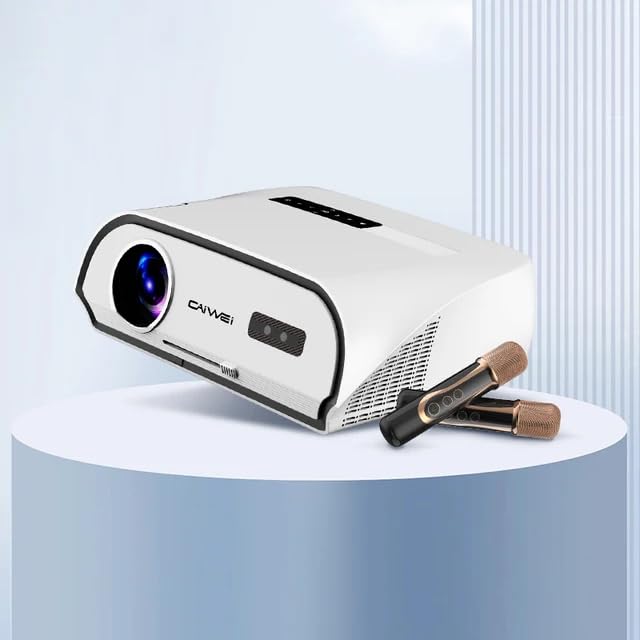
Figure 4.1: CAIWEI A10R Projector, showcasing its sleek design and compatibility with external audio devices like microphones for karaoke.
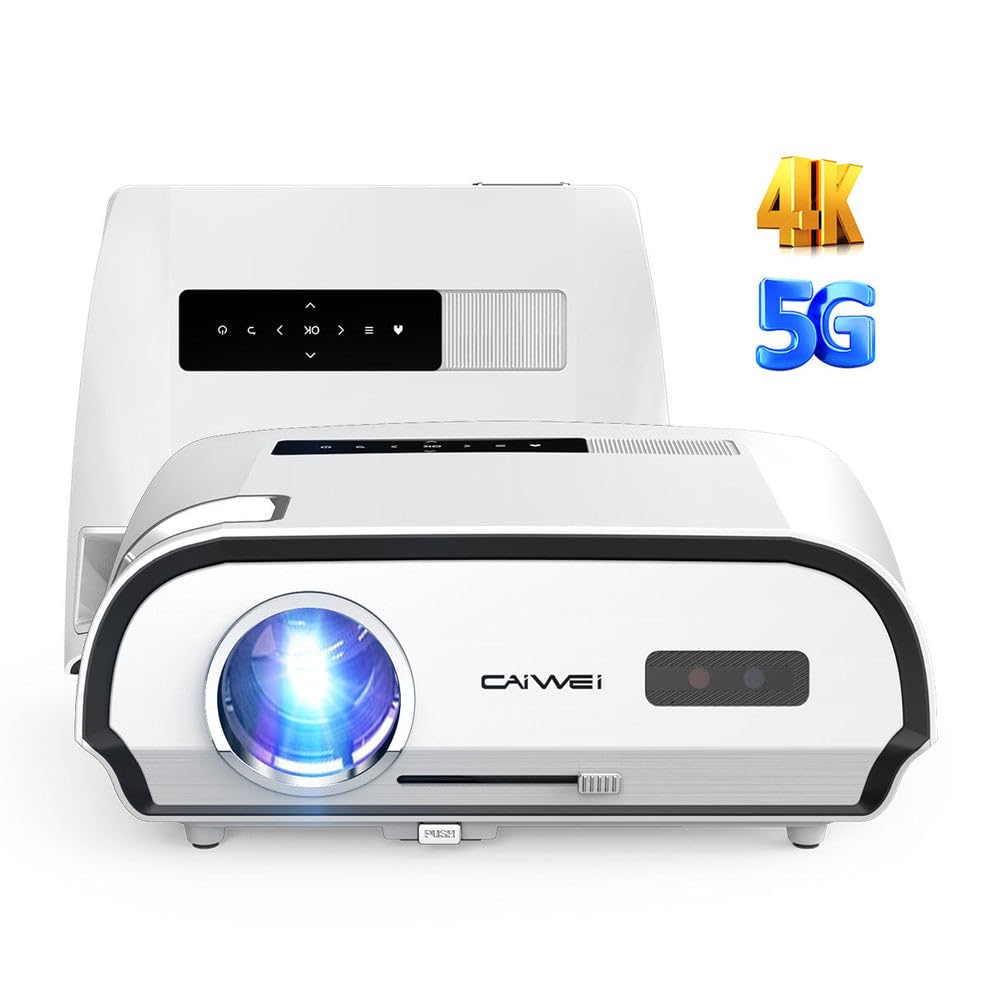
Figur 4.2: Forside view of the CAIWEI A10R Projector, highlighting its 4K resolution support and 5G WiFi capabilities.

Figure 4.3: Infographic detailing key features such as 4K support, 5G/2.4G WiFi, 20W Subwoofer, 1080P Native resolution, 2GB RAM + 32GB ROM, Daylight Visible projection, and 4D/4P Keystone Correction.
4.1. Grænseflader og kontroller
The projector is equipped with a rich variety of interfaces to connect to various devices. These include LAN, HDMI, USB, VGA, and AV ports, along with an Audio output. Controls are typically located on the top panel or accessible via the remote control.
5. Opsætning
Følg disse trin for den indledende opsætning af din projektor:
- Placering: Placer projektoren på en stabil, flad overflade. For optimal viewing, position it directly in front of the projection screen or wall. The projector supports up to a 300-inch ultra-large display screen.
- Strømtilslutning: Tilslut strømadapteren til projektorens strømindgang, og sæt den derefter i en stikkontakt.
- Tænd: Tryk på tænd/sluk-knappen på projektoren eller fjernbetjeningen for at tænde for enheden.
- Fokusjustering: Rotate the focus ring (usually located near the lens) until the projected image is clear and sharp.
- Keystone-korrektion: If the projected image appears trapezoidal, use the 6P/6D keystone correction function to adjust it into a perfect rectangular shape. This can typically be done through the projector's settings menu or dedicated buttons on the remote.

Figure 5.1: Comparison illustrating the larger-than-life visuals offered by the CAIWEI A10R projector compared to a traditional TV.
6. Betjeningsvejledning
The CAIWEI A10R runs on a customized Android 9.0 operating system, providing a smart and user-friendly experience.
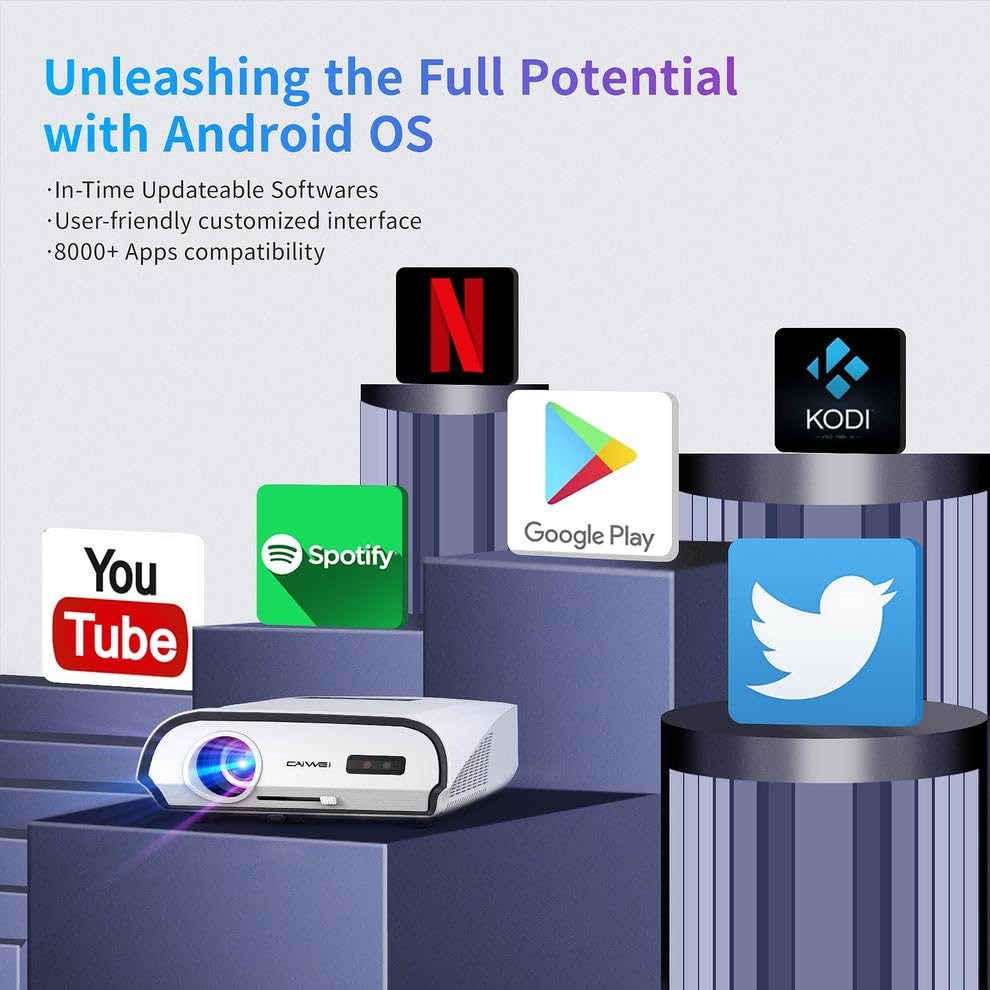
Figure 6.1: The Android OS interface, showing compatibility with various popular applications like YouTube, Spotify, Google Play, Netflix, and Kodi.
6.1. Grundlæggende betjening
- Navigation: Use the remote control's directional buttons to navigate through the Android interface. The 'OK' button selects items.
- Valg af inputkilde: To switch between different input sources (HDMI, USB, AV, etc.), access the input source menu from the home screen or by pressing a dedicated 'Source' button on the remote.
- App installation: The pre-installed APP store allows you to download and install over 8,000 applications, including entertainment and office software.
- Systemindstillinger: Access the settings menu to configure network connections, display options, audio settings, and other system preferences.
6.2. Lyd
The projector features a built-in 3D surround sound system for an immersive auditory experience. You can also connect external audio devices.
7. Forbindelse
The CAIWEI A10R offers versatile connectivity options:
7.1. Trådløs forbindelse
- Wi-Fi 6: Equipped with the latest WiFi 6 technology (2.4G+5GWiFi), it provides faster and more stable wireless network connections for streaming and online activities.
- Bluetooth 5.0 (tovejs): The built-in two-way Bluetooth 5.0 function allows you to transmit audio to Bluetooth speakers or connect with Bluetooth headphones, mobile phones, and other devices.
- Wireless Screen Cast: Supports speedy and seamless wireless screen casting from iPhones, Android phones, Macbooks, and Windows Laptops.
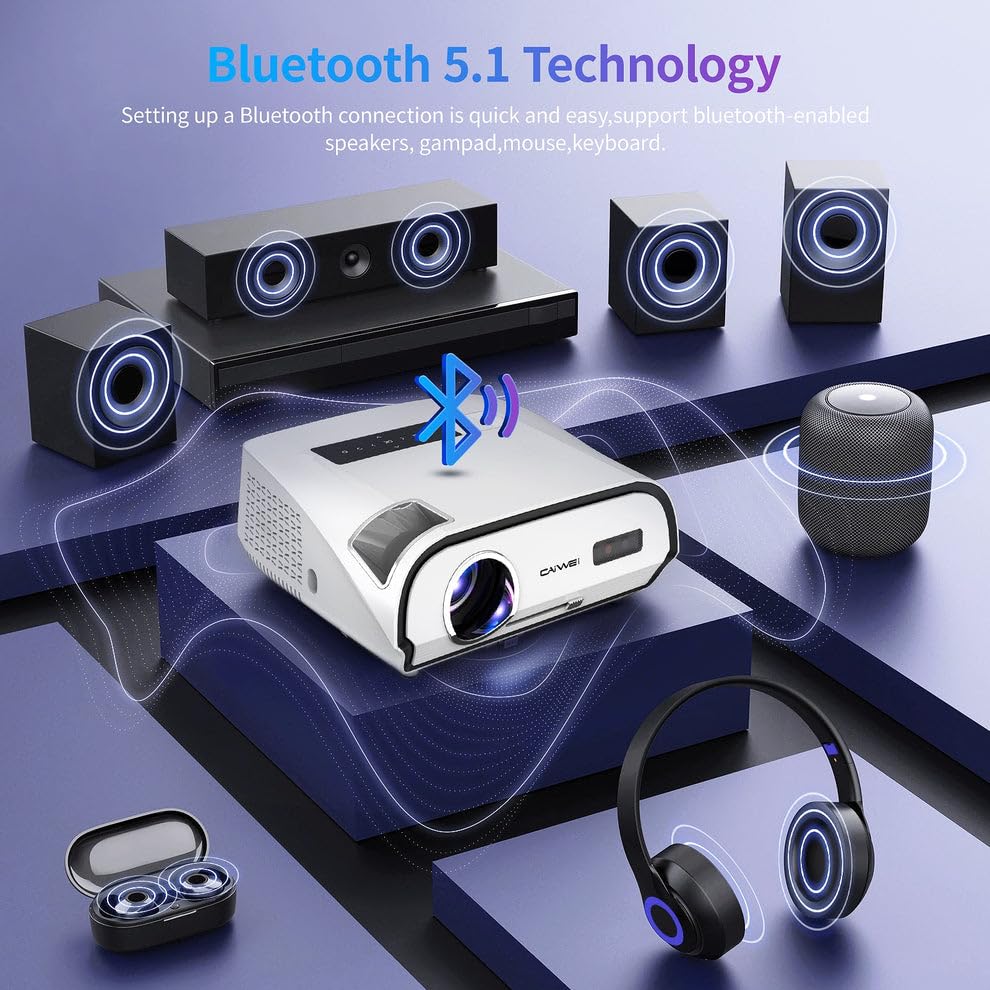
Figure 7.1: Diagram illustrating Bluetooth 5.1 technology, enabling quick and easy connection to Bluetooth-enabled speakers, gamepads, mice, and keyboards.
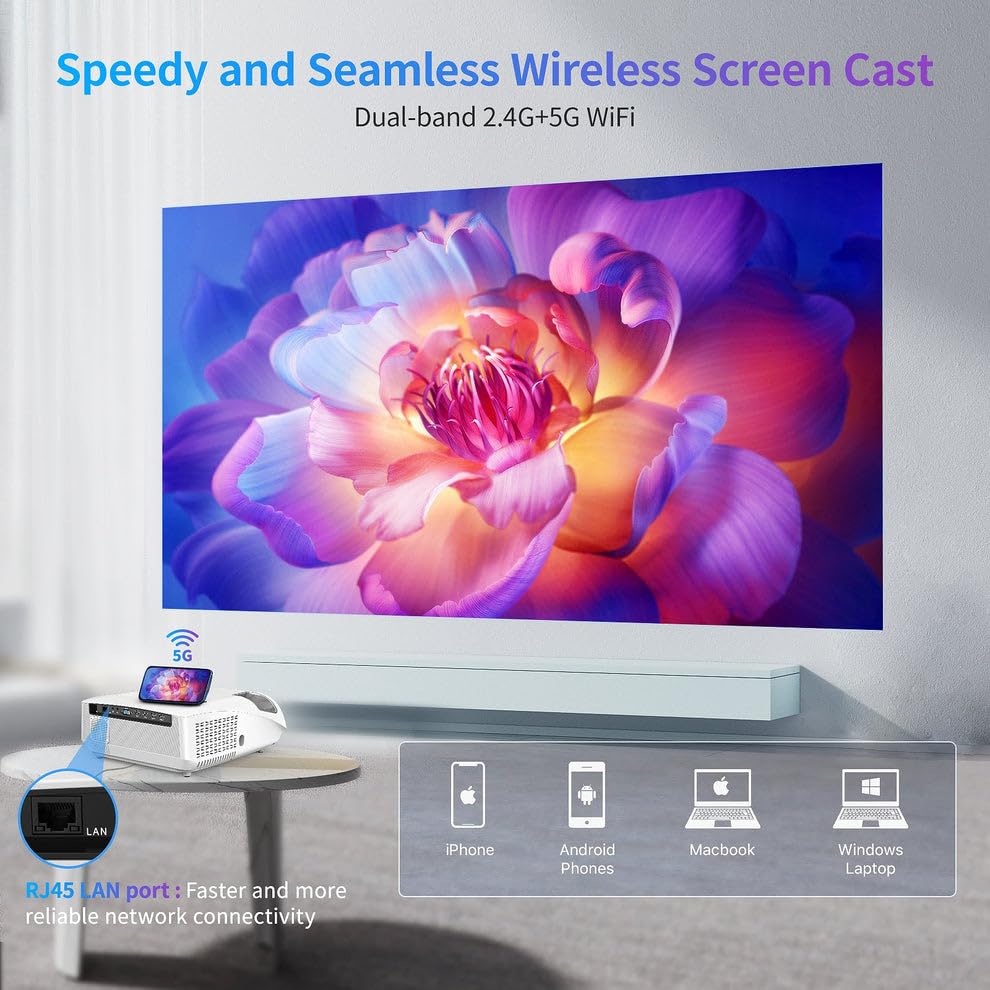
Figure 7.2: Visual representation of the Speedy and Seamless Wireless Screen Cast feature with dual-band 2.4G+5G WiFi, alongside the RJ45 LAN port for reliable network connectivity.
7.2. Kablet forbindelse
The projector offers a comprehensive set of wired ports:
- HDMI: Connect to laptops, game consoles, Blu-ray players, and other HDMI-enabled devices.
- USB: Til tilslutning af USB-drev for at afspille medier files direkte.
- VGA: Til tilslutning af ældre computere eller bærbare computere.
- AV: For connecting legacy video devices.
- LAN (RJ45): For en stabil kablet internetforbindelse.
- Lydudgang: For connecting external speakers or sound systems via a 3.5mm audio jack.
8. Vedligeholdelse
Korrekt vedligeholdelse sikrer projektorens levetid og optimale ydeevne:
- Rengøring af linser: Brug en blød, fnugfri klud, der er specielt designet til optiske linser. Brug ikke slibende rengøringsmidler.
- Fjernelse af støv: Regularly clean the projector's exterior with a soft, dry cloth. Use a small brush or compressed air to gently clear dust from ventilation openings.
- Opbevaring: Når projektoren ikke er i brug i længere perioder, skal den opbevares køligt og tørt, væk fra direkte sollys og ekstreme temperaturer. Brug den originale emballage eller et beskyttende etui.
- Sluk korrekt: Sluk altid projektoren ved hjælp af den dertil beregnede tænd/sluk-knap, og lad den køle af, før du tager stikket ud eller flytter den.
9. Fejlfinding
Hvis du støder på problemer med din projektor, kan du se følgende almindelige problemer og løsninger:
| Problem | Mulig årsag | Løsning |
|---|---|---|
| Intet billede projiceret | Strøm ikke tilsluttet; Forkert indgangskilde; Objektivdæksel på. | Check power cable; Select correct input source; Remove lens cap. |
| Billedet er sløret | Fokus ikke justeret; Projektor for langt væk/tæt på. | Adjust focus ring; Reposition projector. |
| Billedet er trapezformet | Projektoren er ikke vinkelret på skærmen. | Use keystone correction (6P/6D) in settings. |
| Ingen lyd | Lydstyrken er for lav; Slået fra; Ekstern lydenhed er ikke tilsluttet. | Increase volume; Unmute; Check audio cable/Bluetooth connection. |
| Fjernbetjening virker ikke | Batteries low/dead; Obstruction; Not pointed at IR receiver. | Replace batteries; Remove obstructions; Point directly at projector's IR receiver. |
| Wi-Fi-forbindelse ustabil | Distance from router; Interference; Router issues. | Move closer to router; Reduce interference; Restart router. |
Hvis problemet fortsætter efter at have prøvet disse løsninger, bedes du kontakte kundesupport.
10. Specifikationer
Detailed technical specifications for the CAIWEI A10R Projector:
| Feature | Specifikation |
|---|---|
| Mærke | CAIWEI |
| Model | A10R |
| Fabrikant | Caiwei |
| Produktdimensioner | 23.7 x 31.5 x 13.5 cm |
| Varens vægt | 2.48 kg |
| Operativsystem | Android 9.0 |
| VÆDDER | 2 GB |
| ROM | 32 GB |
| Displayteknologi | LED |
| Indfødt opløsning | 1920P (Fuld HD) |
| Understøttet opløsning | 4K Ultra HD (3840 x 2160, 4096 x 2160) |
| Lysstyrke | 1950 ANSI Lumens |
| Aspektforhold | 16:10 |
| Maksimal projektionsstørrelse | 300 tommer |
| Keystone korrektion | 6P/6D Keystone Correction |
| Wi-Fi | Wi-Fi 6 (2.4G+5G) |
| Bluetooth | Two-way Bluetooth 5.0 |
| Lyd | Built-in 3D Surround Sound System |
| Hardware-interface | HDMI, USB, VGA, AV, Audio, LAN (RJ45) |
| Kompatible enheder | Laptops, Gaming Consoles, Media Players, Smartphones |
| Særlige funktioner | Built-In Speaker, Built-In Wi-Fi, NFC Screencast, HDR Daylight |
| Monteringstype | Bordplademontering |
| Oprindelsesland | Kina |
11. Garanti og support
For warranty information and technical support, please refer to the warranty card included with your product or contact CAIWEI customer service directly. Keep your purchase receipt as proof of purchase.
Kundesupport:
- Please visit the official CAIWEI webwebstedet for de seneste supportoplysninger, ofte stillede spørgsmål og kontaktoplysninger.
- For specific inquiries, you may reach out to the seller 'S B Retails' through the Amazon platform.
Note: No official seller videos were provided in the product data for embedding.
Ask a question about this manual
Ask about setup, troubleshooting, compatibility, parts, safety, or missing instructions. Manuals+ will review the question and use this page’s manual context to help answer it.