
1. Introduktion
This manual provides essential information for the proper setup, operation, and maintenance of your redbeat M2 Android 14 Tablet. Please read this guide thoroughly before using your device to ensure optimal performance and longevity.

Image: The redbeat M2 Tablet shown with its included pink protective case. The tablet features a sleek design with a large display.
2. Hvad er der i æsken
Bekræft at alle varer er til stede i din pakke:
- redbeat M2 Tablet
- Pink Protective Case
- Type-C opladerkabel
- Instruktionsbog (denne manual)
- SIM Card Tray Ejector Tool

Image: A visual representation of the redbeat M2 Tablet's physical features, including camera, ports, and buttons, alongside a list of included accessories: the tablet, pink case, Type-C cable, instruction book, and card needle.
3. Enhedslayout
Familiarize yourself with the physical components of your redbeat M2 Tablet:
- Forreste kamera: Located at the top center when held vertically.
- 10.95-tommer HD-skærm: Main touchscreen interface.
- Bagkamera: Located on the back, typically in the upper left corner.
- Power knap: Usually on the side, used to turn the device on/off or wake/sleep.
- Lydstyrkeknapper: Adjacent to the power button, for adjusting audio levels.
- USB Type-C-port: Til opladning og dataoverførsel.
- 3.5 mm hovedtelefonstik: Til tilslutning af kablede lydenheder.
- SIM Card/MicroSD Card Slot: For inserting SIM cards and expanding storage.
- Four Stereo Speakers: Placeret for forbedret lydoutput.
4. Opsætningsvejledning
4.1 Indledende opladning
Before first use, fully charge your tablet using the provided Type-C cable and a compatible 18W fast charger. The 8000mAh battery provides extended usage time.
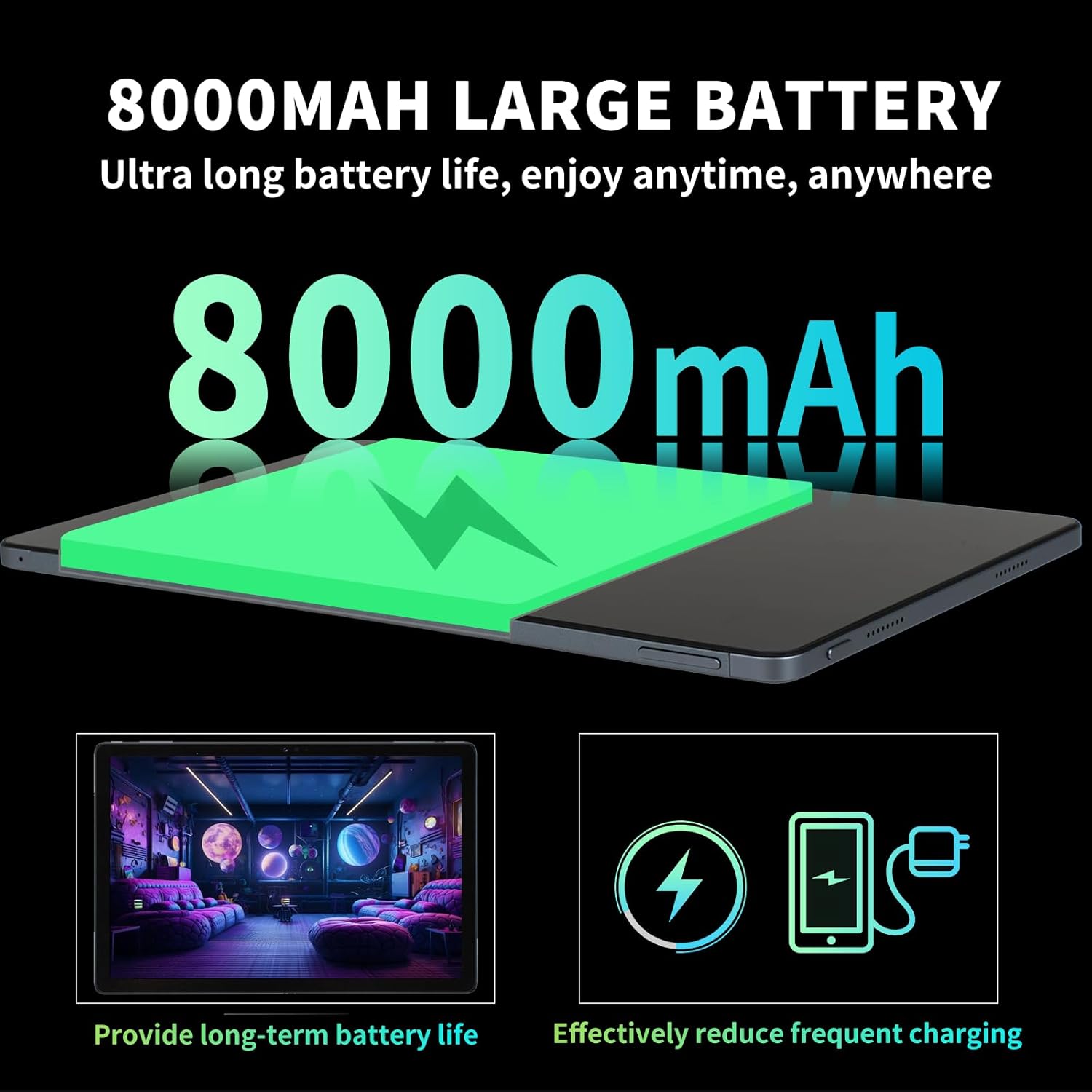
Image: Illustration highlighting the 8000mAh large battery capacity, emphasizing long battery life and reduced charging frequency.
4.2 Tænd/sluk
- For at tænde: Press and hold the Power button until the redbeat logo appears.
- For at slukke: Tryk på tænd/sluk-knappen og hold den nede, og vælg derefter 'Sluk' fra indstillingerne på skærmen.
- For at genstarte: Tryk på tænd/sluk-knappen og hold den nede, og vælg derefter 'Genstart'.
4.3 SIM-kort og lagerudvidelse
The redbeat M2 Tablet supports dual Nano SIM cards for 4G LTE connectivity and a TF (MicroSD) card for storage expansion up to 1TB.
- Find SIM-kortbakken på siden af tabletten.
- Insert the SIM card tray ejector tool into the small hole next to the tray and press gently until the tray pops out.
- Placer dit/dine Nano SIM-kort og/eller TF-kort i de dertil beregnede pladser på bakken. Sørg for, at de vender korrekt.
- Sæt forsigtigt bakken tilbage i tabletten.

Image: The redbeat M2 Tablet displaying its 4G Global Connectivity feature, with an emphasis on dual SIM card support and compatible network frequency bands.
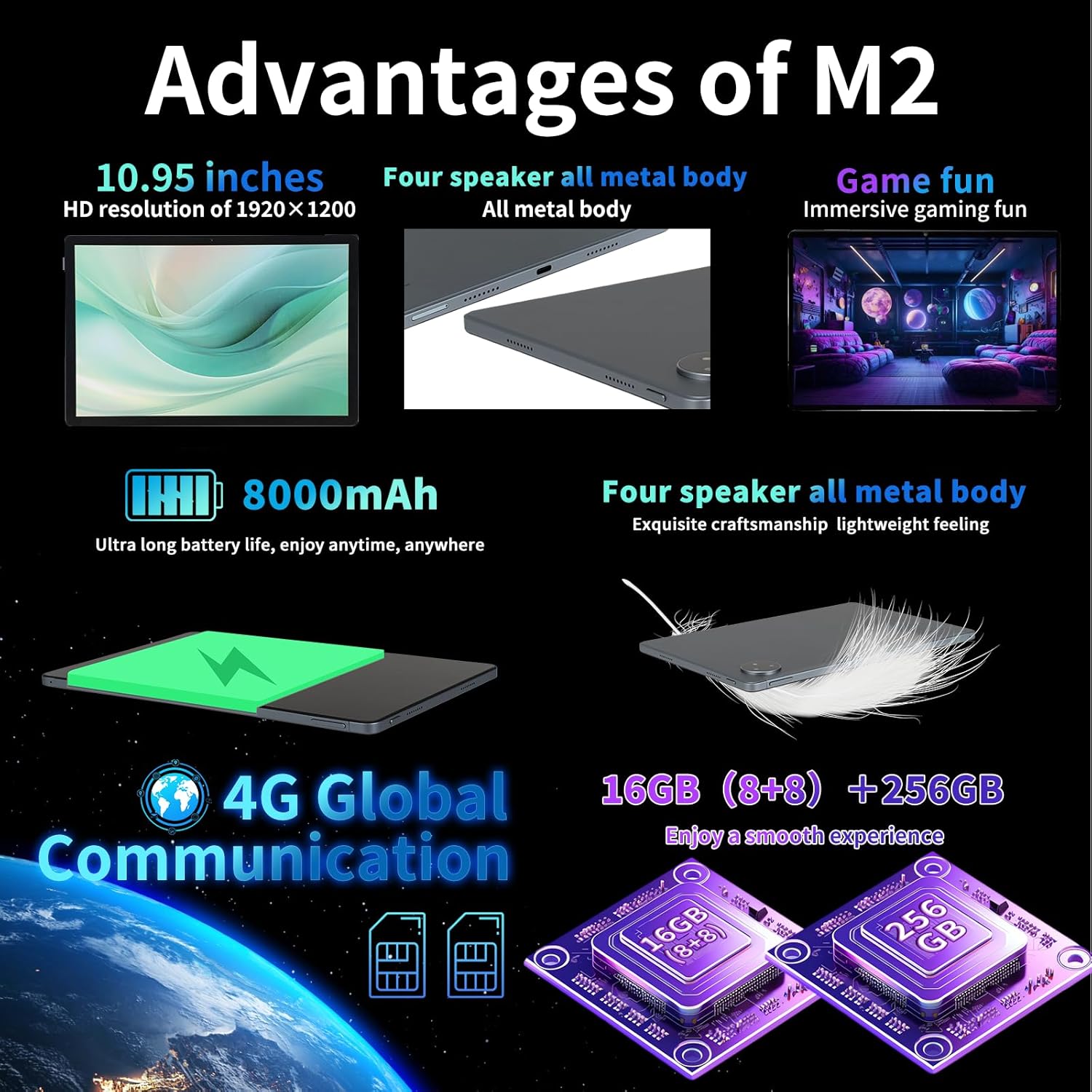
Image: A graphic illustrating the tablet's memory configuration: 16GB (8GB physical + 8GB extended) RAM and 256GB internal storage, with support for up to 1TB external storage.
4.4 Indledende enhedsopsætning
Når du tænder tabletten første gang, skal du følge instruktionerne på skærmen for at konfigurere den:
- Vælg dit sprog og område.
- Connect to a Wi-Fi network (2.4G/5G supported).
- Log ind med din Google-konto, eller opret en ny. Dette er nødvendigt for at downloade apps fra Google Play Store.
- Konfigurer skærmlås (pinkode, mønster, adgangskode eller ansigtslås).
- Review og accepterer vilkår og betingelser.
5. Betjeningsvejledning
5.1 Touchscreen Gestures
Navigate your tablet using standard Android gestures:
- Tryk på: Vælg et element, eller åbn en app.
- Langt tryk: Få adgang til kontekstmenuer eller flyt ikoner.
- Stryg: Rul gennem sider, lister eller skift mellem startskærme.
- Knib-for-at-zoome: Zoom ind eller ud på billeder og web sider.
5.2 Forbindelse
- Wi-Fi: Gå til Indstillinger > Netværk og internet > Wi-Fi to connect to available networks. Supports 2.4G and 5G bands.
- Bluetooth: Gå til Indstillinger > Forbundne enheder > Bluetooth to pair with Bluetooth devices (e.g., headphones, keyboards). Supports BT5.0.
- Mobildata (4G LTE): Ensure a valid SIM card is inserted. Enable mobile data in Indstillinger > Netværk og internet > Mobilnetværk.
5.3 Kamerabrug
Tabletten har et 13MP bagkamera og et 5MP frontkamera.
- Åbn Kamera-appen fra din startskærm eller appskuffe.
- Tryk på udløserknappen for at tage et billede.
- Skift mellem for- og bagkamera ved hjælp af kameraikonet.
- Vælg videotilstand for at optage videoer.
5.4 Lyd og multimedier
Enjoy immersive audio with the tablet's four stereo speakers and Dolby panoramic surround sound. A 3.5mm headphone jack is available for private listening.

Billede: Et nærbillede view of the redbeat M2 Tablet's all-metal body and speaker grilles, highlighting its four-speaker audio system and exquisite craftsmanship.
5.5 Face Unlock and GPS
The redbeat M2 Tablet includes Face Unlock for convenient security and GPS for navigation and location-based services.
6. Vedligeholdelse
6.1 Rengøring af din tablet
Use a soft, lint-free cloth to clean the screen and body of your tablet. Avoid abrasive materials or harsh chemicals that could damage the surface.
6.2 Softwareopdateringer
Tjek regelmæssigt efter og installer softwareopdateringer for at sikre, at din tablet har de nyeste funktioner, sikkerhedsrettelser og forbedringer af ydeevnen. Gå til Indstillinger > System > Systemopdatering.
6.3 Lagerstyring
To optimize performance, periodically manage your tablet's storage. Delete unnecessary files, afinstaller ubrugte apps og flyt store medier files to external storage (TF card) if applicable. Go to Indstillinger > Lager.
7. Fejlfinding
If you encounter issues with your redbeat M2 Tablet, refer to the following common solutions:
- Enheden tænder ikke: Ensure the battery is charged. Connect the tablet to the charger for at least 30 minutes before attempting to power on.
- Skærmen reagerer ikke: Try restarting the tablet by holding the Power button for 10-15 seconds.
- Problemer med Wi-Fi/4G-forbindelse: Toggle Wi-Fi/Mobile Data off and on. Restart your router or check your SIM card insertion.
- Apps der går ned eller yder langsomt: Luk baggrundsapps, ryd app-cache (Indstillinger > Apps > [Appnavn] > Lagerplads og cache > Ryd cache), or restart the tablet.
- Batteriet aflades hurtigt: Reduce screen brightness, disable unused features (Bluetooth, GPS, Wi-Fi when not needed), and check for power-intensive apps in Indstillinger > Batteri.
- Tabletten oplader ikke: Ensure the Type-C cable and charger are working correctly. Try a different cable or power adapter. Clean the charging port for any debris.
If problems persist, contact redbeat customer support for further assistance.
8. Specifikationer
| Feature | Specifikation |
|---|---|
| Modelnavn | M2 |
| Operativsystem | Android 14 |
| Processor | Unisoc T616 Octa-Core, 2 GHz |
| VÆDDER | 16 GB (8 GB + 8 GB udvidet) |
| Intern opbevaring | 256 GB |
| Udvidelig opbevaring | Op til 1 TB (TF-kort) |
| Skærmstørrelse | 10.95 tommer |
| Skærmopløsning | 1920 x 1200 pixels (2K HD) |
| Bagkamera | 13 MP |
| Forreste kamera | 5 MP |
| Batterikapacitet | 8000mAh |
| Opladning | 18W Fast Charge (Type-C) |
| Trådløs forbindelse | Wi-Fi (802.11n, 2.4G/5G), Bluetooth 5.0 |
| Mobilforbindelse | 4G LTE Dual SIM (GSM, WCDMA, LTE bands) |
| Dimensioner (LxBxH) | 10.28 x 6.89 x 0.47 tommer |
| Varens vægt | 1.54 pund (ca. 511 g) |
| Andre funktioner | GPS, Face Unlock, Four Stereo Speakers |
9. Garanti og support
redbeat is committed to providing quality products and customer satisfaction.
- Livsvarig kundeservice: redbeat offers lifetime customer service to assist with any queries or issues.
- Et års begrænset garanti: Your redbeat M2 Tablet includes a one-year warranty covering manufacturing defects.
- 30-dages pengene-tilbage-garanti: A 30-day money-back guarantee and free return policy are available.
For support, please refer to the contact information provided with your purchase or visit the official redbeat webwebsted.