
DOOGEE U11 Android 15-tablet
DOOGEE U11(2025) Android 15 Tablet User Manual
Model: U11 Android 15 Tablet
Indledning
This manual provides detailed instructions for the setup, operation, maintenance, and troubleshooting of your DOOGEE U11(2025) Android 15 Tablet. Please read this manual thoroughly before using your device to ensure optimal performance and longevity.
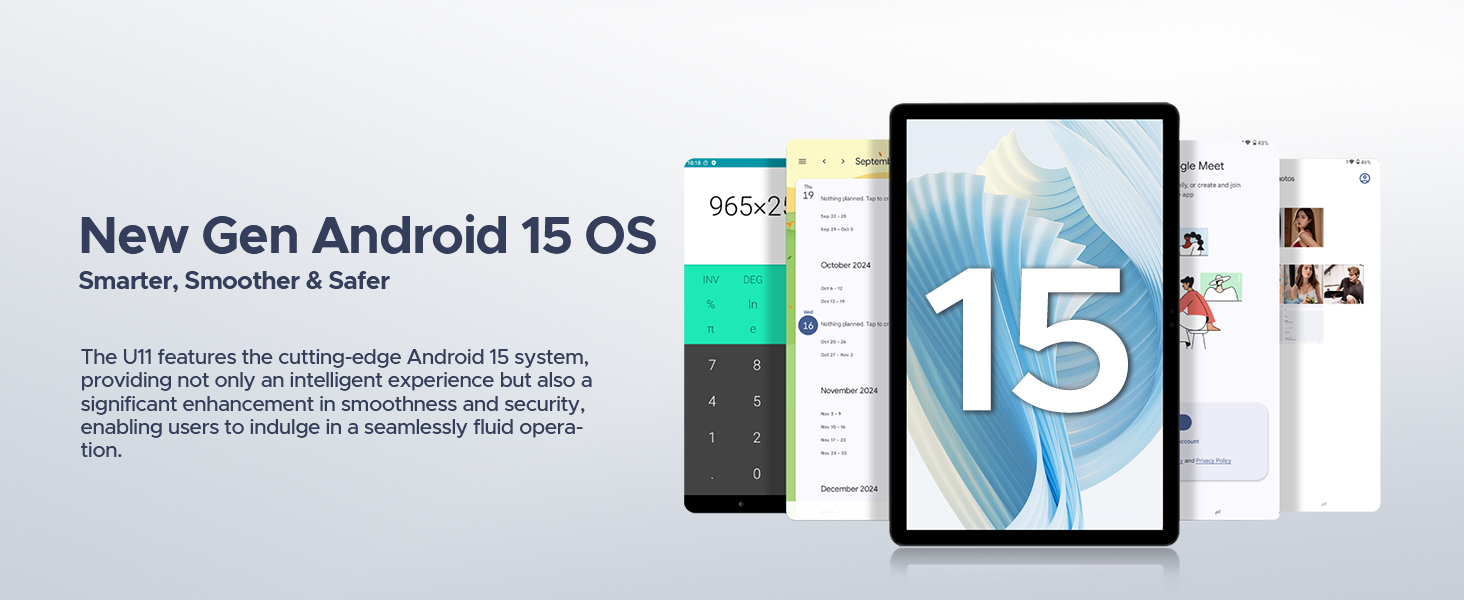
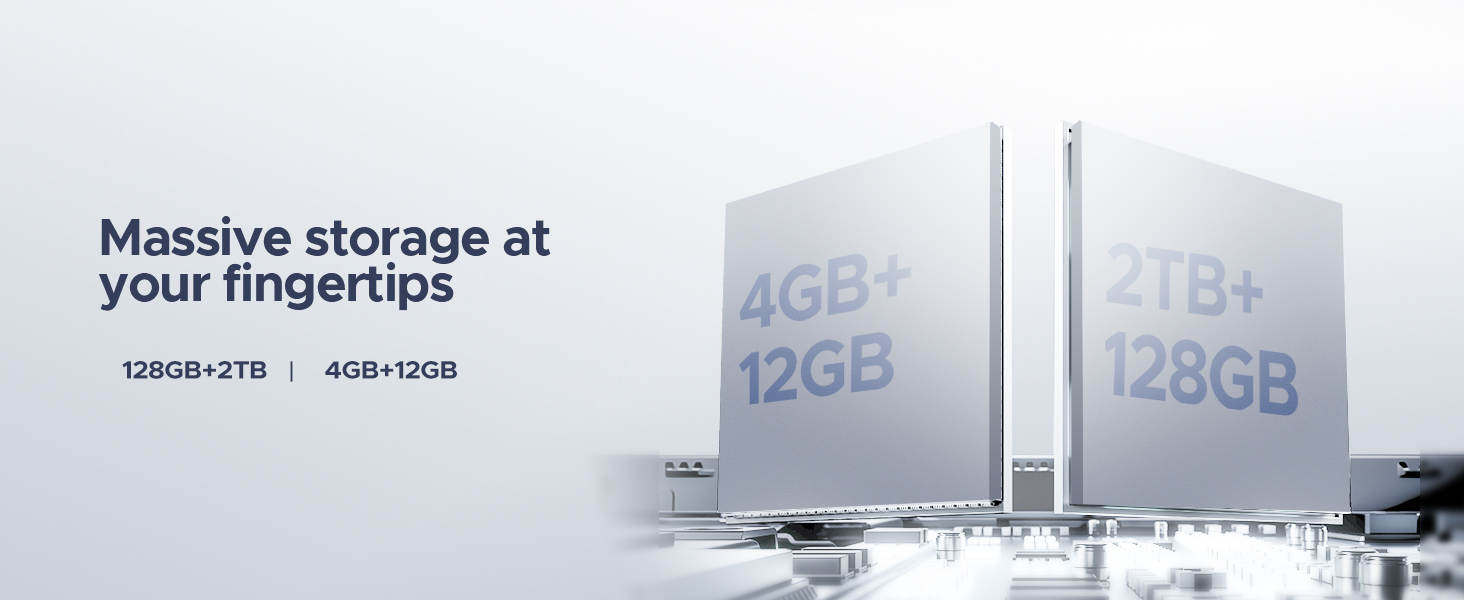
The DOOGEE U11(2025) is an 11-inch tablet featuring the Android 15 operating system, an Octa-Core processor, 16GB RAM (expandable), 128GB ROM (expandable up to 2TB), a 90Hz IPS display, and an 8580mAh battery. It supports Netflix 1080P, Bluetooth 5.0, and 5G WiFi.
Produkt overview
Familiarize yourself with the physical components and key features of your DOOGEE U11(2025) tablet.

Figur 1: Forside og bagside view of the DOOGEE U11(2025) Android 15 Tablet, highlighting its sleek design and camera module.

Figur 2: Diagram illustrating key features such as the Octa-core processor, 8580mAh battery, 128GB storage with 2TB expansion, 11-inch IPS display, 13MP main camera, 5MP front camera, and Smart PA 128 dB Dual Speaker.
Fysiske komponenter
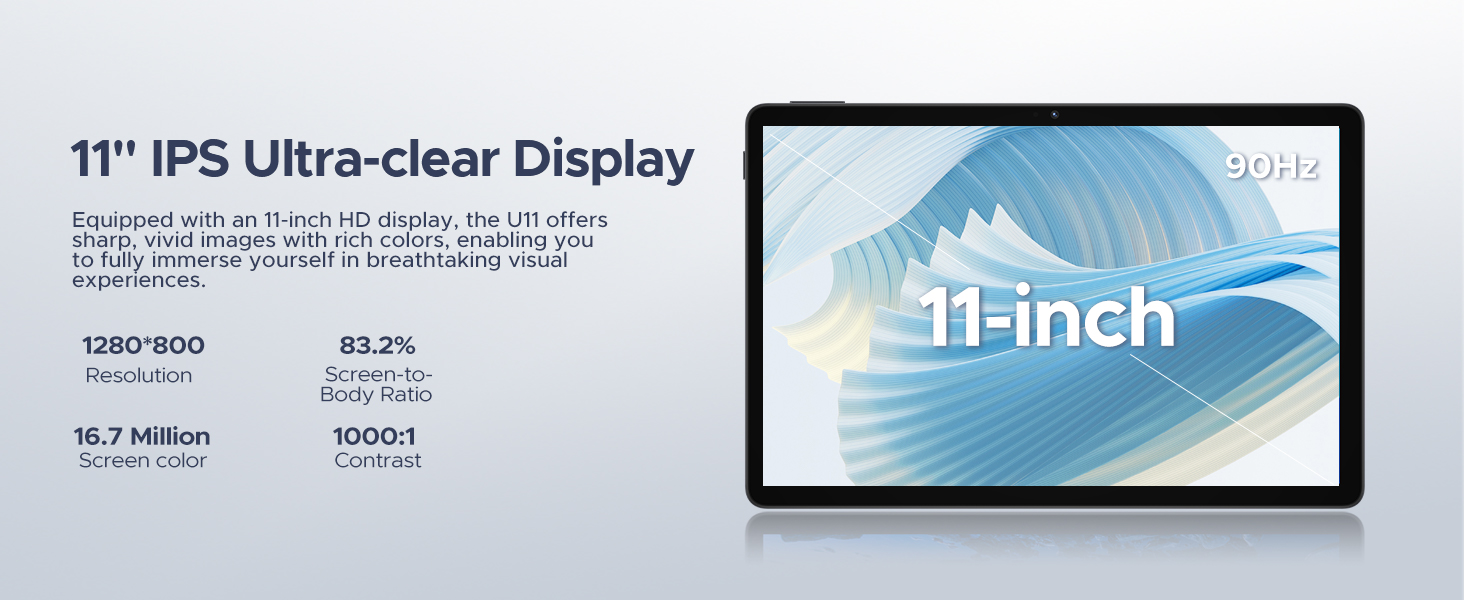
- Vise: 11-inch IPS Ultra-clear Display with 90Hz refresh rate.
- Kameraer: 13MP Main Camera (rear) and 5MP Front Camera.
- Højttalere: Smart PA 128 dB Dual Speakers for enhanced audio.
- Porte: 1x Type-C port, 1x 3.5mm AUX headphone jack, 1x SD card port.
- Knapper: Tænd/sluk-knap, knapper til lydstyrke op/ned.
Opsætningsvejledning
1. Første opstart
- Tryk og hold på Power-knap located on the side of the tablet until the DOOGEE logo appears.
- The tablet will boot up and guide you through the initial setup process.
2. Valg af sprog og region
- Vælg dit foretrukne sprog fra listen.
- Choose your region for accurate time zone and local settings.
3. Wi-Fi-forbindelse
- Vælg dit Wi-Fi-netværk fra den tilgængelige liste.
- Enter the Wi-Fi password if prompted. The tablet supports both 5G and 2.4G Wi-Fi networks.
4. Opsætning af Google-konto
- Sign in with your existing Google account or create a new one. This is necessary to access the Google Play Store and other Google services.
5. Data Transfer (Optional)
- You may choose to transfer data from a previous device during this step. Follow the on-screen instructions.
6. Sikkerhedsopsætning
- Set up a screen lock method (PIN, pattern, password, or Face ID). The DOOGEE U11 supports Face Unlock for convenient access.
Video 1: This video demonstrates the unboxing and initial setup process of the DOOGEE U11 tablet, including powering on and navigating the initial settings. It highlights the tablet's lightweight design and responsive display.
Betjening af din tablet
Navigation og bevægelser
- Tryk på: Touch the screen once to select an item or open an app.
- Langt tryk: Touch and hold an item to reveal more options.
- Stryg: Drag your finger across the screen to scroll or navigate between pages.
- Knib-for-at-zoome: Brug to fingre til at zoome ind eller ud på billeder eller web sider.
Tilpasning af startskærm
- Tilføj widgets: Long press on an empty area of the home screen, then select "Widgets" to add useful tools like clocks or weather.
- Skift tapet: Long press on an empty area, then select "Wallpaper & style" to customize your background.
Video 2: This video showcases the smooth operation and responsiveness of the DOOGEE U11 tablet, demonstrating app navigation, settings adjustments, and general user interface fluidity.
Multitasking and Productivity
- Delt skærmtilstand: Open a recent app, tap its icon at the top of the window, and select "Split screen" to use two apps simultaneously.
- WPS-kontor: The tablet comes with built-in WPS Office, allowing you to create and edit documents, spreadsheets, and presentations.
Figur 3: The DOOGEE U11 tablet displaying WPS Office applications, demonstrating its capability for productivity tasks.
Entertainment and Media
- Streaming: Enjoy 1080P streaming on platforms like Netflix, YouTube, HBO, and Amazon Prime Video with Widevine L1 support.
- Spil: The Octa-Core processor and 90Hz display provide a smooth gaming experience.
- FM-radio: Plug in headphones to use the built-in FM radio function.
Batteri og opladning
The DOOGEE U11 is equipped with an 8580mAh high-capacity battery designed for extended use.
- Opladning: Use the provided Type-C cable and power adapter to charge the tablet.
- Batterilevetid: Expect long hours of video watching, music playback, and web gennemsyn.
- Omvendt opladning: The tablet supports reverse charging, allowing you to charge other devices in emergencies.
Figur 4: Infographic detailing the impressive battery life of the 8580mAh battery, including standby, music playback, video watching, and web browsertimer.
Figur 5: Image showing the DOOGEE U11 tablet providing reverse charging to another mobile device, illustrating its utility in emergencies.
Vedligeholdelse og pleje
- Rensning: Brug en blød, fnugfri klud til at rengøre skærmen og kabinettet. Undgå skrappe kemikalier.
- Softwareopdateringer: Søg regelmæssigt efter og installer systemopdateringer for at sikre optimal ydeevne og sikkerhed.
- Lagerstyring: Utilize the new Memory Manager features to clean junk files, delete duplicates, and manage large files for at frigøre plads.
- Temperatur: Undgå at udsætte tabletten for ekstreme temperaturer eller direkte sollys i længere perioder.
Fejlfinding
| Problem | Mulig årsag | Løsning |
|---|---|---|
| Tabletten tænder ikke | Lavt batteri; Systemnedbrud | Oplad tabletten i mindst 30 minutter. Tryk på tænd/sluk-knappen og hold den nede i 10-15 sekunder for at tvinge genstart. |
| Problemer med Wi-Fi-forbindelse | Forkert adgangskode; Routerproblemer; Uden for rækkevidde | Verify password. Restart router. Move closer to the Wi-Fi source. |
| Apps går ned eller fryser | Insufficient RAM; App bug; Too many background apps | Close background apps. Clear app cache/data. Update the app or system software. |
| Langsom ydeevne | Too many apps; Low storage; Outdated software | Free up storage using Memory Manager. Uninstall unused apps. Update system software. |
Specifikationer
| Feature | Detalje |
|---|---|
| Model | DOOGEE U11(2025) Android 15 Tablet |
| Operativsystem | Android 15 |
| Processor | T606 Octa-Core |
| Vise | 11-inch IPS, 1280*800 Pixels, 90Hz Refresh Rate |
| VÆDDER | 16 GB (4 GB + 12 GB RAM-udvidelse) |
| Intern opbevaring | 128 GB ROM |
| Udvidelig opbevaring | Up to 2TB via MicroSD/TF card |
| Batteri | 8580mAh Lithium Polymer |
| Hovedkamera | 13 MP |
| Forreste kamera | 5 MP |
| Forbindelse | Wi-Fi 5G & 2.4G, Bluetooth 5.0, AGPS |
| Havne | Type-C, 3.5mm AUX, SD card slot |
| Dimensioner | 10.12 x 6.68 x 0.31 tommer (26 x 17 x 0.8 cm) |
| Vægt | 1.94 pund (537 g) |
Garanti og support
Garantioplysninger
The DOOGEE U11(2025) Android 15 Tablet comes with a 2 års begrænset garantiDenne garanti dækker fabrikationsfejl og funktionsfejl ved normal brug. Gem venligst din købsbevis til garantikrav.
A 30-dages pengene-tilbage-garanti and free return policy are also available from the seller.
Kundesupport
For technical assistance, troubleshooting, or warranty inquiries, please contact DOOGEE customer support. They offer 24/7 one-on-one online support.
- Online support: Se den officielle DOOGEE webwebsted for kontaktoplysninger og supportressourcer.
- Sælgersupport: For purchase-related issues, contact the seller "yingyuankeji08" through Amazon's messaging system.
Figur 6: Image detailing DOOGEE's customer service commitments, including 30-day money-back guarantee, 2-year limited warranty, and 24/7 online support.
Ask a question about this manual
Ask about setup, troubleshooting, compatibility, parts, safety, or missing instructions. Manuals+ will review the question and use this page’s manual context to help answer it.