
Nova NHT 1102
NOVA NHT 1102 Trimmer Brugermanual
Model: NHT 1102
1. Introduktion
This manual provides essential instructions for the safe and effective use of your Nova NHT 1102 Trimmer. Please read it thoroughly before first use and retain it for future reference. This cordless trimmer is designed for personal grooming, offering precision trimming with multiple length settings and a long-lasting rechargeable battery.
2. Vigtige sikkerhedsinstruktioner
- Trimmeren må ikke nedsænkes i vand, og den må ikke bruges i nærheden af vand (f.eks. badekar, bruser, vask).
- Hold apparatet væk fra børn.
- Always check the trimmer for damage before use. Do not use if the blades or housing are damaged.
- Use only the charging cable provided with the trimmer.
- Do not attempt to disassemble or repair the trimmer yourself. Contact qualified service personnel for assistance.
- Ensure your hands are dry when plugging or unplugging the charging cable.
- Opbevar trimmeren på et tørt sted, når den ikke er i brug.
3. Pakkens indhold
Bekræft at alle varer er til stede i pakken:
- Nova NHT 1102 Trimmer
- 3 føringsskamme (1 mm, 2 mm, 3 mm)
- USB Type-C opladerkabel
- Rengøringsbørste
- Lubricating Oil (may be included)

Image 3.1: Nova NHT 1102 Trimmer with included accessories and packaging.
4. Produktet er slutview
Familiarize yourself with the components of your Nova NHT 1102 Trimmer:
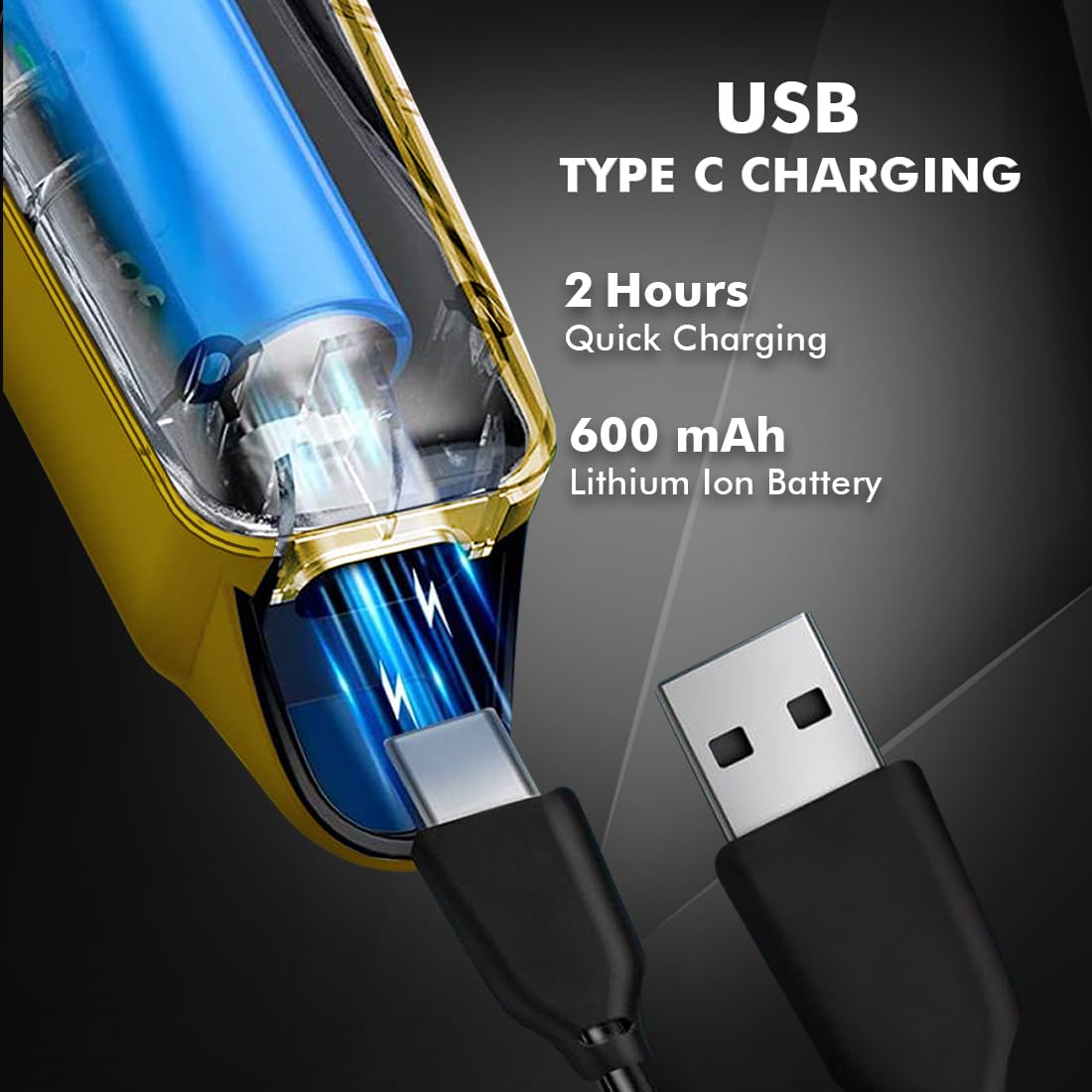
Image 4.1: Key features and components of the Nova NHT 1102 Trimmer.
- Klinge i rustfrit stål: Durable and self-sharpening blades for precise cutting.
- Power knap: Styrer tænd/sluk og hastighedsindstillinger.
- Indikatorlys: Displays charging status and operational mode.
- USB opladningsport: For convenient charging via USB Type-C cable.
- Ophængskrog: For nem opbevaring.
- Styrekamme: Detachable combs for various trimming lengths (1mm, 2mm, 3mm).
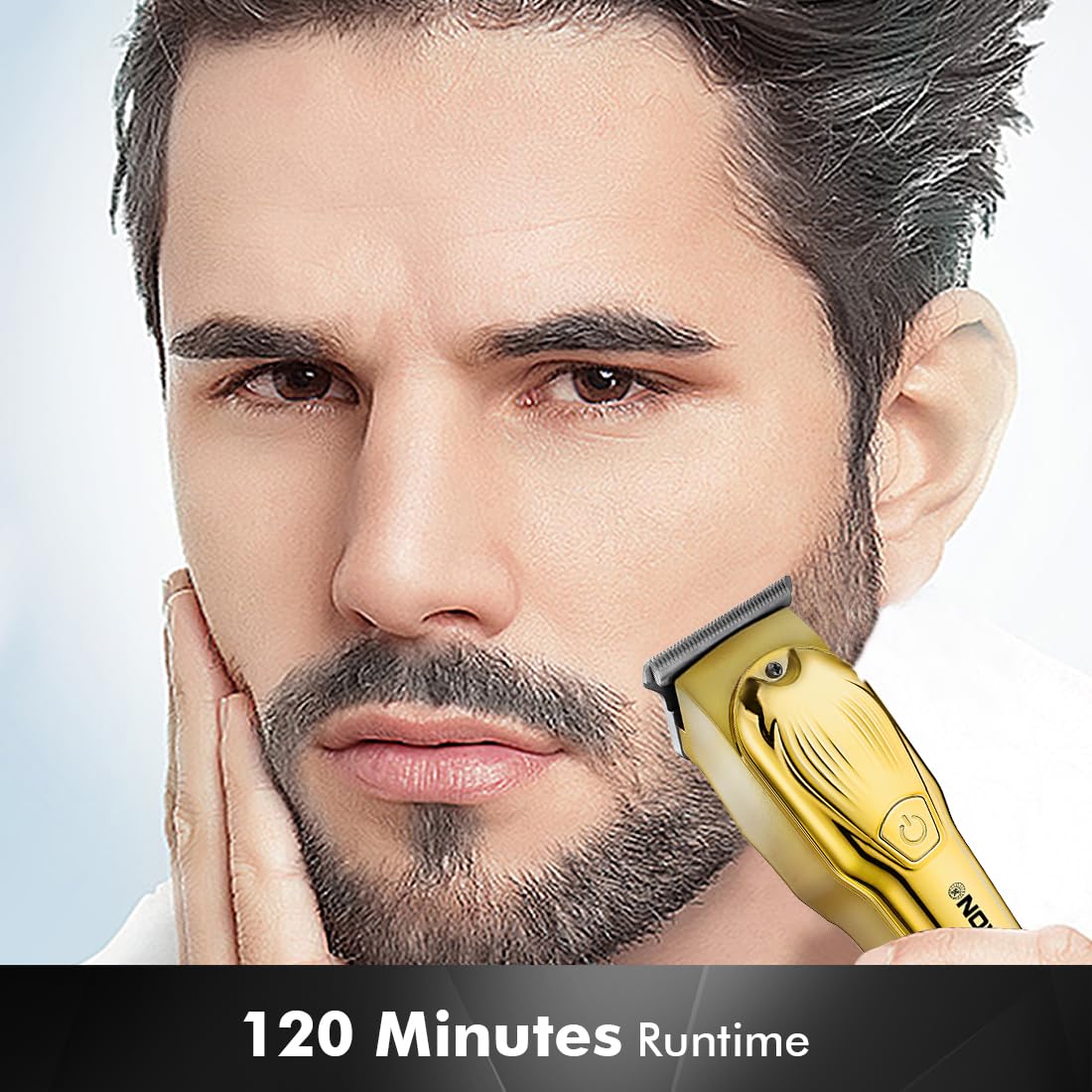
Image 4.2: Detail of the self-sharpening stainless steel blades.
5. Opsætning
5.1 Indledende opladning
Before first use, fully charge the trimmer. The Nova NHT 1102 Trimmer features a 600 mAh Lithium-Ion battery.
- Connect the USB Type-C charging cable to the trimmer's charging port.
- Plug the other end of the USB cable into a compatible USB power adapter (not included) or a USB port on a computer.
- The indicator light will illuminate to show charging is in progress.
- A full charge takes approximately 2 hours, providing up to 120 minutes of cordless runtime.
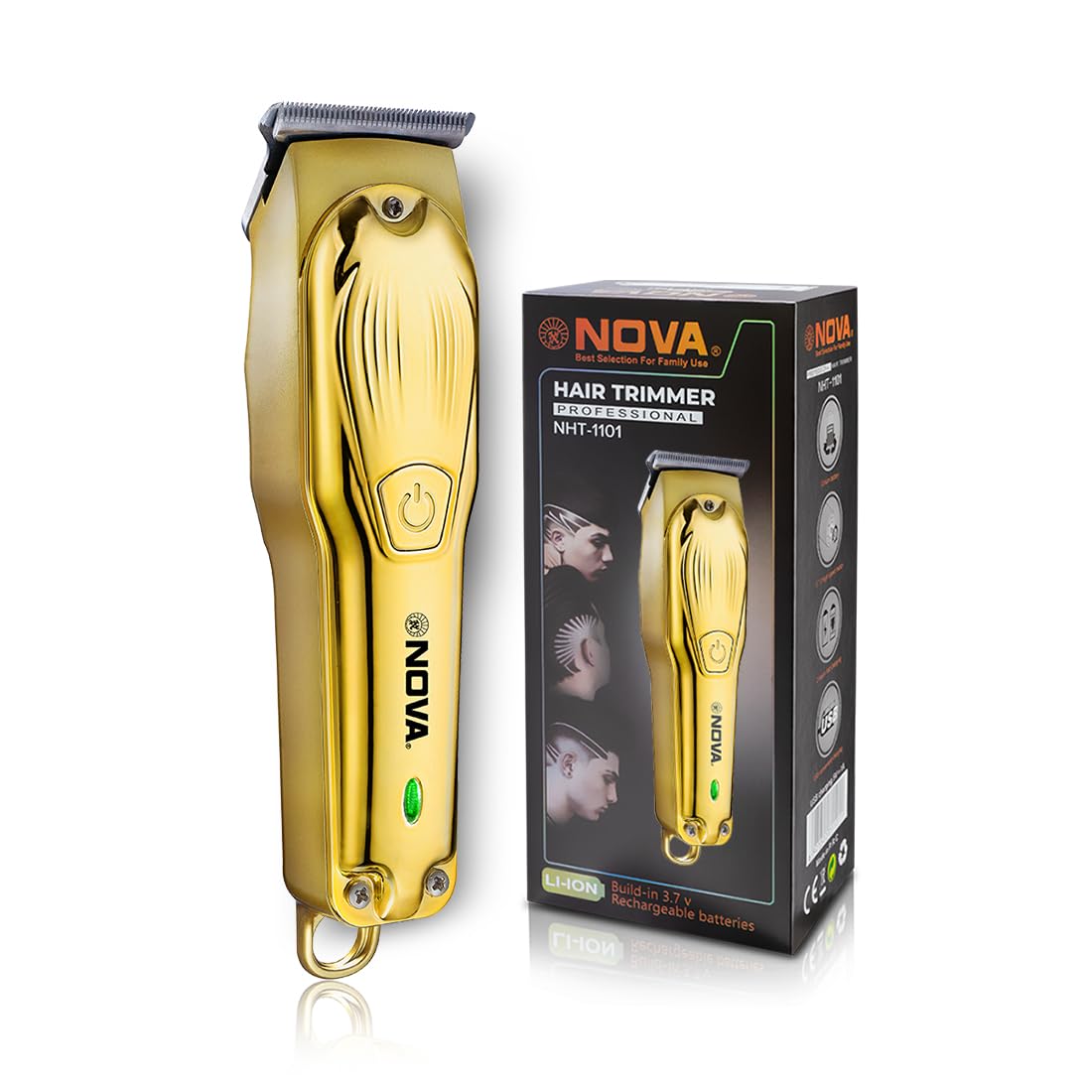
Image 5.1: USB Type-C charging mechanism.
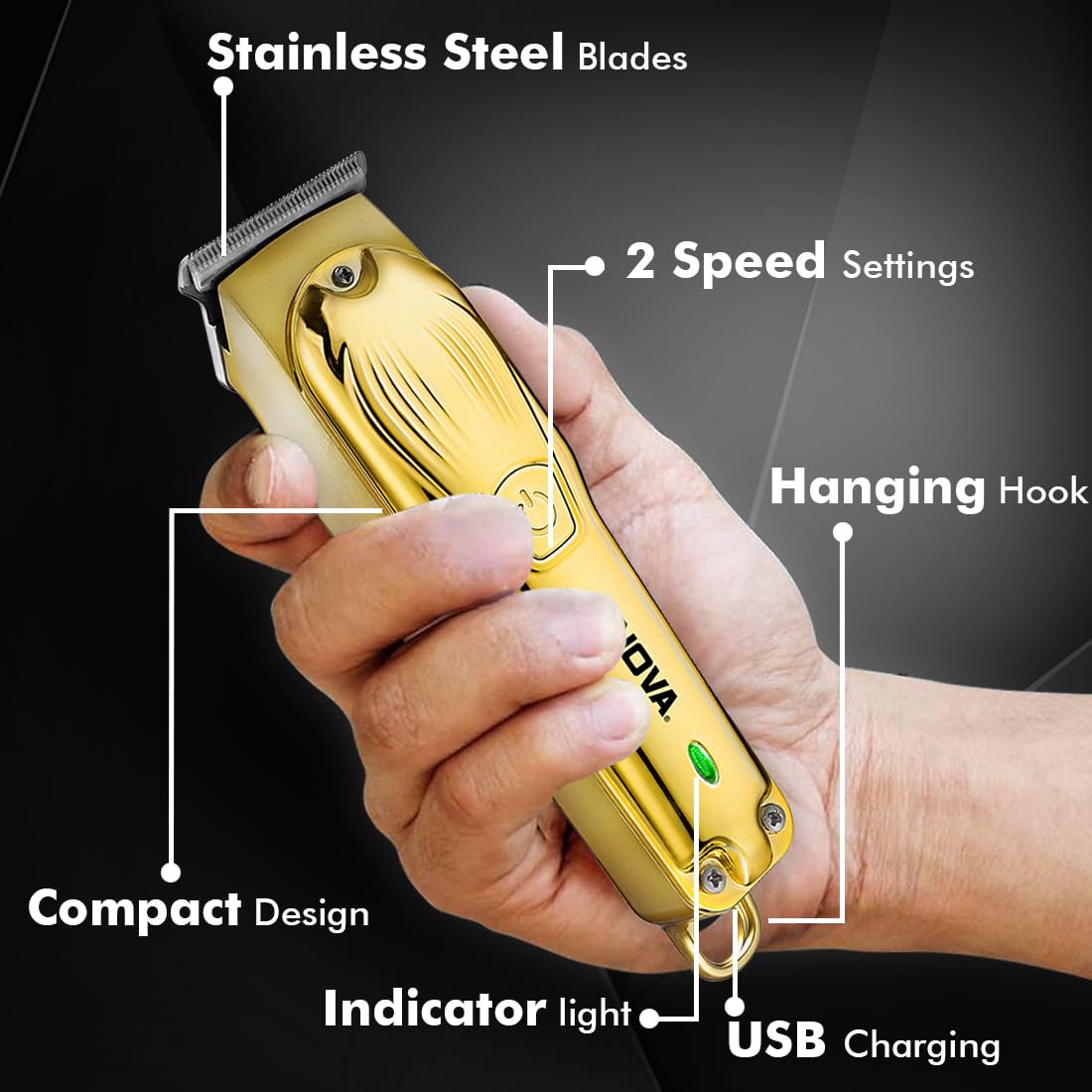
Image 5.2: Trimmer charging via USB Type-C.
5.2 Montering af styrekamme
The trimmer comes with 3 guide combs for different hair lengths:
- 1mm comb
- 2mm comb
- 3mm comb
To attach a guide comb, align the comb with the trimmer head and push it firmly until it clicks into place. To remove, gently pull the comb away from the trimmer head.
6. Betjeningsvejledning
6.1 Turning On/Off and Speed Settings
- To turn the trimmer on, press the power button once. The trimmer will start at the default speed setting.
- To switch between the 2 available speed settings, press the power button again while the trimmer is running.
- To turn the trimmer off, press the power button until it stops.
6.2 Turbofunktion
For increased power, activate the Turbo Function:
- While the trimmer is running, double-press the power button to engage the turbo mode.
- Double-press again to return to normal speed.
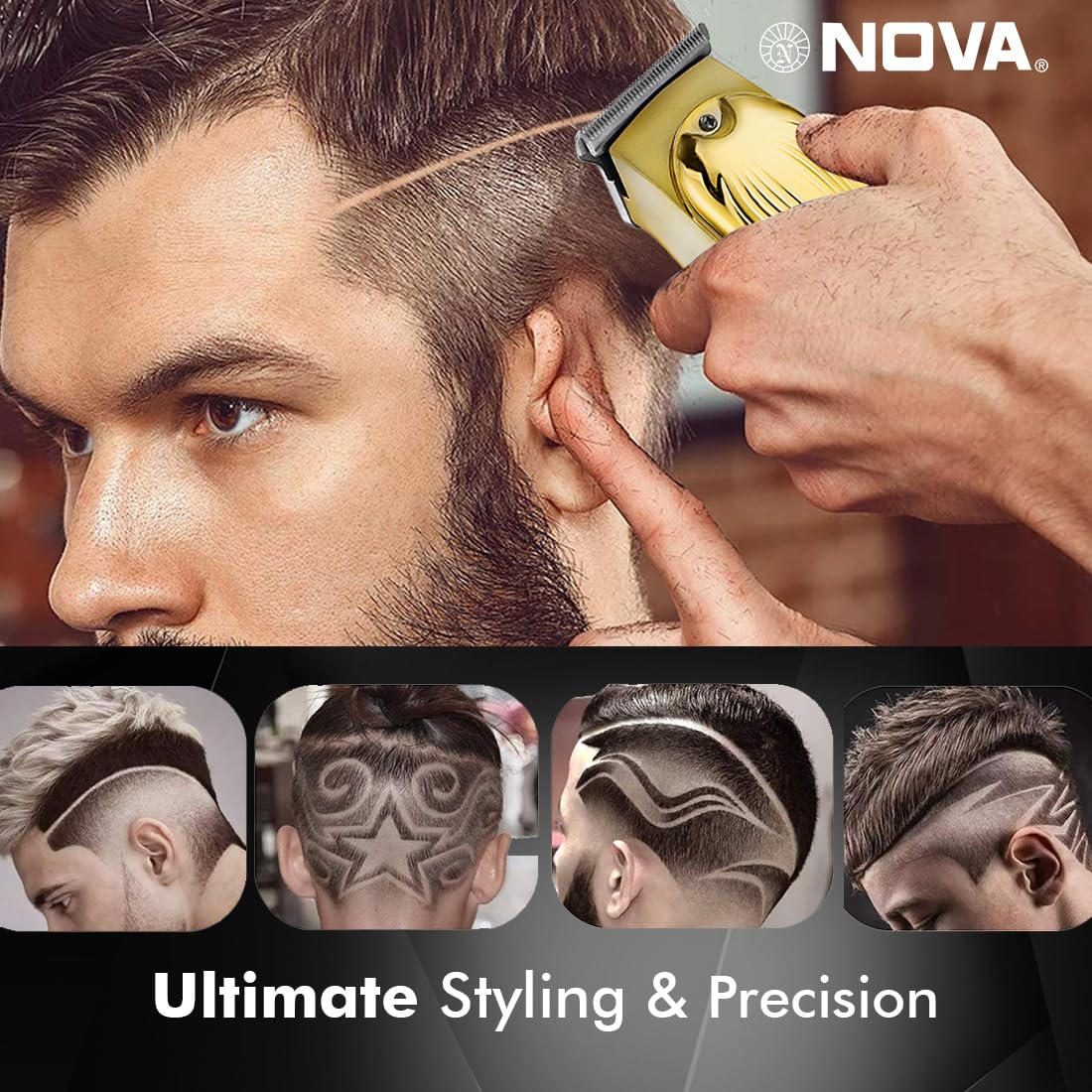
Image 6.1: Illustration of the Turbo Function.
6.3 Trimning
Ensure hair is clean and dry before trimming for optimal results.
- Uden føringskam: For precision trimming and close cuts (0.5mm), use the trimmer without any guide comb attached.
- Med guidekam: Vælg den ønskede guidekam (1 mm, 2 mm eller 3 mm), og fastgør den sikkert.
- Hold trimmeren med bladene fladt mod huden, og bevæg den langsomt mod hårets vækstretning.
- For best results, stretch the skin taut with your free hand.
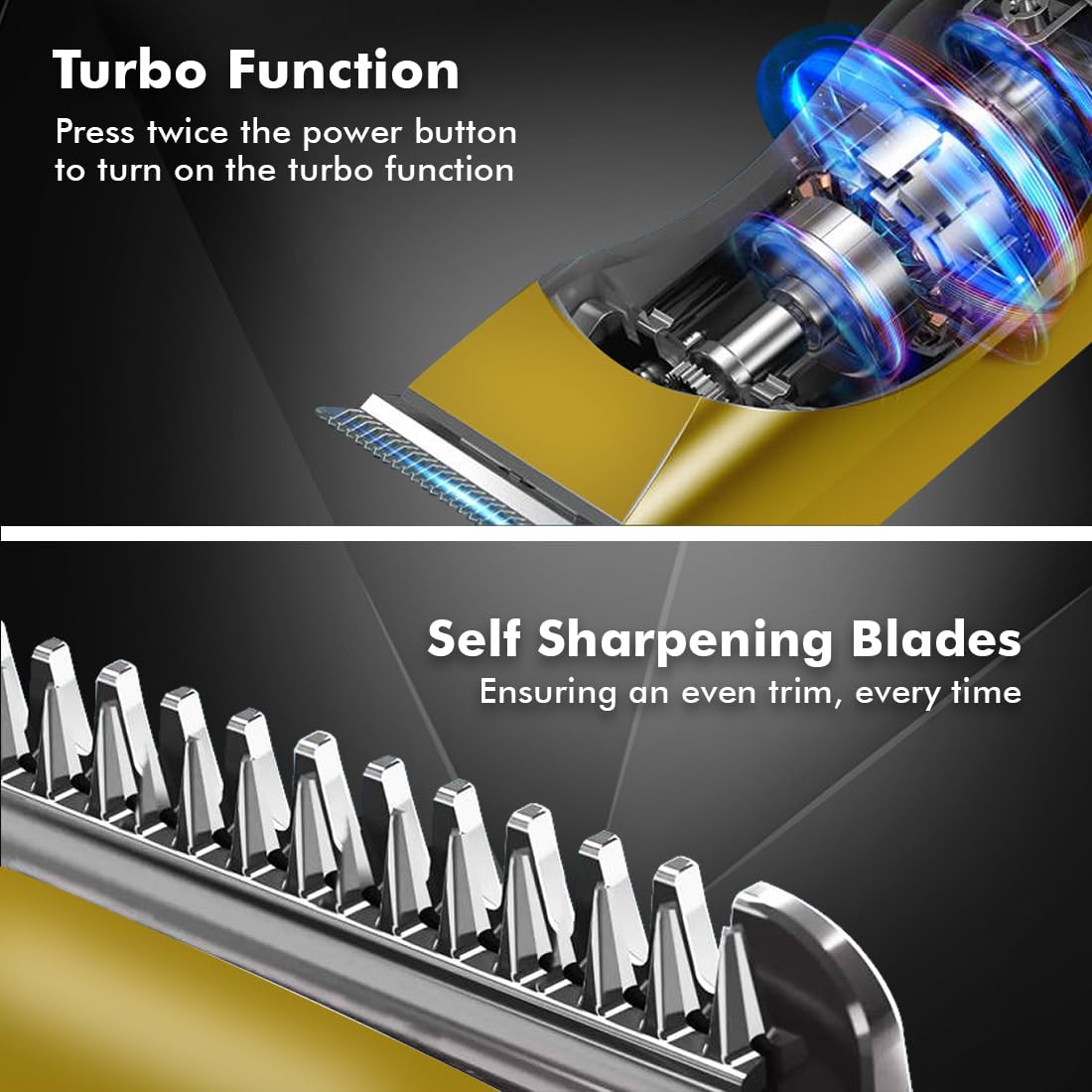
Image 6.2: Demonstrating hair trimming with the device.
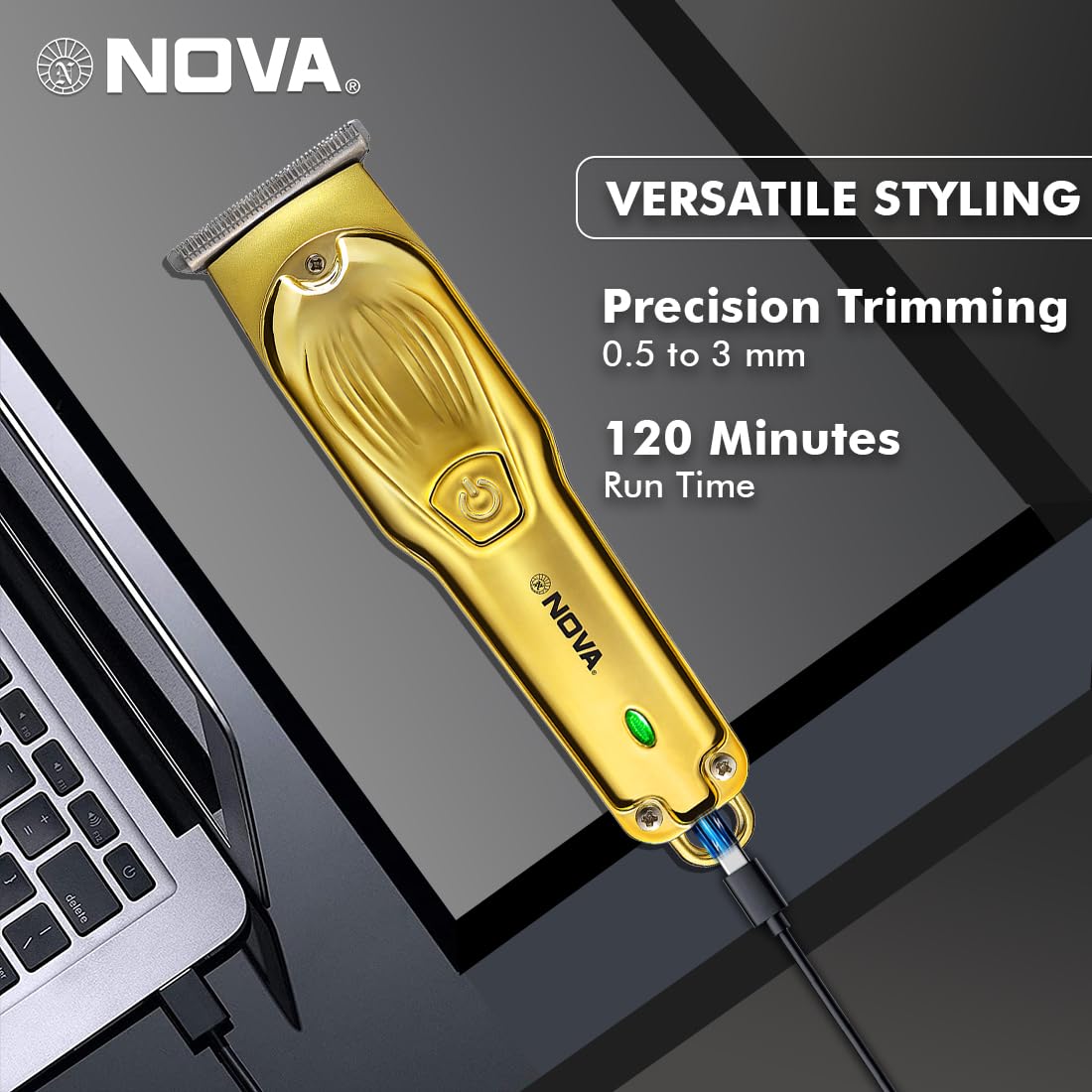
Image 6.3: Demonstrating beard trimming with the device.
7. Vedligeholdelse
7.1 Rengøring af knivene
Regelmæssig rengøring sikrer optimal ydeevne og hygiejne.
- Sluk trimmeren, og afbryd den fra strømkilden.
- Carefully remove any attached guide comb.
- Use the provided cleaning brush to remove hair clippings from the blades and the trimmer head.
- The blades are self-sharpening, reducing the need for manual sharpening.
7.2 Smøring
To maintain blade performance, apply a small drop of lubricating oil (if included) to the blades after every few uses. Turn the trimmer on for a few seconds to distribute the oil evenly.
7.3 Opbevaring
Store the trimmer in a cool, dry place, away from direct sunlight and moisture. Ensure the trimmer is clean and dry before storage.
8. Fejlfinding
| Problem | Mulig årsag | Løsning |
|---|---|---|
| Trimmeren tænder ikke. | Batteriet er afladet. | Oplad trimmeren i mindst 2 timer. |
| Tænd/sluk-knappen er ikke trykket korrekt ind. | Sørg for at trykke fast på tænd/sluk-knappen. | |
| Dårlig trimningsydelse. | Knivene er tilstoppede med hår. | Rengør knivene med rensebørsten. |
| Blades require lubrication. | Påfør en dråbe smøreolie på knivene. | |
| Batteriet oplades ikke. | Opladningskablet eller adapteren er defekt. | Prøv et andet USB Type-C-kabel eller en anden strømadapter. |
| Opladningsporten er beskadiget. | Kontakt kundesupport. |
9. Specifikationer
| Feature | Detalje |
|---|---|
| Model | NHT 1102 |
| Bladmateriale | Rustfrit stål |
| Skærelængder | 0.5mm (without comb), 1mm, 2mm, 3mm (with guide combs) |
| Batteritype | Litium-ion (600 mAh) |
| Opladningstid | Ca. 2 timer |
| Runtime | Op til 120 minutter |
| Opladningsgrænseflade | USB Type-C |
| Hastighedsindstillinger | 2 |
| Særlige funktioner | Turbo Function, Self-Sharpening Blades, Cordless Operation, Hanging Hook |
| Dimensioner (L x B x H) | 9 x 11 x 14 cm |
| Varens vægt | 480 g |
| Fabrikant | Nova Manufacturing Hong Kong |
| Oprindelsesland | Kina |
10. Garanti og support
For detailed warranty information, please refer to the warranty card included with your product or the official Nova website. For technical support, service, or replacement parts, please contact Nova customer service through the contact information provided on your product packaging or the official brand channels.
Ask a question about this manual
Ask about setup, troubleshooting, compatibility, parts, safety, or missing instructions. Manuals+ will review the question and use this page’s manual context to help answer it.