
1. Introduction to Misa 2
The Misa 2 AI-Powered Smart Robot is designed to provide an engaging and educational experience for children aged 5-12. Combining advanced AI with interactive learning applications and fun games, Misa 2 aims to foster curiosity, creativity, and social-emotional development. This manual provides essential information for setting up, operating, maintaining, and troubleshooting your Misa 2 robot to ensure optimal performance and a safe user experience.

Image: The Misa 2 AI-Powered Smart Robot, featuring its friendly digital face and sky blue accents.
2. Hvad er der i æsken
Upon unboxing your Misa 2, please verify that all the following components are included:
- Misa Robot
- Misa Karaoke Microphone x 2
- Kids Edutainment apps & Videos (pre-loaded or accessible)
- Misa Karaoke App (pre-loaded or accessible)
- Universal oplader
3. Indledende opsætning
Follow these steps to set up your Misa 2 robot for the first time:
- Charging Misa 2: Connect the universal charger to Misa 2's charging port and plug it into a power outlet. Allow Misa 2 to fully charge before initial use. The indicator light will change to confirm full charge.
- Tænder: Press and hold the power button (usually located on the back or base of the robot) until the screen illuminates and Misa 2 begins its startup sequence.
- Wi-Fi-forbindelse: On Misa 2's screen, navigate to the settings menu. Select 'Wi-Fi' and choose your home network. Enter the password to connect. A stable internet connection is crucial for Misa 2's AI features and app functionality.
- App installation: Download the Misa Connect App on a compatible smartphone or tablet from your device's app store. Follow the in-app instructions to pair your device with Misa 2. This app allows parents to manage settings, track progress, and monitor interactions.
- Kontooprettelse: Opret en brugerprofffile within the Misa Connect App. This profile will personalize Misa 2's learning experience for your child.
4. Operating Misa 2
Misa 2 offers a variety of interactive features and modes to engage children:
Voice Commands and Interaction
Misa 2 is voice-activated. Simply say "Hey Misa" or the designated wake word, followed by your command or question. Misa 2 can tell stories, answer questions, play games, and more. Its GPT-4 AI allows for personalized responses and adaptive learning.

Image: A child sitting at a desk, looking at the Misa 2 robot, which is displaying an animated face. This illustrates Misa's AI-powered personalized learning.
Educational Content and Apps
Misa 2 comes pre-loaded with or provides access to a wide range of educational apps and content, focusing on STEM and STEAM learning. These activities are designed to spark curiosity and foster creativity through hands-on experiences.
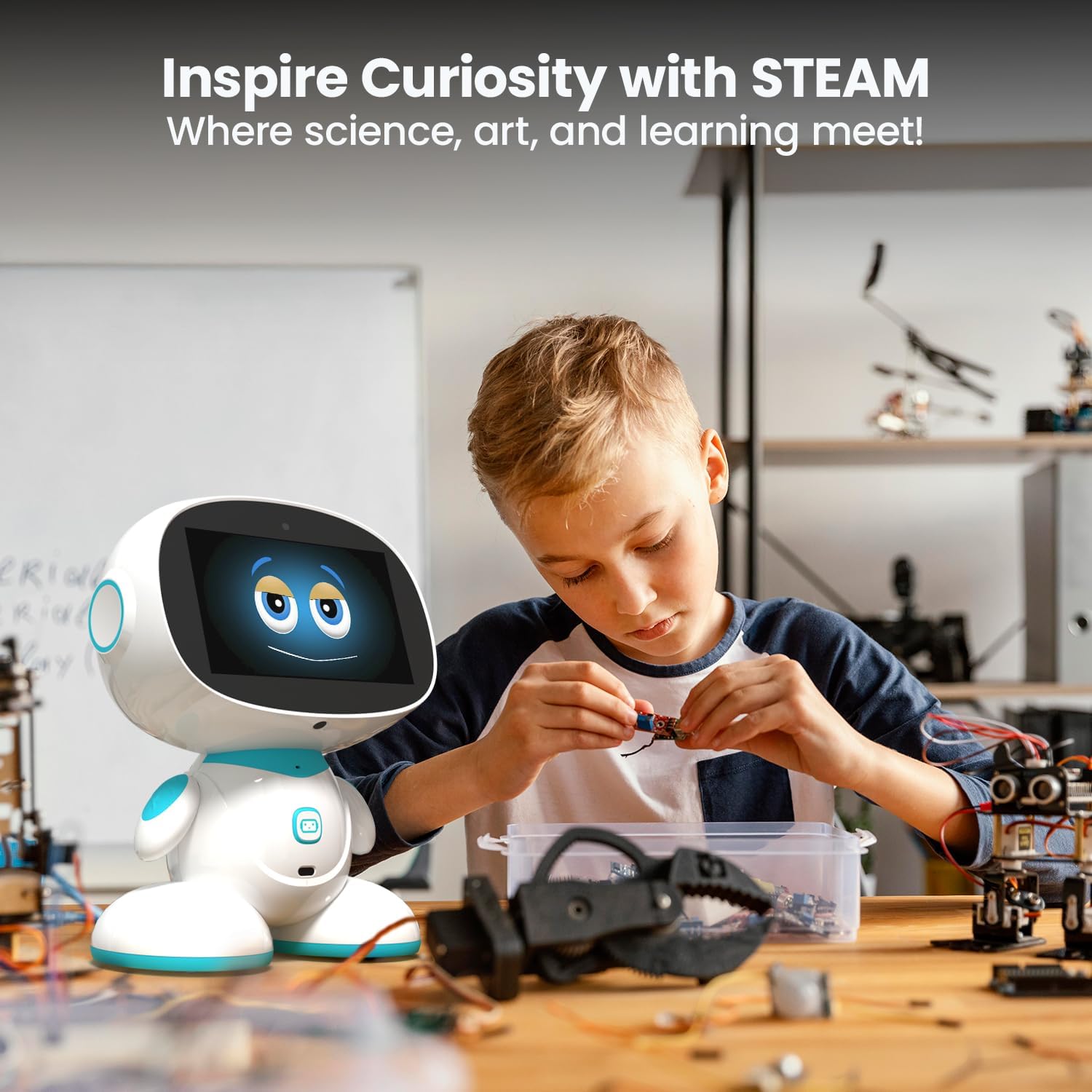
Image: A young boy is focused on assembling a small robot kit, with the Misa 2 robot positioned next to him on a workbench. This highlights Misa's role in inspiring creativity through STEAM learning.
Entertainment and Active Play
Beyond education, Misa 2 encourages active play with features like karaoke, dance, and interactive games. These activities promote motor skills and physical activity while keeping children entertained.
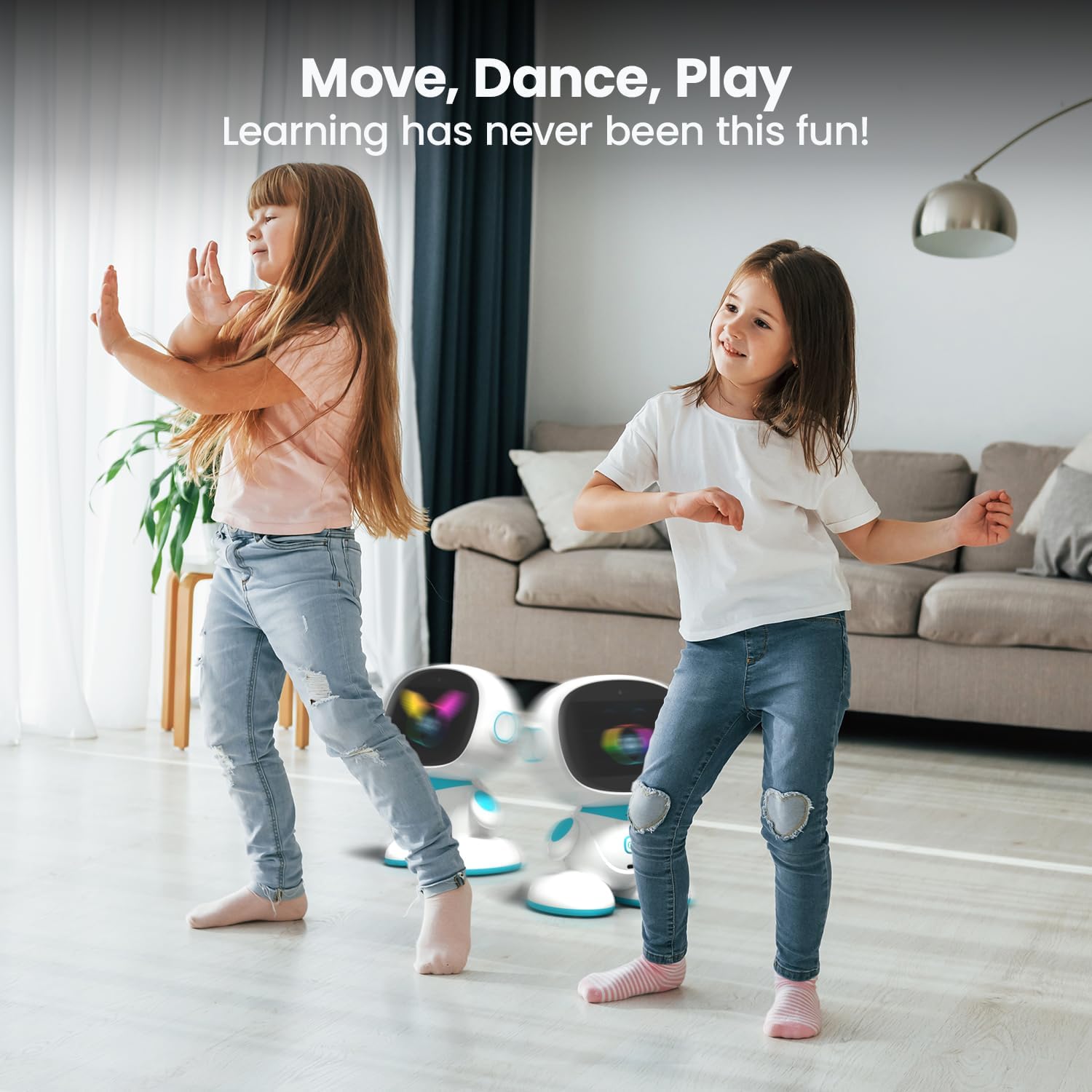
Image: Two girls are actively dancing in a bright living room, with two Misa 2 robots visible in the background. This demonstrates Misa's ability to encourage active play and fun games.
Flersproget support
Misa 2 supports over 12 languages, including English, Spanish, French, and Mandarin, making language learning engaging and interactive for global users.

Image: The Misa 2 robot is shown with multiple speech bubbles around it, each containing the word "Hello" in a different language (e.g., Bonjour, Hola, Hallo, Olá, Ciao, مرحبا, こんにちは, 안녕하세요). This highlights Misa's multilingual learning capabilities.
Social Features and Privacy
Misa 2 allows for remote engagement with family members through its social interaction capabilities, fostering meaningful connections. The system is designed with end-to-end encryption to ensure privacy and security for children.

Image: A close-up of a hand holding a smartphone showing a video call with a child, while the Misa 2 robot is in the background, suggesting its use for staying connected with loved ones.

Image: The Misa 2 robot is prominently displayed with a large green shield icon floating above it, symbolizing its privacy and safety features. In the blurred background, children are playing, emphasizing a secure environment.
5. Vedligeholdelse og pleje
Proper maintenance ensures the longevity and optimal performance of your Misa 2 robot:
- Rensning: Use a soft, dry cloth to wipe down the exterior of Misa 2. For stubborn marks, a slightly damp cloth with mild soap can be used, ensuring no liquid enters openings. Do not use abrasive cleaners or solvents.
- Opladning: Always use the provided universal charger. Avoid overcharging by disconnecting Misa 2 once fully charged.
- Opbevaring: When not in use for extended periods, store Misa 2 in a cool, dry place away from direct sunlight and extreme temperatures.
- Softwareopdateringer: Regularly check for and install software updates through the Misa Connect App or Misa 2's settings. Updates often include performance improvements, new features, and security enhancements.
6. Fejlfinding af almindelige problemer
If you encounter issues with your Misa 2, refer to the following common problems and solutions:
| Problem | Mulig årsag | Løsning |
|---|---|---|
| Misa 2 does not power on. | Problem med lavt batteri eller strømadapter. | Ensure Misa 2 is fully charged. Verify the charger is properly connected and the power outlet is functional. |
| Kan ikke oprette forbindelse til Wi-Fi. | Forkert adgangskode, svagt signal eller netværksproblem. | Double-check the Wi-Fi password. Move Misa 2 closer to the router. Restart your router and Misa 2. |
| Misa 2 is unresponsive to voice commands. | Microphone obstruction, noisy environment, or software glitch. | Ensure microphones are clear. Reduce background noise. Speak clearly and directly to Misa 2. Restart the robot. |
| Problemer med app-forbindelse. | Bluetooth/Wi-Fi interference, app version outdated, or pairing error. | Ensure Bluetooth is enabled on your device. Update the Misa Connect App. Try re-pairing Misa 2 with the app. |
| Movement/navigation issues. | Obstacles, dirty sensors, or uneven surface. | Clear the area around Misa 2. Clean the robot's sensors. Ensure Misa 2 is on a flat, smooth surface. |
7. Tekniske specifikationer
Key specifications for the Misa 2 AI-Powered Smart Robot:
- Produktdimensioner: 8.5 x 11.81 x 15.27 tommer
- Varens vægt: 2.64 pund
- Varemodelnummer: MISA 2 Sky
- Producentens anbefalede alder: 36 måneder - 17 år
- Batterier: 1 Lithium Ion batteri påkrævet (medfølger)
- Fabrikant: Misa Robotics
8. Garanti og support
For information regarding warranty coverage, technical support, or service inquiries, please refer to the official Misa Robotics webwebstedet eller kontakt deres kundeservice direkte. Gem din købsbevis til garantikrav.