
Indledning
This user manual provides essential information for the safe and effective use of your CJP-Geek UL 12V Power Adapter, model PSCJQ918WPR-248. This adapter is designed to provide a stable 12V power supply for compatible mini PCs and desk computers, including AWOW AK-41, AK34-J, NYi3, and Beelink T4 models. Please read this manual thoroughly before use and retain it for future reference.
Sikkerhedsoplysninger
For at sikre sikker drift og forhindre skader, bedes du overholde følgende sikkerhedsforanstaltninger:
- Input bindtage: Sørg for, at stikkontaktens lydstyrketage er inden for det specificerede område på 100-240V AC.
- Beskyttelsesfunktioner: Adapteren har indbygget overvolumentage Protection, Over Current Protection, Short Circuit Protection, and Input Protection to safeguard your devices.
- Miljøforhold: Use the adapter in a dry environment. Avoid exposure to water, moisture, or high humidity.
- Ventilation: Do not cover the adapter during use, as this may lead to overheating.
- Fysisk skade: Do not drop, disassemble, or attempt to repair the adapter. If damaged, discontinue use immediately.
- Kabelpleje: Do not place heavy objects on the power cord or subject it to excessive bending or pulling.
- Børn: Opbevar adapteren utilgængeligt for børn.
Pakkens indhold
Kontroller, at alle varer er til stede, når du åbner pakken:
- CJP-Geek UL 12V Power Adapter (Model: PSCJQ918WPR-248)
Produkt overview
Familiarize yourself with the components and features of your power adapter.

Figur 1: Hoved view of the CJP-Geek 12V Power Adapter, showing the adapter block with a 2-prong plug and the attached DC output cable with a round tip connector.
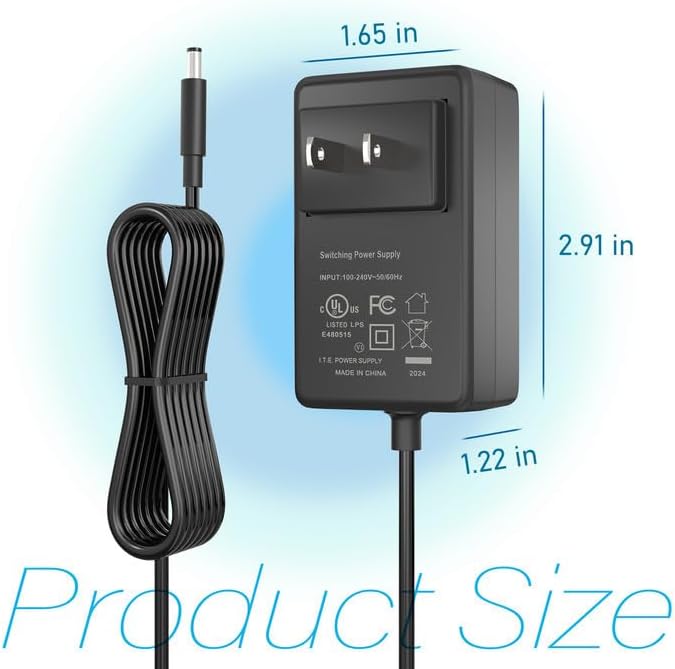
Figur 2: Product dimensions of the CJP-Geek 12V Power Adapter. The adapter block measures approximately 1.65 inches in width, 2.91 inches in height, and 1.22 inches in depth.

Figur 3: Diagram illustrating the multi-certification security features of the CJP-Geek 12V Power Adapter, including Over Temperature Protection, Overcharge Protection, Short Circuit Protection, Overvoltage Protection, Overcurrent Protection, and Overpower Protection.
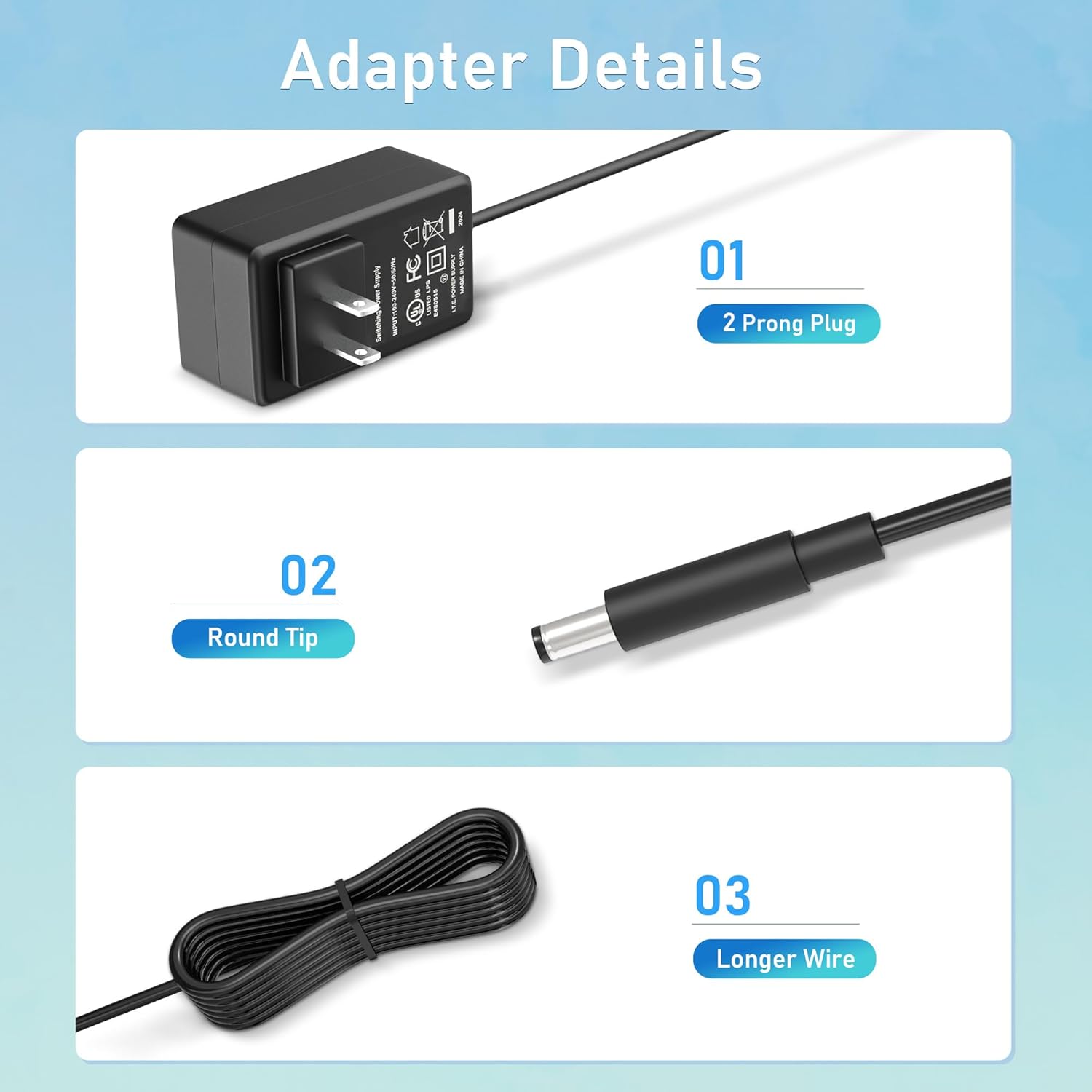
Figur 4: Detaljeret view of the adapter's key components: (01) a standard 2-prong plug for wall outlets, (02) a round tip DC connector for device input, and (03) a longer wire for extended reach.
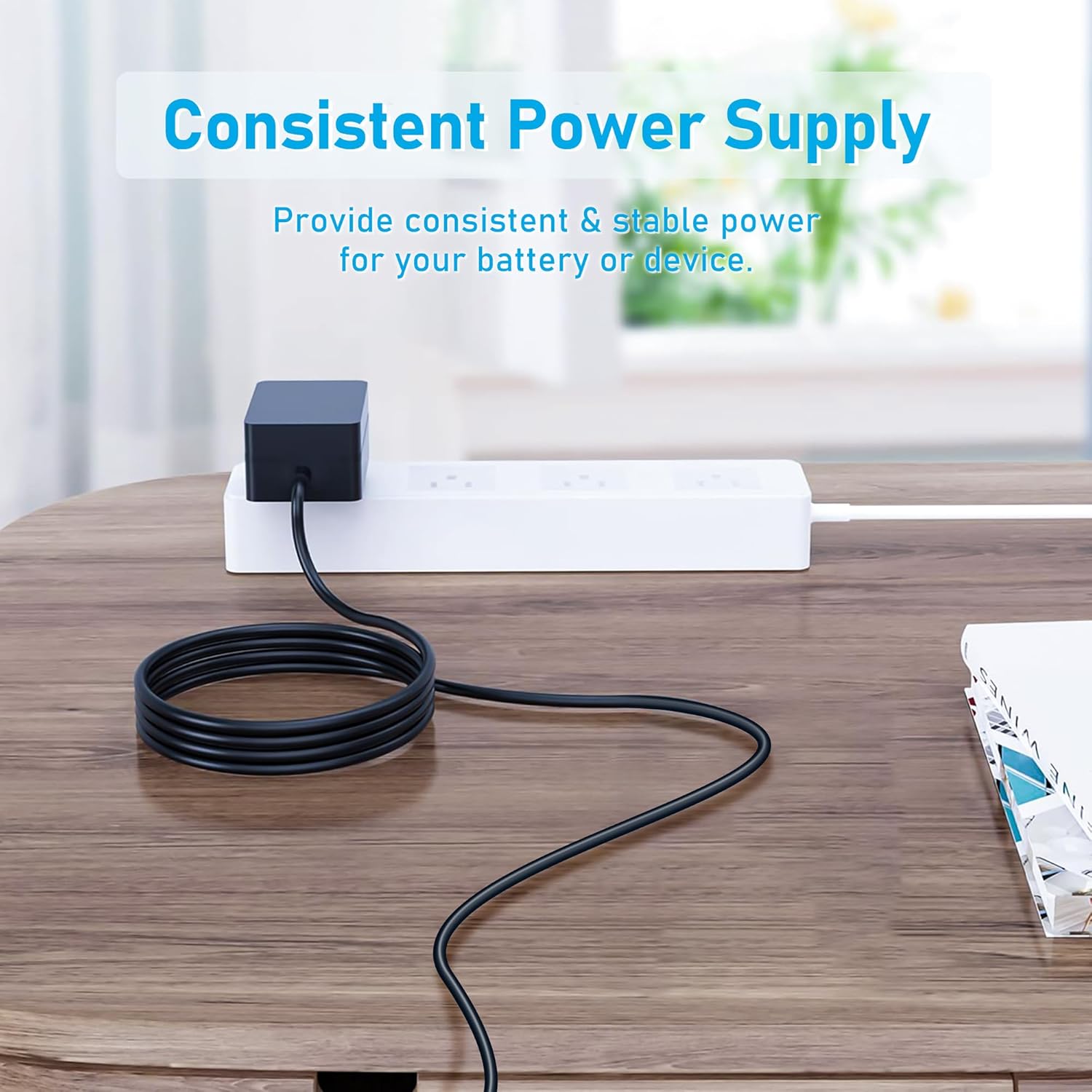
Figur 5: The CJP-Geek 12V Power Adapter connected to a power strip, demonstrating its ability to provide consistent and stable power to a device (not shown) on a desk.
Opsætningsinstruktioner
- Bekræft kompatibilitet: Ensure your device requires a 12V DC input and has a compatible round tip power port. Refer to your device's manual for power specifications.
- Opret forbindelse til enhed: Insert the round tip DC connector of the CJP-Geek power adapter firmly into the power input port of your mini PC or compatible device.
- Tilslut til stikkontakten: Plug the 2-prong AC plug of the power adapter into a standard 100-240V AC wall outlet or power strip.
- Tænd: Once connected, your device should receive power. Follow your device's instructions to power it on.
Betjeningsvejledning
The CJP-Geek 12V Power Adapter operates automatically once connected to a power source and a compatible device. It provides a continuous and stable power supply. No user intervention is required for its basic operation.
- Sørg for, at adapteren er placeret et godt ventileret område for at forhindre overophedning.
- Tag adapteren ud af stikkontakten, når den ikke er i brug i længere perioder.
Opretholdelse
Proper maintenance ensures the longevity and reliable performance of your power adapter:
- Rensning: Frakobl adapteren fra alle strømkilder før rengøring. Brug en blød, tør klud til at tørre ydersiden af. Brug ikke flydende rengøringsmidler eller slibende materialer.
- Opbevaring: Opbevar adapteren et køligt, tørt sted væk fra direkte sollys og ekstreme temperaturer, når den ikke er i brug.
- Kabelinspektion: Periodically inspect the power cord and connectors for any signs of damage, fraying, or loose connections. If damage is found, discontinue use.
Fejlfinding
If you encounter issues with your power adapter, refer to the following common solutions:
- Ingen strøm til enheden:
- Sørg for, at adapteren er tilsluttet korrekt til en fungerende stikkontakt.
- Verify that the DC connector is fully inserted into your device's power port.
- Test stikkontakten med en anden enhed for at bekræfte, at den fungerer.
- Kontroller for synlige skader på adapteren eller kablet.
- Overophedning af adapter:
- Sørg for, at adapteren er placeret et godt ventileret område og ikke er tildækket.
- Confirm that your device's power requirements do not exceed the adapter's specifications.
- Enheden oplader ikke/tænder ikke:
- Confirm that the adapter's output voltage (12V) and connector type are compatible with your device.
- If the issue persists, consult your device's manual or contact customer support.
Specifikationer
| Feature | Specifikation |
|---|---|
| Modelnummer | PSCJQ918WPR-248 |
| Input bindtage | 100-240V AC |
| Indgangsfrekvens | 50/60HZ |
| Udgang Voltage | 12V DC |
| Connector Type | Rund Tip |
| Stiktype | 2-Prong US Standard |
| Farve | Sort |
| Varens vægt | 3 ounce (ca. 85 gram) |
| Sikkerhedsfunktioner | Over Voltage Protection, Over Current Protection, Short Circuit Protection, Input Protection, Over Temperature Protection, Overcharge Protection, Overpower Protection |
| Kompatible enheder | AWOW AK-41, AK34-J, NYi3, Beelink T4 Mini PC Desk Computer, and other devices requiring 12V DC with a compatible round tip connector. |
Garanti og support
For warranty information or technical support, please refer to the product packaging or contact CJP-Geek customer service through their official channels. Keep your purchase receipt as proof of purchase.