
Indledning
This manual provides essential instructions for setting up, operating, and maintaining your Back Bay Audio Tempo 30 Wireless Earbuds. Please read thoroughly before use.
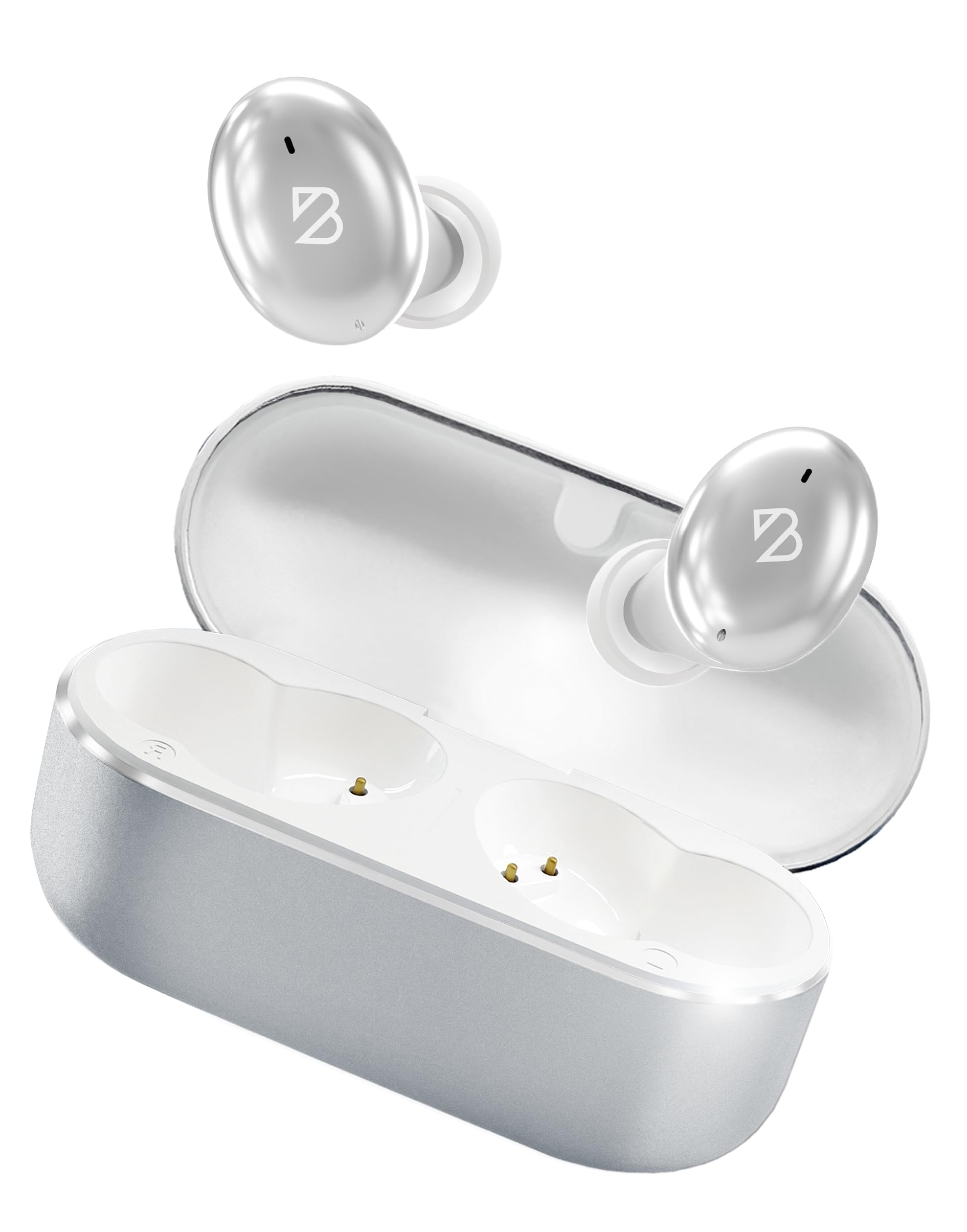
Image: Back Bay Audio Tempo 30 Wireless Earbuds in silver, showcasing deres elegante design.
Hvad er der i æsken
- Back Bay Audio Tempo 30 Wireless Earbuds
- Opladningsetui
- USB-C ladekabel
- Flere størrelser ørepropper (6 par)
- Brugermanual

Image: The Tempo 30 earbuds in their charging case, accompanied by a selection of different sized eartips for a customized fit.
Opsætning
1. Opladning af øretelefoner og etuiet
Before first use, fully charge your Tempo 30 earbuds and charging case. The charging case provides an additional 24 hours of battery life, extending total playtime to 32 hours.
- Tilslut det medfølgende USB-C-kabel til opladningsporten på etuiet og til en strømkilde.
- The LED indicator on the case will flash while charging and turn solid when fully charged.
- Place the earbuds into the charging case to charge them. The case display will show the charge level.

Image: The Tempo 30 charging case with earbuds, illustrating the USB-C charging port and the digital battery display.
2. Parring med din enhed
The Tempo 30 earbuds are designed for simple pairing with any Bluetooth-enabled device.
- Ensure earbuds are charged and inside the charging case.
- Åbn låget til opladningsetuiet. Ørepropperne går automatisk i parringstilstand.
- On your device (phone, computer, etc.), go to Bluetooth settings and select "Back Bay Tempo 30" from the list of available devices.
- Once connected, you will hear an audio prompt "Device Connected".
3. Optimal Fit for Small Ears
The Tempo 30 earbuds come with 6 different ear-tip sizes to ensure a comfortable and secure fit, especially for smaller ear canals. Experiment with different sizes to find the best seal for optimal sound quality and comfort.

Image: A close-up of the Tempo 30 earbuds highlighting the multiple ear-tip options designed for a comfortable fit in small ears.
Betjeningsvejledning
Tryk på kontrolelementer
The Tempo 30 earbuds feature intuitive touch controls on each earbud for managing audio playback, calls, and sound modes.
| Handling | Venstre øretelefon | Højre ørepropper |
|---|---|---|
| Lydstyrkekontrol | Enkelt tryk: Lydstyrke ned | Enkelt tryk: Lydstyrke op |
| Afspil/pause | Double Tap (either earbud) | |
| Næste sang | Hold i 2 sekunder | |
| Bastilstand til/fra | Tredobbelt tryk | |
| Stemmeassistent | Tredobbelt tryk | |
| Støjkontroltilstande | Hold for 2 seconds (cycles through Transparency, Noise Blocking, Off) | |
| Tænd/sluk | Hold for 5 seconds (either earbud) or place in charging case | |
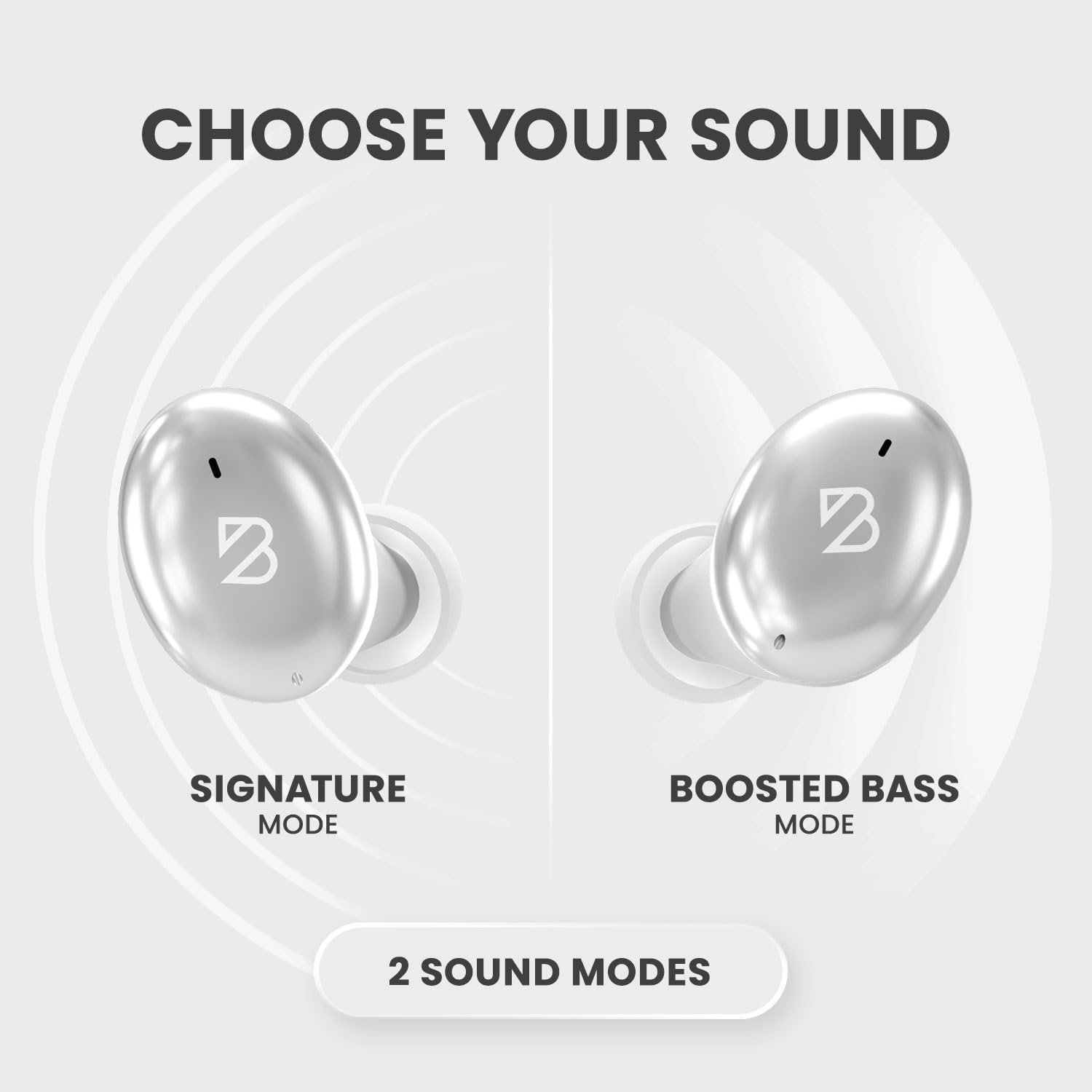
Image: A visual representation of the Tempo 30 earbuds, illustrating the two available sound modes: Signature Mode and Boosted Bass Mode.
Lydtilstande
- Signaturtilstand: Provides a balanced audio experience.
- Forstærket bastilstand: Enhances low frequencies for a more powerful sound, ideal for workouts or gaming. Activate by triple-tapping the right earbud.
Støjkontrol
The Tempo 30 offers three noise control modes:
- Gennemsigtighedstilstand: Tillader omgivende lyde at passere igennem, så du holder dig opmærksom på dine omgivelser.
- Noise Blocking Mode: Actively reduces external noise for an immersive listening experience.
- Slukket: Deaktiverer støjkontrolfunktioner.
Cycle through these modes by holding the left earbud for 2 seconds.
Opretholdelse
- Rensning: Rengør regelmæssigt ørepropperne og opladningskontakterne med en blød, tør klud.
- Vandtæthed: The Tempo 30 earbuds are IPX7-rated waterproof, making them resistant to sweat and rain. They are not designed for swimming.

Image: The Tempo 30 earbuds shown with water droplets, emphasizing their IPX7 water-resistant rating.
Fejlfinding
- Ingen lyd-/parringsproblemer: Ensure earbuds are charged. Turn off and on your device's Bluetooth, then re-attempt pairing.
- Én øretelefon virker ikke: Place both earbuds back in the charging case, close the lid, and wait for 10 seconds. Then open and try again.
- Dårlig lydkvalitet: Check ear-tip fit. Ensure earbuds are clean and free of debris.
Specifikationer
- Modelnavn: Bagbugt Tempo 30
- Forbindelse teknologi: Bluetooth 5.0
- Batterilevetid: Up to 32 hours (8 hours earbuds + 24 hours charging case)
- Vandmodstandsniveau: IPX7 (Sweatproof, Water Resistant - Not for Swimming)
- Støjkontrol: Sound Isolation (Transparency Mode, Noise Blocking Mode)
- Lyddrivertype: Dynamisk Driver
- Mikrofon: Built-in for calls with CVC 8.0 Mic Noise Cancelling
- Kontrolmetode: Røre
- Materiale: Metal, Premium ABS Plastic
- Varens vægt: 45 gram (1.59 ounce)
- Produktdimensioner: 1.1 x 2.9 x 1.8 tommer

Image: Diagram showing the dimensions of the Tempo 30 earbuds and their charging case.
Officiel produktvideo
Video: An official product video from Back Bay Brand showcasing the Tempo 30 Wireless Bluetooth Earbuds and their features for workouts.
Garanti og support
For warranty information and customer support, please refer to the contact details provided in the packaging or visit the official Back Bay Audio webwebsted.