
NEEWER NB-Z1 PRO (Model 10104773)
Neewer NB-Z1 PRO 7.2V/3000mAh Li-ion Replacement Battery Instruction Manual
Model: NB-Z1 PRO (10104773)
1. Introduktion
This manual provides essential instructions for the safe and effective use of your Neewer NB-Z1 PRO 7.2V/3000mAh Li-ion Replacement Battery. This battery is designed to provide reliable power for compatible Neewer flash speedlites. Please read this manual thoroughly before first use and retain it for future reference.
2. Produktfunktioner
- 3000mAh High Capacity Li-ion Battery: Features a 7.2V/3000mAh high-capacity li-ion polymer cell for extended operational time.
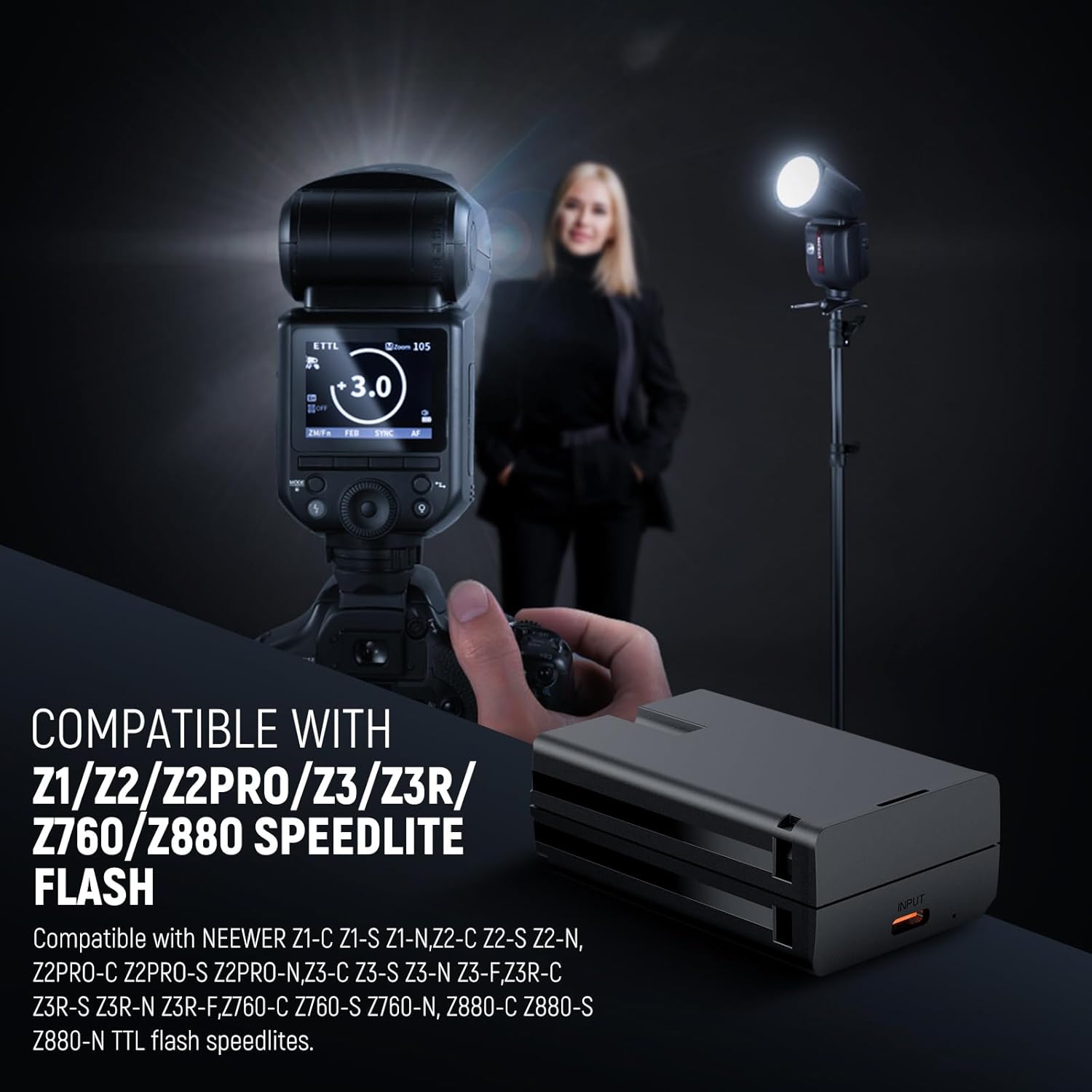
- Bred kompatibilitet: Specifically designed for Neewer Z3R-C/S/N/F, Z3-C/S/N/F, Z2PRO-C/S/N, Z2-C/S/N, Z1-C/S/N, Z760-C/S/N, Z880-C/S/N Q120 TTL flash speedlites.
- Quick & Efficient Charging: Achieves a full charge in approximately 2.5 hours using the included Type-C charging cable, or 3 hours with a dedicated charging dock (not included).
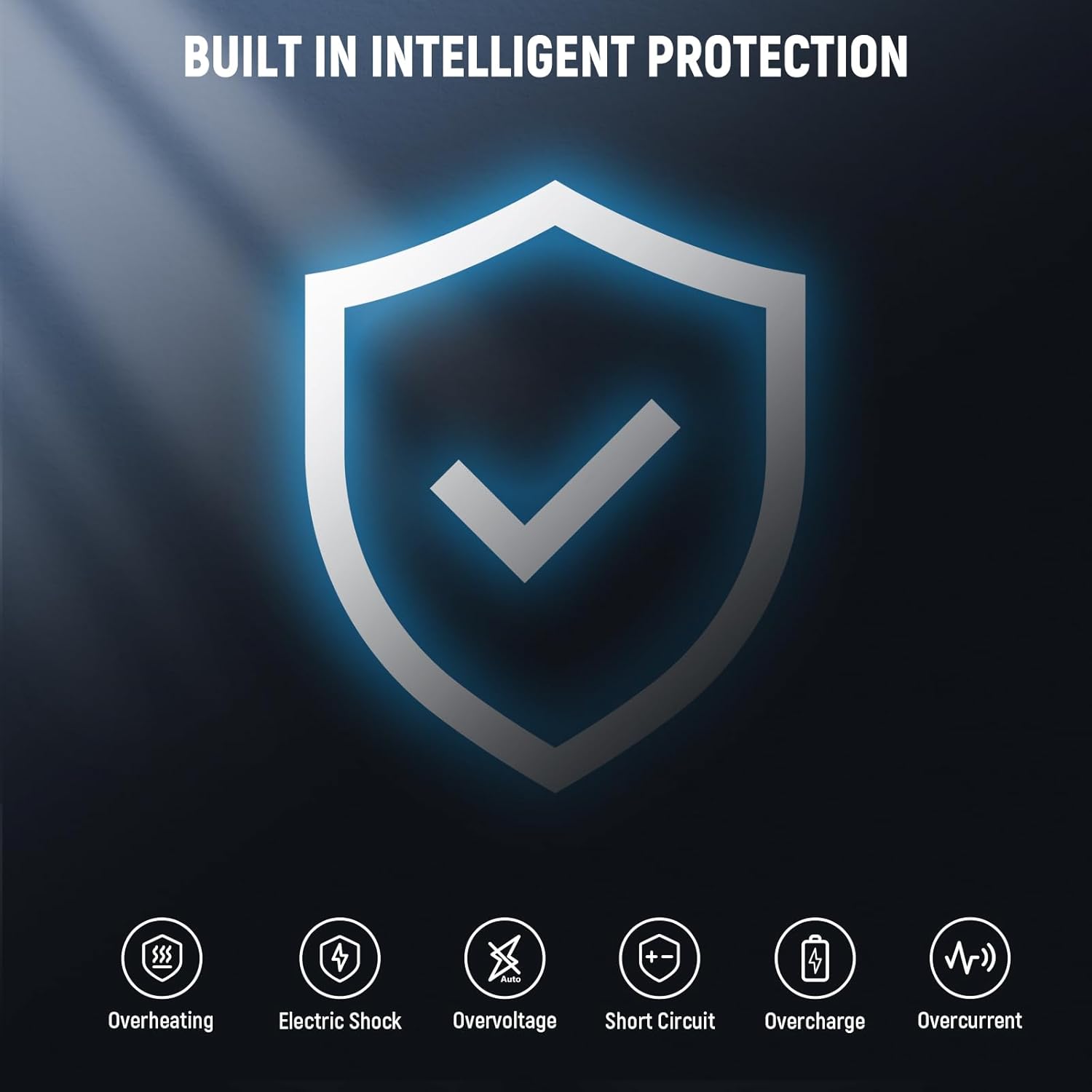
- Advanced Safety & Reliability: Incorporates built-in protection mechanisms against overcharge, over-discharge, over-voltage, over-current, and overheating to ensure safe operation.
- Bærbart design: Offers high energy density, excellent recycle life, and a long lifespan in a compact, easy-to-carry form factor.

3. Opsætning og installation
Follow these steps to properly install the battery into your compatible flash speedlite:
- Sluk for enhed: Ensure your Neewer flash speedlite is completely powered off before attempting to insert or remove the battery.
- Åbent batterirum: Locate and open the battery compartment on your flash speedlite. Refer to your speedlite's manual for specific instructions if needed.
- Indsæt batteri: Align the battery's contacts with the terminals inside the compartment. Gently push the battery into place until it is securely seated and the compartment cover can be closed.
- Luk rum: Luk batteridækslet godt.
4. Betjeningsvejledning
4.1 Opladning af batteriet
The NB-Z1 PRO battery can be charged using the included Type-C cable.
- Tilslut kabel: Plug the Type-C end of the charging cable into the battery's charging port.
- Tilslut til strøm: Connect the USB-A end of the charging cable to a compatible USB power adapter (not included), a car charger, or a portable power bank.
- Skærmopladning: The charging indicator light on the battery will illuminate (typically red) to indicate charging is in progress. It will change color (typically green) when charging is complete.
- Opladningstid: A full charge takes approximately 2.5 hours via the Type-C cable. If using a dedicated charging dock (not included), it may take up to 3 hours.
- Afbryde: Once fully charged, disconnect the cable from the battery and the power source.
Important: A wall charger is not included. Use a certified USB power adapter for optimal charging.

4.2 Brug af batteriet
After installation and charging, the battery is ready for use:
- Tænd: Turn on your compatible Neewer flash speedlite.
- Bekræft batteriniveau: Check the battery level indicator on your flash speedlite to confirm sufficient power.
- Operation: Operate your flash speedlite as per its specific instruction manual. The NB-Z1 PRO battery will provide consistent power for your photography needs.
5. Vedligeholdelse
Proper maintenance ensures the longevity and performance of your battery:
- Opbevaring: Store the battery in a cool, dry place, away from direct sunlight, moisture, and extreme temperatures (both high and low).
- Undgå fuld udladning: Do not allow the battery to remain fully discharged for extended periods, as this can reduce its lifespan.
- Periodisk opladning: If the battery will not be used for a long time, charge it to approximately 50% every three months to maintain its health.
- Rengør kontakter: Periodically clean the metal contacts on the battery with a dry, soft cloth to ensure good electrical connection.
- Håndtering: Handle the battery with care. Avoid dropping it or subjecting it to strong impacts.

6. Fejlfinding
Hvis du støder på problemer med dit batteri, kan du se følgende almindelige problemer og løsninger:
- Batteri oplades ikke:
- Ensure the Type-C charging cable is securely connected to both the battery and the power adapter.
- Verify that the USB power adapter or power source is functional. Try a different adapter or USB port.
- Check if the charging cable is damaged. Try using a different Type-C cable.
- Batteriet driver ikke enheden:
- Confirm the battery is correctly inserted into the flash speedlite's compartment.
- Sørg for, at batteriet er tilstrækkeligt opladet.
- Clean the battery contacts and the device's terminals with a dry, soft cloth to remove any dust or debris.
- Forkortet batterilevetid:
- Battery performance naturally degrades over time with repeated charge cycles.
- Ensure you are following proper charging and storage guidelines as outlined in the Maintenance section.
- Extreme temperatures during use or storage can affect battery performance.
7. Specifikationer
| Feature | Specifikation |
|---|---|
| Model | NB-Z1 PRO (10104773) |
| Varetype | Li-ion batteri |
| Voltage | 7.2V |
| Kapacitet | 3000mAh / 21.6Wh |
| Opladningstid (Type-C) | Ca. 2.5 timer |
| Charging Time (Dock) | Approx. 3 hours (dock not included) |
| Kompatibilitet | Z1/Z2/Z2PRO/Z3/Z3R/Z760/Z880 Flash Speedlite series |
| Dimensioner | 6.8 x 4.2 x 2.5 cm (2.7 x 1.7 x 1) |
| Vægt | 0.3 lb (0.13 kg) |
| Battericellesammensætning | Lithium Ion |
| Fabrikant | NYHED |
| Oprindelsesland | Kina |

8. Sikkerhedsoplysninger
Please observe the following safety precautions to prevent damage to the battery or personal injury:
- Do not disassemble, crush, puncture, or modify the battery.
- Keep the battery away from fire, water, and extreme temperatures (above 60°C/140°F or below -10°C/14°F).
- Avoid short-circuiting the battery terminals with metal objects.
- Bortskaf brugte batterier i henhold til lokale bestemmelser. Må ikke bortskaffes i husholdningsaffaldet.
- Opbevares utilgængeligt for børn og kæledyr.
- If the battery swells, leaks, or emits an unusual odor, discontinue use immediately and dispose of it safely.
- Use only the included Type-C cable or a compatible charging dock for charging.
9. Garanti og support
Your Neewer NB-Z1 PRO Li-ion Replacement Battery comes with a 1 års producentgaranti.
For technical support, warranty claims, or any product-related inquiries, please contact NEEWER customer service through their official webwebstedet eller forhandleren, hvor produktet blev købt.
You can visit the official NEEWER store for more information: NEEWER Store
Ask a question about this manual
Ask about setup, troubleshooting, compatibility, parts, safety, or missing instructions. Manuals+ will review the question and use this page’s manual context to help answer it.