
Anderic RRTX015
Anderic RRTX015 Ceiling Fan Remote Control User Manual
Model: RRTX015
Indledning
The Anderic RRTX015 is a replacement remote control designed for specific Harbor Breeze ceiling fan models that originally used the A25-TX015 or A25-TX015A remote. This manual provides detailed instructions for setting up, operating, and maintaining your new remote control.
⚠ Important Warning: This remote control is specifically designed to replace original A25-TX015 and A25-TX015A models. It is not compatible with "KUJCE..." models. Please verify the FCC ID on your original remote before use.
Produkt overview
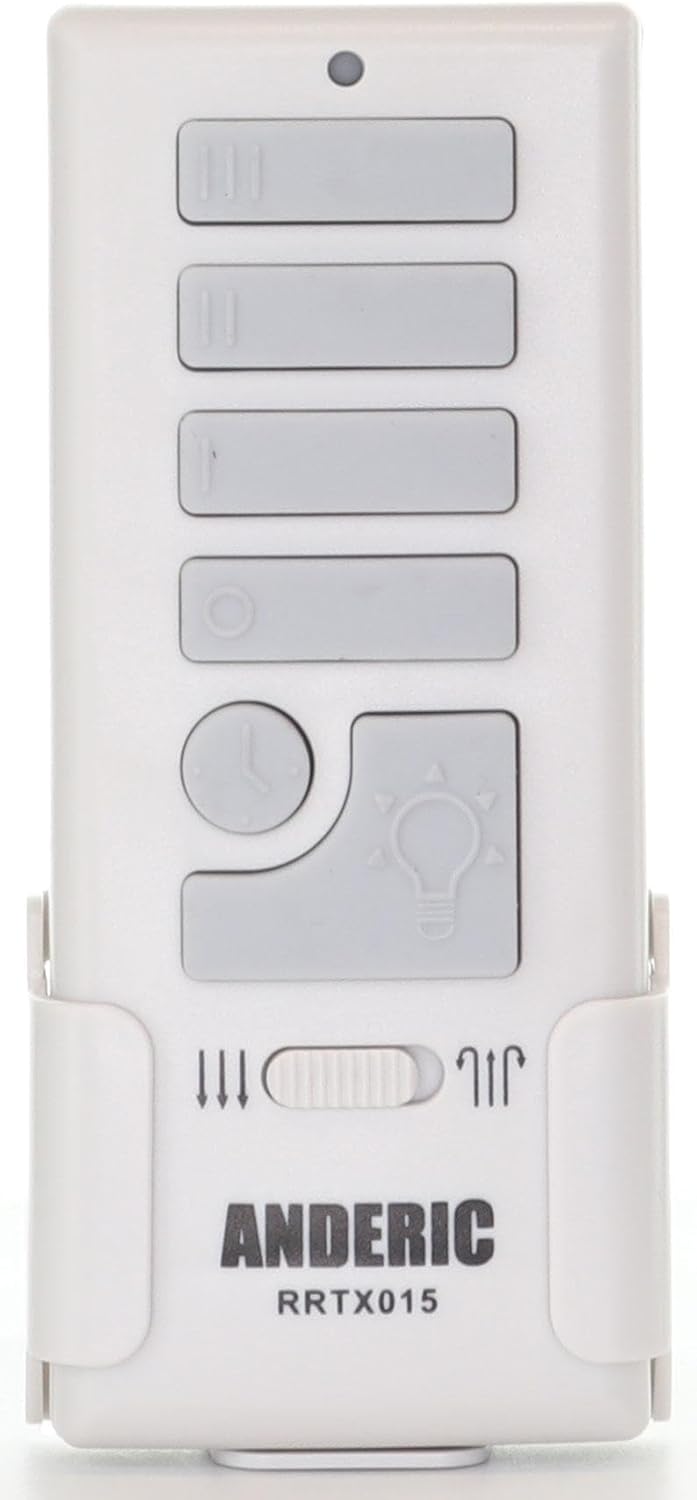
Figur 1: Forside view of the Anderic RRTX015 remote control. This image displays the layout of the control buttons, including fan speed, light control, and the season switch.
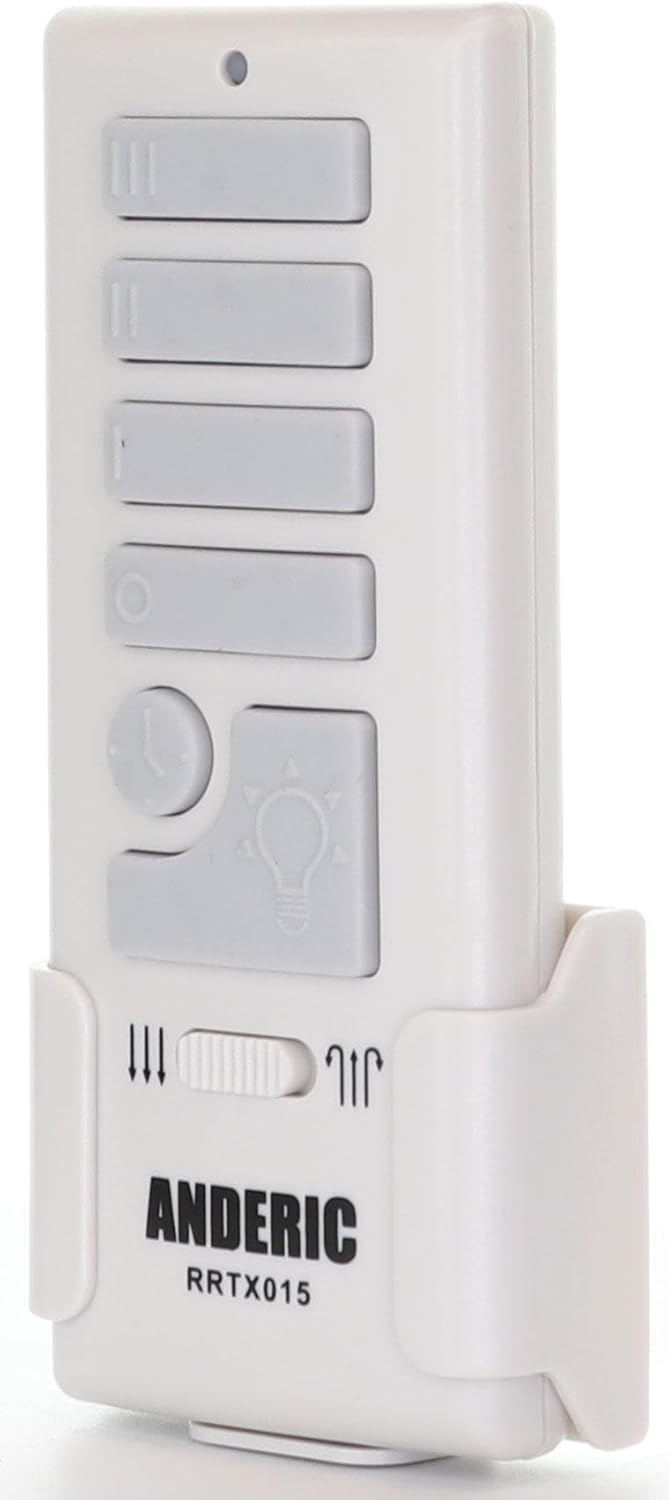
Figur 2: Side view of the Anderic RRTX015 remote control. This view fremhæver den slanke profile and the integrated wall mount bracket.

Figur 3: Tilbage view of the Anderic RRTX015 remote control. This image shows the FCC ID (A25-TX015A), the battery compartment, and the internal dimming toggle switch.
Opsætning
1. Batteriinstallation
Open the battery compartment cover on the back of the remote control (refer to Figure 3). Insert the required batteries, ensuring correct polarity (+/-). Close the battery compartment cover securely.
2. Dimming Control Toggle
Inside the battery compartment, locate the dimming toggle switch. This switch allows you to enable or disable the dimming feature for the light control. Set it to your preferred option before closing the battery cover.
3. Receiver Learning (Pairing)
The remote control needs to be paired with your ceiling fan's receiver. The exact pairing procedure may vary slightly depending on your fan model, but generally involves these steps:
- Ensure power to the ceiling fan is OFF at the circuit breaker or wall switch.
- Gendan strømmen til loftventilatoren.
- Within 30 seconds of restoring power, press and hold the "LEARN" button on the remote control (located inside the battery compartment, near the Q.C. sticker, as shown in Figure 3) for approximately 3-5 seconds.
- The fan light should blink or the fan should briefly turn on, indicating successful pairing.
- If pairing is unsuccessful, repeat the steps. Ensure the remote is within range of the receiver.
Betjeningsvejledning
Ventilator kontrol
- Høj hastighed: Press the button with three vertical lines (III).
- Mellem hastighed: Press the button with two vertical lines (II).
- Lav hastighed: Press the button with one vertical line (I).
- Ventilator slukket: Press the circular button (O).
Lysstyring
- Lys til/fra: Press the button with the light bulb icon.
- Dæmpning: If the dimming feature is enabled (via the internal toggle switch), press and hold the light bulb button to adjust brightness. Release the button when the desired brightness is reached. This works for CFL, Dimmable LED, and incandescent bulbs.
- Walk Away Feature (Light Delay Off): Press the button with the clock icon. This will turn off the light after a short delay, allowing you to exit the room.
Season Forward/Reverse Switch
Locate the small slider switch on the remote control, typically labeled with arrows indicating fan direction (refer to Figure 1). Slide this switch to change the fan's rotation direction. This is useful for optimizing air circulation for different seasons (e.g., downward airflow for cooling in summer, upward airflow for circulating warm air in winter).
Opretholdelse
- Rensning: Tør fjernbetjeningen af med en blød, tør klud. Brug ikke slibende rengøringsmidler eller opløsningsmidler.
- Udskiftning af batteri: Replace batteries when the remote's range decreases or buttons become unresponsive. Always use the recommended battery type.
- Opbevaring: Opbevar fjernbetjeningen et tørt sted væk fra ekstreme temperaturer og direkte sollys.
Fejlfinding
| Problem | Mulig årsag | Løsning |
|---|---|---|
| Fjernbetjeningen svarer ikke. | Døde eller forkert installerede batterier. | Kontroller batteripolariteten, eller udskift batterierne. |
| Remote not pairing with fan. | Incorrect pairing procedure; remote not compatible. | Review "Receiver Learning" steps. Ensure your original remote was A25-TX015 or A25-TX015A. |
| Light dimming not working. | Dimming toggle switch disabled; non-dimmable bulbs. | Check the dimming toggle switch inside the battery compartment. Ensure you are using dimmable light bulbs. |
| Ventilatorhastigheden ændrer sig ikke. | Interference; fan receiver issue. | Try re-pairing the remote. Ensure no obstructions between remote and fan. |
Specifikationer
- Modelnummer: RRTX015
- Kompatible modeller: Harbor Breeze A25-TX015, A25-TX015A
- Dimensioner: 4.75 x 1 x 2 tommer
- Varens vægt: 2.08 ounce
- Farve: Hvid
- Speciel funktion: Ergonomisk design
- Maks. antal understøttede enheder: 1
- Fabrikant: Dan's Electronics Etc., Inc.
- Oprindelsesland: Kina
Garanti og support
For warranty information or technical support, please refer to the documentation included with your purchase or visit the official Anderic website. You may also contact the seller, Anderic-com, directly through the Amazon platform for assistance.
Sælger: Anderic-com
Ask a question about this manual
Ask about setup, troubleshooting, compatibility, parts, safety, or missing instructions. Manuals+ will review the question and use this page’s manual context to help answer it.