
Indledning
Thank you for choosing the DIGITEK DCL-60W RGB Continuous LED Light. This professional-grade lighting solution is designed for videography and photography, offering versatile control over brightness, color temperature, and creative effects. This manual provides essential information for the safe and effective operation of your device. Please read it thoroughly before use and retain it for future reference.
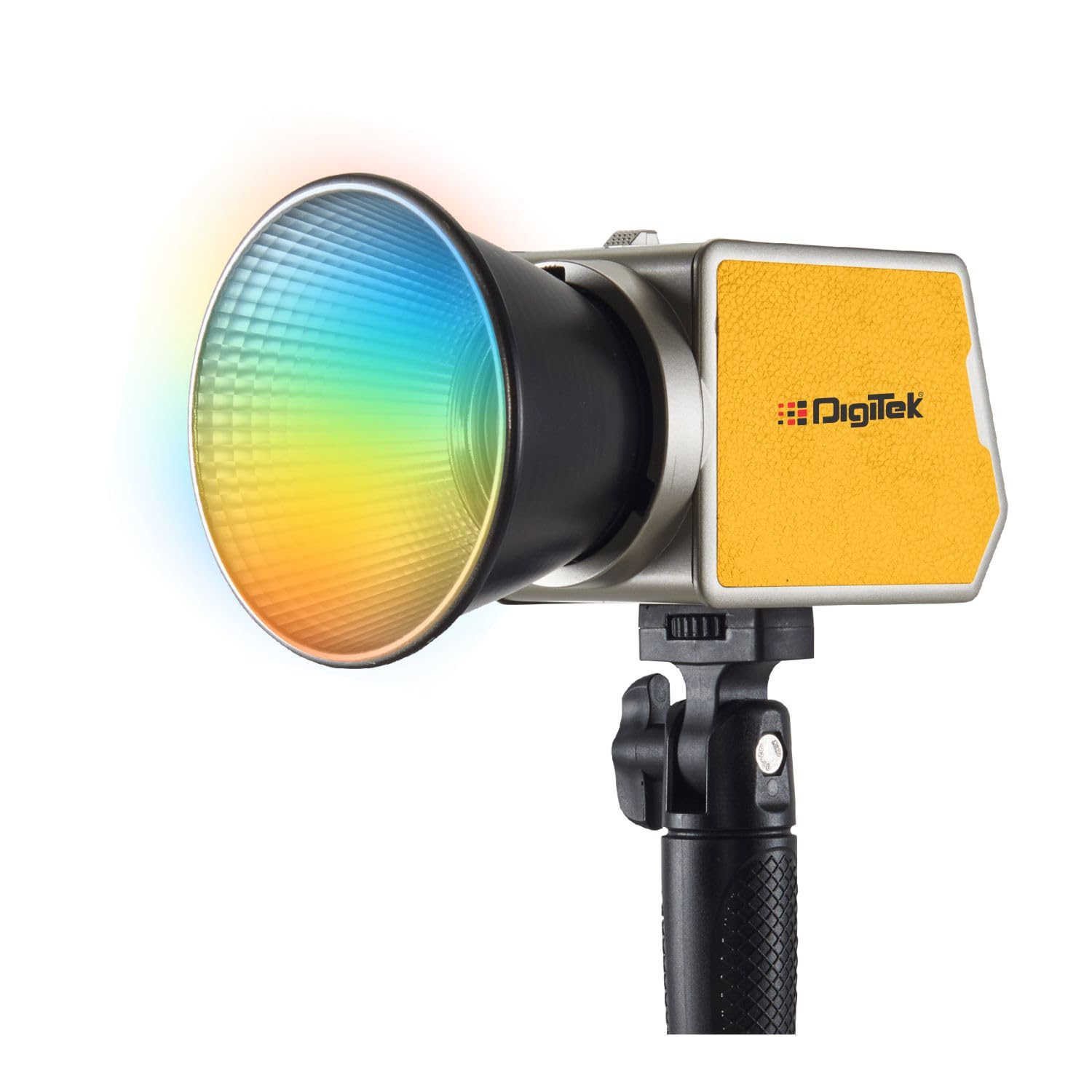
Image: The DIGITEK DCL-60W RGB Continuous LED Light in use, demonstrating its compact and portable design.
Produkt overview og nøglefunktioner
The DIGITEK DCL-60W RGB LED Light is a compact and powerful lighting tool equipped with advanced features for creative professionals.
- Portable 60W RGB LED Light: Offers versatile lighting for both indoor and outdoor shoots.
- 2000mAh genopladeligt batteri: Built-in Li-ion battery ensures long-lasting performance for extended shoots.
- 0-100% Brightness Adjustment: Allows precise control over light intensity.
- 21 Creative RGB Lighting Effects: Includes modes like Flash, TV screen, Candle, Police, Ambulance, Fire truck, Strobe Lights, Chase, and Firework for dynamic visuals.
- Wide Color Temperature Range (2500K-9900K): Adjustable from warm to cool tones for various scenes.
- 1200 Lux lysstyrke: Provides high-quality, bright lighting suitable for professional use.
- 360° Hue & Saturation Control: Fully customizable color hues and saturation for endless creative possibilities.
- Mini Bowen Mount & Reflector: For light shaping and diffusion.
Hvad er der i æsken
Pak forsigtigt kassen ud, og sørg for, at alle dele er til stede:
- DCL-60W RGB LED Light Unit
- Refleks
- Silicon Diffuser
- Håndtag Greb
- Type-C kabel
- Bæretaske
- Power Adapter (Optional, may be included depending on package)
Opsætning
- Attach Handle Grip: Secure the handle grip to the light unit for handheld operation.
- Mount Reflector/Diffuser: Align the reflector or silicon diffuser with the Mini Bowen Mount on the front of the light and twist to secure.
- Montering: Attach the light to a compatible light stand or tripod using the integrated mounting point.
- Strømtilslutning: If using external power, connect the power adapter to the light's power input and plug it into a suitable power source. For charging, use the provided Type-C cable.
Betjeningsvejledning
Tænd/sluk
Press and hold the Power Button located on the control panel to turn the light on or off.
Dobbeltstyringsmuligheder
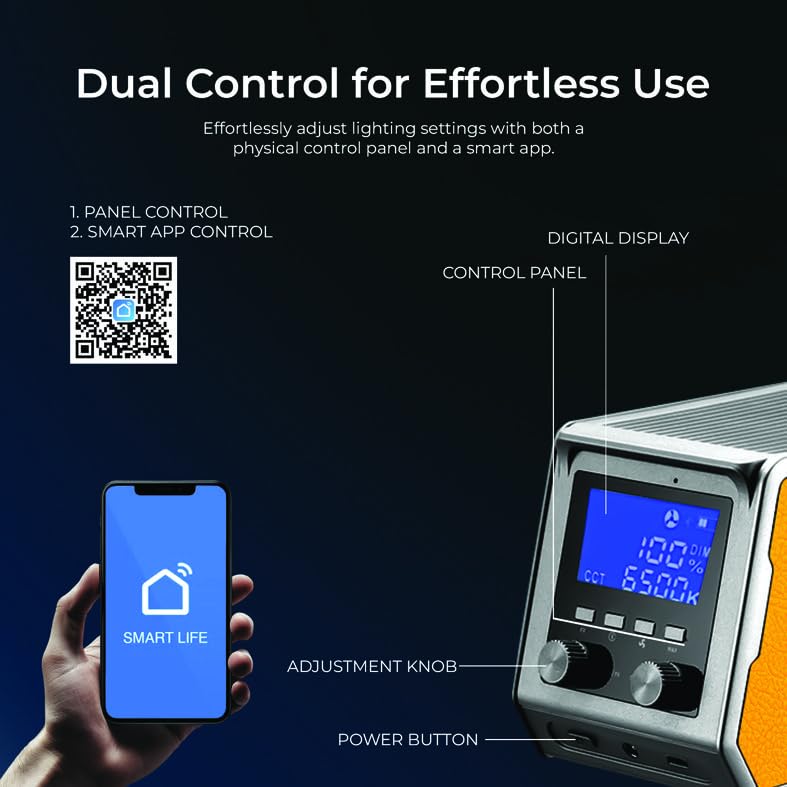
Image: The physical control panel with digital display, adjustment knobs, and power button, alongside a smartphone displaying the 'Smart Life' app for remote control.
1. Panel Control
The integrated control panel allows direct adjustment of settings:
- Digital skærm: Shows current settings such as brightness, color temperature, and FX mode.
- Justeringsknapper: Rotate to modify parameters like brightness, color temperature, hue, and saturation. Press the knobs to confirm selections or switch between modes.
- Power knap: Press and hold to power on/off. Short press may cycle through modes or confirm settings.
2. Smart app-styring
Control the light remotely using the 'Smart Life' application on your smartphone.
- Download the 'Smart Life' app from your device's app store or scan the QR code provided in the product packaging or on the product image. You can also find it her.
- Follow the in-app instructions to pair your DIGITEK DCL-60W RGB light.
- Once connected, you can adjust all light parameters, including brightness, color temperature, RGB values, and FX modes, directly from your smartphone.
Justering af lysstyrke
Adjust the light intensity from 0% to 100% using the adjustment knob on the control panel or via the Smart App. Rotate clockwise to increase brightness, counter-clockwise to decrease.
Farvetemperaturjustering
Modify the color temperature between 2500K (warm) and 9900K (cool) to match ambient lighting or achieve desired creative effects. Use the dedicated knob or app interface.
RGB & Dynamic FX Modes
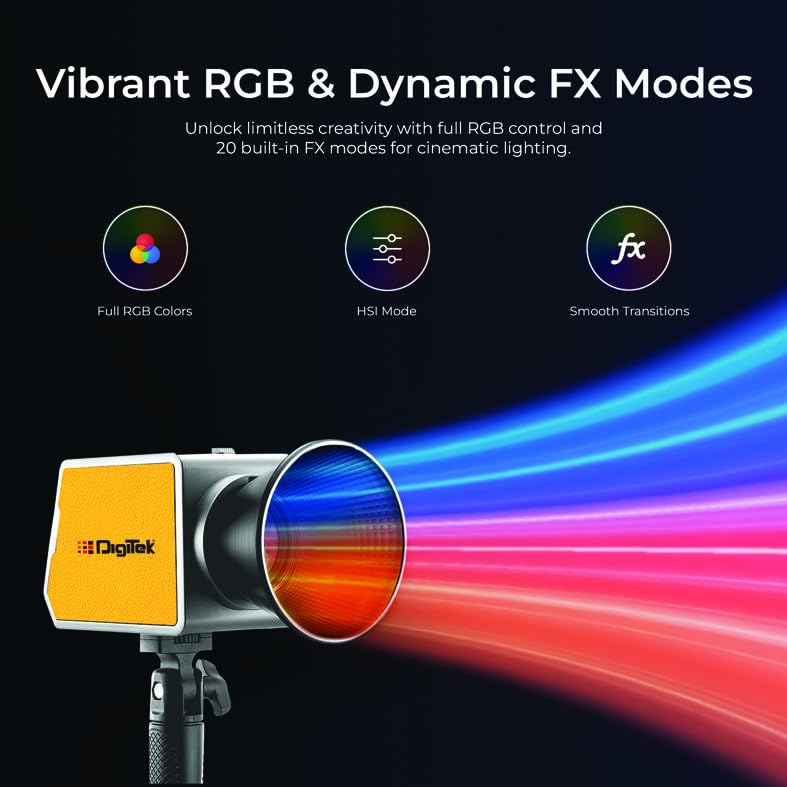
Image: The DIGITEK DCL-60W RGB LED Light showcasing its ability to produce a wide spectrum of colors, highlighting its Full RGB, HSI Mode, and Smooth Transitions capabilities.
The DCL-60W RGB offers full RGB control and 21 built-in special effects modes:
- Full RGB Colors: Access a full spectrum of colors with 360° hue and saturation control.
- HSI tilstand: Adjust Hue, Saturation, and Intensity independently for precise color mixing.
- FX Modes: Select from 21 pre-programmed effects such as Flash, TV screen, Candle, Police, Ambulance, Fire truck, Strobe Lights (1, 2, 3), Chase (slow, mid, fast), Firework (1, 2, 3), Club (1, 2), and Romantic. Navigate these modes using the control panel or the Smart App.
Batterioplysninger
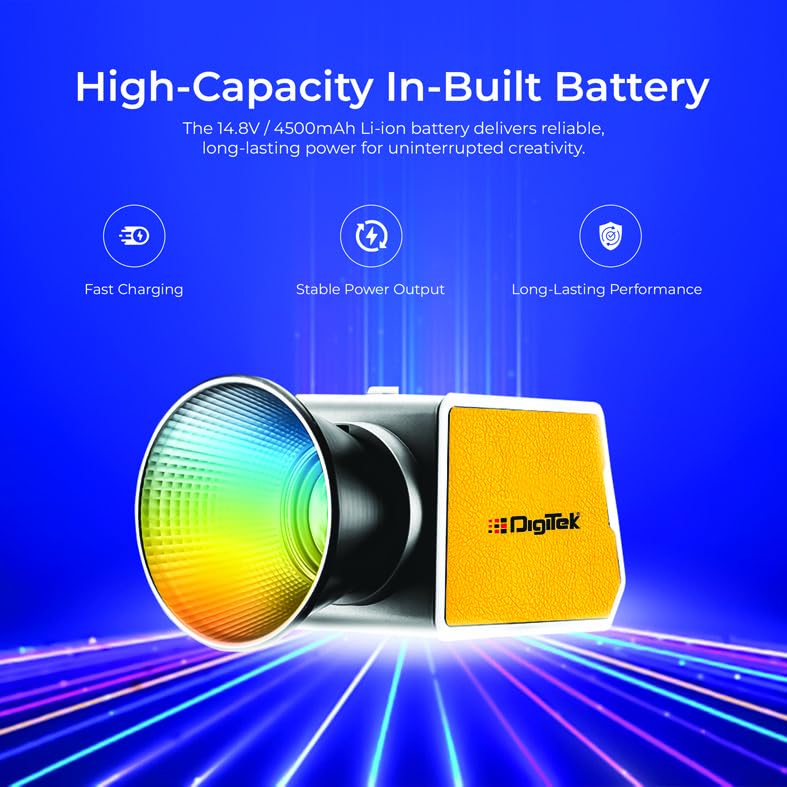
Image: The DIGITEK DCL-60W RGB LED Light emphasizing its high-capacity in-built battery features: Fast Charging, Stable Power Output, and Long-Lasting Performance.
The DCL-60W RGB is equipped with a 14.8V / 4500mAh Li-ion battery, providing approximately 1 hour of continuous operation at full power. For optimal battery life and performance:
- Oplad batteriet helt inden første brug.
- Use the provided Type-C cable and a compatible power adapter for charging.
- Undgå at aflade batteriet helt regelmæssigt for at forlænge dets levetid.
- Store the device with a partial charge if not used for extended periods.
Opretholdelse
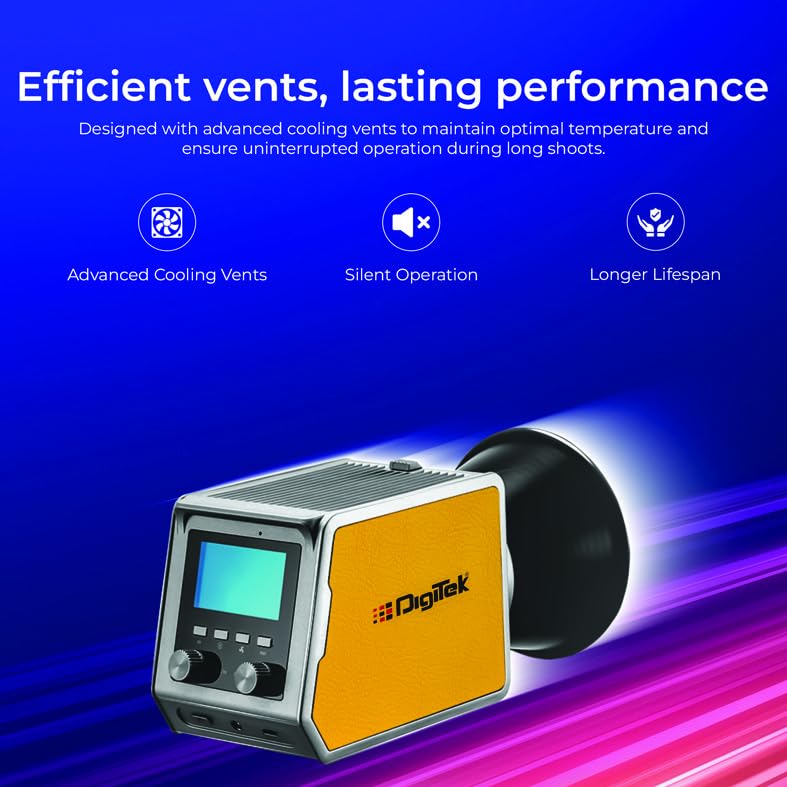
Image: The rear of the DIGITEK DCL-60W RGB LED Light, highlighting its advanced cooling vents for efficient heat dissipation, contributing to silent operation and a longer product lifespan.
- Rensning: Use a soft, dry cloth to clean the exterior of the light. Do not use liquid cleaners or solvents.
- Opbevaring: Store the light in a cool, dry place, away from direct sunlight and extreme temperatures. Use the provided carry case for protection during transport and storage.
- Ventilation: Ensure the cooling vents are not obstructed during operation to maintain optimal temperature and prevent overheating.
- Vandtæthed: This product is not water resistant. Avoid exposure to moisture or rain.
Fejlfinding
| Problem | Mulig årsag | Løsning |
|---|---|---|
| Lyset tænder ikke | Lavt batteri eller ingen strømforbindelse | Charge the battery or connect to external power. Ensure power button is pressed and held. |
| App kontrol virker ikke | Bluetooth/Wi-Fi not enabled, app not paired, or interference | Ensure Bluetooth/Wi-Fi is on. Re-pair the device in the Smart Life app. Check for app updates. |
| Lysudgangen er svag | Brightness set too low, or battery low | Increase brightness via panel or app. Charge the battery. |
| Overophedning | Obstructed vents or prolonged use in high temperatures | Ensure vents are clear. Allow the unit to cool down. Operate in a well-ventilated area. |
Specifikationer
| Feature | Detalje |
|---|---|
| Model | DCL-60W RGB |
| Strømudgang | 60W |
| Farvetemperatur | 2500K-9900K |
| CRI | 97+ |
| Justering af lysstyrke | 0-100 % |
| FX-tilstande | 21 Creative RGB Effects |
| Batteri | 14.8V / 4500mAh Li-ion (Built-in) |
| Batterilevetid (fuld effekt) | Ca. 1 time |
| Forbindelse | USB (for charging), App Control |
| Monteringstype | Mini Bowen Mount |
| Produktdimensioner | 26L x 19W x 34H Centimeter |
| Varens vægt | 800 gram |
| Oprindelsesland | Kina |
Garanti og support
This DIGITEK DCL-60W RGB Continuous LED Light comes with a 6 Months Carry-in Warranty fra købsdatoen. Gem venligst din købskvittering som garantibevis.
For teknisk support, service eller garantikrav, kontakt venligst:
- Customer Care Toll-Free Number: 1800-123-544-444
- Kundeservice e-mail: support@digitek.net.in
- Producent / importør: IMS Mercantiles Pvt. Ltd.
Please note that the warranty does not cover damage caused by misuse, unauthorized repairs, accidents, or normal wear and tear.