
1. Sikkerhedsoplysninger
Please read all safety instructions carefully before using the Portronics Mopcop handheld vacuum cleaner. Retain this manual for future reference.
- Do not immerse the vacuum cleaner, charging cable, or adapter in water or other liquids.
- Hold enheden væk fra børn og kæledyr.
- Støvsug ikke brandfarlige eller brændbare materialer, varm aske eller skarpe genstande.
- Brug kun det medfølgende opladningskabel og adapter.
- Brug ikke støvsugeren, hvis den er beskadiget eller ikke fungerer korrekt.
- Ensure the HEPA filter is properly installed before use.
- Undgå at udsætte batteriet for ekstreme temperaturer eller direkte sollys.
2. Produktet er slutview
The Portronics Mopcop is a versatile, rechargeable handheld vacuum cleaner designed for efficient cleaning in both home and car environments. Its cordless design, powerful suction, and multi-function nozzles make it ideal for various cleaning tasks.
Inkluderede komponenter:
- Portronics Mopcop Handheld Vacuum Cleaner
- Vaskbart HEPA-filter (forinstalleret)
- Sugemundstykke med bred mund
- Long Mouth Suction Nozzle
- Flexible Hose Suction Nozzle
- Brush Mouth Suction Nozzle
- Ladekabel

Image: Portronics Mopcop handheld vacuum cleaner shown with its various attachments and the HEPA filter.
3. Opsætning
3.1 Charging the Vacuum Cleaner
Before first use, fully charge the vacuum cleaner. The device features a powerful rechargeable battery for cordless operation.
- Tilslut opladningskablet til opladningsporten på støvsugeren.
- Plug the other end of the charging cable into a suitable power source (e.g., wall adapter, car charger).
- Opladningsindikatorlampen lyser. Når den er fuldt opladet, kan lampen skifte farve eller slukke, afhængigt af modellen.
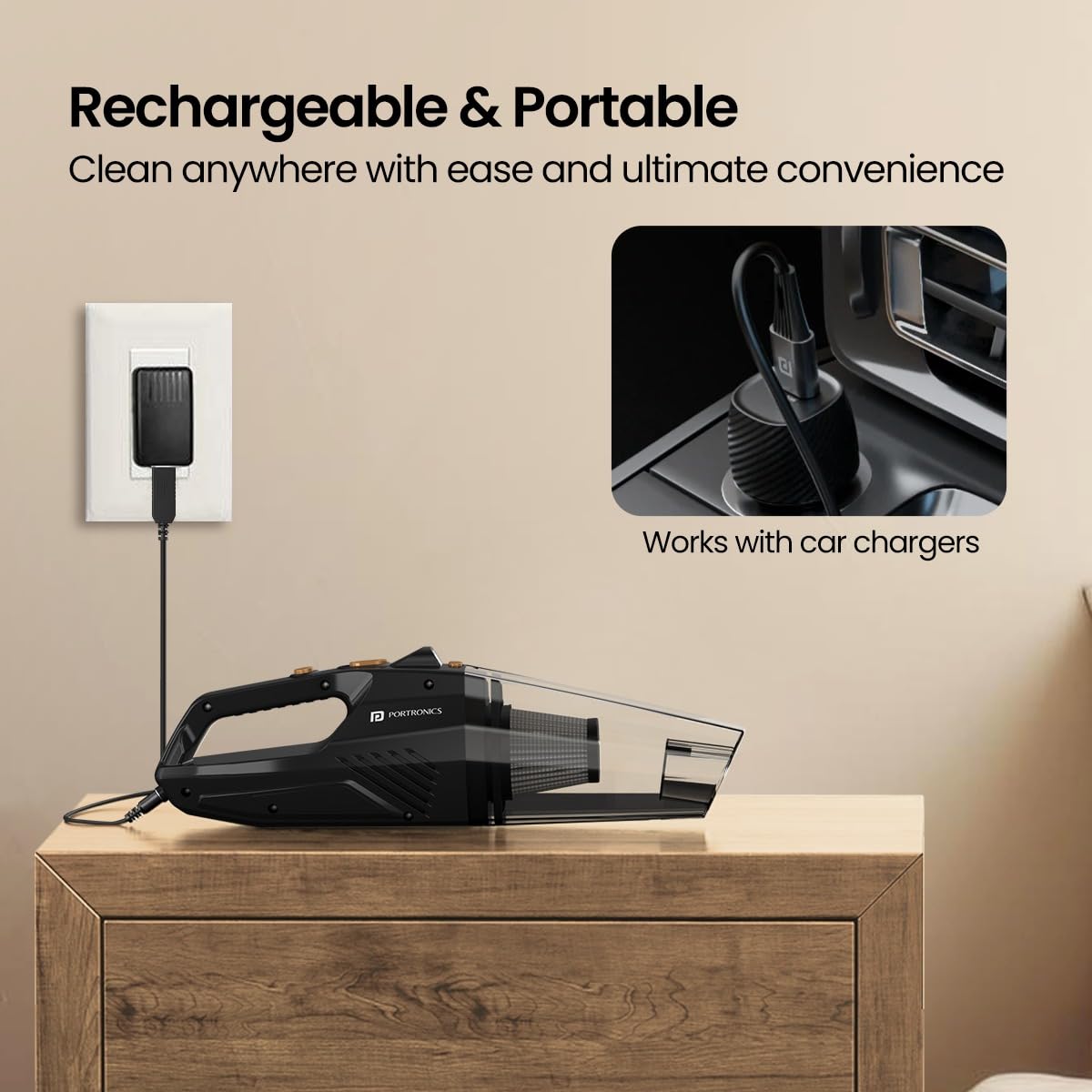
Image: The Portronics Mopcop vacuum cleaner connected to a wall charger and an illustration of it being compatible with car chargers.
3.2 Montering af dyser
Select the appropriate nozzle for your cleaning task and attach it firmly to the suction inlet of the vacuum cleaner.

Image: A visual guide to the four included nozzles: Wide Mouth, Long Mouth, Flexible Hose, and Brush Mouth Suction Nozzles, with their recommended uses.
4. Betjeningsvejledning
4.1 Tænd/sluk
Press the power button located on the handle to turn the vacuum cleaner on. Press it again to turn the device off.
4.2 Brug af dyserne
- Wide Mouth Suction Nozzle: Ideal for cleaning larger surfaces like carpets, floors, and car mats.
- Long Mouth Suction Nozzle: Designed for reaching narrow gaps and crevices, such as between sofa cushions or car seats.
- Flexible Hose Suction Nozzle: Provides extended reach for cleaning under furniture, beds, or other hard-to-access areas.
- Brush Mouth Suction Nozzle: Suitable for delicate surfaces and for dislodging dust from keyboards, dashboards, or upholstery.

Image: The Portronics Mopcop vacuum cleaner being used to clean the interior of a car, demonstrating its portable and sleek design.
4.3 Brug af den indbyggede lommelygte
The integrated LED flashlight helps illuminate dark areas, ensuring thorough cleaning under seats, in corners, or other poorly lit spaces. Activate the flashlight by pressing its dedicated button.

Image: The vacuum cleaner's built-in flashlight is shown in action, brightening a dark area of a car's interior for effective cleaning.
4.4 Kraftig sugeevne
The Mopcop delivers strong suction power to effectively pick up dust particles, pet hairs, and other debris from various surfaces.

Image: The vacuum cleaner actively removing debris from a sofa, illustrating its strong suction capability.
4.5 Produktdemonstrationsvideo
Video: A brief demonstration of the Portronics Mopcop handheld vacuum cleaner in use, showcasing its features like powerful suction, various nozzles, and ease of cleaning.
5. Vedligeholdelse
Regular maintenance ensures optimal performance and extends the lifespan of your Portronics Mopcop vacuum cleaner.
5.1 Tømning af støvbeholderen
Empty the dust container regularly, especially when it appears full, to maintain strong suction power.
- Sørg for, at støvsugeren er slukket.
- Detach the dust container from the main body of the vacuum cleaner.
- Tøm forsigtigt det opsamlede affald i en skraldespand.
- Reattach the dust container securely.
5.2 Rengøring af HEPA-filteret
The Mopcop features a washable and reusable HEPA filter. Clean it regularly to prevent clogging and maintain filtration efficiency.
- Fjern HEPA-filteret fra støvbeholderen.
- Rinse the filter under running water until it is clean. Do not use detergents or hot water.
- Allow the filter to air dry completely before reinserting it into the vacuum cleaner. Ensure it is fully dry to prevent damage to the motor.
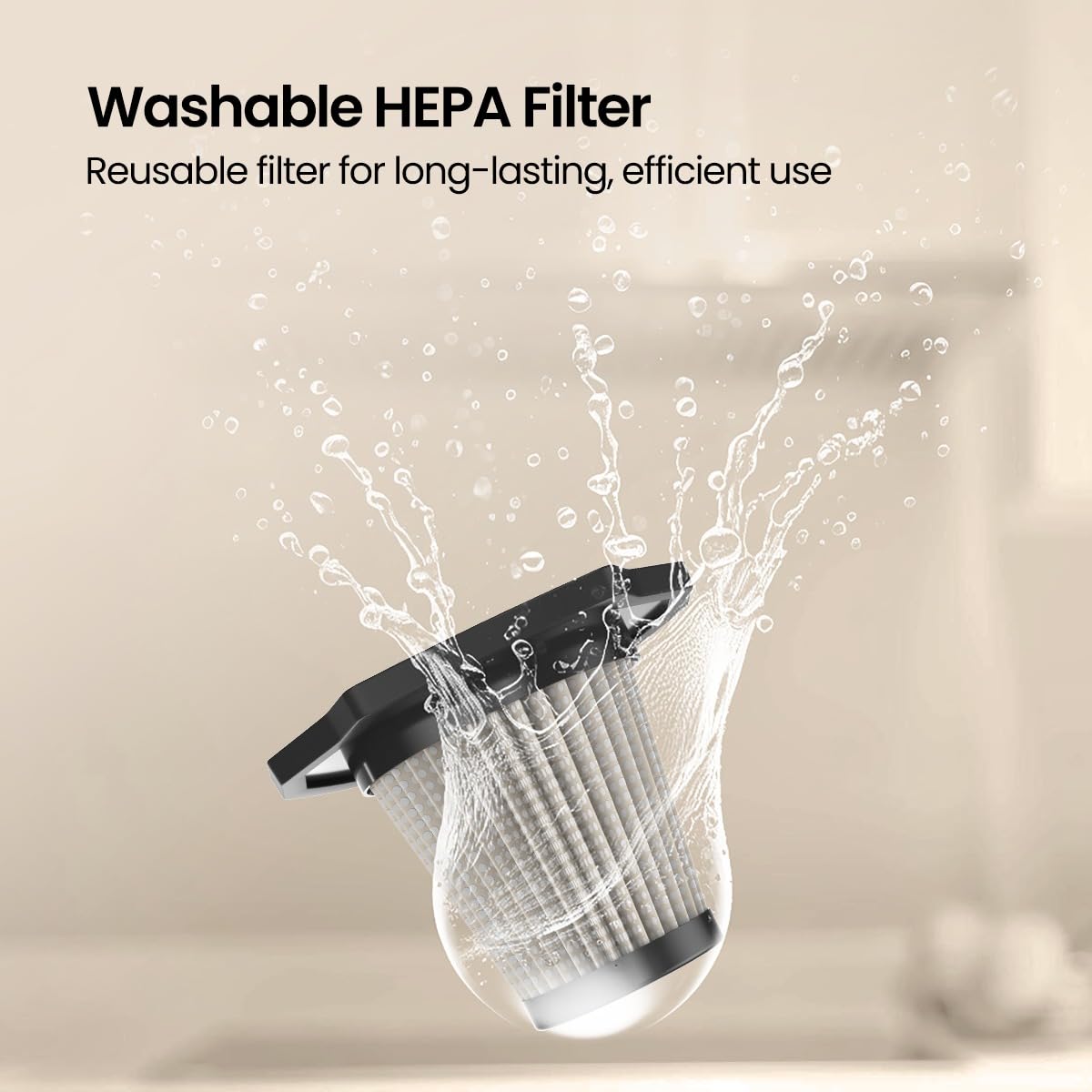
Image: A hand rinsing the washable HEPA filter under a faucet, demonstrating the ease of cleaning for long-lasting performance.
6. Fejlfinding
If you encounter any issues with your Portronics Mopcop, refer to the following common problems and solutions:
| Problem | Mulig årsag | Løsning |
|---|---|---|
| Støvsugeren tænder ikke. | Batteriet er afladet. | Oplad støvsugeren helt. |
| Lav sugeevne. | Støvbeholderen er fuld. | Tøm støvbeholderen. |
| Lav sugeevne. | HEPA-filteret er tilstoppet. | Rengør eller udskift HEPA-filteret. |
| Lav sugeevne. | Dysen eller sugeindløbet er blokeret. | Remove any obstructions from the nozzle or inlet. |
| Ladeindikatoren virker ikke. | Opladningskablet eller adapteren er defekt. | Prøv et andet opladningskabel eller en anden adapter. Sørg for, at forbindelserne er sikre. |
7. Specifikationer
- Modelnavn: Mopcop
- Varemodelnummer: POR-2573
- Mærke: Portronics
- Formfaktor: Håndholdt
- Farve: Sort
- Materiale: ABS plast
- Strømkilde: Batteridrevet
- Is It Cordless?: Ja
- Wattage: 120 watt
- Voltage: 12 volt
- Filtertype: HEPA-filter (vaskbart)
- Produktdimensioner: 10L x 10W x 35H Centimeter
- Varens vægt: 400 gram
- Batterier: 1 CR5 batterier påkrævet (medfølger)
- Særlige funktioner: HEPA, Portable, Built-in Flashlight
8. Garanti og support
Portronics products are designed for reliability and performance. For warranty information and customer support, please refer to the official Portronics webhjemmeside eller kontakt deres kundeservice direkte.
- Fabrikant: Portronics Digital Pvt Ltd
- Kontakt email: help@portronics.com
- Kontakt telefon: +91 9555-245-245
- Producentens adresse: Første sal, ejendom nr. D 8, øvre kælder, sektor 8, Noida, Uttar Pradesh 201301
Please keep your purchase receipt as proof of purchase for warranty claims.