
1. Introduktion
Tak for købetasing the Jazmm CD-W16 Boombox CD Cassette Player. This device offers multiple audio playback options including CD, cassette, FM radio, Bluetooth, USB, TF card, and AUX-IN. It features a built-in rechargeable battery for portable use and comes with a remote control for convenience. Please read this manual thoroughly to understand the proper operation and care of your new device.

Figur 1.1: Jazmm CD-W16 Boombox with remote control and a visual indicator of its 5000mAh rechargeable battery.
2. Vigtige sikkerhedsinstruktioner
For at sikre sikker drift og forhindre skader, bedes du overholde følgende forholdsregler:
- Udsæt ikke enheden for regn eller fugt for at forhindre brand eller elektrisk stød.
- Bloker ikke ventilationsåbninger. Installer i overensstemmelse med producentens anvisninger.
- Må ikke installeres i nærheden af varmekilder såsom radiatorer, varmeapparater, komfurer eller andre apparater (inklusive ampløftere), der producerer varme.
- Beskyt netledningen mod at blive trådt på eller klemt, især ved stik, stikkontakter og det sted, hvor de kommer ud af apparatet.
- Brug kun tilbehør/tilbehør specificeret af producenten.
- Træk stikket ud af dette apparat under tordenvejr, eller når det ikke skal bruges i længere perioder.
- Overlad al service til kvalificeret servicepersonale. Service er påkrævet, når apparatet er blevet beskadiget på nogen måde.
- Åbn ikke c'enasing. Der er ingen dele indeni, som kan serviceres af brugeren.
3. Produktet er slutview og komponenter
The Jazmm CD-W16 is a versatile audio system designed for various playback needs. It integrates multiple functions into a single portable unit.
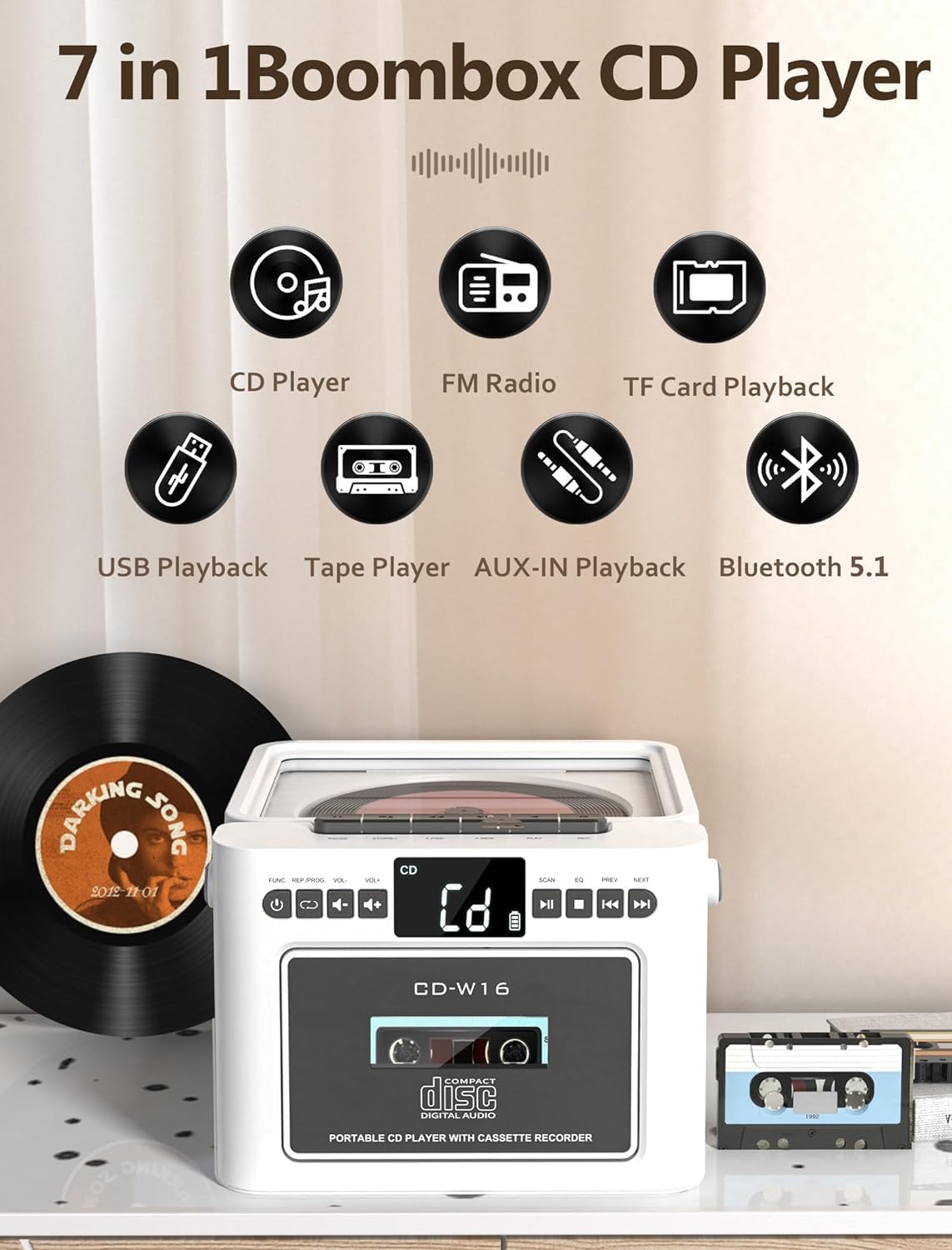
Figur 3.1: Overview of the 7-in-1 functions: CD Player, FM Radio, TF Card Playback, USB Playback, Tape Player, AUX-IN Playback, and Bluetooth 5.1.
3.1 Betjeningselementer på frontpanelet
- TÆND/TILSTAND-knap: Turns the unit on/off and switches between modes (CD, Tape, FM, Bluetooth, USB, TF, AUX).
- LYDSTYRKE +/- knapper: Justerer lydudgangsniveauet.
- PLAY/PAUSE knap: Starter eller sætter afspilning på pause.
- STOP knap: Stopper afspilning.
- SKIP/SEARCH Buttons (PREV/NEXT): Springer over spor eller søger inden for et spor.
- SCAN knap: For FM radio auto-scanning.
- EQ knap: Skifter gennem equalizer-forudindstillinger.
- CD-rum: Til isætning af cd'er.
- Kassetterum: Til isætning af lydkassettebånd.
3.2 Rear/Side Panel Connections
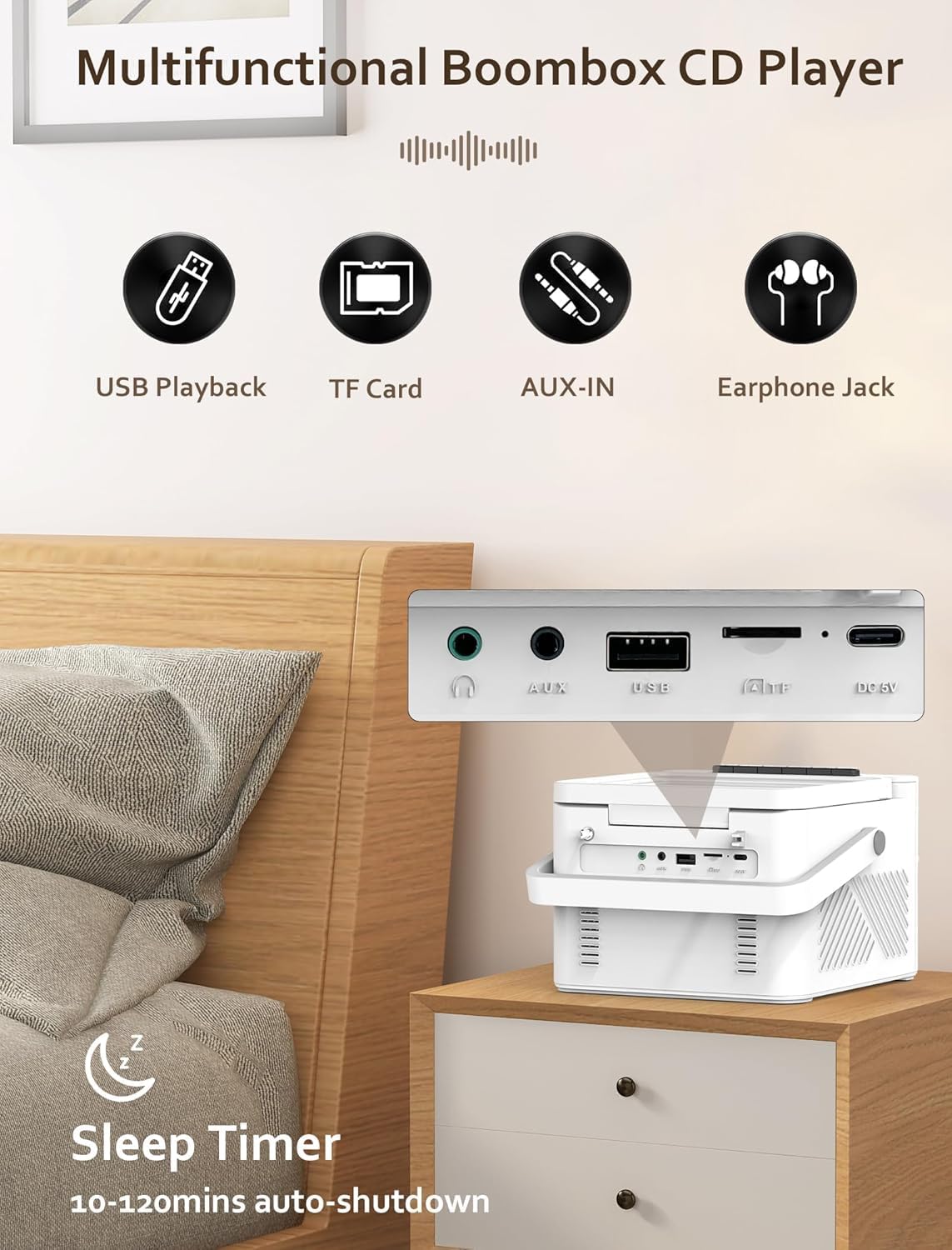
Figur 3.2: Bag view displaying the USB port, TF card slot, AUX-IN jack, and DC 5V charging port. Also shows the 3.5mm headphone jack on the side.
- USB-port: Til afspilning fra USB-flashdrev.
- TF-kortslot: Til afspilning af Micro SD-kort.
- AUX-IN stik: Til tilslutning af eksterne lydenheder.
- DC 5V indgang: Type-C-port til opladning af det interne batteri.
- 3.5 mm hovedtelefonstik: Til privat lytning.
- FM-antenne: Udtrækkelig antenne til radiomodtagelse.
3.3 Fjernbetjening
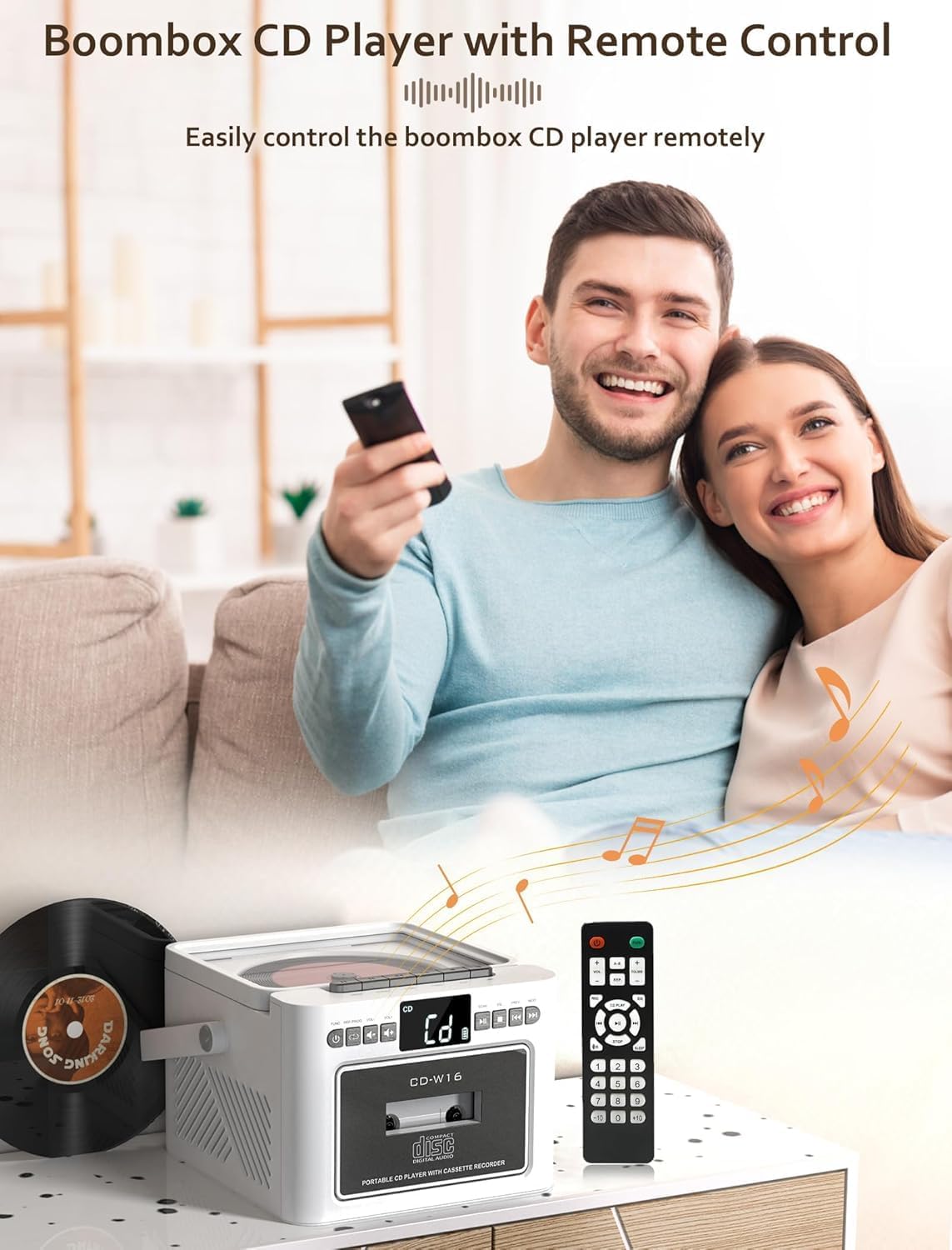
Figur 3.3: The Jazmm CD-W16 Boombox shown with its included remote control, enabling convenient operation from a distance.
The remote control allows for convenient operation of all major functions from a distance. Ensure the remote control's line of sight to the boombox is clear for optimal performance.
4. Opsætning
4.1 Strømforsyning til enheden
The Jazmm CD-W16 can be powered by its internal rechargeable battery or via a Type-C 5V/2A power adapter.

Figur 4.1: The 5000mAh rechargeable battery can be charged using a Type-C 5V adapter, power bank, or car charger.
- Indledende opkrævning: Before first use, fully charge the boombox for approximately 5-8 hours. Connect the provided Type-C cable to the DC 5V input on the unit and the other end to a compatible USB power adapter (not included).
- Batterilevetid: A full charge provides approximately 5-8 hours of playback, depending on volume and mode.
- Tænd/sluk: Tryk og hold på POWER / MODE knappen for at tænde eller slukke for enheden.
4.2 Extending the FM Antenna
For optimal FM radio reception, fully extend the telescopic antenna located on the rear of the unit.
5. Betjening
5.1 Skift tilstande
Tryk på POWER / MODE button repeatedly to cycle through the available playback modes: CD, TAPE, FM, BT (Bluetooth), USB, TF, AUX-IN.
5.2 CD-afspilning
- Åbn låget til cd-rummet.
- Place a CD (CD/CDR/CDRW/MP3/WMA format) onto the spindle with the label side facing up.
- Luk låget til cd-rummet ordentligt.
- Tryk på POWER / MODE knappen, indtil "CD"-tilstand er valgt.
- CD'en begynder at afspille automatisk. Hvis ikke, tryk på AFSPIL/PAUSE knap.
- Bruge FORRIGE NÆSTE buttons to skip tracks. Press and hold to fast forward/rewind.
- Trykke STOP for at stoppe afspilningen.
5.2.1 CD Repeat and Program Functions
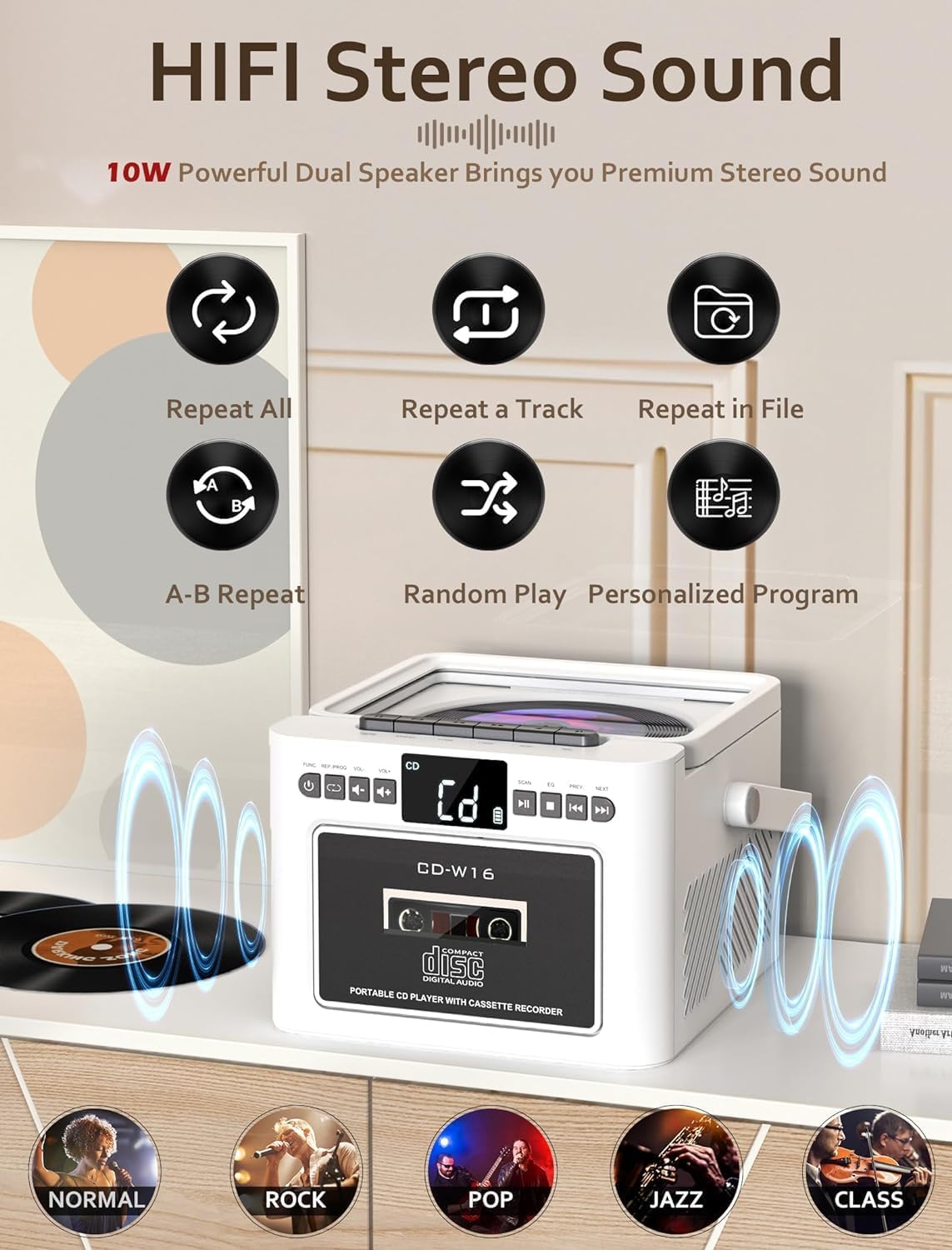
Figur 5.1: Icons representing repeat all, repeat a track, repeat in file, A-B repeat, random play, and personalized program functions for CD playback.
- Gentage: Press the repeat button on the remote to cycle through repeat modes (e.g., repeat one, repeat all).
- Program: In STOP mode, press the PROGRAM button on the remote to select tracks for programmed playback.
5.3 Kassetteafspilning og -optagelse

Figur 5.2: The Jazmm CD-W16 Boombox with a cassette tape inserted, highlighting its capability for both cassette playback and recording.
- Åbn døren til kassetterummet.
- Indsæt et kassettebånd.
- Luk døren til kassetterummet.
- Tryk på POWER / MODE button until "TAPE" mode is selected.
- Tryk på SPIL button on the unit to start playback.
- Indspilning: To record, insert a blank cassette tape. Select the desired source (e.g., FM radio, CD, Bluetooth). Press the OPTAGE button (usually red) on the unit. The unit will record the audio from the selected source onto the cassette.
5.4 FM-radiofunktion

Figur 5.3: The Jazmm CD-W16 Boombox tuned to an FM frequency (87.5 MHz), with its telescopic antenna extended for improved reception.
- Træk FM-antennen helt ud.
- Tryk på POWER / MODE knappen, indtil "FM"-tilstand er valgt.
- Automatisk scanning: Tryk på SCAN button to automatically search and save available FM stations (up to 30 presets).
- Manuel indstilling: Brug FORRIGE NÆSTE buttons to manually tune to desired frequencies or cycle through saved presets.
5.5 Bluetooth (BT) Playback and Transmission
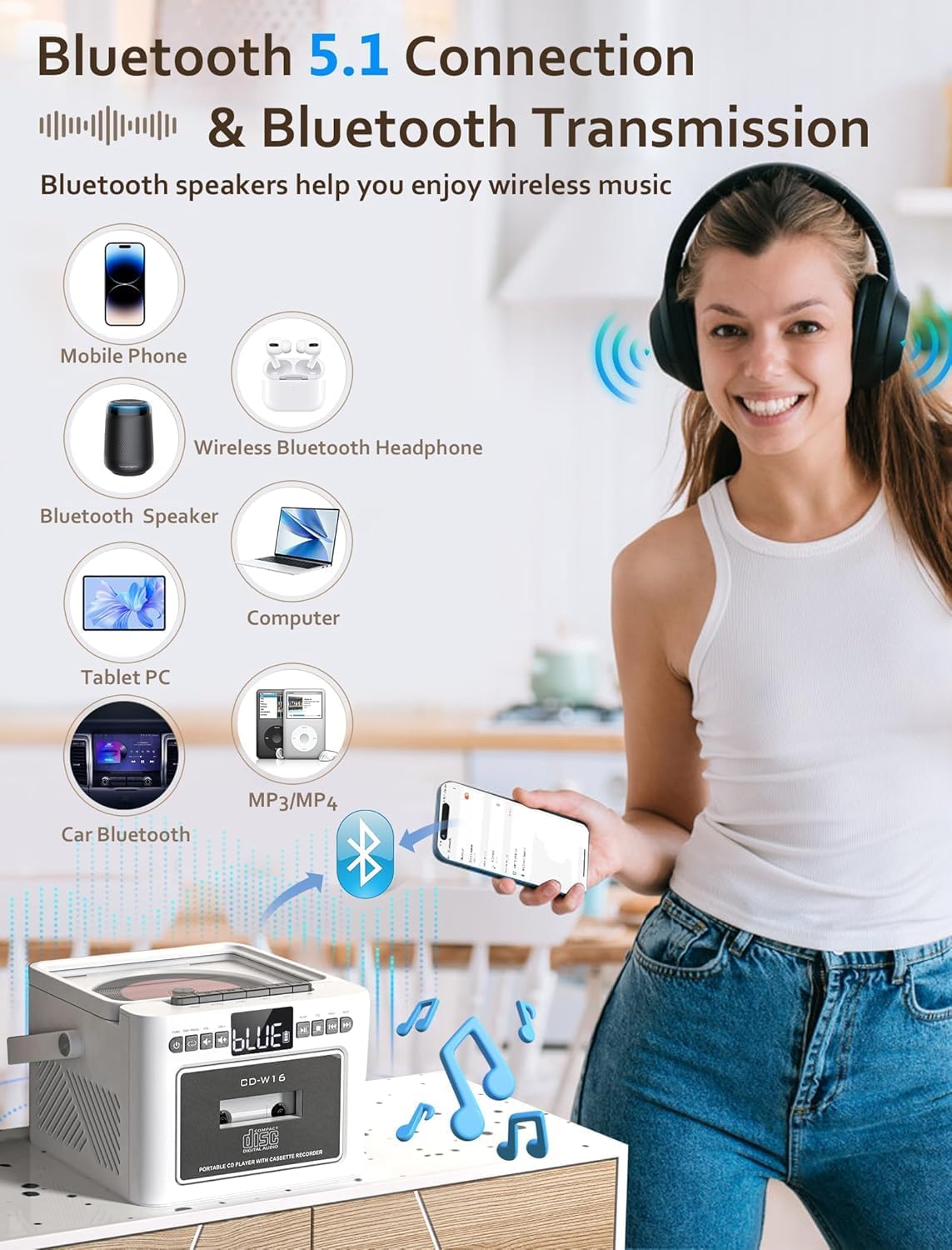
Figur 5.4: The boombox can connect to mobile phones, tablets, and computers as a Bluetooth speaker, and also transmit audio to Bluetooth headphones or other Bluetooth speakers.
- Tryk på POWER / MODE button until "BT" mode is selected. The display will show "BT" and a pairing indicator will flash.
- Receiving (Bluetooth Speaker Mode): On your external device (e.g., smartphone, tablet), enable Bluetooth and search for "CD-W16". Select it to pair. Once connected, you can play audio from your device through the boombox.
- Transmitting (Bluetooth Transmitter Mode): To transmit audio from the boombox (e.g., CD, FM) to Bluetooth headphones or another Bluetooth speaker, ensure the receiving device is in pairing mode. The boombox will automatically search for and connect to nearby Bluetooth audio receivers.
5.6 USB/TF-kortafspilning
- Insert a USB flash drive into the USB port or a TF (Micro SD) card into the TF card slot.
- Tryk på POWER / MODE knappen, indtil "USB"- eller "TF"-tilstand er valgt.
- Enheden vil automatisk registrere og begynde at afspille kompatibel lyd. files (MP3/WMA).
- Bruge FORRIGE NÆSTE knapper til at springe spor over.
5.7 AUX-IN Playback
- Tilslut den ene ende af et 3.5 mm lydkabel (medfølger ikke) til AUX-IN-stikket på boomboxen.
- Connect the other end to the headphone jack or audio output of an external audio device (e.g., MP3 player, smartphone).
- Tryk på POWER / MODE knappen, indtil "AUX"-tilstand er valgt.
- Styr afspilning og lydstyrke fra din eksterne enhed.
5.8 Brug af hovedtelefoner
Plug 3.5mm headphones into the headphone jack on the side of the unit for private listening. The main speakers will be muted automatically.
5.9 Equalizer (EQ) indstillinger
Tryk på EQ button on the unit or remote control to cycle through different sound presets: NORMAL, ROCK, POP, JAZZ, CLASS.
5.10 Sleep Timer
The unit features a sleep timer function, allowing it to automatically shut down after a set period (10-120 minutes). Refer to the remote control instructions for setting the sleep timer.
6. Vedligeholdelse
6.1 Rengøring af enheden
- Tør enhedens yderside af med en blød, tør klud.
- Brug ikke slibende rengøringsmidler, voks eller opløsningsmidler, da de kan beskadige finishen.
- Brug en specialiseret CD-linserenser til CD-linser.
- Brug en vatpind let til at dyppe kassettehovedetampafsluttet med isopropylalkohol.
6.2 Pleje af batterier
- For at forlænge batteriets levetid bør du undgå at aflade batteriet helt ofte.
- If the unit will not be used for an extended period, charge it fully and then store it in a cool, dry place. Recharge every 3-6 months to prevent deep discharge.
7. Fejlfinding
| Problem | Mulig årsag | Løsning |
|---|---|---|
| Enheden tænder ikke. | Battery is depleted. Power adapter not connected or faulty. | Connect the unit to a power source and charge the battery. Ensure the power adapter is working correctly. |
| Ingen lyd fra højttalere. | Volume is too low. Headphones are connected. Incorrect mode selected. | Increase the volume. Disconnect headphones. Ensure the correct playback mode is selected. |
| CD'en afspiller ikke eller springer over. | CD is dirty or scratched. CD is inserted incorrectly. CD compartment lid is not closed. | Clean the CD with a soft cloth. Insert the CD with the label side up. Close the CD compartment lid firmly. |
| Dårlig FM-radiomodtagelse. | Antenna not extended. Weak signal in the area. | Fully extend the telescopic antenna. Try repositioning the unit for better reception. |
| Bluetooth-enheden kan ikke parres. | Boombox not in Bluetooth pairing mode. Device too far away. Bluetooth on external device is off. | Ensure the boombox is in BT mode and flashing. Move the device closer. Enable Bluetooth on your external device. |
| Cassette tape not playing. | Tape inserted incorrectly. Play button not pressed. | Ensure the tape is inserted correctly. Press the PLAY button. |
| Fjernbetjening virker ikke. | Batteries are depleted. Obstruction between remote and unit. | Replace remote control batteries. Ensure clear line of sight to the unit's sensor. |
8. Specifikationer
- Model: CD-W16
- Strømindgang: DC 5V/2A (Type-C)
- Batteri: Indbygget 5000mAh genopladeligt batteri
- Afspilningstilstande: CD, Cassette, FM Radio, Bluetooth 5.1, USB, TF Card, AUX-IN
- Højttaler output: 2 x 5W (10W total) HiFi Stereo
- FM-frekvensområde: 87.5 - 108 MHz
- Bluetooth version: 5.1 (Transmitting & Receiving)
- Understøttede diskformater: CD, CDR, CDRW, MP3, WMA
- Supported USB/TF Formats: MP3, WMA
- Hovedtelefonstik: 3.5mm stereo
- Fjernbetjening afstand: Op til 7 meter (sigtelinje)
- Dimensioner (L x B x H): Approximately 7.56 x 61.92 x 7.56 inches (Note: 61.92 inches seems unusually large for width, please verify product dimensions if possible.)
9. Garanti og support
Jazmm offers a lifetime warranty for the CD-W16 Boombox. For any questions, technical assistance, or warranty claims, please contact our customer service team. We provide 24/7 world-class customer support to ensure your satisfaction.
Please refer to the contact information provided with your purchase or visit the official Jazmm webwebsted for supportdetaljer.