
ANFIER M3
ANFIER M3 Translator Earbuds Instruction Manual
Model: M3
1. Introduktion
The ANFIER M3 Translator Earbuds are designed to facilitate seamless communication across various languages. These earbuds offer real-time translation, audio playback, and call functionality, making them a versatile tool for travel, business, and daily interactions. This manual provides detailed instructions for optimal use and maintenance of your device.

Billede 1.1: ANFIER M3 Translator Earbuds and their charging case. The earbuds are black with "Translator" printed on them, and the charging case is also black with a textured finish.
2. Pakkens indhold
Bekræft at alle varer er til stede i din pakke:
- ANFIER M3 Translator Earbuds (Left and Right)
- Opladningsetui
- USB-opladerkabel (Type-C)
- Flere størrelser ørepropper (typisk S, M, L)
- Brugervejledning (dette dokument)

Billede 2.1: The retail packaging for the ANFIER M3 Translator Earbuds, displaying product information and specifications.
3. Opsætning
3.1 Opladning af øretelefoner og etuiet
Oplad ørepropperne og opladningsetuiet helt inden første brug.
- Placer ørepropperne i opladningsetuiet. Sørg for, at de er korrekt isat.
- Tilslut USB Type-C-opladerkablet til opladningsporten på etuiet og til en strømkilde.
- The indicator lights on the case will show the charging status. A full charge typically takes approximately 90 minutes for the case.
- The earbuds provide up to 5 hours of continuous translation on a single charge, with the charging case extending total battery life to 15 hours.

Billede 3.1: Visual representation of the ANFIER M3 Translator Earbuds' battery life, showing 5 hours of continuous translation and 15 hours with the charging case, with a 90-minute full charge time via Type-C port.
3.2 Appinstallation og parring
The ANFIER M3 Translator Earbuds require a dedicated mobile application for full functionality.
- Download appen: Søg efter the official ANFIER translator application on your smartphone's app store (Google Play Store for Android or Apple App Store for iOS).
- Aktiver Bluetooth: Sørg for, at Bluetooth er aktiveret på din smartphone.
- Parring:
- Åbn opladningsetuiet. Ørepropperne går automatisk i parringstilstand.
- Open the ANFIER app on your smartphone.
- Follow the in-app instructions to connect the earbuds. The app will typically detect the earbuds and prompt you to pair.
- Once connected, the app will display a "device connected" status.

Billede 3.2: A smartphone displaying the ANFIER translator application interface, showing various translation modes like Touch Mode, Speaker Mode, Free Talk Mode, Offline Mode, and Photo Translation.
4. Betjeningsvejledning
4.1 Oversættelsestilstande
The ANFIER M3 offers five distinct translation modes, accessible via the companion app:
- Berøringstilstand: Ideal for one-on-one conversations. Each person wears an earbud. Tap your earbud to speak, and the translation will play in the other person's earbud.
- Højttalertilstand: Suitable for small groups. One person wears an earbud and speaks, while the translation is broadcast through the smartphone's speaker.
- Fri taletilstand: For natural, continuous conversation. Both participants speak freely, and the earbuds translate in real-time without requiring a tap.
- Offline-tilstand: Allows translation without an internet connection. This feature may require pre-downloaded language packages or specific product versions. (Note: This specific product variant does not include an offline package by default.)
- Fotooversættelse: Use your smartphone camera to translate text from images, signs, or documents.
The earbuds support translation for 144 languages and accents with up to 98% accuracy and a rapid response time of 0.5 seconds.

Billede 4.1: An infographic detailing the 74 languages and 70 accents supported by the ANFIER M3 Translator Earbuds.

Billede 4.2: A smartphone screen showing the photo translation feature, translating a "SPEED LIMIT 25" sign into another language.

Billede 4.3: A comparison chart illustrating the differences between the online and offline versions of the translator earbuds, detailing internet requirements, language support, and offline package access. This specific product is the "No Offline Package" variant.
4.2 Lydafspilning og opkald
Beyond translation, the ANFIER M3 earbuds function as standard Bluetooth earbuds for music and calls.
- Musikstreaming: Once paired, you can stream audio from your smartphone to the earbuds.
- Telefonopkald: Answer or make calls using the earbuds. The integrated microphones and noise reduction technology ensure clear communication.
- Støjreduktion: The earbuds feature high-precision ENC (Environmental Noise Cancellation) technology, reducing background noise by up to 35dB for clearer audio.
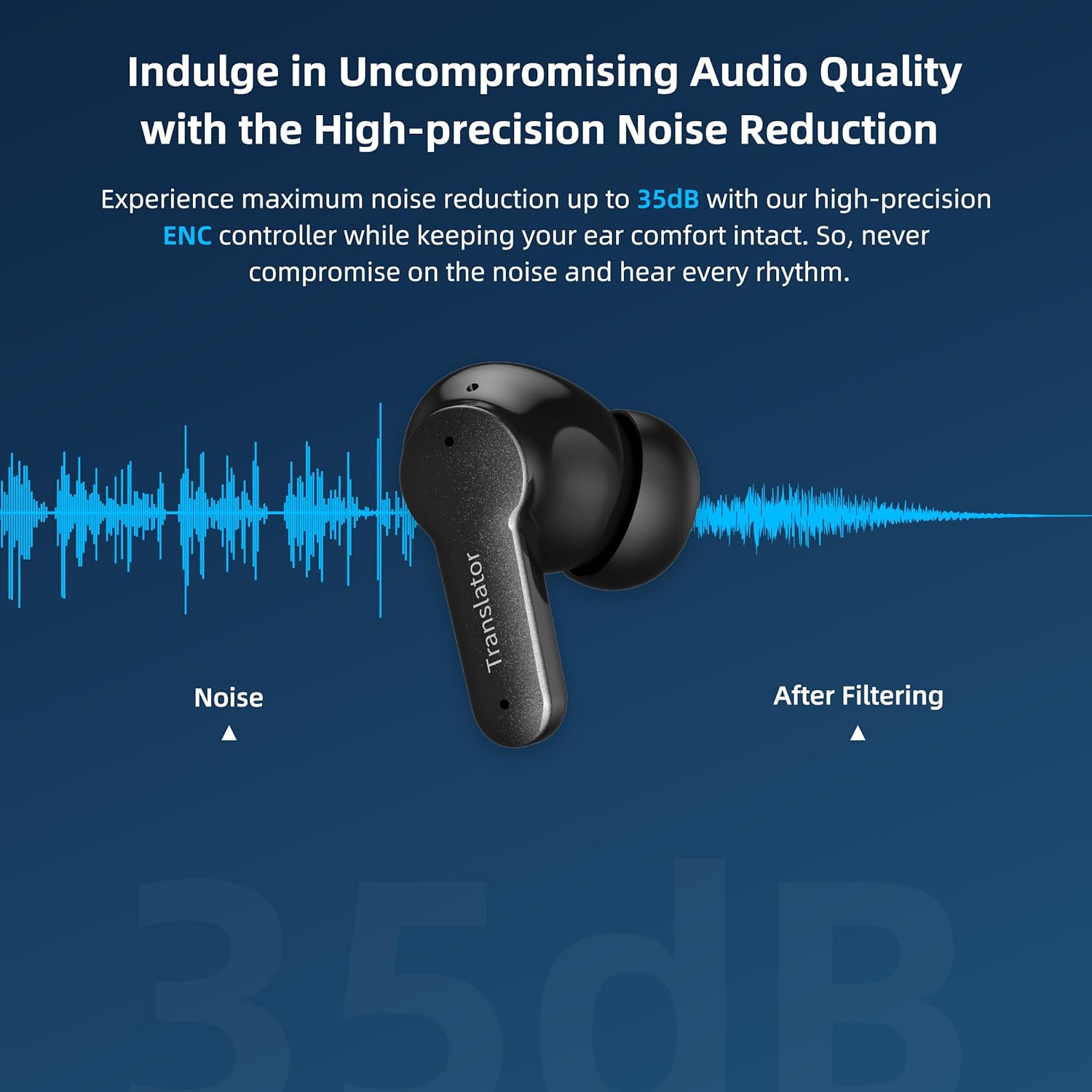
Billede 4.4: An ANFIER M3 earbud shown with a sound wave graphic, illustrating the effect of noise reduction technology.
5. Vedligeholdelse
Proper maintenance ensures the longevity and optimal performance of your ANFIER M3 Translator Earbuds.
- Rensning: Rengør regelmæssigt ørepropperne og opladningsetuiet med en blød, tør og fnugfri klud. Brug ikke slibende materialer eller barske kemikalier.
- Ørespidser: Fjern og rengør silikoneørepropperne med jævne mellemrum med mild sæbe og vand. Sørg for, at de er helt tørre, før du sætter dem på igen.
- Opbevaring: Når ørepropperne ikke er i brug, skal de opbevares i deres opladningsetui for at beskytte dem mod støv og skader.
- Undgå fugt: Keep the earbuds and case away from water and excessive humidity. They are not waterproof.
- Temperatur: Undgå at udsætte enheden for ekstreme temperaturer (varme eller kolde).
6. Fejlfinding
If you encounter issues with your ANFIER M3 Translator Earbuds, refer to the following common solutions:
| Problem | Mulig løsning |
|---|---|
| Earbuds not pairing/connecting to app. |
|
| Translation is delayed or inaccurate. |
|
| Ingen lyd fra ørepropper. |
|
| Ørepropperne frakobles ofte. |
|
7. Specifikationer
| Feature | Detalje |
|---|---|
| Modelnummer | M3 |
| Mærke | ANFIER |
| Pakkedimensioner | 4.88 x 4.17 x 1.65 tommer |
| Varens vægt | 7.4 ounce |
| Batterier | 1 lithium-ion batteri (medfølger) |
| Oversættelsesnøjagtighed | Op til 98 % |
| Svartid | 0.5 sekunder |
| Understøttede sprog | 144 languages and accents (online) |
| Kontinuerlig oversættelsestid | Op til 5 timer |
| Samlet batterilevetid (med etui) | Op til 15 timer |
| Opladningstid (etui) | Ca. 90 minutter |
| Støjreduktion | Up to 35dB ENC |
8. Garanti og support
For warranty information and customer support, please refer to the documentation included with your purchase or contact ANFIER directly through their official website or customer service channels. Protection plans offered by third parties are separate from the manufacturer's warranty.
Fabrikant: ANFIER
9. Sikkerhedsoplysninger
- Enheden må ikke skilles ad, repareres eller modificeres.
- Opbevares utilgængeligt for børn og kæledyr.
- Undgå langvarig eksponering for høje lydstyrker for at forhindre høreskader.
- Bortskaf batterier og elektroniske komponenter ansvarligt i henhold til lokale regler.
Ask a question about this manual
Ask about setup, troubleshooting, compatibility, parts, safety, or missing instructions. Manuals+ will review the question and use this page’s manual context to help answer it.