
1. Produktet er slutview
The SmallRig Overhead 3-Section Desktop Camera Bracket (Model 4324) is a versatile mounting solution designed for photography, videography, and live streaming. It features a robust aluminum alloy construction, hydraulic damping joints for precise positioning, and a tabletop C-clamp for secure attachment to various surfaces.

Figure 1: SmallRig Overhead 3-Section Desktop Camera Bracket (Model 4324).
2. Hvad er inkluderet
Bekræft at alle komponenter er til stede i pakken:
- Boom Arm Desk Mount x 1
- Kabelbinder x 10
- Telefon Clamp x 1
- Kuglehoved x 1

Figure 2: Package contents including the boom arm, phone clamp, ball head, and cable ties.
3. Opsætningsvejledning
3.1 Attaching the C-Clamp to a Desk
- Identify a suitable tabletop surface for mounting. The C-clamp can securely grip tabletops up to 7cm / 2.8in thick.
- Placer C-clamp onto the edge of your desk. Ensure the top rubber pad is positioned on the desk surface to prevent scratches.
- Tighten the screw knob on the C-clamp until it is firmly secured to the desk. Do not overtighten.
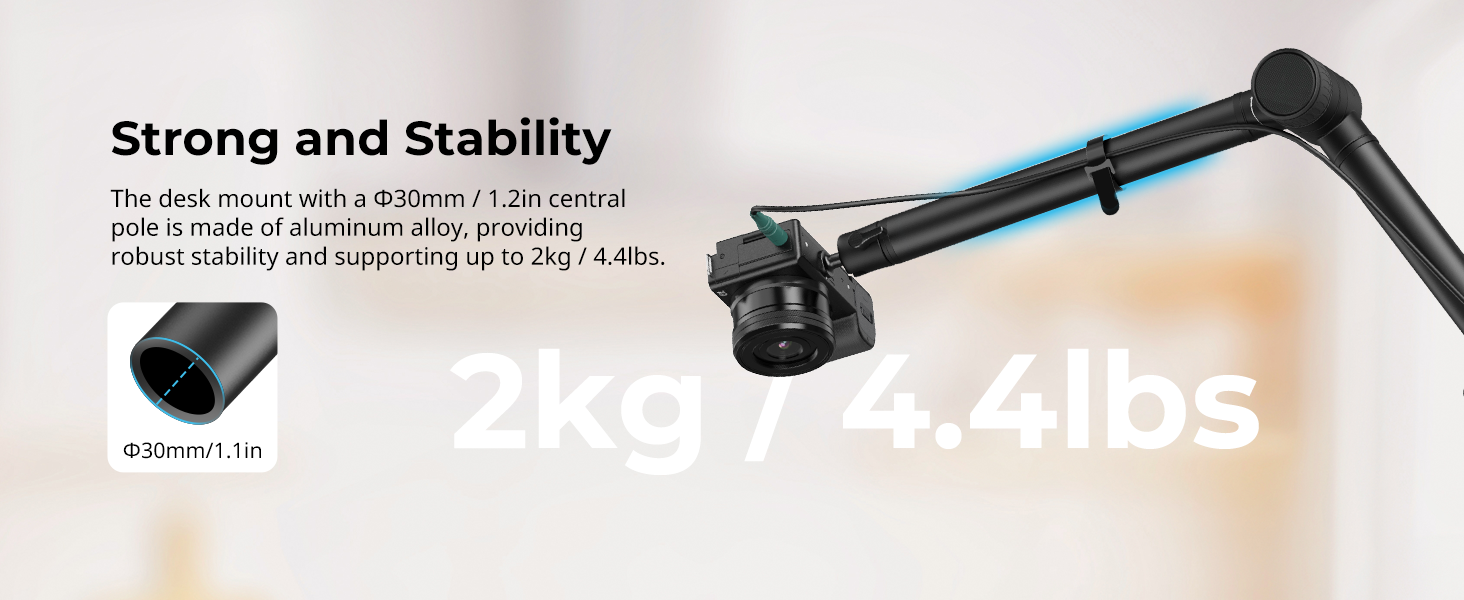
Figure 3: Illustration of the C-clamp's gripping distance on a tabletop.
3.2 Samling af bomarmen
- Insert the main pole of the boom arm into the vertical slot of the C-clamp.
- Tighten the side knob on the C-clamp to secure the boom arm's main pole.
- The boom arm features a 3-section folding design. Unfold the sections to your desired position.
3.3 Montering af tilbehør
- Attach the provided ball head to the 1/4"-20 screw at the end of the boom arm. Tighten it securely.
- If using a smartphone, attach the phone clamp til kuglehovedet.
- Mount your camera, smartphone, or webcam onto the ball head or phone clamp.
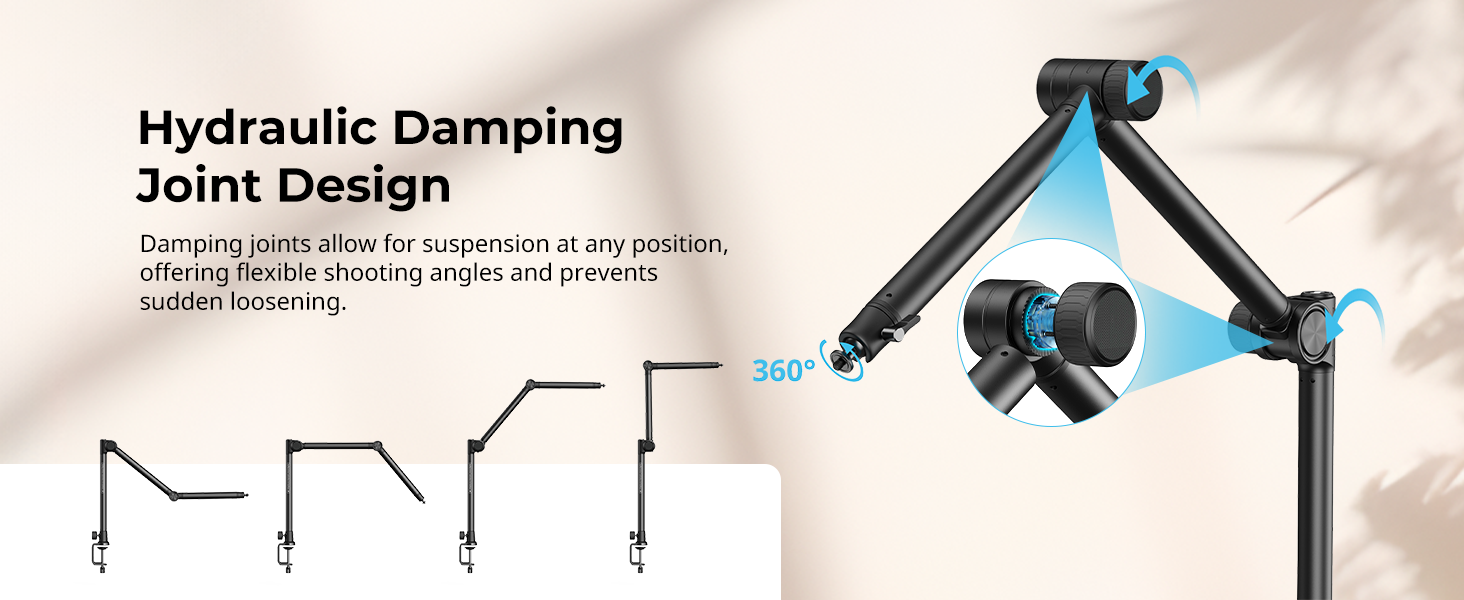
Figure 4: The bracket is compatible with various devices such as cameras, action cameras, phones, and webknaster.
4. Betjeningsvejledning
4.1 Adjusting the Boom Arm
The 3-section boom arm features hydraulic damping joints. These joints allow for suspended positioning at any point, preventing sudden loosening and ensuring equipment safety. To adjust the angle:
- Loosen the adjustment dials on the hydraulic damping joints.
- Position the arm to your desired shooting angle.
- Tighten the adjustment dials to lock the arm securely in place.
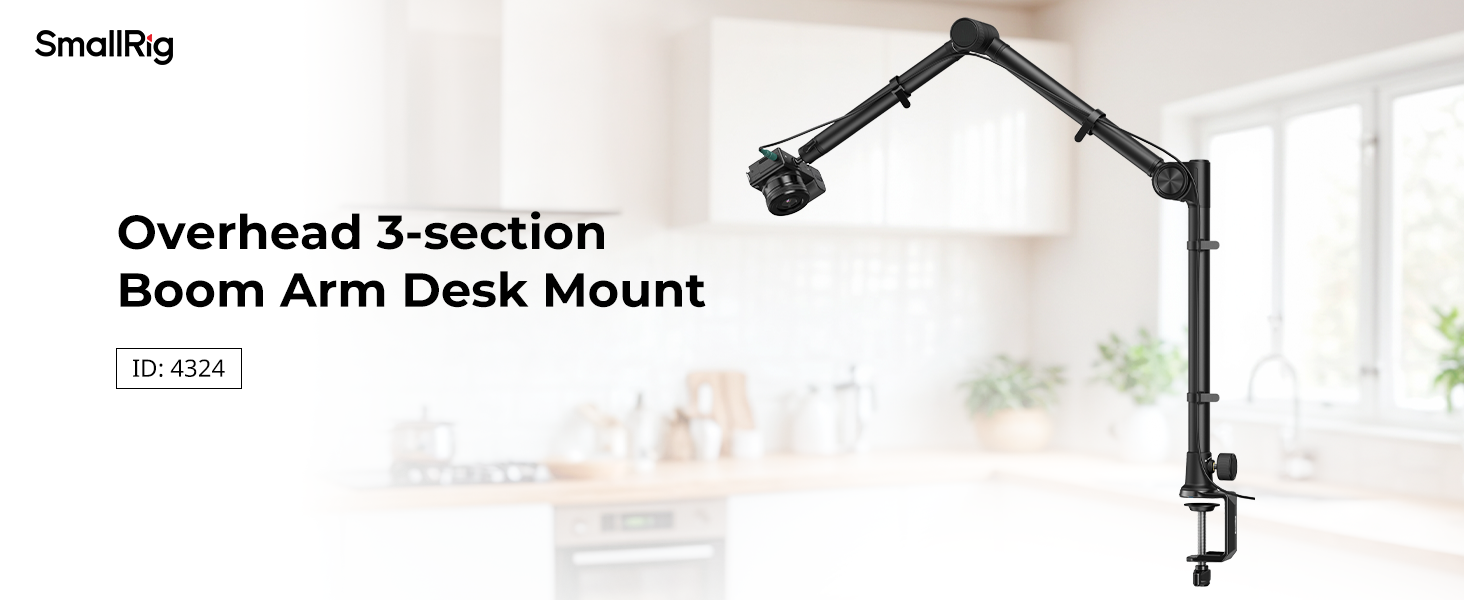
Figure 5: Hydraulic damping joints allow for flexible and secure positioning of the boom arm.
4.2 Justering af kuglehovedet
The integrated anti-deflection ball head with a 1/4"-20 screw allows for flexible adjustments of your mounted device.
- Loosen the locking knob on the ball head.
- Adjust the angle and orientation of your camera or device. The ball head offers 360-degree rotation.
- Tighten the locking knob to secure the device in the desired position.
4.3 Kabelstyring
Use the included 10 cable ties to organize any cables running along the boom arm, ensuring a clean and tidy desktop setup.
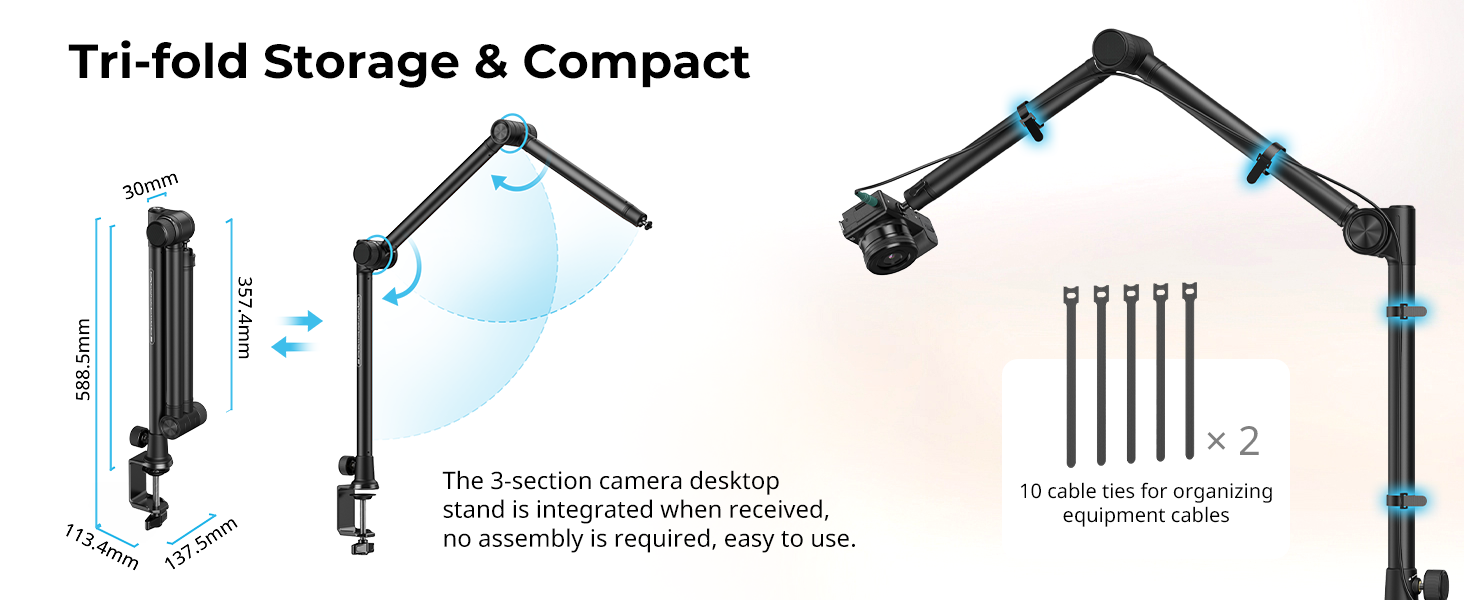
Figure 6: Cable ties help maintain an organized workspace by securing cables to the boom arm.
5. Vedligeholdelse
To ensure the longevity and optimal performance of your SmallRig Desktop Camera Bracket:
- Regularly inspect all joints and screws for tightness. Tighten as necessary.
- Clean the aluminum alloy surfaces with a soft, dry cloth. Avoid abrasive cleaners or solvents.
- Store the bracket in a clean, dry environment when not in use. The tri-fold design allows for compact storage.
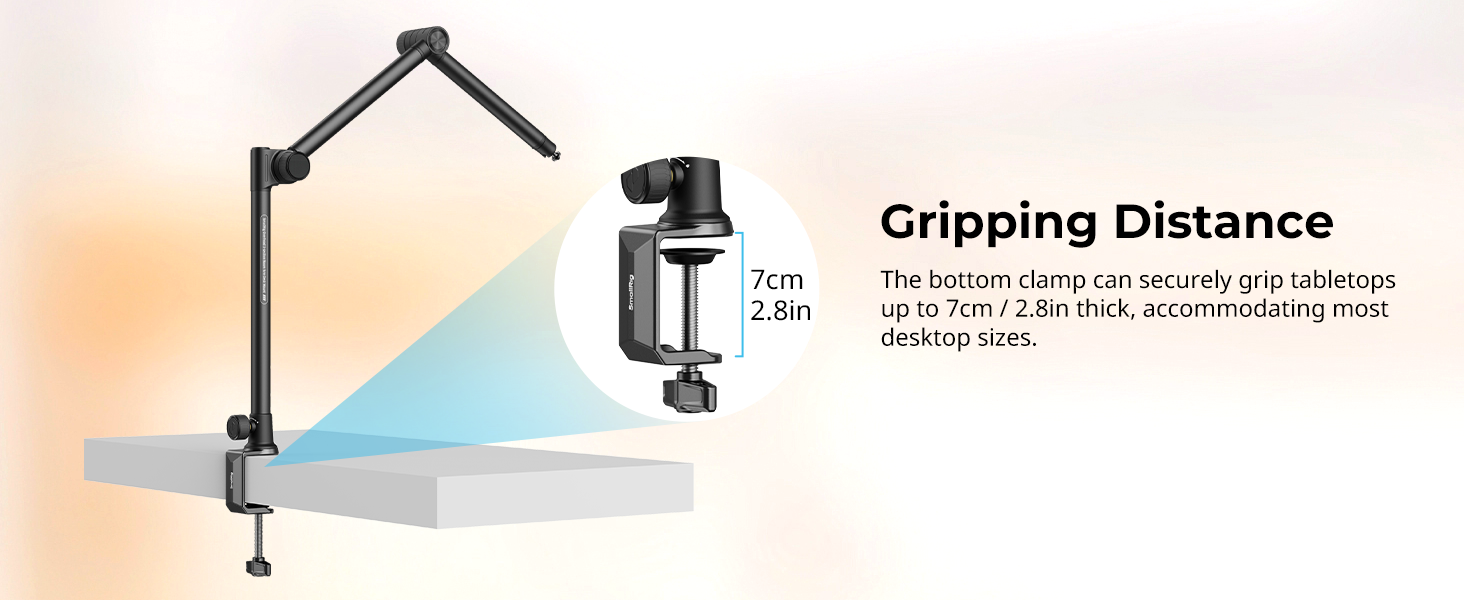
Figure 7: The boom arm can be quickly folded for compact storage.
6. Fejlfinding
- Arm Sagging: Ensure all hydraulic damping joint dials are fully tightened after positioning.
- Unstable Mount: Verify the C-clamp is securely fastened to the desk and the main pole is tightened within the clamp. Ensure the desk thickness is within the 7cm / 2.8in limit.
- Enheden glider: Confirm the ball head's locking knob is tight. For phone clamps, ensure the phone is properly seated and gripped.
7. Specifikationer
| Modelnavn | 4324 |
| Mærke | SMALLRIG |
| Kompatible enheder | Cameras, Webcams, Phones |
| Maksimal vægtanbefaling | 4.4 pund / 2 kg |
| Varens vægt | 1319 gram |
| Produktdimensioner | 587.9 x 123.8 x 109.0 mm / 23 x 4.8 x 4.3 tommer |
| Materiale (r) | Aluminiumslegering, rustfrit stål |
| Bordplade Clamp Afstand | Up to 7cm / 2.8in |
| Indbyggede medier | Boom Arm Desk Mount x 1, Cable Tie x 10, Phone Clamp x 1, Ball Head x 1 |
Figur 8: Detaljerede produktmål og medfølgende tilbehør.
8. Garanti og support
8.1 Garantioplysninger
This SmallRig product comes with a 2-year warranty from the date of purchase. Please retain your proof of purchase for warranty claims.
8.2 Kundesupport
For teknisk assistance, fejlfinding eller garantiforespørgsler, besøg venligst den officielle SmallRig-side. website or scan the QR code provided in your product packaging for direct support access.