
1. Introduktion
This manual provides essential information for the safe and effective operation of your HAVIT Smart Life Series PJ211 PRO projector. Please read this manual thoroughly before using the device and retain it for future reference.
The HAVIT PJ211 PRO is a compact smart projector designed for home entertainment, gaming, and presentations. It features a native HD resolution of 1280x720, supporting up to 4K input, and integrates Android TV 9.0 for direct access to streaming services.
2. Pakkens indhold
Ved udpakning skal du sørge for, at alle varer er til stede og i god stand:
- HAVIT Smart Life Series PJ211 PRO Projector
- Strømkabel
- Fjernbetjening
- Brugervejledning (dette dokument)
3. Produktet er slutview
Familiarize yourself with the projector's physical components and connection ports.
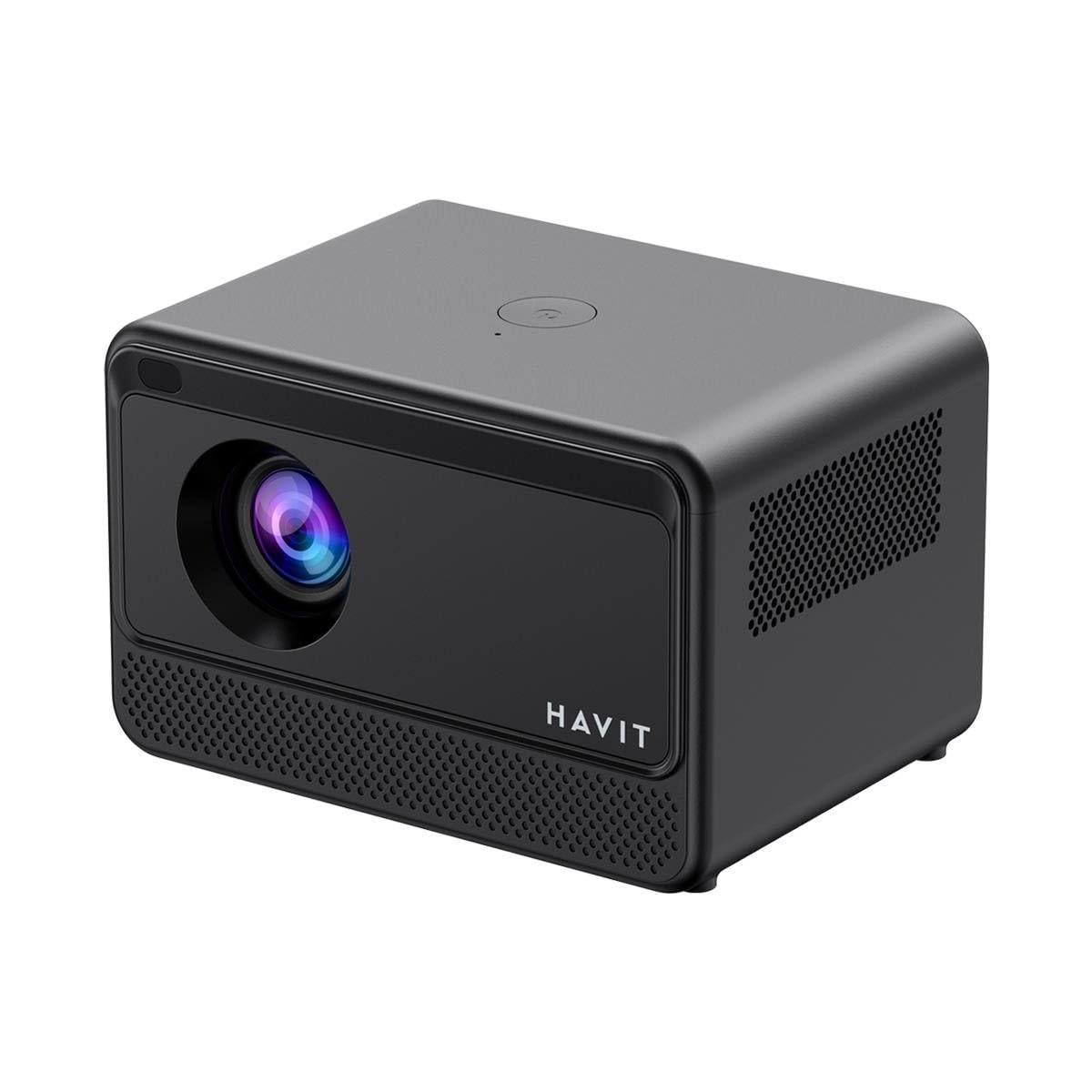
Billede: Bagside og side view of the HAVIT PJ211 PRO projector, highlighting the power input, HDMI, USB, and audio ports.

Billede: Forside view of the HAVIT PJ211 PRO projector, showing the projection lens and front grille.
Porte og kontroller:
- Strømindgang: Tilsluttes strømadapteren.
- HDMI-port: For connecting external video sources such as laptops, gaming consoles, or Blu-ray players.
- USB-porte: Til tilslutning af USB-lagerenheder for at afspille medier files eller tilslut periferiudstyr.
- AV-indgang: Til tilslutning af ældre enheder ved hjælp af et AV-kabel.
- 3.5 mm lydstik: Til tilslutning af eksterne højttalere eller hovedtelefoner.
- Power knap: Located on the top panel for turning the projector on/off.
4. Opsætning
4.1 Placering
Position the projector on a stable, flat surface. Ensure there is adequate ventilation around the device. The optimal projection distance ranges from 1 to 4 meters, yielding a screen size between 32 and 150 inches.
4.2 Strømtilslutning
- Tilslut strømkablet til projektorens strømindgang.
- Sæt den anden ende af strømkablet i en passende stikkontakt.
4.3 Indledende tænding
Press the power button on the projector or the remote control to turn on the device. The projector will boot up and display the Android TV interface.
4.4 Fokus- og Keystone-korrektion
The PJ211 PRO features semi-auto focus and semi-auto keystone correction. The projector will attempt to adjust these settings automatically upon startup or movement. Fine-tuning can be done via the on-screen menu if needed.
4.5 Netværksforbindelse
To access online content, connect the projector to a Wi-Fi network.

Image: Illustration showing the projector's support for both 2.4G and 5G dual-band Wi-Fi connections, indicating improved transmission rates and smoother online viewing with 5G.
- Navigate to the 'Settings' menu on the Android TV interface.
- Vælg 'Netværk og internet'.
- Vælg dit ønskede Wi-Fi-netværk fra listen.
- Enter the password if prompted and confirm the connection. The projector supports 2.4G and 5G dual-band Wi-Fi for stable connectivity.
5. Betjeningsvejledning
5.1 Android TV 9.0-grænseflade
The projector runs on Android TV 9.0, providing access to various applications and streaming services. Use the remote control to navigate the interface, select apps, and adjust settings.
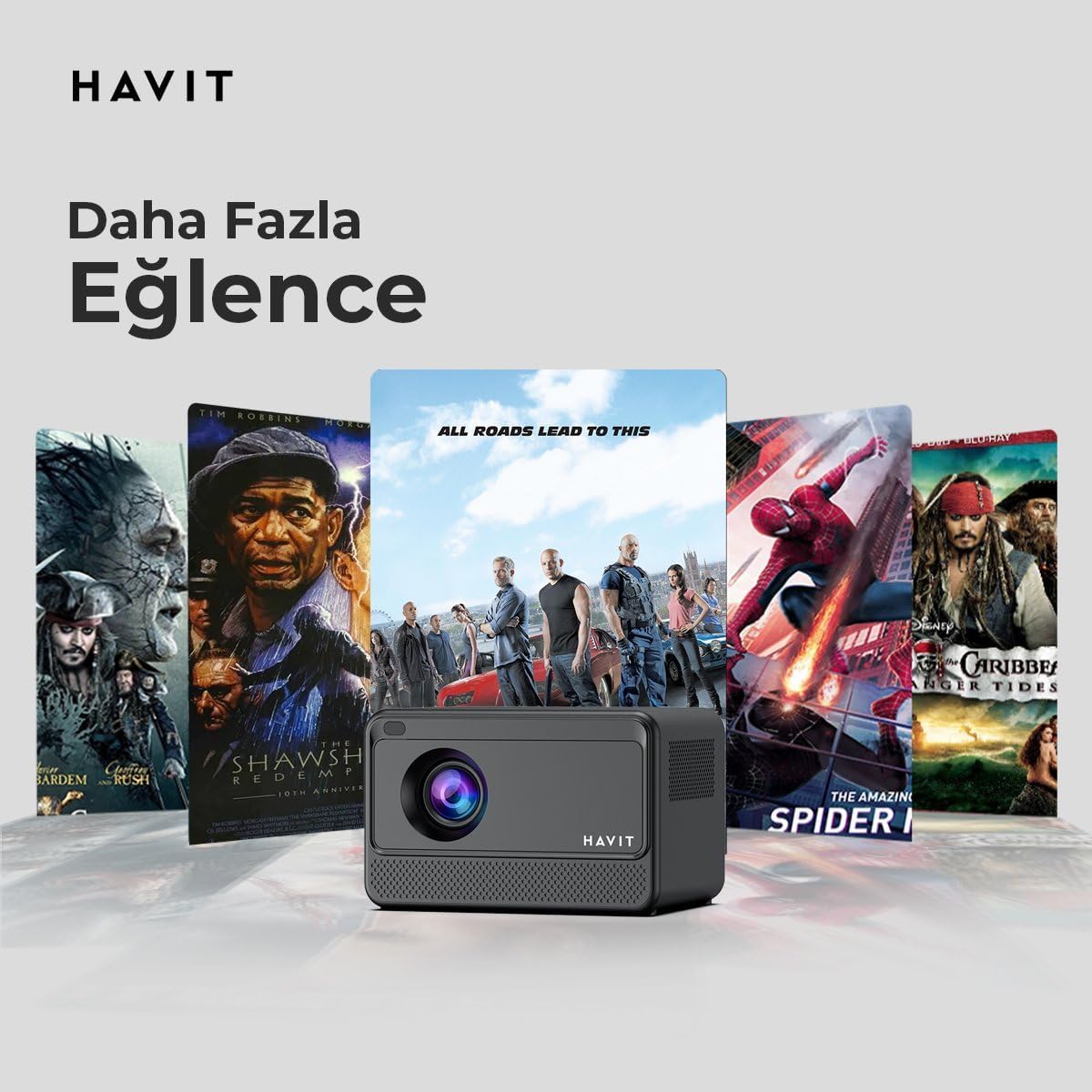
Image: The HAVIT PJ211 PRO projector displaying a selection of popular streaming service icons, illustrating its 'More Entertainment' capability through Android TV.
5.2 Tilslutning af eksterne enheder
You can connect various external devices to the projector:
- HDMI: Connect a device (e.g., laptop, game console) using an HDMI cable. Select the HDMI input source from the projector's input menu.
- USB: Insert a USB drive into a USB port. The projector's media player will typically detect the drive, allowing you to browse and play supported media files.
- AV: Use an AV cable to connect compatible devices. Select the AV input source.
- Lydudgang (3.5 mm jackstik): Connect external speakers or headphones for enhanced audio. The projector has a built-in 3W speaker for standard audio output.
6. Vedligeholdelse
6.1 Rengøring
- Linse: Brug en blød, fnugfri klud, der er specielt designet til optiske linser. Brug ikke slibende rengøringsmidler eller klude.
- Ydre: Tør projektorens yderside af med en blød, tør klud. Undgå at bruge flydende rengøringsmidler direkte på enheden.
- Ventilation: Sørg for, at ventilationsåbningerne er fri for støv og forhindringer for at forhindre overophedning.
6.2 Lamp Liv
LED lamp in your PJ211 PRO projector has an estimated life of 30,000 hours, providing long-term reliability under normal usage conditions.
7. Fejlfinding
Hvis du støder på problemer med din projektor, kan du se følgende almindelige problemer og løsninger:
| Problem | Mulig årsag | Løsning |
|---|---|---|
| Intet billede vises | Strømkabel frakoblet, forkert inputkilde, objektivdæksel på. | Check power connection, select correct input source (HDMI, USB, AV), remove lens cap. |
| Billedet er sløret | Ude af fokus, forkert projektionsafstand. | Adjust focus manually via settings, ensure projector is within 1-4 meters of screen. |
| Ingen lyd | Volume too low, external speakers not connected properly, audio settings. | Increase volume, check external speaker connection, verify audio output settings. |
| Problemer med Wi-Fi-forbindelse | Forkert adgangskode, routerproblemer, signalforstyrrelser. | Re-enter Wi-Fi password, restart router, ensure projector is within Wi-Fi range. |
8. Specifikationer
Detailed technical specifications for the HAVIT Smart Life Series PJ211 PRO projector:

Image: A visual representation of the HAVIT PJ211 PRO projector's specifications, including system, resolution, projection distance, brightness, and connectivity.
- Displayteknologi: LCD
- Native opløsning: 1280 x 720 (HD)
- Understøttet opløsning: Op til 3840 x 2160 (4K)
- Lysstyrke: Over 5000 lumens (180+ ANSI lumens)
- Kontrastforhold: 1500:1
- Aspektforhold: 16:9 / 4:3
- Projektionsafstand: 1 – 4 meter
- Skærmstørrelsesområde: 32 – 150 tommer
- Fokusjustering: Semi-Auto Focus
- Keystone-korrektion: Semi-Auto Keystone
- Indbygget højttaler: 3W
- Operativsystem: Android TV 9.0
- Trådløs forbindelse: Wi-Fi (2.4G/5G Dual-Band)
- Indgangsporte: HDMI, USB, AV, 3.5mm audio jack
- Lamp Type: LED
- Lamp Liv: 30,000 timer
- Strømforbrug: 65W
- Varens vægt: 2.3 kilo
- Farve: Sort
9. Garanti og support
9.1 Garantioplysninger
The HAVIT Smart Life Series PJ211 PRO projector comes with a 1-års garanti fra købsdatoen. Denne garanti dækker fabrikationsfejl og funktionsfejl ved normal brug. Gem venligst din købsbevis til garantikrav.
9.2 Kundesupport
For technical assistance, troubleshooting beyond this manual, or warranty inquiries, please contact HAVIT customer support through their official website or the retailer where the product was purchased. Please have your model number (PJ211 PRO) and purchase details ready when contacting support.