
KLIM KLIM Blaze
KLIM Blaze Y RGB Rechargeable Wireless Gaming Mouse User Manual
Model: KLIM Blaze
1. Introduktion
Thank you for choosing the KLIM Blaze Y RGB Rechargeable Wireless Gaming Mouse. This manual provides detailed instructions for setting up, operating, and maintaining your new gaming mouse. The KLIM Blaze Y offers versatile connectivity options (wireless 2.4GHz, Bluetooth, wired), customizable RGB lighting, and a high-precision sensor for an optimal gaming experience.

Image 1.1: The KLIM Blaze Y RGB Rechargeable Wireless Gaming Mouse shown with its charging dock and USB receiver.

Image 1.2: The KLIM Blaze Y gaming mouse available in both black and white color options.
2. Pakkens indhold
Tjek venligst pakken for følgende varer:
- KLIM Blaze Y RGB Wireless Gaming Mouse
- Opladningsdock
- USB Wireless Receiver (2.4GHz dongle)
- USB-C ladekabel
- Brugervejledning (dette dokument)
3. Opsætning
3.1. Opladning af musen
Before first use, it is recommended to fully charge the mouse. The KLIM Blaze Y features a built-in rechargeable battery.
- Connect the USB-C charging cable to the charging dock and a power source (e.g., computer USB port, USB wall adapter).
- Place the KLIM Blaze Y mouse onto the charging dock. Ensure the charging contacts on the mouse align with those on the dock.
- The mouse's RGB lighting or an indicator light will show charging status.
Alternatively, you can connect the USB-C cable directly to the mouse for charging and wired operation.
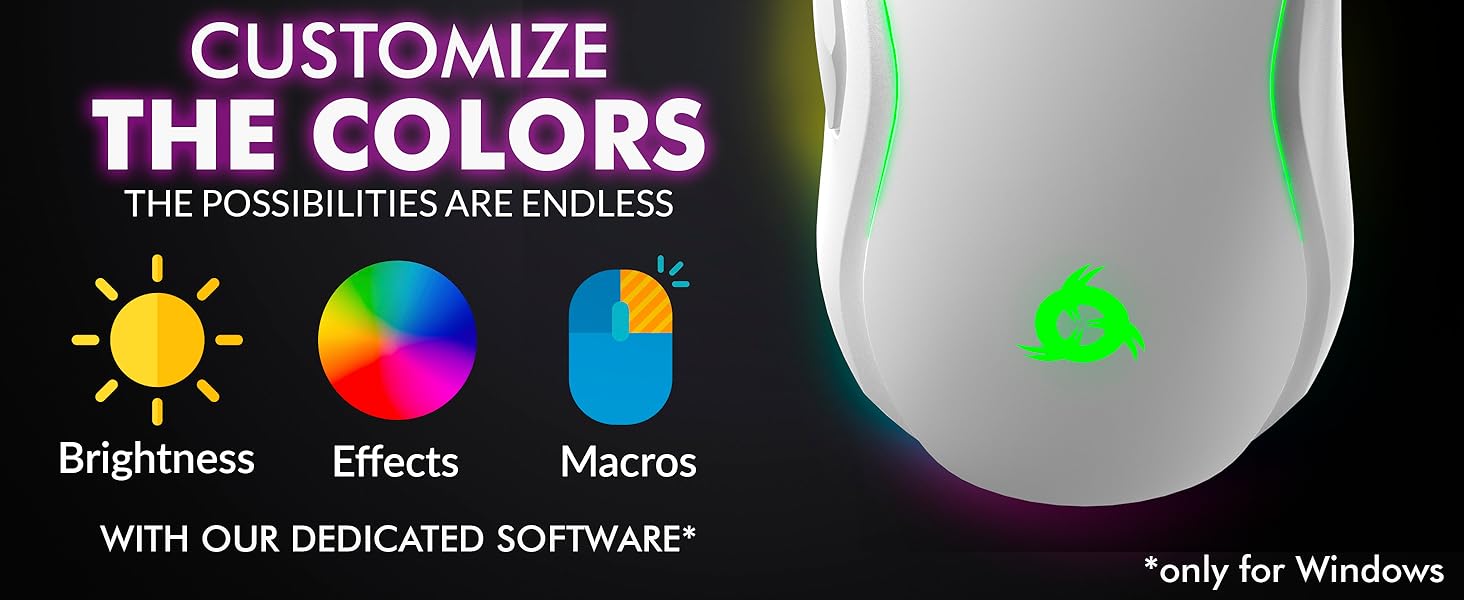
Image 3.1: The KLIM Blaze Y mouse positioned on its charging dock, highlighting its extended battery life.
3.2. Tilslutningstilstande
The KLIM Blaze Y supports three connection modes: 2.4GHz Wireless, Bluetooth, and Wired.
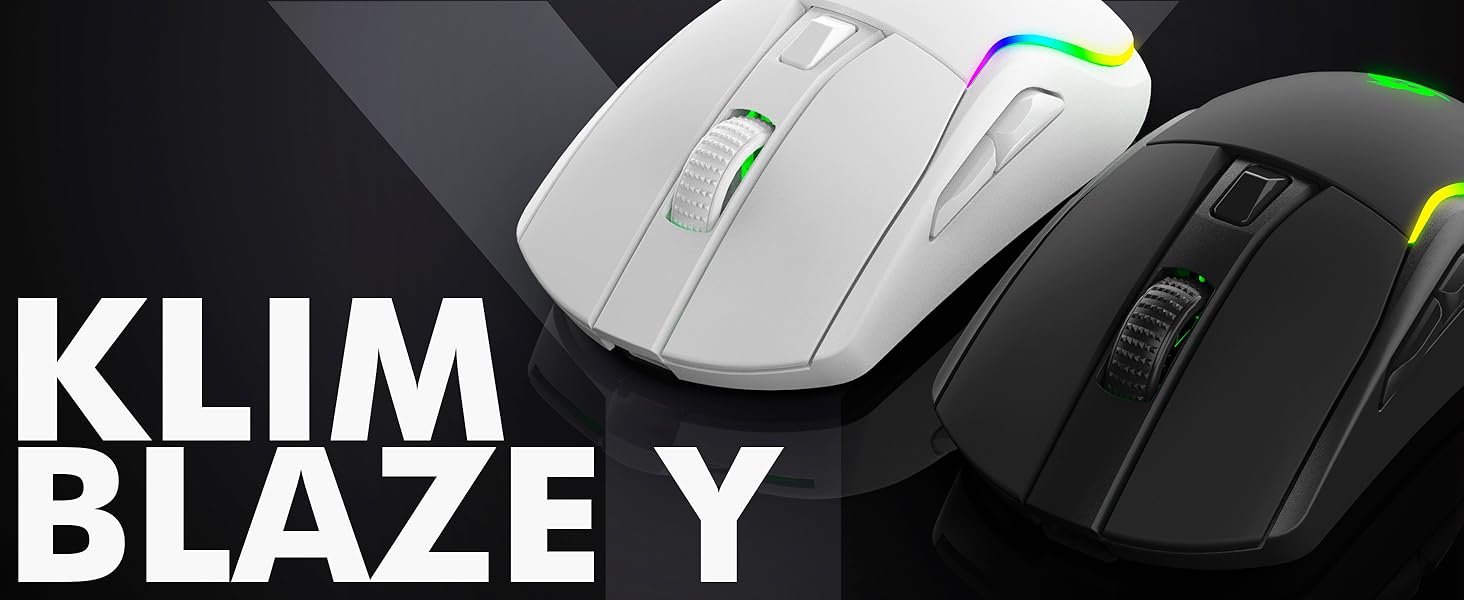
Image 3.2: Visual representation of the three available connection modes: 2.4GHz Wireless, Bluetooth, and Wired.

Image 3.3: The mouse offers flexible connectivity, allowing users to choose between wireless, Bluetooth, or wired connections.
3.2.1. 2.4 GHz trådløs forbindelse
- Locate the USB wireless receiver (dongle) in the package.
- Sæt USB-modtageren i en ledig USB-port på din computer eller spillekonsol.
- Tænd musen med kontakten på undersiden. Musen burde automatisk oprette forbindelse til modtageren.
- Musen er klar til brug.
3.2.2. Bluetooth-forbindelse
- Sørg for, at din enhed har Bluetooth aktiveret.
- Switch the mouse to Bluetooth mode using the selector switch on its underside (if available, or follow pairing instructions).
- Gå til Bluetooth-indstillingerne på din enhed, og søg efter nye enheder.
- Select "KLIM Blaze Y" from the list of available devices to pair.
- Når musen er parret, er den klar til brug.
3.2.3. Kablet forbindelse
- Connect the USB-C charging cable directly from the mouse to a USB port on your computer.
- Musen fungerer som en kablet mus og oplader også sit interne batteri.
4. Betjeningsvejledning
4.1. DPI-justering
The KLIM Blaze Y features a high-precision sensor with adjustable DPI (Dots Per Inch) settings, allowing you to change cursor sensitivity on the fly. The mouse supports up to 6000 DPI.
- Use the dedicated DPI button(s) on the mouse to cycle through preset DPI levels.
- The RGB lighting on the mouse may change color to indicate the current DPI level.
- For advanced DPI customization and additional stages, refer to the dedicated software section.
4.2. Tilpasning af RGB-belysning
The mouse features customizable RGB lighting effects around its base and on the logo. You can personalize the effects, color, and brightness.
- Out of the box, the mouse will display default RGB lighting patterns.
- To fully customize the RGB effects, including specific colors for DPI levels, download and install the dedicated KLIM software (Windows only).
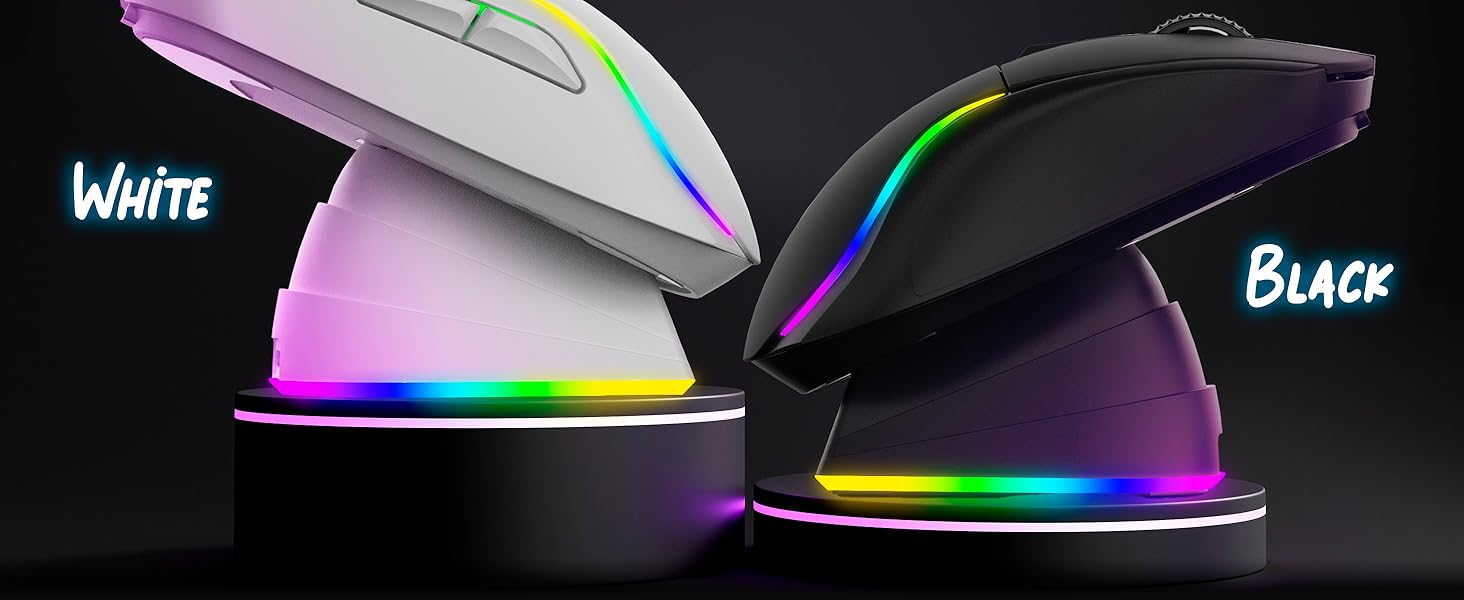
Image 4.1: The KLIM Blaze Y mouse features vibrant RGB lighting and an ergonomic design.
4.3. Dedicated Software (Windows Only)
For advanced customization, including DPI settings, polling rate, macros, and RGB effects, download the KLIM dedicated software from the official KLIM webwebsted.
- The software allows you to fine-tune sensor parameters and assign custom functions to buttons.
- Create and save profiles til forskellige spil eller applikationer.
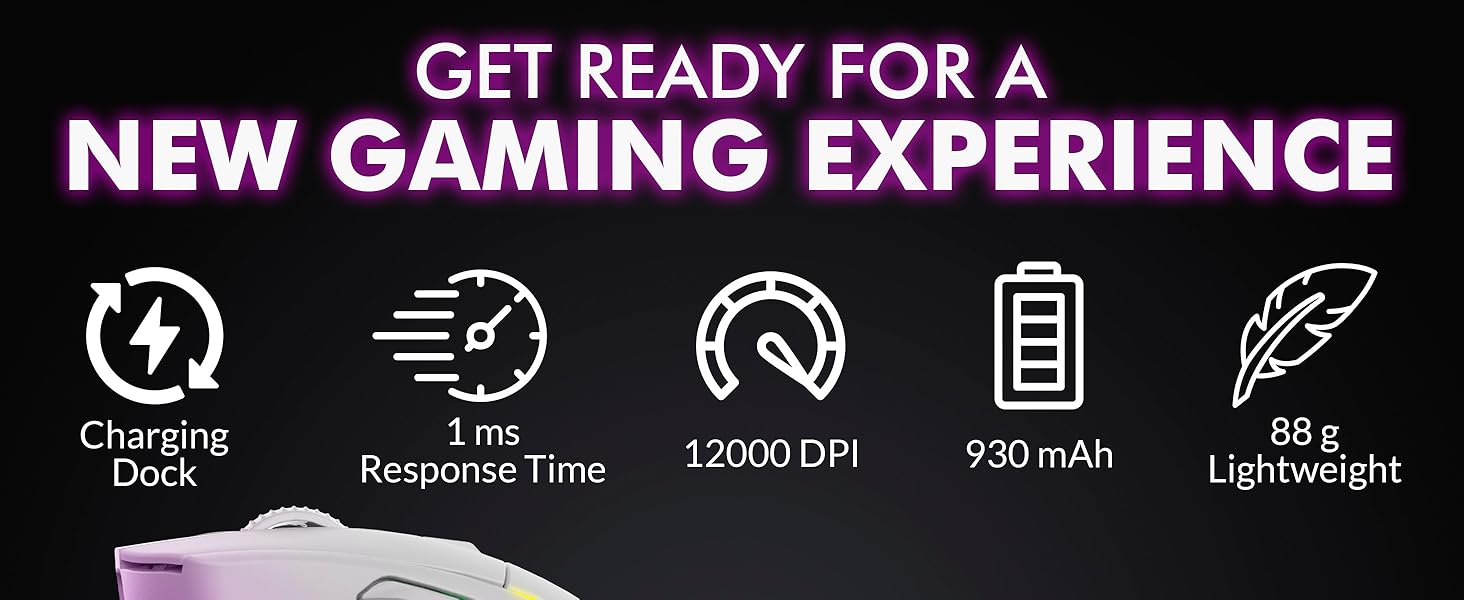
Image 4.2: Screenshot of the KLIM dedicated software interface for customizing mouse settings.
4.4. Ergonomics and Grip
The KLIM Blaze Y is designed for comfort and control, featuring anti-slip flanks and a shape suitable for various grip styles (palm, claw, fingertip).

Image 4.3: The ergonomic design of the KLIM Blaze Y mouse, emphasizing its anti-slip grip for enhanced control.
5. Vedligeholdelse
5.1. Rensning
For at opretholde optimal ydeevne og udseende, skal du rengøre din mus regelmæssigt.
- Brug en blød, tør og fnugfri klud til at tørre musens overflade af.
- Til genstridigt snavs, let dampRengør kluden med vand eller en mild rengøringsopløsning. Undgå skrappe kemikalier.
- Use a cotton swab or compressed air to clean around buttons, scroll wheel, and the optical sensor.
- Sørg for, at musen er slukket og frakoblet enhver strømkilde, før den rengøres.
5.2. Batteripleje
The KLIM Blaze Y features a long-lasting built-in Lithium Ion battery.
- Undgå at aflade batteriet helt ofte for at forlænge dets levetid.
- Opbevar musen et køligt og tørt sted, når den ikke er i brug i længere perioder.
- Hvis musen ikke skal bruges i længere tid, skal den oplades til ca. 50%, inden den opbevares.
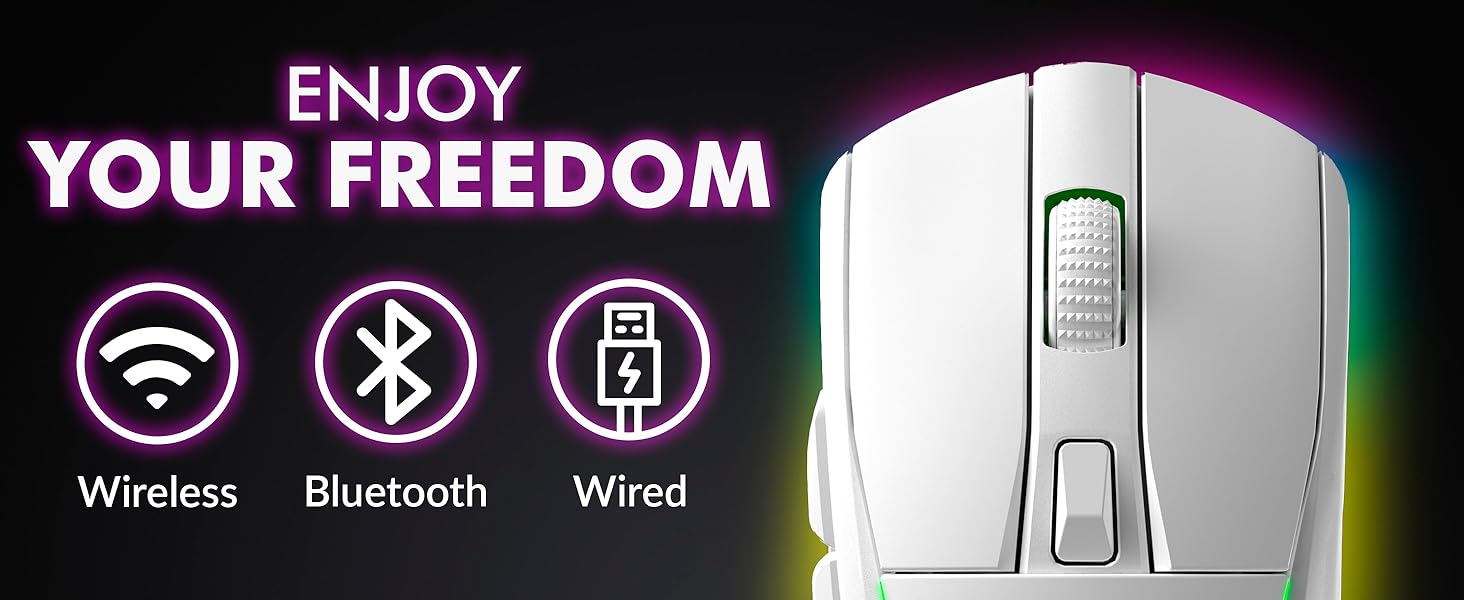
Image 5.1: The KLIM Blaze Y is built with durable switches and an improved coating for longevity.
6. Fejlfinding
| Problem | Mulig årsag | Løsning |
|---|---|---|
| Mouse not responding (Wireless 2.4GHz) | Lavt batteri, modtager ikke tilsluttet, forkert tilstand, interferens. | Charge the mouse. Ensure USB receiver is securely plugged in. Check mouse is in 2.4GHz mode. Try a different USB port. |
| Musen svarer ikke (Bluetooth) | Low battery, Bluetooth off, not paired, incorrect mode. | Charge the mouse. Ensure Bluetooth is enabled on your device. Re-pair the mouse. Check mouse is in Bluetooth mode. |
| Musen oplader ikke | Cable/dock not connected, faulty cable/dock/port. | Ensure cable is securely connected to mouse/dock and power source. Try a different USB port or cable. Verify charging contacts are clean. |
| DPI ændrer sig ikke | Fejl på DPI-knap, softwarekonflikt. | Press the DPI button firmly. If using software, ensure settings are applied correctly. Restart the mouse. |
| RGB-belysning virker ikke/tilpasning | Software not installed/configured, mouse setting. | Ensure KLIM software is installed and running. Check RGB settings within the software. Restart the mouse. |
7. Specifikationer
- Produktdimensioner:
- 4.84 x 2.52 x 1.54 tommer
- Varens vægt:
- 11.3 ounce
- Varemodelnummer:
- KLIM Blaze
- Batterier:
- 1 lithium-ion batteri (medfølger)
- Mærke:
- KLIM
- Farve:
- Sort
- Forbindelse teknologi:
- Bluetooth, 2.4GHz Wireless, Wired (USB-C)
- Speciel funktion:
- Rechargeable, RGB Lighting, Charging Dock
- Bevægelsesdetekteringsteknologi:
- Optisk sensor
- Maks. DPI:
- Up to 6000 DPI (customizable via software)

Billede 7.1: Overview of key performance specifications and features of the KLIM Blaze Y mouse.
8. Garanti og support
8.1. Garantioplysninger
The KLIM Blaze Y RGB Rechargeable Wireless Gaming Mouse is covered by an ironclad 5 års garanti. This warranty covers manufacturing defects and ensures the product's quality and durability.
8.2. Kundesupport
Should you encounter any issues or have questions regarding your KLIM Blaze Y mouse, please do not hesitate to contact our customer service team.
- Our native English customer service team aims to respond within 24 hours, even on weekends.
- For support, please visit the official KLIM webwebstedet eller se de kontaktoplysninger, der blev oplyst ved dit køb.
Ask a question about this manual
Ask about setup, troubleshooting, compatibility, parts, safety, or missing instructions. Manuals+ will review the question and use this page’s manual context to help answer it.