
STRONG SRT32HG6733C
STRONG SRT32HG6733C 32-inch HD Android Smart TV User Manual
Model: SRT32HG6733C
Indledning
This manual provides essential information for the setup, operation, and maintenance of your STRONG SRT32HG6733C 32-inch HD Android Smart TV. Please read these instructions carefully before using the product to ensure proper functionality and safety.
Hvad er der i æsken
Ved udpakning skal du kontrollere, at alle nedenstående varer er til stede og i god stand:
- STRONG SRT32HG6733C TV Unit
- Remote control with voice recognition
- 2 x AAA batterier
- Brugervejledning (dette dokument)

Image: The STRONG SRT32HG6733C TV unit with its central stand, remote control, and included accessories.
Opsætning
1. Montering af stativet
Carefully place the TV screen-down on a soft, clean surface to prevent scratches. Align the central stand with the mounting holes on the bottom of the TV. Secure the stand using the provided screws. Ensure the stand is firmly attached before proceeding.

Billede: Bagside view of the TV showing the central stand attachment points and various input ports.
2. Tilslutning af strøm
Plug the power cord into the TV's power input, then into a wall outlet. The TV will enter standby mode.
3. Første opsætning og netværksforbindelse
Upon first power-on, the TV will guide you through the initial setup process. This includes language selection, country, and network connection. For optimal Smart TV functionality, connect to your Wi-Fi network. You can also connect via an Ethernet cable for a stable wired connection.

Image: The TV screen displaying connectivity options, highlighting Wi-Fi and Bluetooth symbols.
Betjeningsvejledning
Grundlæggende funktioner
- Tænd/sluk: Tryk på tænd/sluk-knappen på fjernbetjeningen eller tv'et.
- Kanalvalg: Use the CH+/- buttons or the number pad on the remote.
- Lydstyrkekontrol: Brug VOL+/- knapperne.
- Inputkilde: Press the SOURCE button to select between HDMI, AV, DVB-T/T2, DVB-C, DVB-S/S2 inputs.
Smart TV-funktioner (Google TV)
Your TV runs on Google TV, providing access to a wide range of applications and services.
- Startskærm: Access your favorite apps, movies, and shows directly from the customizable home screen.
- Streamingapplikationer: Pre-installed apps include Netflix, Prime Video, YouTube, and Disney+. Additional apps can be downloaded from the Google Play Store.
- Google Assistant: Use the voice recognition remote to control your TV, search for content, and get information by pressing the Google Assistant button and speaking your command.
- Google Cast: Stream content from your compatible smartphone or tablet directly to the TV.

Image: The TV screen showing the Google TV interface with icons for Netflix, YouTube, Prime Video, Disney+, and other streaming services.

Image: A user holding the voice-controlled remote, with a visual representation of Google Assistant responding to a voice command on the TV screen.
Forbindelse
TV'et tilbyder forskellige porte til tilslutning af eksterne enheder:
- HDMI-porte (x2): Connect Blu-ray players, game consoles, or other HDMI-enabled devices.
- USB-port (x1): Afspil medier files (fotos, videoer, musik) fra en USB-lagerenhed.
- Ethernet-port (RJ45): Til en kablet internetforbindelse.
- Antenna (ANT in) / Satellite (SAT in) Inputs: Connect your terrestrial or satellite antenna for live TV.
- CI slot: For at betingede adgangsmoduler (CAM) kan dekryptere krypterede kanaler.
- SPDIF-output: Til digital lydudgang til en soundbar eller et hjemmebiografsystem.
- AV-indgang: Til tilslutning af ældre enheder ved hjælp af kompositvideo og stereolyd.
- Hovedtelefonudgang: Til tilslutning af hovedtelefoner.

Billede: Detaljeret bagside view of the TV highlighting all available input and output ports, including AV in, HDMI, USB, Ethernet, S/PDIF, ANT in, SAT in, CI slot, and Headphone output.
Video: En kort optaktview demonstrating the TV's use in a mobile setting, such as a camper van, showing its compact size and clear display for entertainment on the go.
Opretholdelse
Rengøring af TV
For at rengøre skærmen skal du forsigtigt tørre den af med en blød, fnugfri klud. Ved genstridige mærker skal du forsigtigt tørre den let af.ampen the cloth with water or a screen-cleaning solution. Avoid using harsh chemicals or abrasive materials. Clean the TV casinmed en tør, blød klud.
Softwareopdateringer
Your Android TV may receive software updates periodically. Ensure your TV is connected to the internet to receive these updates. Updates can improve performance, add new features, and enhance security. You can check for updates manually in the TV's settings menu.
Fejlfinding
| Problem | Mulig løsning |
|---|---|
| Ingen strøm | Check if the power cord is securely plugged into the TV and the wall outlet. Ensure the outlet is functional. |
| Intet billede, men der er lyd | Bekræft, at den korrekte inputkilde er valgt. Kontroller kabelforbindelser til eksterne enheder. |
| Ingen lyd, men der er billede | Kontroller lydstyrkeniveauet og mute-status. Sørg for, at lydkablerne er korrekt tilsluttet, hvis du bruger eksterne højttalere. |
| Fjernbetjening virker ikke | Udskift batterierne. Sørg for, at der ikke er nogen forhindringer mellem fjernbetjeningen og tv'ets IR-sensor. |
| Kan ikke oprette forbindelse til Wi-Fi | Sørg for, at din router er tændt og fungerer. Indtast Wi-Fi-adgangskoden igen. Prøv at genstarte både tv'et og routeren. |
| Smart TV apps are slow or unresponsive | Check your internet connection speed. Close unused applications. Restart the TV. |
Specifikationer
| Feature | Detalje |
|---|---|
| Modelnummer | SRT32HG6733C |
| Skærmstørrelse | 32 tommer (81 cm) |
| Displayteknologi | LED |
| Opløsning | HD-klar (1366 x 768p) |
| Operativsystem | Google TV |
| Forbindelse | Wi-Fi, Bluetooth, 2x HDMI, 1x USB, Ethernet (RJ45), AV In, SPDIF, ANT in, SAT in, CI Slot |
| Tunere | DVB-T/T2, DVB-C, DVB-S/S2 (HEVC 265 codec) |
| Særlige funktioner | Google Assistant, Google Cast, Dolby Audio |
| Dimensioner (B x D x H) | 71.8 x 22.3 x 45.2 cm (med stativ) |
| Inkluderede komponenter | TV, Voice Remote, 2x AAA Batteries, Manual |
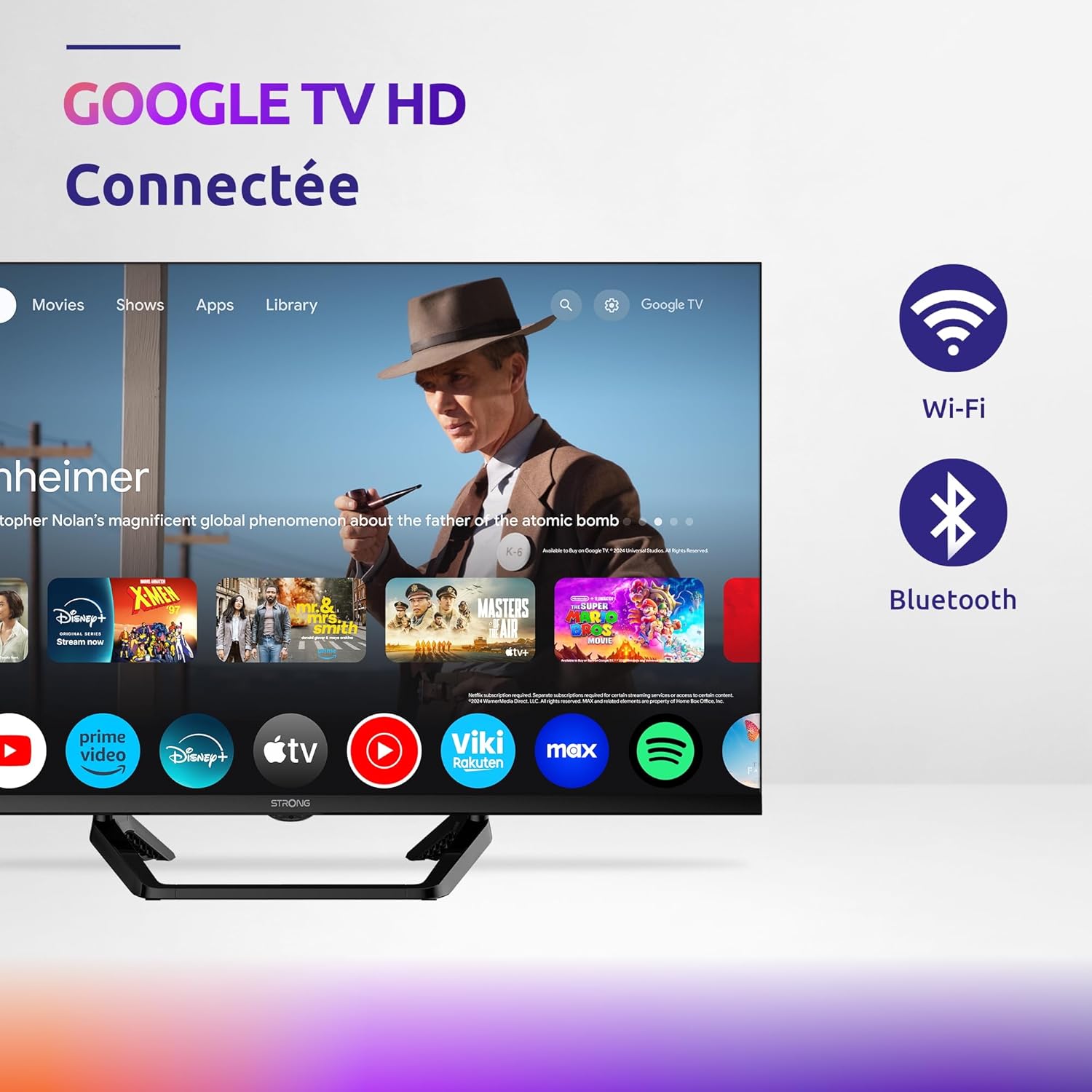
Image: Diagram showing the dimensions of the STRONG SRT32HG6733C TV, including width, height, and depth with the central stand.
Garanti og support
This product comes with a manufacturer's warranty of 24 months. For warranty claims or technical support, please refer to the contact information provided on the official STRONG webwebstedet eller din købsdokumentation.
For frequently asked questions and additional resources, visit the STRONG Brand Store.


Images: Icons representing warranty information and frequently asked questions.
Ask a question about this manual
Ask about setup, troubleshooting, compatibility, parts, safety, or missing instructions. Manuals+ will review the question and use this page’s manual context to help answer it.