
1. Introduktion
This manual provides essential information for the proper use and maintenance of your Andoer Mini Digital Video Camera. Please read it thoroughly before operating the device to ensure optimal performance and longevity.
2. Pakkens indhold
Bekræft, at alle nedenstående varer er inkluderet i din pakke:
- Andoer Mini Digital Video Camera
- USB opladningskabel
- Brugervejledning (dette dokument)
Note: A Micro SD card is required for operation and is not included in the package.
3. Produktet er slutview
The Andoer Mini Digital Video Camera is a compact and lightweight device designed for capturing photos and 1080P videos. It features a built-in LCD screen for direct viewing and a flash for improved low-light performance.

Image: The Andoer Mini Digital Video Camera, demonstrating its small form factor when held in hand.
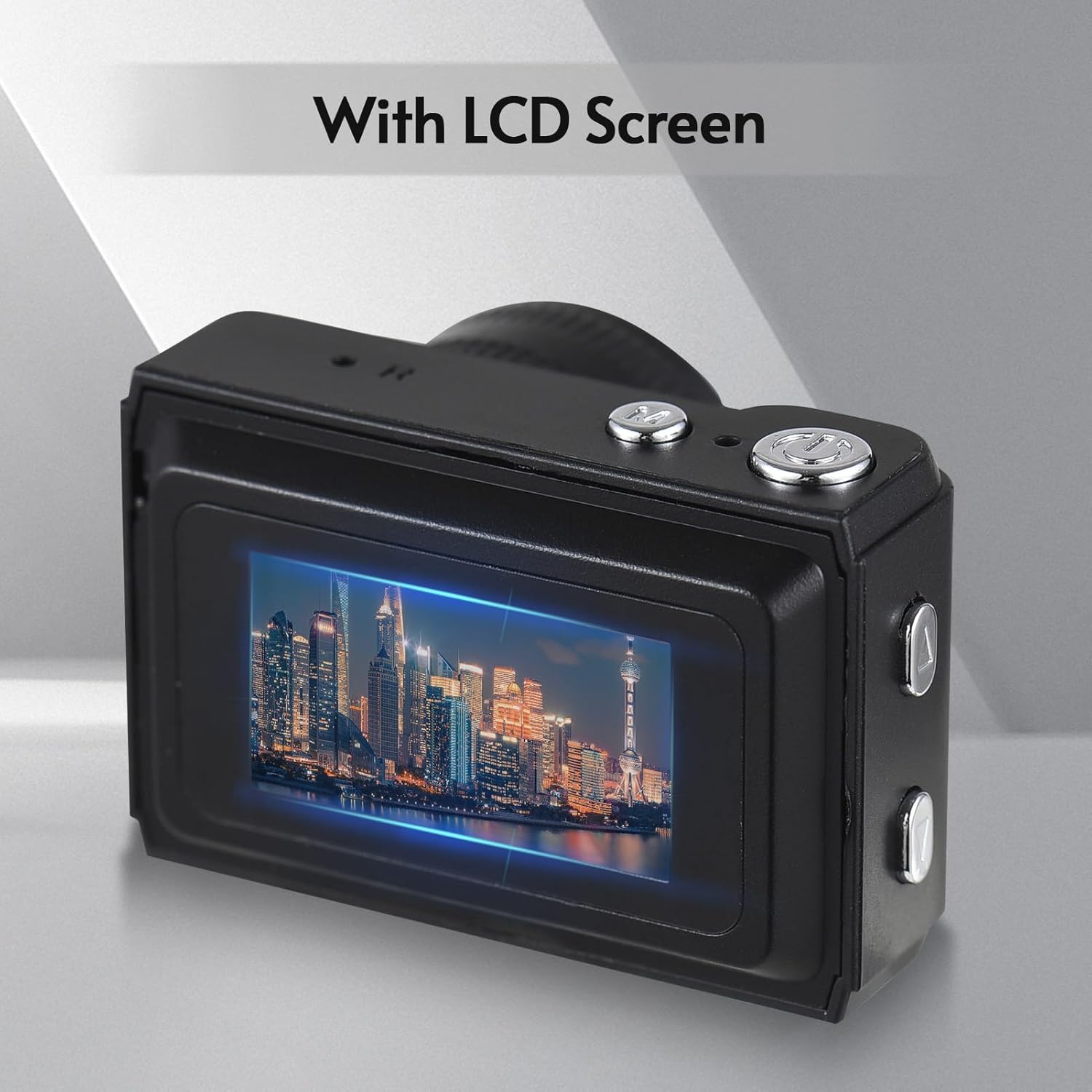
Billede: Bagside view of the camera, highlighting the integrated LCD screen displaying an image.

Billede: Side view of the camera with approximate dimensions indicated, showing its compact design.
4. Opsætning
4.1. Opladning af batteriet
The camera features a built-in rechargeable battery. Before first use, fully charge the camera using the provided USB charging cable.
- Tilslut den lille ende af USB-kablet til kameraets USB-port.
- Tilslut den større ende af USB-kablet til en USB-strømadapter (medfølger ikke) eller en computers USB-port.
- Opladningsindikatorlampen lyser. Når den er fuldt opladet, kan lampen skifte farve eller slukke.

Image: Illustration of the camera's built-in rechargeable battery and its USB charging interface.
4.2. Indsættelse af et Micro SD-kort
A Micro SD card (not included) is required to store photos and videos. The camera supports Micro SD cards up to a certain capacity (refer to specifications for details).
- Find Micro SD-kortstikket på kameraet.
- Isæt Micro SD-kortet med metalkontakterne nedad, indtil det klikker på plads.
- For at fjerne det skal du forsigtigt skubbe kortet ind, indtil det springer ud.
5. Betjeningsvejledning
5.1. Tænd/sluk
Tryk og hold tænd/sluk-knappen (normalt placeret på toppen eller siden) nede i et par sekunder for at tænde eller slukke kameraet.
5.2. Tage billeder
The camera can capture still images with 1080P resolution.
- Sørg for, at kameraet er i fototilstand (angivet på LCD-skærmen).
- Komponer dit billede ved hjælp af LCD-skærmen.
- Press the Shutter button (typically on top) to take a photo.
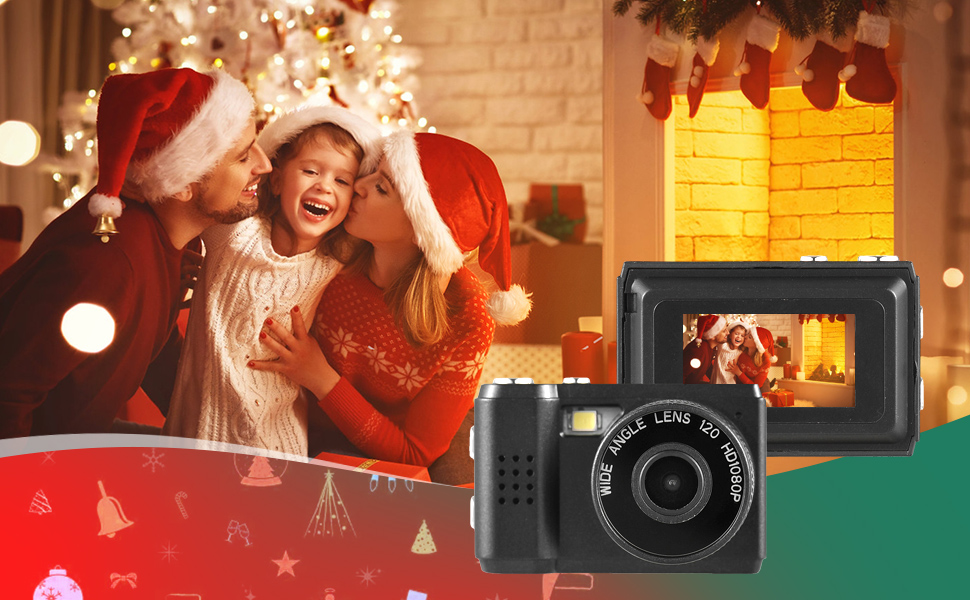
Billede: Eksamples of scenes that can be captured with the camera's photo and video functions.
5.3. Optagelse af videoer
Record videos in 1080P resolution.
- Skift kameraet til videooptagelsestilstand.
- Press the Record button (often the same as the Shutter button, or a dedicated button) to start recording.
- Tryk på optageknappen igen for at stoppe optagelsen.
5.4. Brug af den indbyggede blitz
The camera includes a built-in flash for illuminating subjects in low-light conditions.
- Access the flash settings through the camera's menu.
- Select the desired flash mode (e.g., Auto, On, Off).
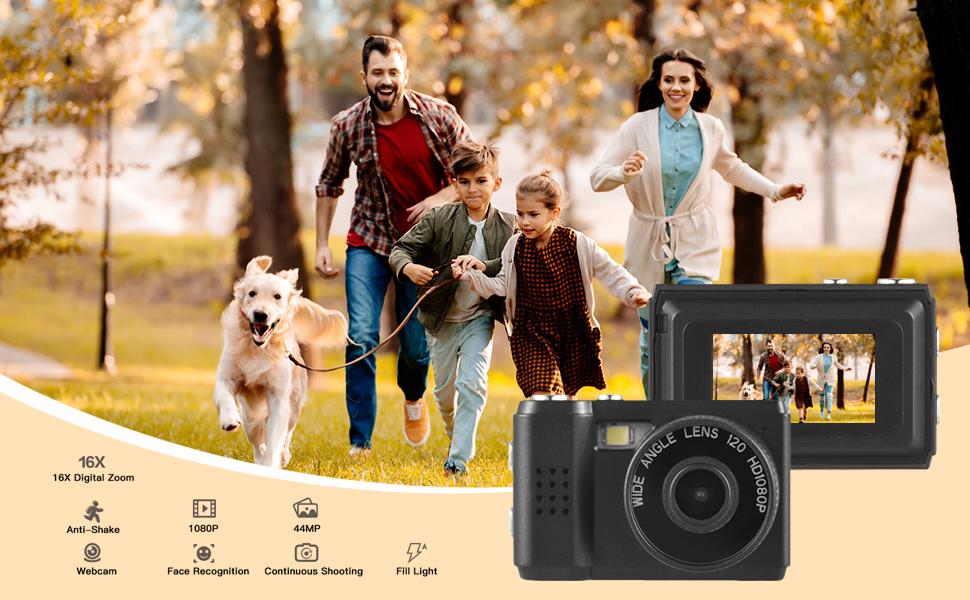
Image: The camera's built-in flash in operation, providing illumination for a photo.
5.5. Applying Filter Effects
The camera offers various filter effects to enhance your photos.
- In photo mode, navigate to the filter settings in the menu.
- Select from the available filter options to apply them to your images.
5.6. Tilslutning til en computer
You can transfer photos and videos to your computer using the USB cable.
- Sørg for, at kameraet er tændt.
- Tilslut kameraet til din computer ved hjælp af USB-kablet.
- The camera should appear as a removable disk drive on your computer.
- Få adgang til det gemte files and copy them to your computer.
6. Vedligeholdelse
- Rensning: Use a soft, dry cloth to clean the camera body. For the lens and LCD screen, use a specialized lens cleaning cloth. Avoid abrasive materials or harsh chemicals.
- Opbevaring: Store the camera in a cool, dry place away from direct sunlight and extreme temperatures. Remove the Micro SD card if storing for extended periods.
- Batteripleje: To maintain battery health, avoid fully discharging the battery frequently. Charge it regularly, even if not in use.
7. Fejlfinding
- Kamera tænder ikke: Ensure the battery is charged. If the issue persists, try charging for a longer period.
- "No SD Card" error: Verify that a Micro SD card is properly inserted and that it is not full or corrupted. Try reinserting the card or using a different one.
- Dårlig billed-/videokvalitet: Ensure adequate lighting. Check lens for smudges or dirt. Note that image quality may vary based on environmental conditions and the camera's compact sensor.
- Kameraet fryser: If the camera becomes unresponsive, try pressing and holding the Power button for an extended period (e.g., 10-15 seconds) to force a shutdown.
8. Specifikationer
| Feature | Specifikation |
|---|---|
| Mærke | Andoer |
| Modelnummer | d26ed34e-1e4d-4f4c-8a08-ff20d919aeaa |
| Video opløsning | 1080p |
| Effektiv stillopløsning | 1.92 MP |
| Fotosensorteknologi | CMOS |
| Skærmstørrelse | 4.2 Centimeters (LCD) |
| Billedstabilisering | Optisk |
| Flash-hukommelsestype | Micro SD |
| Optagelseskapacitet | 330 minutter |
| Forbindelsesteknologi | USB |
| Varens vægt | 0.05 kilo |
| Er batterier inkluderet | Ja (indbygget) |
| Farve | Sort |
9. Garanti og support
For warranty information and technical support, please refer to the documentation provided with your purchase or contact Andoer customer service through their official webwebsted. Gem din købsbevis til garantikrav.