
1. Introduktion
Welcome to the SUUNY H12 Smartwatch user manual. This guide provides detailed instructions on how to set up, operate, and maintain your new smartwatch. The SUUNY H12 is a feature-rich device designed to enhance your daily life with advanced health monitoring, communication, and smart functionalities.
2. Hvad er der i æsken
Upon opening your SUUNY H12 Smartwatch package, you should find the following items:
- SUUNY H12 Smartwatch (1 unit)
- Wireless Magnetic Charging Cable (1 unit)
- Brugervejledning (1 enhed)
- Original æske (1 enhed)
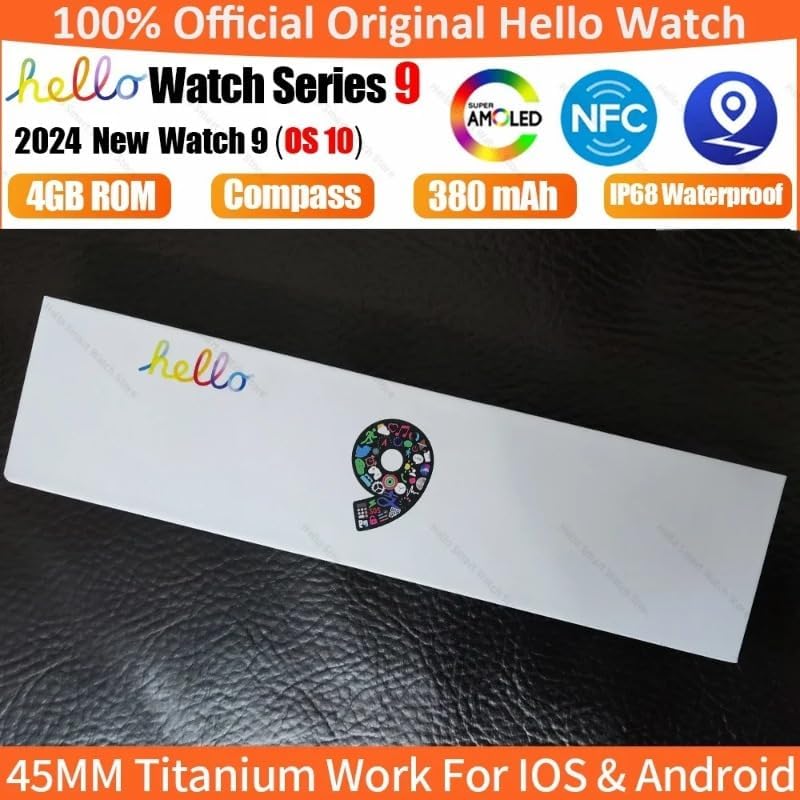
Image: The SUUNY H12 Smartwatch packaging box, indicating official product and key features like AMOLED, NFC, 4GB ROM, Compass, 380mAh battery, and IP68 Waterproof rating.
3. Produktet er slutview
The SUUNY H12 Smartwatch features a 2.0-inch Full HD AMOLED display, a titanium alloy casing, and a comfortable silicone band. It is equipped with a powerful CPU and 4GB of internal storage for music and other data. Key functionalities include Bluetooth calling, comprehensive health monitoring, multiple sports modes, and NFC access control.
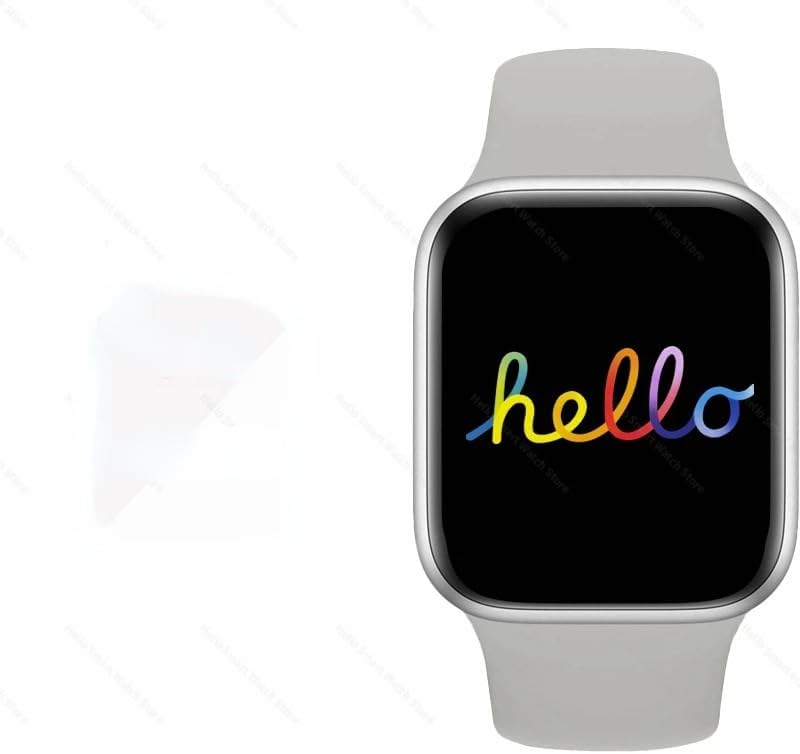
Image: The SUUNY H12 Smartwatch displaying a colorful 'hello' message on its screen, showcasing the vibrant AMOLED display.
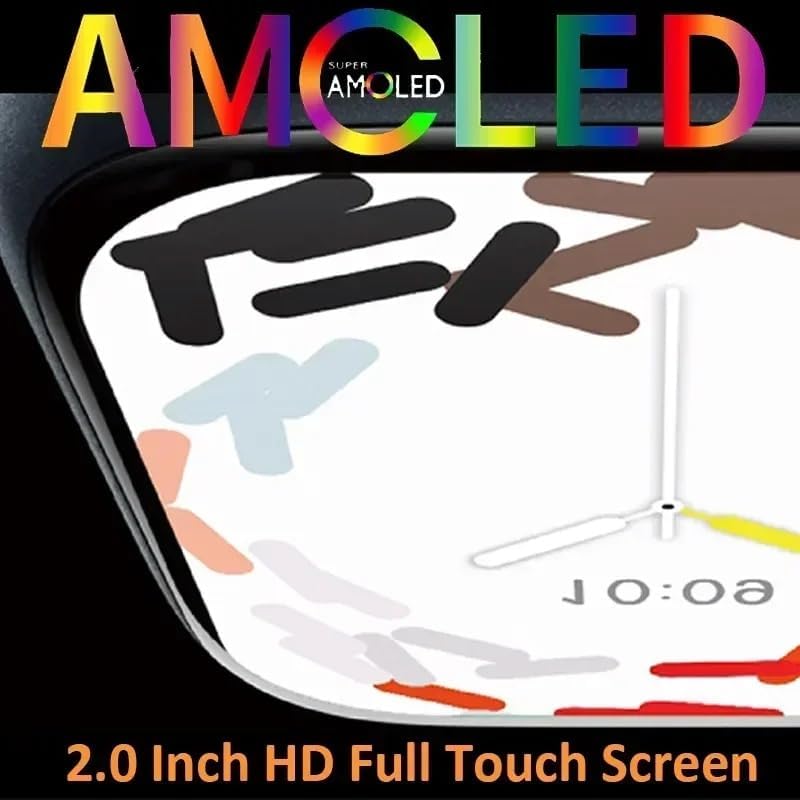
Billede: Et nærbillede view of the SUUNY H12 Smartwatch screen, highlighting the 'Super AMOLED' display technology and its 2.0-inch HD full touch capabilities.
4. Opsætning
4.1 Indledende opladning
Before first use, fully charge your SUUNY H12 Smartwatch. Connect the wireless magnetic charging cable to a USB power adapter (not included) and place the watch on the charging pad. The watch will indicate charging status on its screen.
4.2 Appinstallation og parring
- Download QifitPro app fra din smartphones appbutik (kompatibel med Android 5.0+ og iOS 8.0+).
- Open the QifitPro app and follow the on-screen instructions to create an account or log in.
- Aktiver Bluetooth på din smartphone.
- In the QifitPro app, search for your SUUNY H12 Smartwatch and select it to pair. Confirm the pairing request on both your phone and watch.
- Når uret er parret, synkroniserer det data med din telefon, herunder tid, dato og notifikationer.
5. Betjeningsvejledning
5.1 Grundlæggende navigation
- Touchskærm: Stryg op, ned, til venstre eller højre for at navigere gennem menuer og skærme. Tryk for at vælge elementer.
- Smart knap: Press the side button to return to the home screen or access the app menu. Customize its functions via settings.
- Hæv for at vågne: Løft dit håndled for automatisk at tænde skærmen.
- Cover to Turn Off Screen: Place your palm over the screen to turn it off.
5.2 Kommunikation
- Bluetooth-opkald: Once paired with your phone, you can make and receive calls directly from your watch. The watch supports up to 500 contacts synchronized from your phone.
- Meddelelsesmeddelelser: Receive notifications for messages, emails, and app alerts. A red dot indicates unread messages.
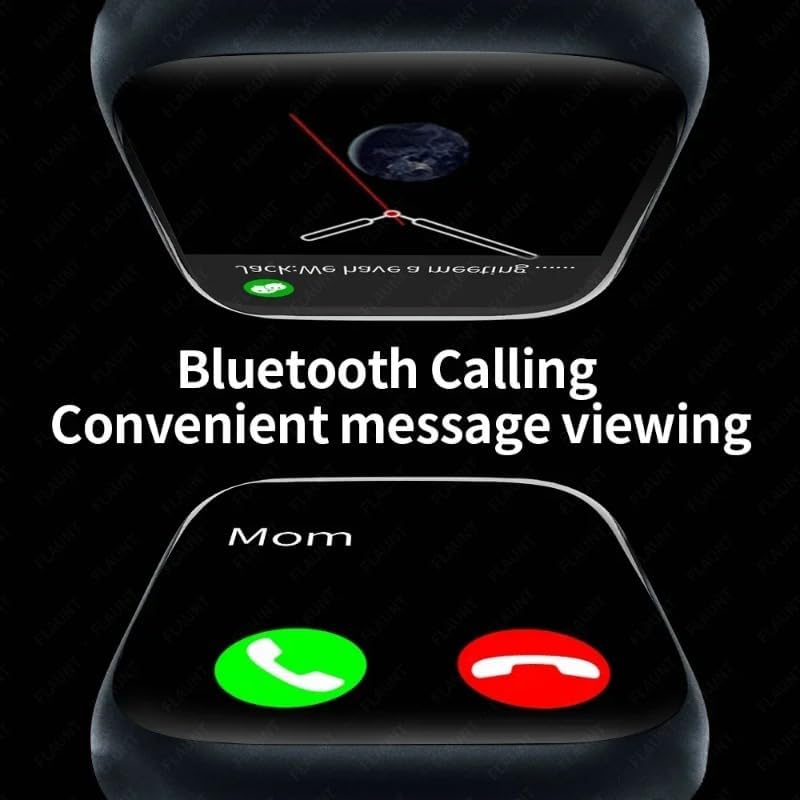
Image: The SUUNY H12 Smartwatch displaying an incoming call and a message notification, illustrating its Bluetooth calling and convenient message viewing funktioner.
5.3 Sundhedsovervågning
- Heart Rate Monitoring: The watch supports 24-hour timed heart rate monitoring. View your heart rate data in the app.
- Blodtryksovervågning: Overvåg dit blodtryk.
- Søvnovervågning: The watch automatically records and analyzes your sleep status from 9:00 PM to 9:00 AM the next day.
- Stillesiddende påmindelse: Få besked, når du har været inaktiv for længe.
- Påmindelse om drikkevand: Receive reminders to stay hydrated.
5.4 sportstilstande
The SUUNY H12 offers 173 sport modes to track various activities, including walking, running, cycling, and more. It records exercise metrics such as steps, calories burned, and distance.

Image: The SUUNY H12 Smartwatch interface showing different sport modes and exercise tracking data, emphasizing its 173 sport modes for efficient workouts.
5.5 Media and Storage
With 4GB of ROM, you can store music, photos, and even electronic novels directly on your watch. Connect Bluetooth earphones to enjoy music playback without your phone.

Image: A graphic illustrating the 4GB memory of the SUUNY H12 Smartwatch, highlighting its support for storing music, photos, and sound recordings.
5.6 NFC-adgangskontrol
The watch includes an NFC chip for access control. To use it, record the watch's NFC ID with your building's access control system. Note: This feature does not support NFC payments.
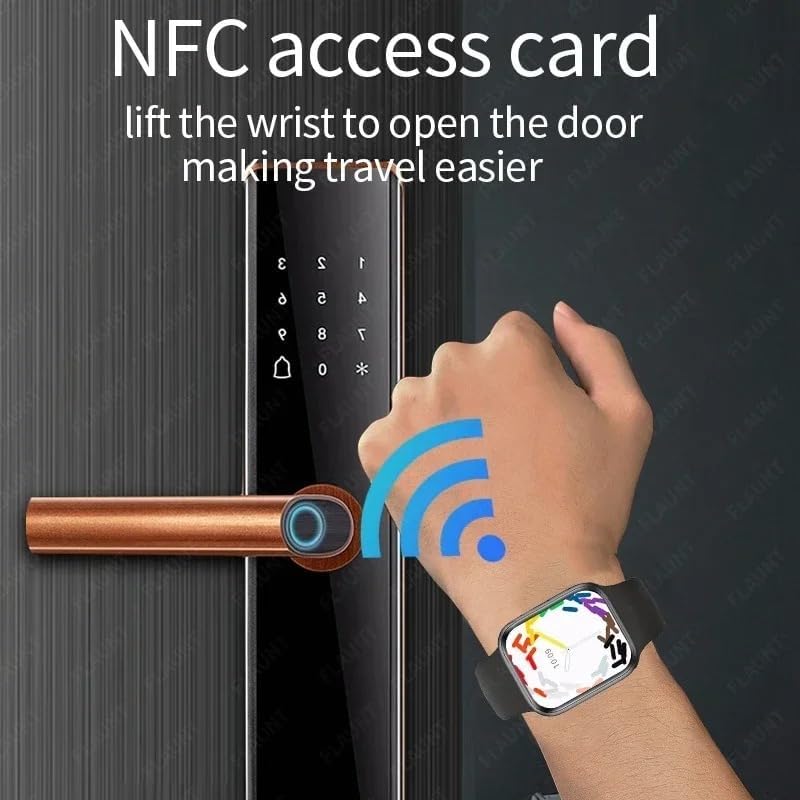
Image: A hand wearing the SUUNY H12 Smartwatch interacting with a door lock, demonstrating the NFC access card function to open doors.
5.7 GPS-positionering
The SUUNY H12 Smartwatch does not have a built-in GPS chip. For position tracking, you must connect the watch to the Qifit mobile application, which then pushes location data to the watch.
5.8 Andre funktioner
- Kompas: Real compass function.
- Altid tændt skærm: Keep the time visible at all times.
- Brugerdefinerede urskiver: Personalize your watch face.
- Stemmeassistent: Få adgang til din telefons stemmeassistent.
- Vejrudsigt: Få vejropdateringer i realtid.
- Calculator, Timer, Alarm Clock: Vigtige værktøjer.
- Seng Lamp: A convenient low-light mode.
- Justeringer: Customize vibration, brightness, and volume settings.
6. Vedligeholdelse
6.1 Rengøring
Regularly clean your smartwatch and band with a soft, dry cloth. Avoid using harsh chemicals or abrasive materials that could damage the device.
6.2 Vandtæthed
The SUUNY H12 Smartwatch is IP68 waterproof, meaning it is resistant to dust and can withstand immersion in water up to 1.5 meters for 30 minutes. It is suitable for daily use, such as hand washing or light rain. However, it is not recommended for swimming, diving, or exposure to hot water/steam.

Image: The SUUNY H12 Smartwatch being splashed with water, illustrating its IP68 waterproof capability.
7. Fejlfinding
7.1 Uret tænder ikke
Sørg for, at uret er fuldt opladet. Tilslut det til opladningskablet og en strømkilde i mindst 30 minutter.
7.2 Kan ikke parres med telefon
- Sørg for, at Bluetooth er aktiveret på din telefon og uret.
- Ensure the QifitPro app is installed and running.
- Genstart både din telefon og smartwatch.
- Tjek om uret allerede er parret med en anden enhed. Afbryd forbindelsen om nødvendigt.
7.3 Inaccurate GPS Data
Remember that the SUUNY H12 does not have a built-in GPS. Ensure your smartwatch is properly connected to the Qifit app on your smartphone, and that your phone's GPS is active and has a clear signal.
7.4 NFC Access Not Working
Verify that the watch's NFC ID has been correctly registered with your access control system. Confirm that you are using the NFC feature for access control, not for payment, as the watch does not support NFC payments.
7.5 Kort batterilevetid
- Reducer skærmens lysstyrke.
- Deaktiver unødvendige notifikationer.
- Limit continuous heart rate monitoring.
- Turn off the Always-on Display if not needed.
8. Specifikationer
| Modelnavn | H12 |
| Skærm | 2.0 Inch Full HD AMOLED, 90Hz Refresh Rate |
| CPU | JL7012 |
| Opbevaring | RAM 256KB + ROM 4GB |
| Skal materiale | Titanium legering |
| Band | Standard Silicone (suitable for 44/45/49mm bands) |
| Oplader | Trådløs magnetisk opladning |
| Kompatibilitet | Android 5.0+, iOS 8.0+ |
| Batteri | 380mAh litium-ion-polymer |
| Bluetooth version | 5.2 |
| App | QifitPro |
| Vandmodstand | IP68 |
| Understøttede sprog | English, Greek, French, German, Italian, Spanish, Dutch, Portuguese, Russian, Turkish, Japanese, Arabic |
9. Garanti og support
For garantioplysninger og teknisk support henvises til den dokumentation, der fulgte med dit køb, eller kontakt sælgeren direkte. Gem dit købsbevis i tilfælde af garantikrav.