
Indledning
Thank you for choosing the Bluevua RO100ROPOT-Lite(UV) Countertop Reverse Osmosis Water Filter. This advanced 7-stage purification system is designed to provide you with clean, safe, and great-tasting water directly from your countertop. Featuring UV sterilization and remineralization, it enhances water purity while enriching it with essential minerals. This manual provides essential information for the proper setup, operation, and maintenance of your new water purifier.
Videobeskrivelse: En overview of the ROPOT-Lite(UV) Countertop RO Water System, highlighting its compact design and purification capabilities.
Produkt overview & Medfølgende komponenter
The Bluevua RO100ROPOT-Lite(UV) system is a plug-and-play solution for pure water, requiring no installation. It includes a high borosilicate glass carafe for safe storage and a comprehensive 7-stage-filtreringsproces.
Inkluderede komponenter:
- Countertop RO System Unit
- Glaskaraffel
- Mineral Filter
- Infuser kurv
- Brugervejledning
- Rengøringsværktøj

Billedbeskrivelse: En fuld view of the Bluevua RO100ROPOT-Lite(UV) Countertop Water Filter System, showcasing its sleek design and the glass carafe.
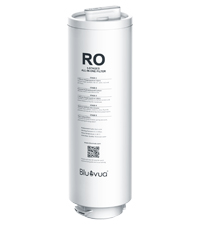
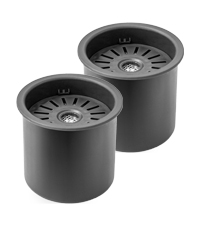
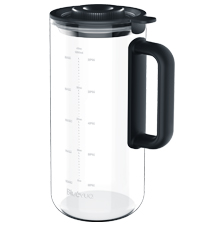
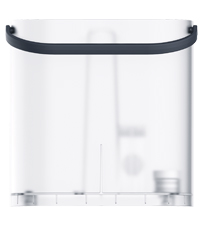
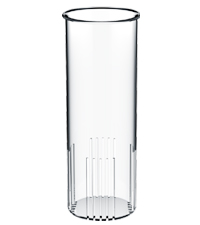
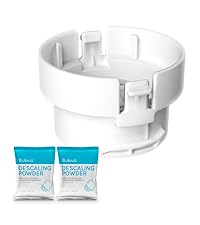
Billedbeskrivelse: Individual images of the RO filter, mineral filter, glass carafe, water tank, infuser basket, and cleaning tools included with the system.
Opsætningsinstruktioner
- Udpakning og rengøring: Carefully unpack all components. For first-time use, wash the water tank and the glass carafe with clean water.
- Samle: Ensure the 6-in-1 filter is correctly assembled within the system.
- Tilslut: Sæt netledningen i en almindelig stikkontakt.
- Fyld vandtank: Fill the water tank with tap water up to the maximum volume line and place it securely back into the system. Ensure both the water tank and the glass carafe are stably placed.
- Første skylning: Touch the 'Flush' button on the control panel to automatically flush water through the system. This process removes protective liquid from the filter.
- Kassér vand: Pour out the water from the carafe and the remaining water from the water tank after each flush cycle.
- Repeat Flush: Repeat the flushing process 4 times. The water is not drinkable during this initial flushing process.
Videobeskrivelse: A step-by-step guide on how to set up the ROPOT-Lite system, including initial cleaning, filling, and flushing procedures.
Betjeningsvejledning
The Bluevua RO100ROPOT-Lite(UV) features an intuitive LED control panel for easy operation.
- Fyld vandtank: Ensure the water tank is filled with tap water.
- Sted Karaffel: Position the glass carafe under the water dispenser.
- Vælg lydstyrke: Touch the 'Volume' button on the control panel to select your desired water volume (half or full carafe).
- Start Purification: Touch the 'Water-making' button (water drop icon) to begin the filtration process. The system will produce pure, clean water into the carafe.
- Overvåge: The LED display shows real-time TDS levels and filter life.
- Discard Reject Water: To extend service life and maintenance intervals, regularly discard the RO reject water from the water tank when the water level drops below the separator.
Frugtberiget vandfunktion:
To make fruit-infused water, place your prepared fruits into the glass infuser basket, then insert the basket into the glass carafe. Secure the carafe under the water filter and follow the steps above to dispense purified water into the carafe. Store the closed carafe in the fridge for about 2 hours for optimal infusion.

Billedbeskrivelse: Close-up of the Bluevua RO100ROPOT-Lite(UV) control panel, showing the touch buttons for volume, water-making, flush, and digital display for TDS and filter life.

Billedbeskrivelse: A visual representation of the control panel with labels for TDS Monitor, UV Status Monitor, Filter Lifespan Display, Water Volume Display, Auto Self-cleaning, Volume, and Flush buttons.
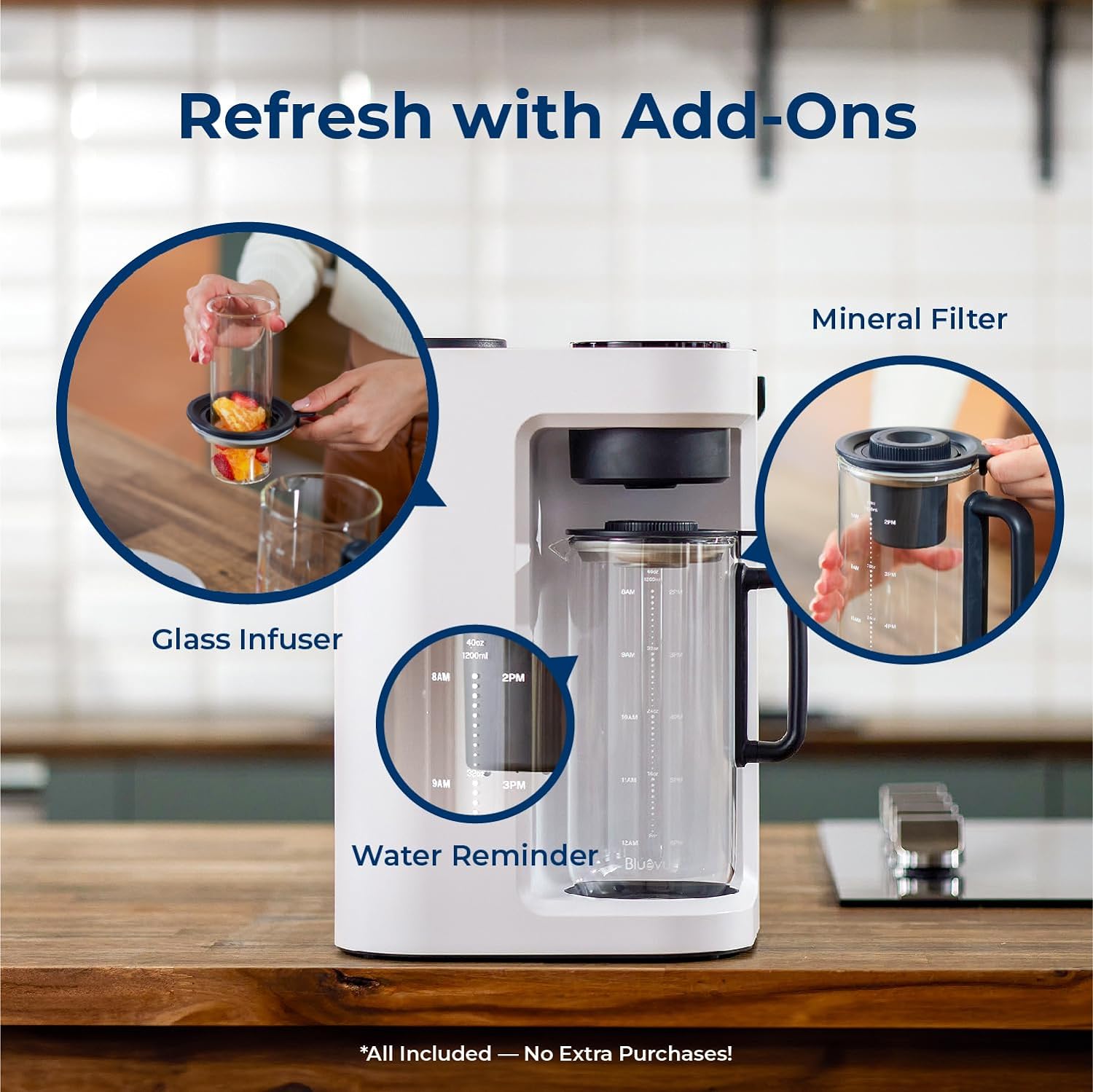
Billedbeskrivelse: The Bluevua RO100ROPOT-Lite(UV) system shown with the glass infuser basket inserted into the carafe, ready for fruit-infused water.

Billedbeskrivelse: A split image showing the glass carafe with plain purified water and another with fruit-infused water, emphasizing the versatility of the system.
Opretholdelse
Regular maintenance ensures optimal performance and longevity of your Bluevua RO100ROPOT-Lite(UV) system.
Filterudskiftning:
The ROPOT-Lite(UV) system requires filter replacement approximately once a year. The system's smart LED display will provide filter alerts, indicating when a replacement is needed. Replacing the filter is a simple 3-second twist installation.

Billedbeskrivelse: A person replacing the filter in the Bluevua RO100ROPOT-Lite(UV) system, demonstrating the ease of the process.
Videobeskrivelse: A user demonstrating the step-by-step process of replacing the Reverse Osmosis water filter in the system.
Rensning:
Regularly clean the water tank and carafe to prevent buildup. Use the provided cleaning tools for thorough maintenance.
Fejlfinding
If you encounter any issues with your Bluevua RO100ROPOT-Lite(UV) system, please refer to the following common solutions:
- Ingen vandudlevering: Ensure the power cord is securely plugged in and the water tank is filled above the minimum level. Check if the carafe is correctly positioned.
- Usædvanlig smag/lugt: Perform a flush cycle as described in the Setup section. If the issue persists, it may be time to replace the filter.
- Filteralarm: If the LED display shows a filter alert, replace the filter as soon as possible to maintain water quality.
- Lækker: Ensure all components, especially the water tank and filter, are correctly seated and tightened.
- TDS Reading High: If the TDS reading remains high after purification, ensure the filter is not expired and is properly installed.
For yderligere assistance, kontakt venligst kundesupport.
Specifikationer
Key technical details for the Bluevua RO100ROPOT-Lite(UV) Countertop Reverse Osmosis Water Filter.
| Feature | Detalje |
|---|---|
| Mærke | Bluevua |
| Modelnavn | RO100ROPOT-Lite(UV) |
| Oprensningsmetode | Omvendt osmose (7-Stage with UV and Remineralization) |
| Installationstype | Bordplade |
| Produktdimensioner | 9.7 cm L x 9.5 cm B x 14.1 cm H |
| Kapacitet | 1200 Milliliters (Carafe) |
| Materiale | Borosilicate Glass (Carafe) |
| Strømkilde | Elektrisk med ledning |
| Særlige funktioner | Portable, Reduce TDS, Built-In TDS Meter, UV Light, Remineralization |
| Maksimalt understøttet vand-TDS-niveau | 500 PPM |
| Maksimal flowhastighed | 0.26 liter i minuttet |
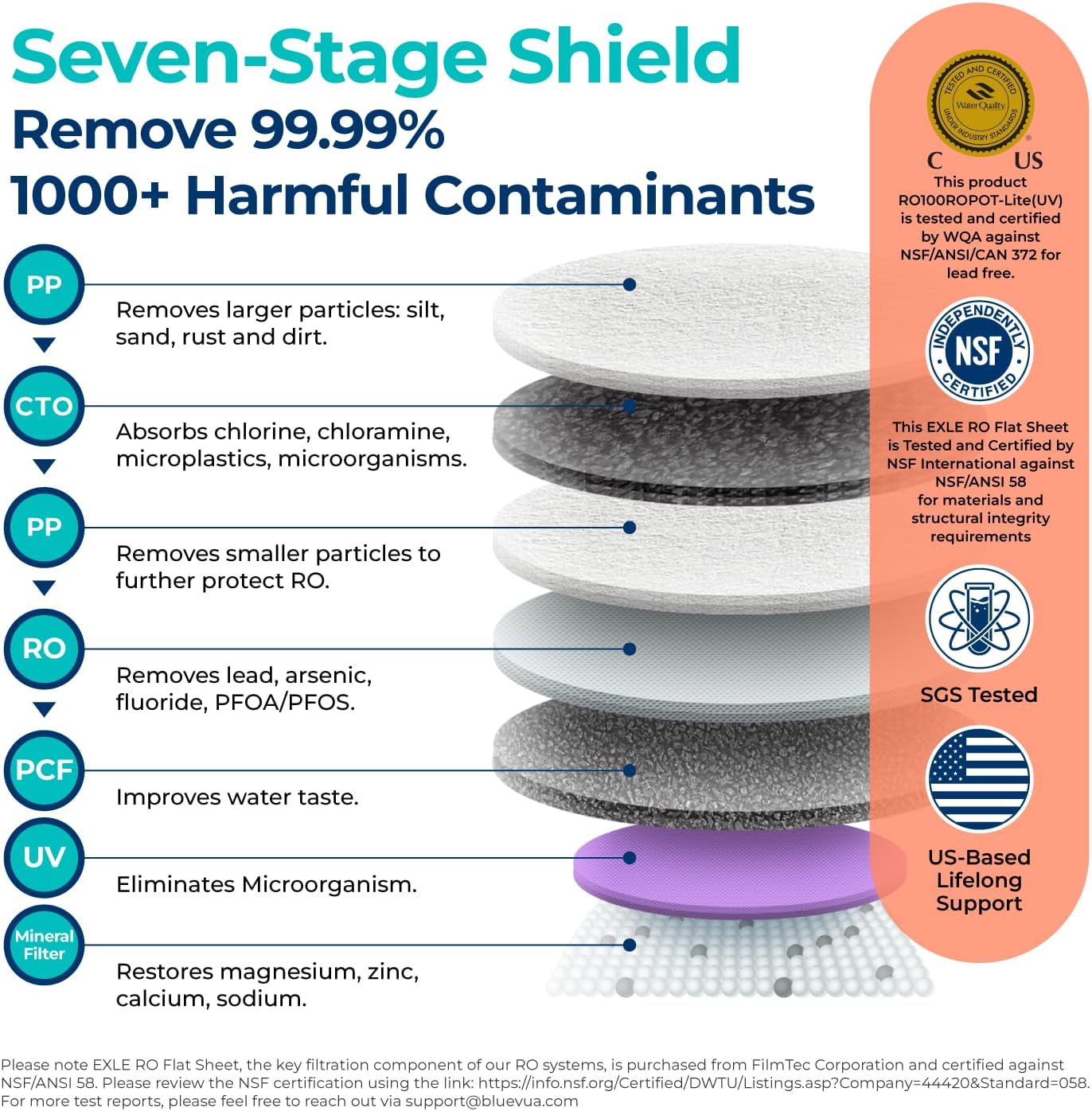
Billedbeskrivelse: A detailed diagram illustrating the 7-stage filtration process, including PP, CTO, RO, PCF, UV, and Mineral Filter layers, with certifications shown.

Billedbeskrivelse: An artistic rendering of the multi-stage filter layers, emphasizing the 0.1µm Post Carbon Filter, 0.0001µm Reverse Osmosis Membrane, 1µm Polypropylene, 0.5µm Coconut Shell Activated Carbon, 5µm Polypropylene, Ultraviolet (UV) Light, and Remineralization Filter.

Billedbeskrivelse: An image displaying SGS test reports and a QR code for certification details, highlighting official third-party certification for safe drinking water. Link: https://qrco.de/bej4qL
Garanti & Support
Bluevua is committed to providing excellent customer service and product reliability.
Garanti:
Your Bluevua RO100ROPOT-Lite(UV) system comes with a 1-års garanti, ensuring peace of mind and support for any manufacturing defects.
Kundesupport:
If you have any questions, require technical assistance, or need to claim your warranty, please reach out to our dedicated support team:
- Telefon: 1-888-637-0009
- E-mail: support@bluevua.com
- Timer: Mandag - fredag, 9:00 - 5:00 PST