
VOESUD MD056
VOESUD MD056 Trådløse Bluetooth-øretelefoner Brugermanual
Model: MD056
Indledning
Thank you for choosing the VOESUD MD056 Wireless Bluetooth Earbuds. This manual provides detailed instructions on how to set up, operate, maintain, and troubleshoot your new earbuds. Please read this manual carefully before use to ensure optimal performance and longevity of your device.
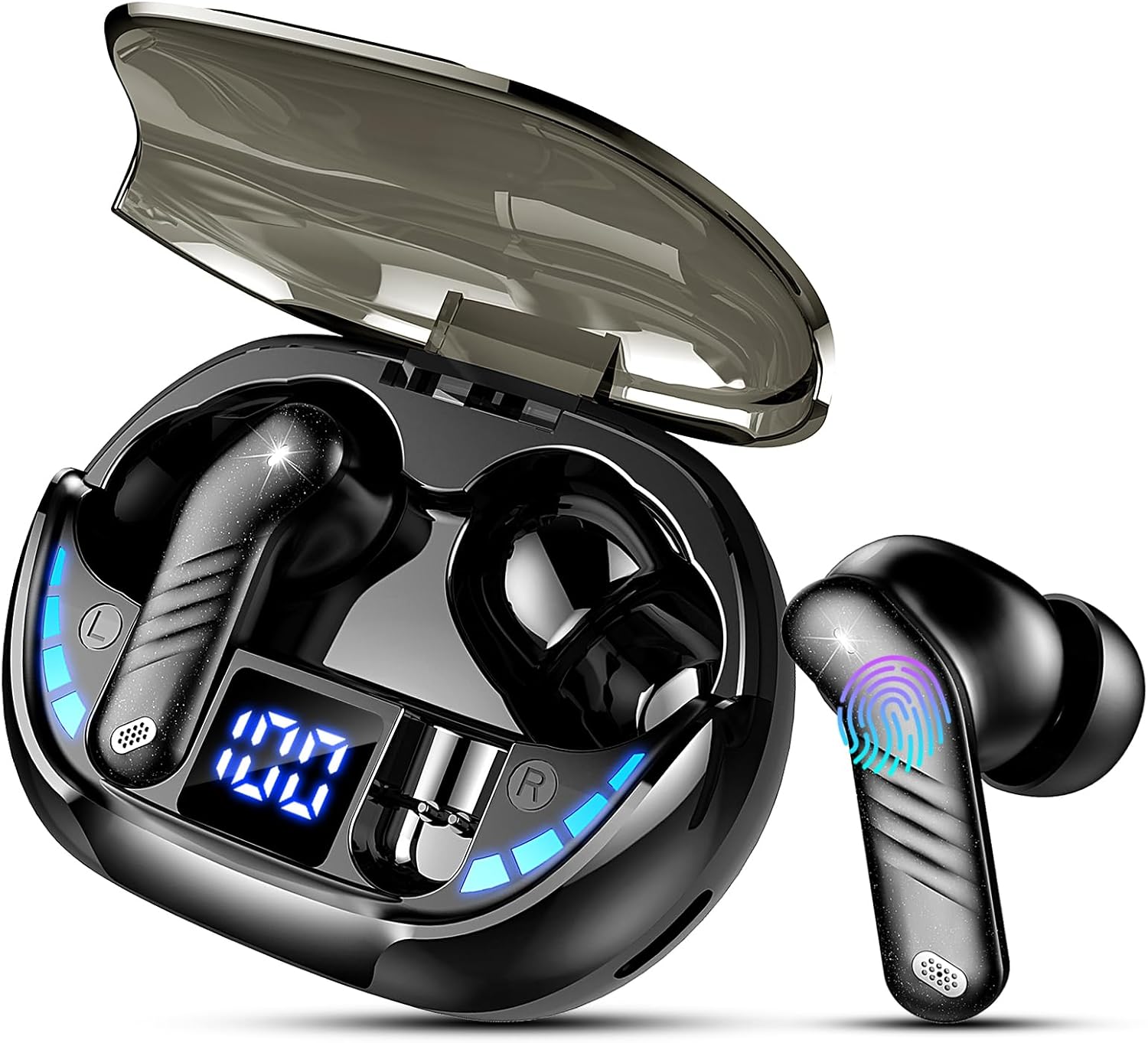
Image: The VOESUD MD056 Wireless Bluetooth Earbuds with their charging case, showcasindet elegante design og LED-displayet.
Hvad er der i æsken
Når du åbner pakken, skal du sørge for, at alle følgende varer er til stede:
- VOESUD MD056 Wireless Bluetooth Earbuds (Left and Right)
- Opladningsetui
- USB-C ladekabel
- Brugermanual
- Silikone ørepropper (S/M/L størrelser)

Image: A clear layout of all items included in the VOESUD MD056 Earbuds package.
Produktegenskaber
Hi-Fi Stereo Sound & Clear Calls
Equipped with a 13.4mm professional dual-composite diaphragm and 4 HD microphones, these earbuds deliver crisp highs, deep bass, and an immersive 3D surround sound experience. The ENC (Environmental Noise Cancellation) technology reduces ambient noise by up to 35dB, effectively suppressing up to 90% of background noise for crystal-clear calls.

Billede: En eksploderet view of the earbud's internal structure, highlighting the 13.4mm driver for superior sound quality.

Image: Visual representation of intelligent noise reduction technology, showing an earbud effectively minimizing background noise during calls.
Advanced Bluetooth 5.3 & Auto-Pairing
Featuring a new generation customized Bluetooth 5.3 chip, these earbuds offer faster and more stable high-quality audio transmission. The connection speed is twice that of Bluetooth 5.2, and the transmission distance is four times longer. This ensures seamless audio-video synchronization for gaming and media playback. After the initial connection, the earbuds will automatically reconnect to the last paired device when you open the charging case and take them out, provided Bluetooth is enabled on your device and it is within range.
Extended Battery Life & LED Display
Enjoy up to 8 hours of playtime on a single charge. The 400mAh charging case extends the total battery life to an impressive 50 hours. The Type-C fast charging port allows for a full charge in just 1.5 hours. The smart LED display on the charging case accurately shows the power status of both the earbuds and the charging case, as well as the charging status of the earbuds.

Image: The charging case with its LED digital display, indicating battery percentages for the case and individual earbuds, along with battery life estimates.
Comfortable Fit & IPX7 Waterproof
The ergonomic design ensures a comfortable and secure fit within the ear canal, even during extended use. Three sizes of silicone eartips (S/M/L) are included to provide a personalized fit. With an IPX7 nanocoating, these earbuds are resistant to splashes, sweat, and rain, making them ideal for workouts, running, cycling, and other outdoor activities.

Image: An earbud comfortably seated in an ear, demonstrating its lightweight design and the availability of S, M, L eartip sizes for optimal fit.
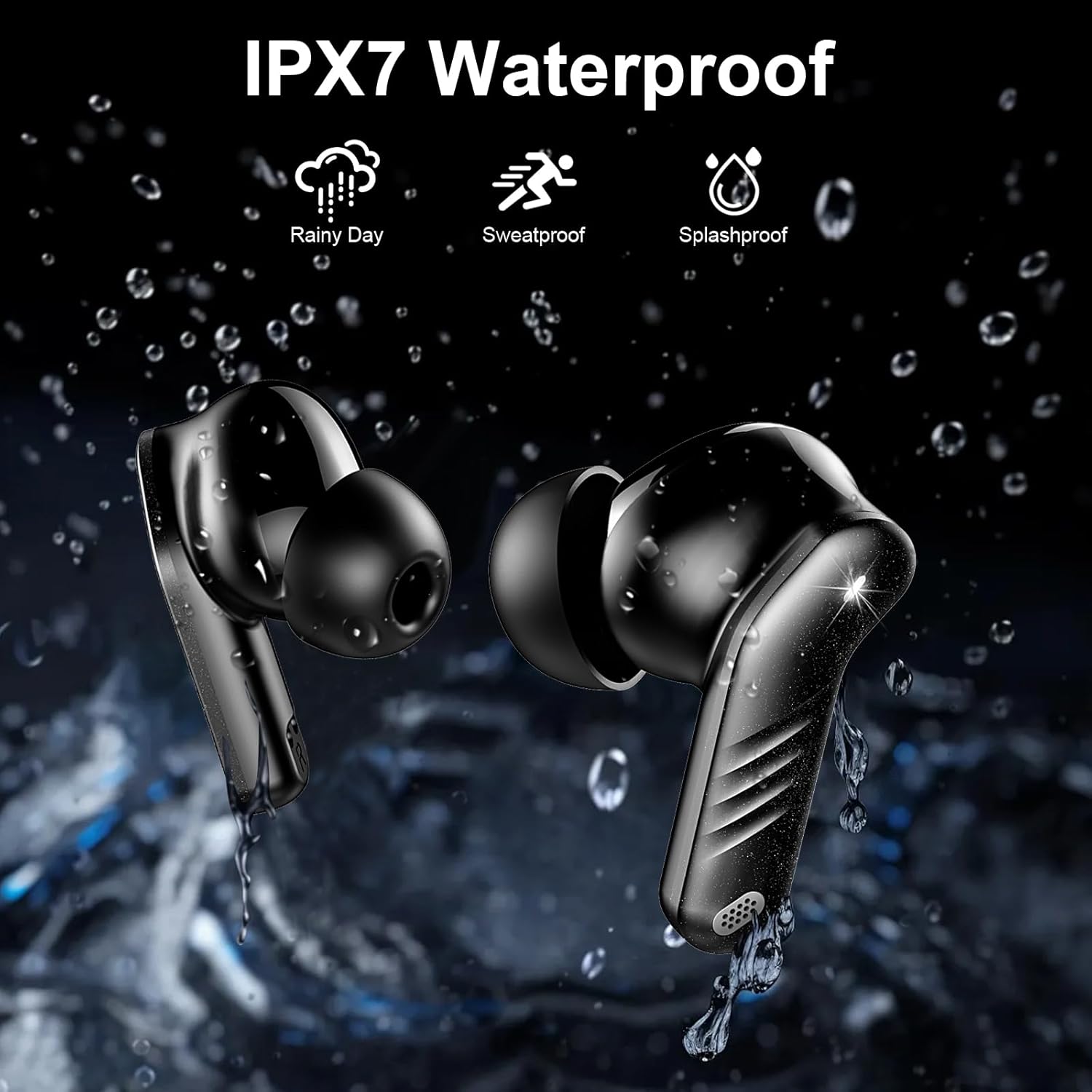
Image: The earbuds being exposed to water, illustrating their IPX7 waterproof rating, suitable for rainy days, sweat, and splashes.
Smart Touch Control & Wide Compatibility
The integrated sensitive touch chip allows for easy management of audio playback, calls, and access to your phone's voice assistant directly from the earbud's multi-functional touch area. These wireless earbuds are compatible with all Bluetooth-enabled devices, including iOS/Android mobile phones, computers, and televisions.
Opsætningsvejledning
1. Opladning af øretelefoner og etuiet
Before first use, fully charge the earbuds and the charging case. Place the earbuds into the charging case. Connect the USB-C charging cable to the charging case and a power source (e.g., computer USB port, wall adapter). The LED display on the case will show the charging progress. The earbuds will indicate charging status with their own lights.
- Opladningstid for øretelefoner: Cirka 1.5 timer for en fuld opladning.
- Case opladningstid: Cirka 1.5 timer for en fuld opladning.
2. Bluetooth-parring
- Indledende parring:
- Åbn opladningsetuiet. Ørepropperne tændes automatisk og går i parringstilstand.
- Aktiver Bluetooth på din enhed (smartphone, tablet osv.).
- Søg efter available Bluetooth devices and select "MD056" from the list.
- Når der er forbindelse, hører du en bekræftelsestone, og øreproppernes indikatorlamper slukker eller blinker langsomt.
- Automatisk genforbindelse:
After the first successful pairing, the earbuds will automatically connect to the last paired device when you open the charging case and take them out, provided Bluetooth is enabled on your device and it is within range.
Betjeningsvejledning
The VOESUD MD056 earbuds feature intuitive touch controls on each earbud. Refer to the following table for common operations:

Image: A visual guide detailing the smart touch controls on the earbuds for various functions.
| Handling | Venstre øretelefon | Højre ørepropper |
|---|---|---|
| Afspil/pause musik | Dobbelttryk | Dobbelttryk |
| Næste spor | N/A | Tap and Hold (2s) |
| Forrige spor | Tap and Hold (2s) | N/A |
| Lydstyrke op | N/A | Enkelt tryk |
| Lydstyrke ned | Enkelt tryk | N/A |
| Besvar opkald | Enkelt tryk | Enkelt tryk |
| Afslut opkald | Tap and Hold (2s) | Tap and Hold (2s) |
| Afvis indgående opkald | Tap and Hold (2s) | Tap and Hold (2s) |
| Aktivér stemmeassistent (Siri/Google Assistant) | Tredobbelt tryk | Tredobbelt tryk |
Opretholdelse
Korrekt vedligeholdelse sikrer dine øreproppers levetid og optimale ydeevne.
- Rensning: Regularly clean the earbuds, especially the eartips and charging contacts, with a soft, dry, lint-free cloth. For stubborn dirt, a slightly damp cloth can be used, but ensure no moisture enters the earbud openings. Remove eartips for thorough cleaning.
- Opbevaring: Når ørepropperne ikke er i brug, skal de altid opbevares i deres opladningsetuier for at beskytte dem mod støv, snavs og fysisk skade.
- Undgå ekstreme forhold: Do not expose the earbuds or charging case to extreme temperatures (hot or cold), direct sunlight for prolonged periods, or high humidity.
- Vandeksponering: Selvom ørepropperne er IPX7-klassificerede, skal du undgå at nedsænke dem i vand. Tør dem grundigt, hvis de bliver våde af sved eller regn, før du sætter dem tilbage i opladningsetuiet.
Fejlfinding
If you encounter any issues with your earbuds, please refer to the following common problems and solutions:
| Problem | Mulig løsning |
|---|---|
| Øretelefoner oplader ikke |
|
| Øretelefoner parrer/forbinder ikke |
|
| Ingen lyd eller lav lydstyrke |
|
| Én øretelefon virker ikke |
|
| Berøringsknapper reagerer ikke |
|
Specifikationer
| Feature | Detalje |
|---|---|
| Modelnummer | MD056 |
| Mærke | VOESUD |
| Forbindelsesteknologi | Trådløs (Bluetooth 5.3) |
| Vandmodstandsniveau | IPX7 (vandtæt) |
| Frekvensområde | 20 Hz - 20,000 Hz |
| Kontrolmetode | Røre |
| Batterisammensætning | Lithium-polymer |
| Spilletid for øretelefoner (enkelt opladning) | Op til 8 timer |
| Samlet spilletid med opladningsetui | Op til 50 timer |
| Opladningstid | 1.5 hours (earbuds & case) |
| Opladningsport | USB-C |
| Kompatible enheder | Mobile phones, Computers, Televisions, Smart speakers, Gaming consoles |
| Formfaktor | In-ear |
Garanti og support
VOESUD products are designed for reliability and performance. For specific warranty information, please refer to the warranty card included in your product packaging or visit the official VOESUD website. If you require technical support or have questions not covered in this manual, please contact VOESUD customer service through the contact information provided on their official webwebsted eller din købsplatform.
Ask a question about this manual
Ask about setup, troubleshooting, compatibility, parts, safety, or missing instructions. Manuals+ will review the question and use this page’s manual context to help answer it.