
1. Introduktion
Thank you for choosing the kurdene P3+ Wireless Bluetooth Earbuds. These earbuds are designed to provide a high-quality audio experience with advanced features such as Bluetooth 5.3 connectivity, HiFi stereo sound, and a noise-cancelling microphone. This manual will guide you through the setup, operation, and maintenance of your new earbuds.
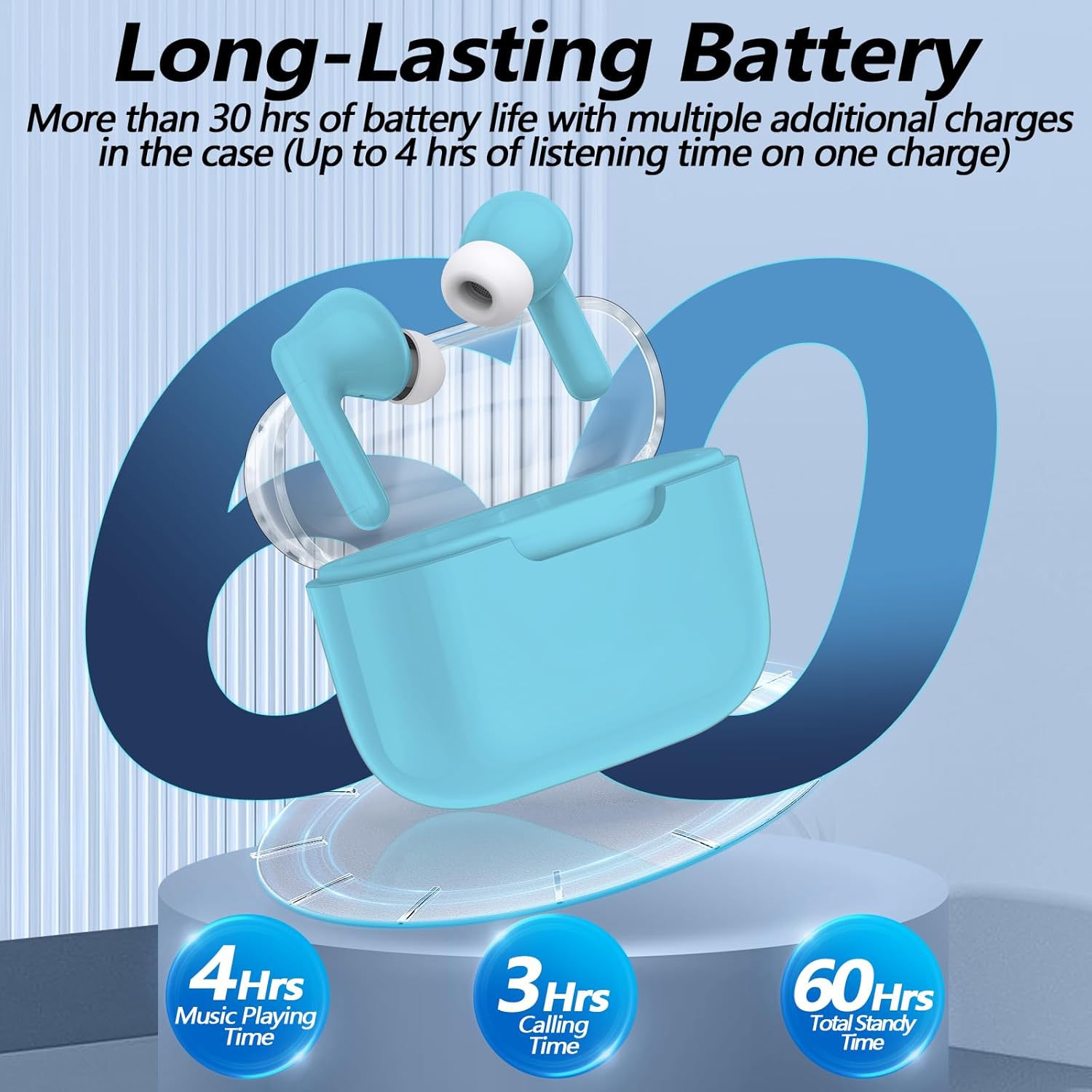
Image: kurdene P3+ Wireless Bluetooth Earbuds and their charging case.
2. Pakkens indhold
Kontroller venligst pakkens indhold for at sikre, at alle varer er til stede:
- kurdene P3+ Wireless Earbuds (Left and Right)
- P3+ Charging Case
- USB-C ladekabel
- Brugermanual
- Ear Caps (Small, Medium, Large sizes)

Image: A visual representation of the items included in the kurdene P3+ earbud package.
3. Opsætning
3.1 Opladning af øretelefoner og etuiet
Oplad ørepropperne og opladningsetuiet helt inden første brug.
- Placer ørepropperne i opladningsetuiet. Sørg for, at de er korrekt isat.
- Connect the USB-C charging cable to the charging port on the case and plug the other end into a USB power source.
- The indicator lights on the case will show the charging status. A full charge typically takes approximately 1 hour for the earbuds and 1 hour for the charging case.

Image: The earbuds in their charging case, illustrating the battery life and charging process.
The earbuds provide up to 4 hours of music playing time on a single charge, with the charging case extending total usage to 30 hours.
3.2 Parring med din enhed
The kurdene P3+ earbuds feature one-step auto-pairing for convenience.
- Sørg for, at Bluetooth er aktiveret på din smartphone eller anden lydenhed.
- Åbn opladningsetuiet. Ørepropperne går automatisk i parringstilstand.
- On your device, search for Bluetooth devices and select "P3+" from the list.
- Når der er oprettet forbindelse, hører du en bekræftelseslyd, og ørepropperne er klar til brug.
- After the initial pairing, the earbuds will automatically connect to your device when the case is opened, provided Bluetooth is active on your device.

Image: A smartphone screen showing "P3+" available for Bluetooth connection, next to the open earbud charging case.

Image: The earbuds and charging case with a visual representation of a 10-meter barrier-free transmission range.
3.3 Tilpasning af ørepropperne
For optimal sound quality and comfort, choose the correct size ear caps.
- The earbuds come with liquid silicone ear caps in Small (S), Medium (M), and Large (L) sizes.
- Try each size to find the one that provides a secure and comfortable fit, creating a good seal in your ear canal.
- Sæt forsigtigt ørepropperne i dine ører, og drej dem let for at sikre, at de sidder godt fast.

Image: The kurdene P3+ earbuds displayed with various sizes of ear tips (S, M, L) to illustrate fit options.
4. Betjeningsvejledning
4.1 Smarte berøringskontroller
The kurdene P3+ earbuds feature intuitive touch controls for managing music and calls.
| Handling | Fungere |
|---|---|
| Enkelt tryk (venstre/højre øreprop) | Afspil/pause musik, besvar opkald |
| Dobbelttryk (venstre øretelefon) | Forrige sang |
| Dobbelttryk (højre øretelefon) | Næste sang |
| Tredobbelt tryk (venstre øretelefon) | Lydstyrke ned |
| Tredobbelt tryk (højre øretelefon) | Lydstyrke op |
| Langt tryk (2 sekunder) | Reject Call, Activate Voice Assistant (Siri/Google Assistant) |

Image: A visual guide to the touch control functions on the earbuds, including play/pause, call management, and volume adjustment.
4.2 Foretage og modtage opkald
The built-in noise-cancelling microphone ensures clear communication.
- Besvare et opkald: Tryk enkeltvis på en af øretelefonerne.
- Afslutning af et opkald: Tryk enkeltvis på en af øretelefonerne under et opkald.
- Afvisning af et opkald: Tryk længe på en af øretelefonerne i 2 sekunder.

Image: A user making a call with the earbuds, demonstrating the noise reduction feature for clear conversations.
4.3 Lydafspilning
Enjoy high-quality stereo sound with deep bass and clear mid-range frequencies.
- Afspilning af musik: Når du er tilsluttet, kan du begynde at afspille lyd fra din enhed.
- Pausing Music: Tryk enkeltvis på en af øretelefonerne.
- Spring over spor: Double tap the right earbud for the next song, double tap the left earbud for the previous song.
- Justering af lydstyrke: Triple tap the right earbud for volume up, triple tap the left earbud for volume down.

Billede: En eksploderet view diagram of a 10mm speaker driver, highlighting the components responsible for HiFi stereo sound quality.
Video: An official product video demonstrating the features and usage of the Kurdene P3 Wireless Bluetooth Earbuds, including pairing, sound quality, and design aspects.
5. Vedligeholdelse
Korrekt vedligeholdelse sikrer dine øreproppers levetid og ydeevne.
- Rensning: Rengør regelmæssigt ørepropperne og opladningsetuiet med en blød, tør og fnugfri klud. Brug ikke skrappe kemikalier eller slibende materialer.
- Ørepropper: Remove and clean the silicone ear caps periodically with water and mild soap. Ensure they are completely dry before reattaching.
- Opbevaring: Når ørepropperne ikke er i brug, skal de opbevares i deres opladningsetui for at beskytte dem mod støv og skader.
- Vandtæthed: Ørepropperne er vandafvisende, men ikke vandtætte. Undgå at nedsænke dem i vand eller udsætte dem for kraftig regn. Tør dem grundigt, hvis de bliver våde.
6. Fejlfinding
If you encounter issues with your kurdene P3+ earbuds, try the following solutions:
- Ørepropper parrer ikke:
- Sørg for, at begge øretelefoner er opladet.
- Slå Bluetooth fra og til på din enhed.
- Forget "P3+" from your device's Bluetooth list and try pairing again.
- Sæt ørepropperne tilbage i etuiet, luk dem, og åbn dem derefter for at nulstille parringstilstand.
- Ingen lyd eller lav lydstyrke:
- Kontroller lydstyrkeniveauet på både din enhed og ørepropperne.
- Sørg for, at ørepropperne er korrekt tilsluttet din enhed.
- Rengør eventuelt snavs fra øreproppernes højttalere.
- Opladningsproblemer:
- Kontroller, at opladningskablet og adapteren fungerer korrekt.
- Sørg for, at opladningsporten på etuiet er ren og fri for snavs.
- Sørg for, at ørepropperne er korrekt placeret i opladningsetuiet.
- En øreprop virker ikke:
- Place both earbuds back in the charging case, close the lid, wait a few seconds, then open it again.
- Try resetting the earbuds (refer to specific reset instructions if available in a full manual, otherwise, the above step is a common soft reset).
7. Specifikationer
| Feature | Detalje |
|---|---|
| Modelnavn | P3+ |
| Forbindelsesteknologi | Trådløs (Bluetooth 5.3) |
| Audio driver type | Dynamisk Driver |
| Audio driver størrelse | 12 millimeter |
| Batterilevetid (ørepropper) | Op til 4 timer |
| Samlet batterilevetid (med etui) | Op til 30 timer |
| Opladningsport | USB-C |
| Vandmodstandsniveau | Vandtæt |
| Kontrolmetode | Røre |
| Varens vægt | 0.03 kilo (1.13 ounce) |
| Kompatible enheder | Bluetooth-enabled devices (iPhone, Android, etc.) |
| Materiale | Gummi, Silikone |
8. Garanti og support
kurdene products are designed for reliability and performance. For warranty information, technical support, or customer service inquiries, please refer to the contact details provided on the product packaging or visit the official kurdene webwebsted.
Gem venligst dit købsbevis for garantikrav.