
1. Produktet er slutview
The Awei T25 Wireless Earphones are designed for an immersive audio experience, featuring Bluetooth 5.3 connectivity, touch controls, and a comfortable in-ear design. These earbuds are suitable for various activities, including sports, and offer noise reduction capabilities.

The Awei T25 wireless earbuds are shown in their translucent pink charging case. The earbuds are also pink with the 'awei' logo visible.
2. Pakkens indhold
- Awei T25 Wireless Earphones (Left and Right)
- Opladningsetui
- USB Type-C opladerkabel
- Ørepropper (S/M/L størrelser)
- Brugermanual
3. Opsætning og første brug
3.1 Opladning af øretelefoner og etuiet
- Tilslut det medfølgende USB Type-C-kabel til opladningsporten på etuiet.
- Tilslut den anden ende af kablet til en USB-strømkilde (f.eks. en vægadapter eller en computers USB-port).
- The indicator lights on the charging case will show the charging status. Ensure the earphones are placed inside the case for them to charge.
A full charge provides approximately 4 hours of earbud usage, with the charging case extending total battery life up to 20 hours.
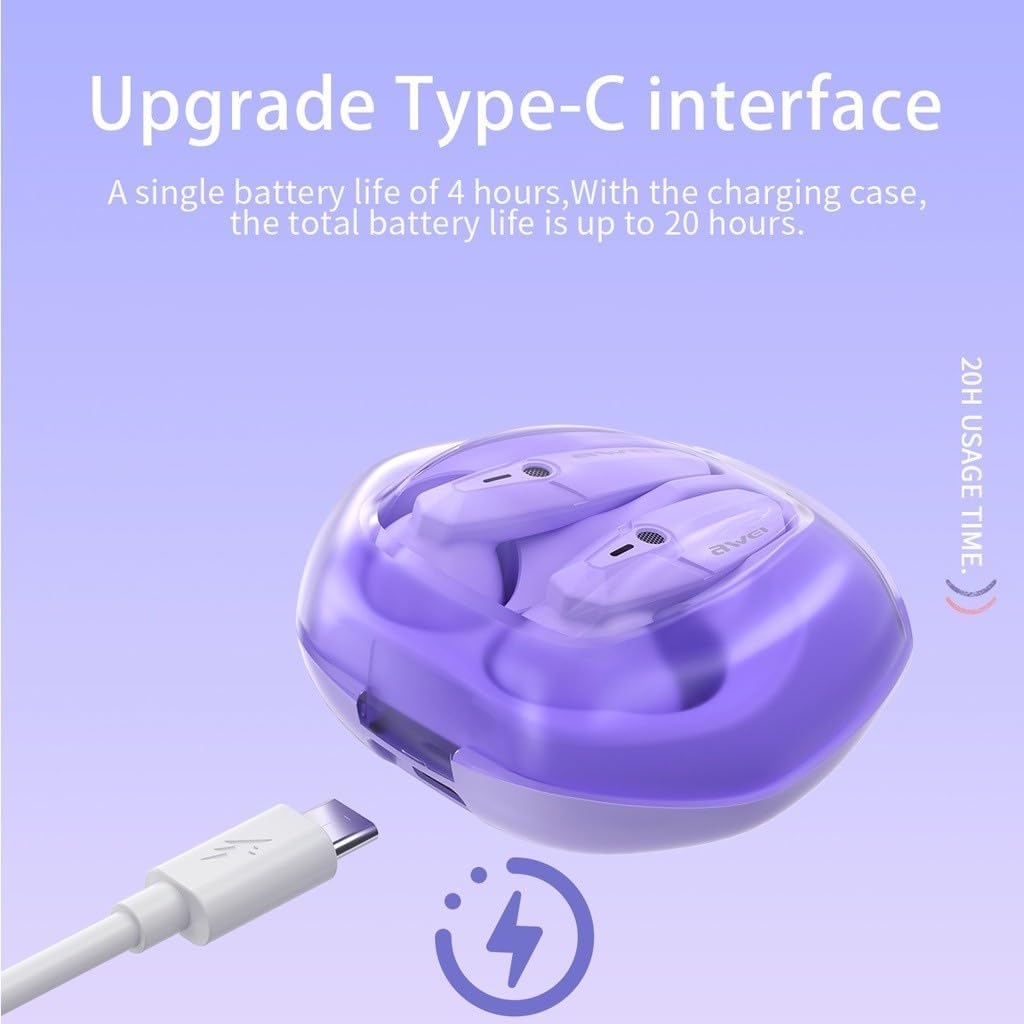
The Awei T25 charging case is shown with its Type-C charging port, indicating a single earbud battery life of 4 hours and a total battery life of up to 20 hours with the charging case.
3.2 Parring med en enhed
- Sørg for, at høretelefonerne er opladet.
- Åbn låget på opladningsetuiet. Høretelefonerne tændes automatisk og går i parringstilstand.
- Aktiver Bluetooth på din enhed (smartphone, tablet osv.) og søg efter tilgængelige enheder.
- Vælg "Awei T25" fra listen over fundne enheder, der skal oprettes forbindelse til.
- Once successfully paired, the earphones will automatically connect to your device when the case lid is opened for subsequent uses.
3.3 Valg af ørepropper
The Awei T25 earphones come with three sizes of ear tips (S/M/L). Choose the size that provides a secure and comfortable fit for optimal sound quality and noise isolation.
4. Betjening af øretelefonerne
4.1 Tryk på kontrolelementer
The Awei T25 earphones feature intuitive touch controls located on the side of each earbud. Specific functions may vary slightly depending on your device and application.
- Afspil/pause: Et enkelt tryk på begge øretelefoner.
- Næste nummer: Dobbelttryk på den højre øreprop.
- Forrige nummer: Dobbelttryk på den venstre øreprop.
- Besvar/afslut opkald: Enkelt tryk på begge øretelefoner under et indgående opkald.
- Afvis opkald: Tryk og hold en af øretelefonerne nede i 2 sekunder under et indgående opkald.
- Aktiver stemmeassistent: Tryk tre gange på en af øretelefonerne.

The Awei T25 earbuds are presented within a frosted transparent charging case, illustrating features like stereo sound, auto-connect functionality, touch control, and Bluetooth 5.3.
4.2 Sound Experience and EQ Modes
The earphones are equipped with 13mm large moving coil drivers for a rich audio experience. They also feature an in-ear design with 3 EQ switch options:
- Misligholdelse: Balanceret lydprofffile.
- Bas: Enhanced low frequencies.
- Vokal: Optimeret til klar vokal.
Refer to the detailed instructions for switching between EQ modes, typically involving a specific touch gesture.
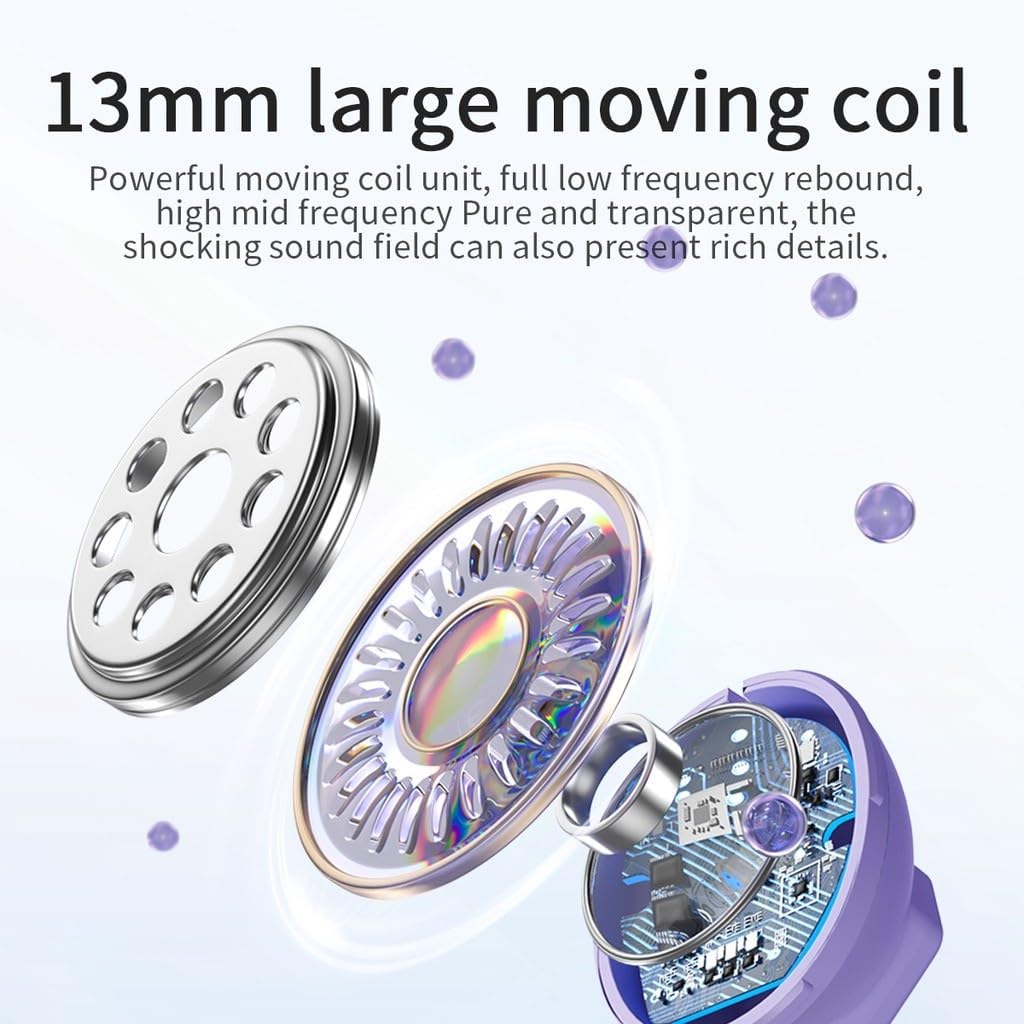
En eksploderede view diagram highlights the 13mm large moving coil unit, responsible for sound production, emphasizing its role in delivering powerful low frequencies and clear mid-high frequencies.
4.3 RGB Breathing Lights
The earphones feature colorful breathing lights that display the Awei logo, adding a visual element to your listening experience.

This image highlights additional features of the Awei T25 earbuds, including colorful breathing lights, an ergonomic in-ear design with 3 EQ switch options (default, bass, vocal), and the convenience of charging by simply placing them in the compartment.
5. Vedligeholdelse og pleje
- Rensning: Rengør regelmæssigt ørepropperne og opladningsetuiet med en blød, tør klud. Undgå at bruge slibende materialer eller barske kemikalier.
- Vandtæthed: The earphones are IPX5 waterproof, meaning they are resistant to splashes and sweat. They are not designed for submersion in water. Dry them thoroughly if they get wet.
- Opbevaring: Når de ikke er i brug, skal øretelefonerne opbevares i deres opladningsetui for at beskytte dem og holde dem opladede.
- Temperatur: Undgå at udsætte øretelefonerne for ekstreme temperaturer (varme eller kolde) eller direkte sollys i længere perioder.
6. Fejlfinding
- Ørepropper parrer ikke: Ensure both earbuds are charged and placed in the case. Open the case lid to initiate pairing mode. If issues persist, try forgetting the device from your phone's Bluetooth settings and re-pairing.
- Ingen lyd fra den ene øreprop: Check if both earbuds are charged. Try placing them back in the case, closing the lid, and then reopening it.
- Opladningsproblemer: Kontroller, at opladningskablet og adapteren fungerer korrekt. Sørg for, at opladningskontakterne på ørepropperne og inde i etuiet er rene og fri for snavs.
- Dårlig lydkvalitet: Ensure the ear tips provide a good seal in your ear canal. Try different sized ear tips. Check your device's volume settings and the earbud's EQ mode.
- Touch-kontroller reagerer ikke: Ensure your fingers are clean and dry. A single tap should be quick and precise.
7. Specifikationer
| Model | T25 |
| Mærke | Awei |
| Forbindelse | Bluetooth 5.3 |
| Vandmodstand | IPX5 |
| Øretelefon batterilevetid | Ca. 4 timer |
| Samlet batterilevetid (med etui) | Ca. 20 timer |
| Kontrolmetode | Røre |
| Øreplacering | In-Ear |
| Materiale | Plast |
| Driver størrelse | 13 mm |
| Inkluderede komponenter | User Manual, USB Type-C Cable, Ear Tips |
8. Garanti og support
Specific warranty information for the Awei T25 Wireless Earphones is not provided in the available product data. Please refer to the warranty card included with your purchase or contact the retailer/manufacturer directly for details regarding warranty coverage and customer support.