
Indledning
Thank you for choosing the Gosasa Digital Watch Model 1220. This manual provides detailed instructions for setting up, operating, and maintaining your new watch. Please read this manual carefully to ensure proper use and to enjoy all the features of your timepiece.
The Gosasa Digital Watch Model 1220 features a multi-functional digital display, durable stainless steel construction, and water resistance. It includes functions such as dual time zones, stopwatch, countdown timer, daily alarm, day/date display, and an EL backlight for visibility in low light conditions.
Produkt overview
Familiarize yourself with the main components and functions of your Gosasa Digital Watch.
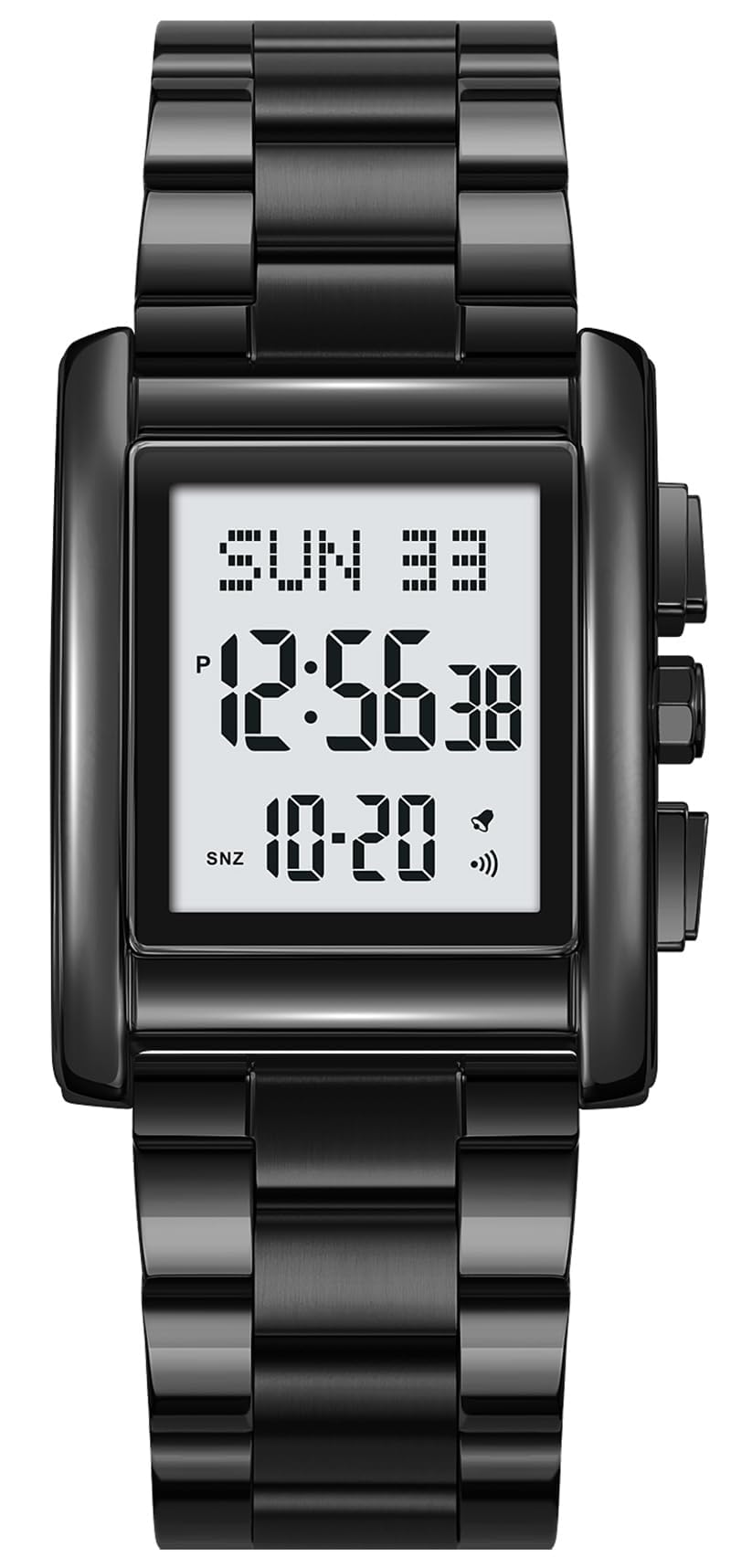
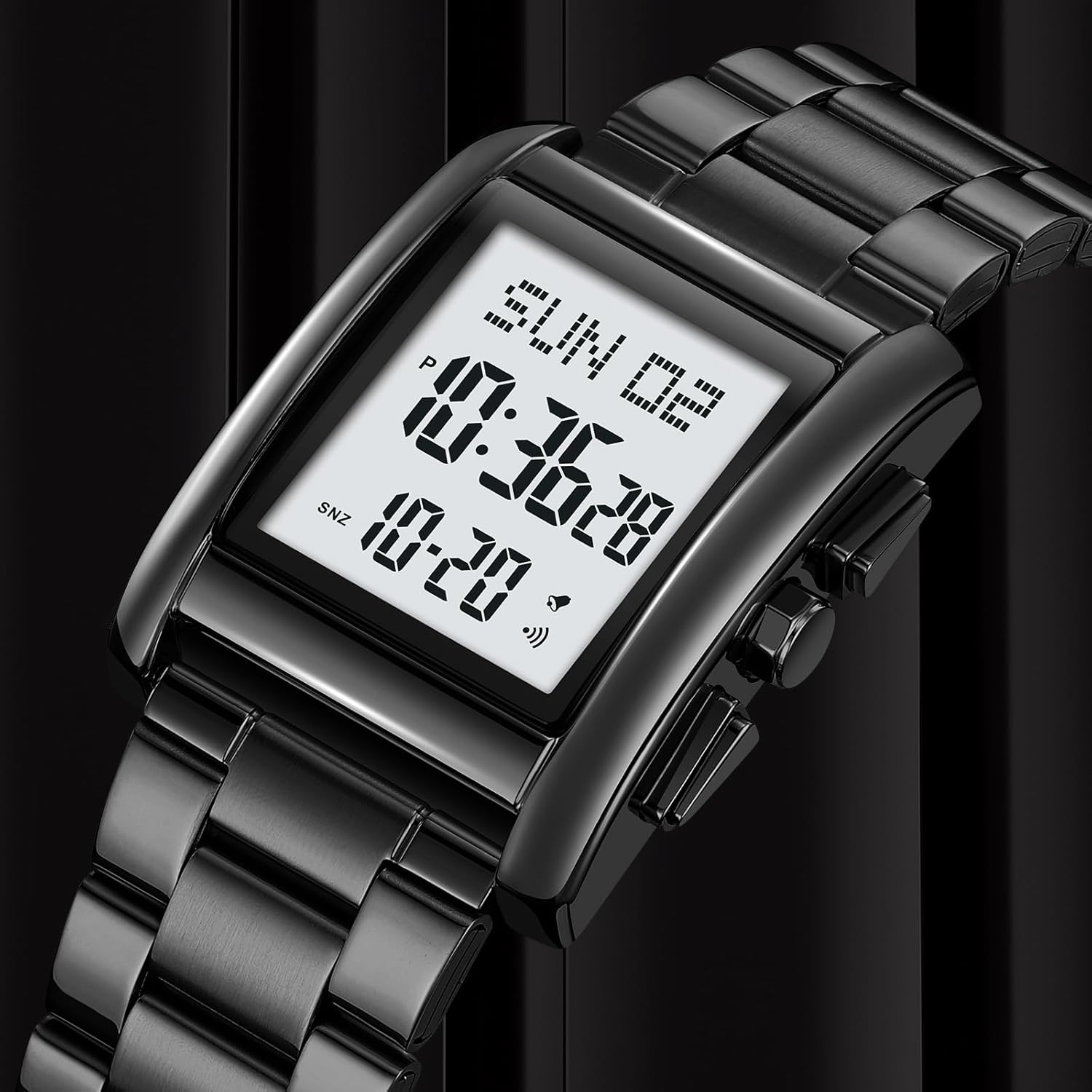
Figur 1: Forside view of the Gosasa Digital Watch Model 1220, displaying the time, day, and date.
Nøglefunktioner:
- Multifunktionelt digitalt display: Dual time zones, stopwatch, countdown, daily alarm, day/date display, 12/24-hour format.
- EL Baggrundsbelysning: Ensures easy readability in dark environments.
- Holdbar konstruktion: Zinc alloy case and high-quality stainless steel band.
- Vandtæthed: 30M (withstands splashes or brief immersion, not suitable for swimming).
- Komfortabel pasform: Adjustable strap with a folding clasp.
Opsætning
1. Justering af urremmen
The watch comes with a tool for adjusting the stainless steel band to fit your wrist. If the band is too loose, you can remove links. If it's too tight, additional links may be required (not included). It is recommended to have a professional jeweler adjust the band to prevent damage.

Figure 2: The Gosasa Digital Watch Model 1220 worn on a wrist, demonstrating its fit.
2. Indstilling af starttidspunkt og dato
Your watch may require initial time and date setting. Refer to the "Operating Instructions" section for detailed steps on how to navigate the watch's settings using the side buttons.
Betjeningsvejledning
The Gosasa Digital Watch features multiple buttons for various functions. The exact button layout and functions are typically as follows:
- MODE knap: Skifter gennem forskellige tilstande (tid, alarm, stopur, nedtælling).
- SET -knap: Used to enter setting mode for the current function.
- ADJUST/START Button: Used to adjust values or start/stop functions.
- LIGHT -knap: Aktiverer EL-baggrundsbelysningen.
1. Indstilling af tid og dato
- I tidsvisningstilstand skal du trykke på MODE button until the time display flashes, indicating setting mode.
- Brug ADJUST/START button to change the flashing value (e.g., hours, minutes, year, month, day).
- Tryk på SÆT knappen for at gå til den næste indstilling.
- Når alle indstillinger er justeret, skal du trykke på MODE knappen for at afslutte indstillingstilstand.
- For at skifte mellem 12-timers og 24-timers format skal du trykke på ADJUST/START button while the hour is flashing.
2. Brug af alarmfunktionen
- Tryk på MODE button to navigate to the Alarm Mode (usually indicated by "AL" or a bell icon).
- Tryk på SÆT knappen for at gå ind i alarmindstillingstilstand. Timecifrene blinker.
- Brug ADJUST/START knappen for at indstille den ønskede alarmtime.
- Tryk på SÆT button to move to the minute digits and set them using the ADJUST/START knap.
- Tryk på MODE knappen for at afslutte alarmindstillingstilstand.
- For at tænde/slukke alarmen skal du trykke på ADJUST/START button in Alarm Mode (without entering setting mode). An alarm icon will appear/disappear.
3. Brug af stopuret
- Tryk på MODE button to navigate to the Stopwatch Mode (usually indicated by "ST" or "STOP").
- Tryk på ADJUST/START knappen for at starte stopuret.
- Tryk på ADJUST/START knappen igen for at sætte stopuret på pause.
- Tryk på SÆT knappen for at nulstille stopuret.
4. Brug af EL-baggrundsbelysningen
Tryk på LYS button (typically located on the top left side of the watch) to illuminate the display for a few seconds. This feature is useful in low-light conditions.
Video 1: Demonstration of the Gosasa Digital Watch's features, including time setting, alarm, and backlight. This video shows the gold variant of the watch.
Opretholdelse
1. Rengøring af dit ur
For at bevare dit urs udseende, skal du tørre det regelmæssigt af med en blød, tør klud. For remme i rustfrit stål, en let damp en klud kan bruges, efterfulgt af øjeblikkelig tørring. Undgå at bruge skrappe kemikalier eller slibende materialer.
2. Vandafvisende
This watch is rated 30M water resistant. This means it can withstand splashes, rain, and brief immersion in water (e.g., hand washing). It is not suitable for swimming, diving, or showering with hot water, as steam can penetrate the seals. Ensure all buttons are not pressed while the watch is wet.
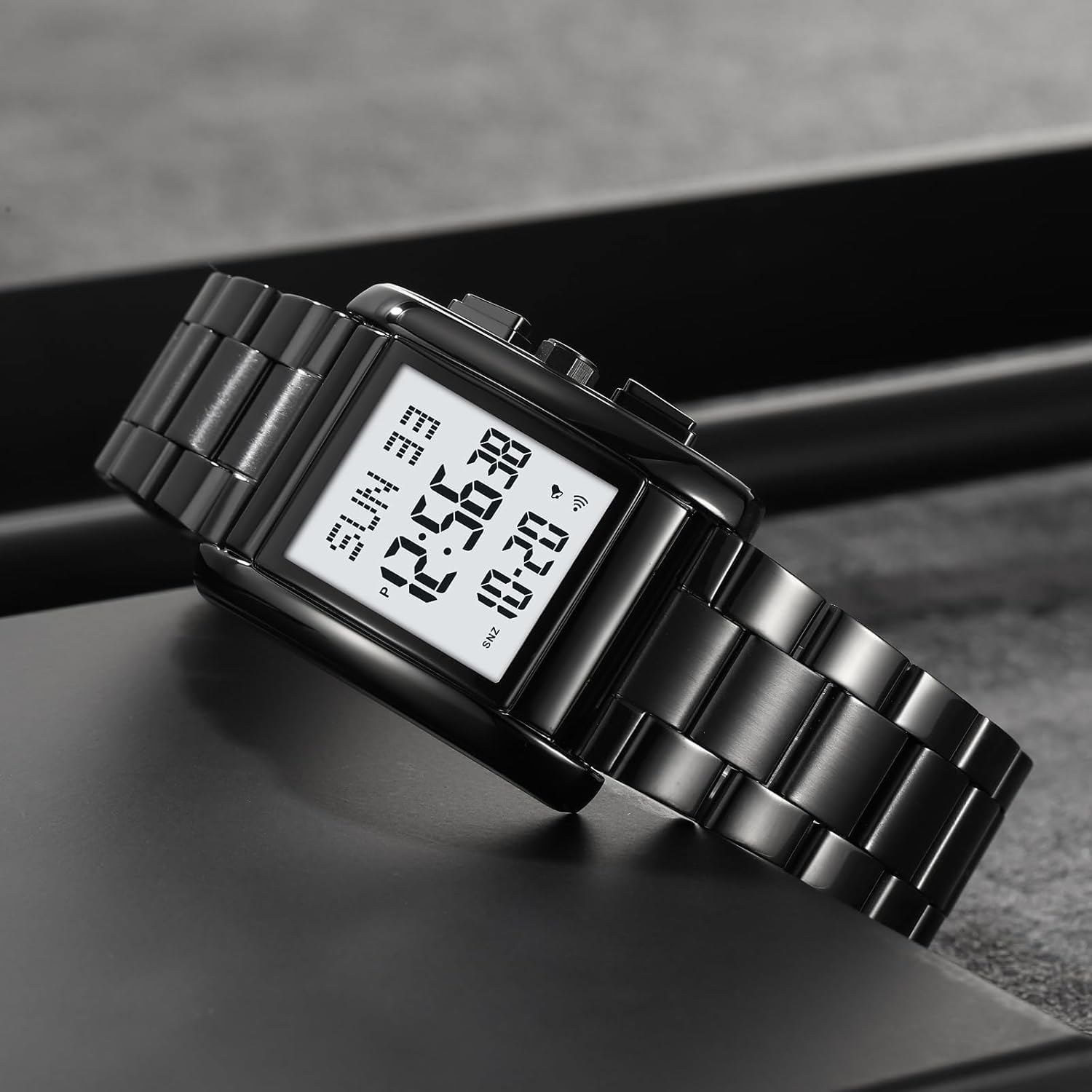
Figure 3: The Gosasa Digital Watch Model 1220 submerged in water, illustrating its water resistance capabilities.
3. Udskiftning af batteri
The watch uses a standard watch battery (CR2025, as indicated on the case back). When the display dims or functions become erratic, it may be time to replace the battery. It is recommended to have the battery replaced by a qualified watch technician to ensure proper sealing and maintain water resistance.
Figur 4: Bagside view of the Gosasa Digital Watch Model 1220, showing the engraved model and water resistance details.
Fejlfinding
| Problem | Mulig årsag | Løsning |
|---|---|---|
| Skærmen er tom eller svag. | Lavt batteri. | Udskift batteriet (CR2025). |
| Tidspunktet er forkert. | Tiden er ikke indstillet korrekt, eller der trykkes på en knap ved et uheld. | Refer to "Setting Time and Date" in Operating Instructions. |
| Knapperne reagerer ikke. | Uret er muligvis i låst tilstand, eller batteriet er meget lavt. | Try pressing all buttons to see if any respond. If not, consider battery replacement. |
| Kondens inde i uret. | Water ingress due to damaged seal or improper use (e.g., hot shower). | Stop using the watch immediately and take it to a professional for inspection and repair to prevent further damage. |
Specifikationer
- Modelnummer: 1220
- Skærmtype: Digital
- Bevægelse: Kvarts
- Etui materiale: Zinklegering
- Båndmateriale: Rustfrit stål
- Vandtæthed: 30M (3ATM)
- Æske diameter: 30.2 mm
- Sags tykkelse: 13 mm
- Båndbredde: 20 mm
- Varens vægt: 100 gram
- Batteritype: CR2025 (inkluderet)
Garantioplysninger
This Gosasa watch is covered by a limited warranty against manufacturing defects. The warranty period typically covers defects in materials and workmanship under normal use. It does not cover damage resulting from improper handling, accidents, unauthorized repairs, or normal wear and tear.
For specific warranty terms and conditions, please refer to the warranty card included with your purchase or contact Gosasa customer support.
Kundesupport
If you have any questions or require assistance with your Gosasa Digital Watch Model 1220, please contact our customer support team. You can typically find contact information on the product packaging or the official Gosasa webwebsted.
For online support and FAQs, visit: Gosasa Brand Store on Amazon