
Indledning
The iBall Palmz is a versatile wireless mouse offering dual connectivity options: 2.4 GHz wireless via a mini USB receiver and Bluetooth. Designed for comfort and efficiency, it features silent clicks and an ergonomic form factor, making it suitable for various computing environments including PCs, Macs, and laptops.
Nøglefunktioner
- Dobbelt tilslutning: Seamlessly switch between 2.4 GHz wireless (via USB receiver) and Bluetooth.
- Lydløse klik: Enjoy a quiet working environment with specially designed silent click buttons.
- Ergonomisk design: Contoured shape with a fibre finish provides a comfortable grip for extended use.
- Nano USB Receiver: Compact receiver that can be stored inside the mouse for portability.
- Strømbesparelsestilstand: Automatic power-saving function extends battery life when not in use.
- Tre knapper: Standard left, right, and scroll wheel buttons for essential navigation.
- Optisk sporing: Precise and smooth cursor control.
Pakkens indhold
- iBall Palmz Wireless + Bluetooth Mouse
- Nano USB-modtager
- Brugervejledning (dette dokument)
Bemærk: Batterier er ikke inkluderet og skal købes separat.
Opsætningsinstruktioner
1. Indsæt batteri
Locate the battery compartment on the underside of the mouse. Open the cover and insert one AA battery (not included), ensuring correct polarity (+/-). Close the battery compartment cover securely.
2. Connect via 2.4 GHz Wireless
- Remove the Nano USB receiver from its storage slot on the underside of the mouse.
- Plug the Nano USB receiver into an available USB port on your computer (PC, Mac, or laptop).
- Computeren burde automatisk registrere og installere de nødvendige drivere.
- Turn on the mouse using the power switch located on the underside. The mouse is now ready for use.

Image: iBall Palmz mouse showing the Nano USB receiver. The receiver is a small USB dongle that plugs into your computer for 2.4 GHz wireless connectivity.
3. Opret forbindelse via Bluetooth
- Sørg for, at musen er tændt.
- Press and hold the Bluetooth pairing button (usually located on the underside of the mouse) until the indicator light starts blinking, indicating it's in pairing mode.
- Åbn Bluetooth-indstillingerne på din computer eller enhed.
- Søg efter new devices and select "iBall Palmz" from the list.
- Follow any on-screen prompts to complete the pairing process. The indicator light on the mouse will become solid when successfully paired.
Betjeningsvejledning
The iBall Palmz mouse offers standard mouse functionalities with the added benefit of silent clicks.
- Venstre klik: Primær knap til valg af elementer, åbning files, og interaktion med software.
- Højreklik: Sekundær knap til adgang til kontekstmenuer og yderligere muligheder.
- Scrollhjul: Rul op eller ned for at navigere gennem dokumenter og web sider. Scrollhjulet fungerer også som en midterste klikknap.

Billede: Top view of the iBall Palmz mouse, highlighting its ergonomic shape and button layout. The mouse features a scroll wheel and two main click buttons.
The mouse has a working range of up to 10 meters, providing flexibility in your workspace.

Image: iBall Palmz mouse with an indication of its 10-meter working range. This illustrates the wireless freedom provided by the device.
Opretholdelse
- Rensning: Brug en blød, tør klud til at rengøre musen. Undgå at bruge skrappe kemikalier eller slibende materialer.
- Udskiftning af batteri: Replace the AA battery when the mouse performance degrades or the indicator light signals low battery.
- Strømbesparende: The mouse automatically enters a power-saving mode when idle. To conserve battery life further, turn off the mouse using the power switch when not in use for extended periods.
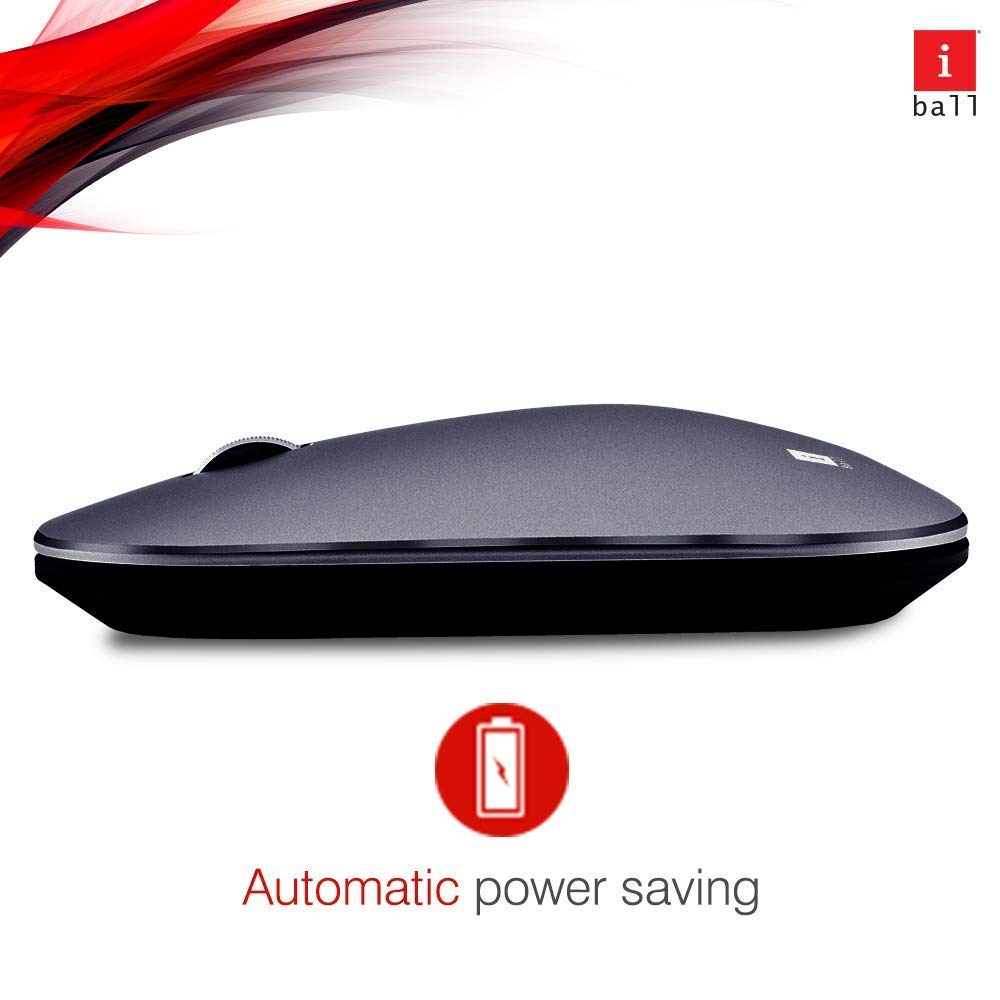
Image: iBall Palmz mouse illustrating its automatic power-saving feature. This function helps extend battery life by entering a low-power state when idle.
Fejlfinding
| Problem | Løsning |
|---|---|
| Mouse is unresponsive (2.4 GHz) |
|
| Mouse is unresponsive (Bluetooth) |
|
| Markørens bevægelse er uregelmæssig |
|
Specifikationer
| Modelnavn | Palmz |
| Forbindelsesteknologi | 2.4 GHz trådløs, Bluetooth |
| Bevægelsesdetektion | Optisk |
| Antal knapper | 3 (Venstre, Højre, Scrollhjul/Midterste klik) |
| Særlige funktioner | Silent Clicks, Lightweight, Automatic Power Saving |
| Kompatible enheder | Desktop, Laptop, Tablet, Smart Phone |
| Hardware platform | Linux, Mac |
| Operativsystemsupport | Linux, Windows 7, Windows XP (og nyere versioner) |
| Varens vægt | 250 g |
| Farve | Grå |
| Batterier påkrævet | Ja (1x AA, medfølger ikke) |
Garanti og support
This iBall Palmz mouse comes with a 3-års garanti fra købsdatoen. Gem venligst din købsbevis i tilfælde af garantikrav.
For technical support or warranty inquiries, please contact the manufacturer or your retailer. Contact information can typically be found on the product packaging or the manufacturer's official webwebsted.