
1. Produktet er slutview
The Docooler IPX7 Waterproof Bluetooth Portable Shower Speaker is designed for audio playback in various environments, including wet conditions. It features Bluetooth 5.0 connectivity, an LED display, FM radio, and a light show function. The speaker is equipped with a removable suction cup for versatile placement.

Image: Docooler IPX7 Waterproof Bluetooth Portable Shower Speaker, showcasindens design og funktioner.
2. Pakkens indhold
Bekræft at alle varer er til stede i pakken:
- Docooler IPX7 Waterproof Bluetooth Portable Shower Speaker
- USB-C ladekabel
- Aftagelig sugekop
- Brugermanual
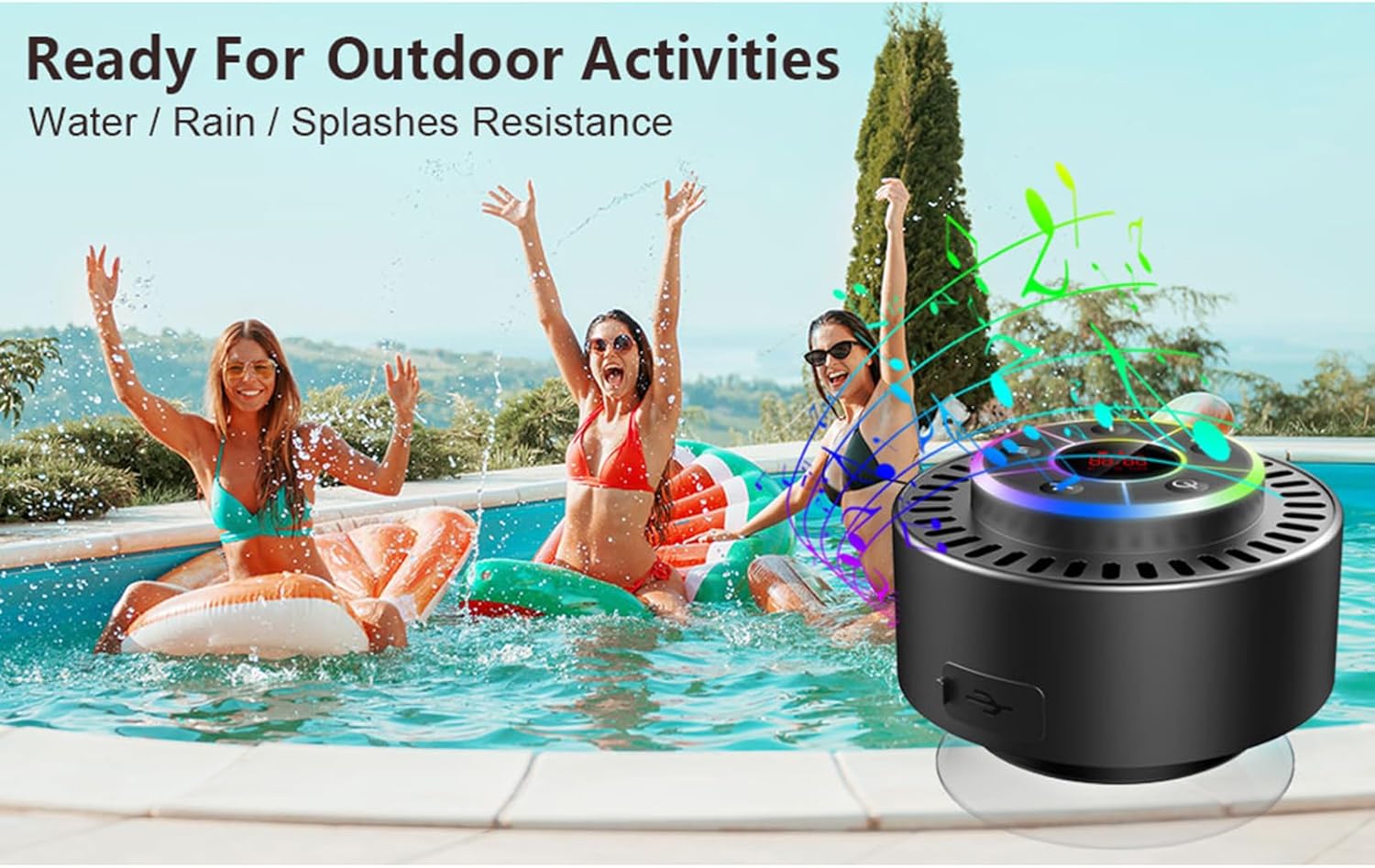
Image: The speaker, USB-C charging cable, and user manual as included in the package.
3. Opsætning
3.1 Opladning af højttaleren
Before initial use, fully charge the speaker. Connect the provided USB-C charging cable to the speaker's charging port and the other end to a USB power adapter (not included) or a computer's USB port. The LED display will indicate charging status.
3.2 Montering af sugekoppen
To attach the suction cup, ensure both the speaker's back surface and the desired mounting surface are clean and dry. Press the suction cup firmly against the surface until it adheres securely. For best results, slightly moisten the suction cup before application.
3.3 Tænd/sluk
- For at tænde: Tryk og hold på Power-knap (
 ) for approximately 3 seconds until the LED display illuminates.
 - For at slukke: Tryk og hold på Power-knap for approximately 3 seconds until the LED display turns off.
4. Betjeningsvejledning
4.1 Knapfunktioner
Billede: Detaljeret view of the speaker's control panel, indicating the function of each button.
| Knap | Funktion (kort tryk) | Funktion (langt tryk) |
|---|---|---|
| Power knap () | Toggle LED light show modes | Tænd/sluk |
| M knap | Switch between Bluetooth and FM Radio modes | N/A |
| Afspil/pause knap () | Play/Pause music; Answer/End calls; Auto-scan in FM mode | Afvis indgående opkald |
| Previous Song / Volume Down (-) | Previous song (Bluetooth); Previous station (FM) | Sænk volumen |
| Next Song / Volume Up (+) | Next song (Bluetooth); Next station (FM) | Øg volumen |
4.2 Bluetooth -parring
When powered on, the speaker automatically enters Bluetooth pairing mode. The LED display will show 'BT'.
- Ensure Bluetooth is enabled on your device (smartphone, tablet, laptop).
- Søg efter available Bluetooth devices and select "Docooler Speaker" from the list.
- Once connected, the speaker will emit an audible confirmation, and the 'BT' indicator on the LED display will stabilize.

Image: The speaker demonstrating connectivity with a phone, tablet, and computer via Bluetooth.
4.3 Ægte trådløs stereo (TWS) parring
To achieve 3D stereo sound, two Docooler speakers can be paired together.
- Sørg for, at begge højttalere er tændt og ikke er forbundet til nogen anden Bluetooth-enhed.
- På én højttaler (dette vil være den primære højttaler) skal du trykke på og holde Afspil/pause knap for 2-3 seconds until you hear a pairing tone.
- De to højttalere vil automatisk oprette forbindelse til hinanden.
- Når den er parret, skal du tilslutte din enhed til den primære højttaler via Bluetooth som beskrevet i afsnit 4.2. Lyden afspilles nu i stereo gennem begge højttalere.

Image: Two Docooler speakers wirelessly connected to a computer, illustrating the True Wireless Stereo (TWS) feature.
4.4 FM-radiotilstand
To switch to FM Radio mode:
- Tryk på M-knap to cycle through modes until 'FM' appears on the LED display.
- Automatisk scanning: I FM-tilstand skal du trykke kort på Afspil/pause knap to automatically scan and save available radio stations.
- Skift station: Brug Previous Song / Volume Down (-) og Next Song / Volume Up (+) knapper til at navigere gennem gemte stationer.
- Juster lydstyrken: Tryk længe på Previous Song / Volume Down (-) or Next Song / Volume Up (+) knapper for at justere lydstyrken.
4.5 LED-lysshow
The speaker features a beat-driven LED light show with seven colors.
- Skift lystilstand: Tryk kort på Power-knap to cycle through different light show patterns or to lock a single color.
- Sluk lyset: Fortsæt med at trykke på Power-knap until the lights turn off.
4.6 Håndfri opkald
Når den er tilsluttet via Bluetooth, muliggør den indbyggede mikrofon håndfri opkald.
- Besvar opkald: Tryk kort på Afspil/pause knap.
- Afslut opkald: Tryk kort på Afspil/pause knap under et opkald.
- Afvis opkald: Tryk længe på Afspil/pause knap.
4.7 LED-displayinformation
The LED display shows the current time and battery level in Bluetooth mode. In FM radio mode, it displays the frequency.
5. Vedligeholdelse
5.1 Vandtæthed (IPX7)
The speaker is IPX7 waterproof, meaning it can be submerged in up to 1 meter (3 feet) of water for up to 30 minutes. Ensure the charging port cover is securely closed before exposing the speaker to water. After exposure to water, wipe the speaker dry with a soft cloth.
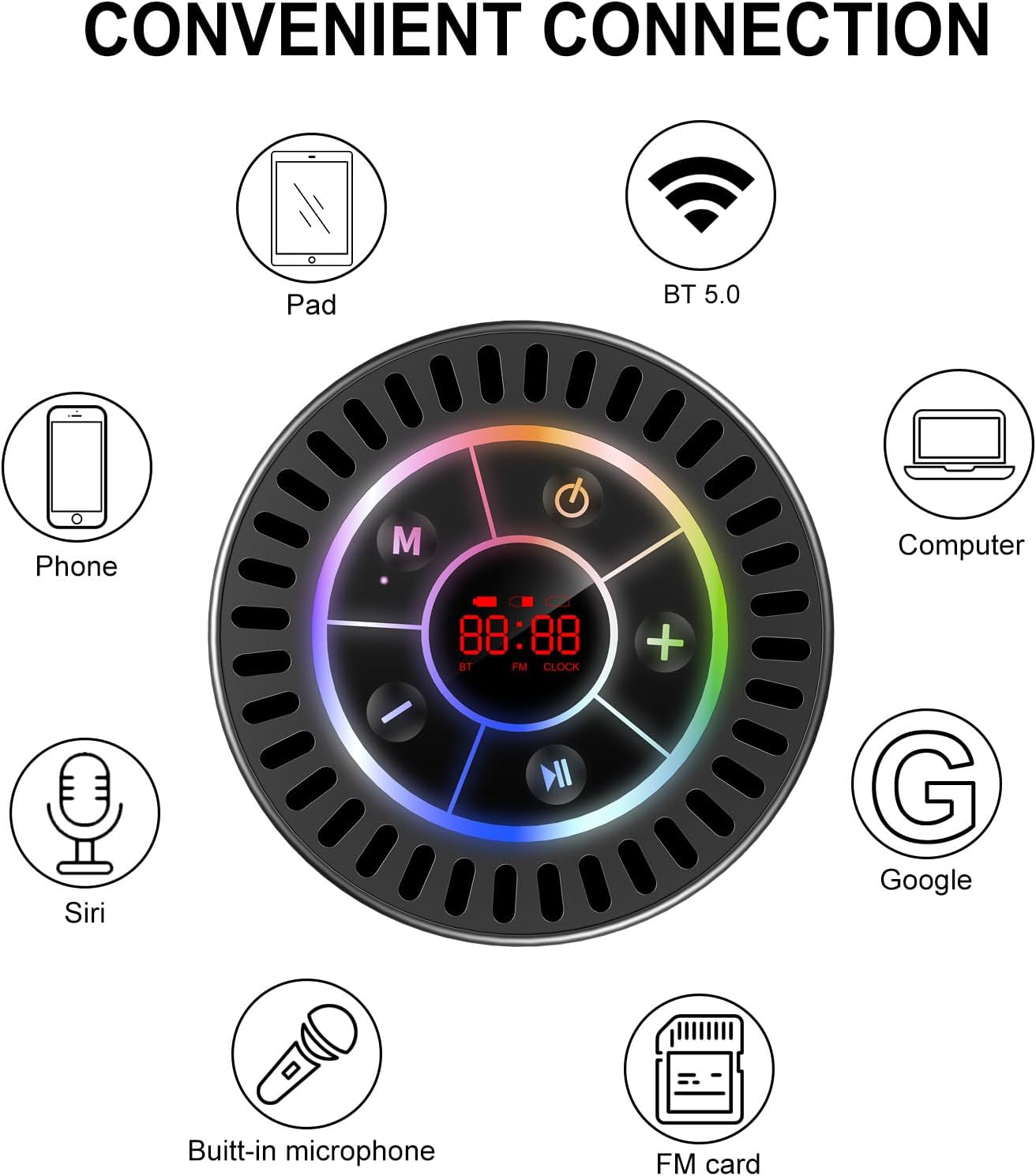
Image: The Docooler speaker attached to a shower wall, demonstrating its waterproof capability.
5.2 Rengøring
Rengør højttaleren med en blød, damp klud. Brug ikke slibende rengøringsmidler, alkohol eller kemiske opløsningsmidler, da disse kan beskadige overfladen eller de indvendige komponenter.
5.3 Opbevaring
Opbevar højttaleren et køligt, tørt sted væk fra direkte sollys og ekstreme temperaturer. Hvis den opbevares i en længere periode, skal batteriet oplades med jævne mellemrum for at forlænge dens levetid.
6. Fejlfinding
- Højttaleren tænder ikke: Sørg for, at batteriet er opladet. Tilslut højttaleren til en strømkilde med USB-C-kablet, og prøv igen.
- Kan ikke parres via Bluetooth:
- Ensure the speaker is in Bluetooth pairing mode ('BT' flashing on display).
- Sørg for, at Bluetooth er aktiveret på din enhed, og at den er inden for 15 meter fra højttaleren.
- Hvis den tidligere har været parret, så prøv at glemme enheden på din telefon og parre den igen.
- Genstart både højttaleren og din Bluetooth-enhed.
- Dårlig FM-radiomodtagelse: FM radio reception can be affected by location and environmental factors. Try repositioning the speaker or using it in an open area. The charging cable can sometimes act as an antenna to enhance signal.
- Ingen lyd eller lav lydstyrke:
- Kontroller lydstyrkeniveauet på både højttaleren og din tilsluttede enhed.
- Ensure the speaker is properly paired and not connected to another device.
- Hvis du bruger TWS, skal du sørge for, at begge højttalere er korrekt parret med hinanden og derefter med din enhed.
- Speaker starts at full volume: Some units may default to a high volume upon power-on. Immediately adjust the volume using the '-' button to a comfortable level after turning the speaker on.
- Sugekoppen holder ikke: Ensure the mounting surface is clean, smooth, and dry. Slightly moisten the suction cup before pressing it firmly onto the surface. Avoid porous or textured surfaces.
7. Specifikationer

Billede: En eksploderet view showing the internal components of the Docooler speaker, highlighting its sound technology.
| Feature | Detalje |
|---|---|
| Mærke | Docooler |
| Modelnummer | SMT4782513347516YX |
| Forbindelsesteknologi | Bluetooth 5.0 |
| Bluetooth rækkevidde | Op til 15 meter |
| Vandmodstandsniveau | IPX7 (vandtæt) |
| Højttaler Maksimal udgangseffekt | 5 watt |
| Frekvensrespons | 100 Hz |
| Lydudgangstilstand | Stereo, Surround (med TWS) |
| Signal-støjforhold | 95 dB |
| Antal mikrofoner | 1 (indbygget) |
| Strømkilde | Batteridrevet |
| Kontrolmetode | Knap |
| Varens vægt | 300 gram |
| Kompatible enheder | Bærbar computer, MP3-afspiller, Smartphone, Tablet, Fjernsyn |
8. Garanti og support
8.1 Garantioplysninger
This Docooler speaker comes with a limited warranty. For specific terms and conditions, please refer to the warranty card included in your package or contact Docooler customer support.
8.2 Kundesupport
For further assistance, technical support, or warranty claims, please visit the official Docooler website or contact their customer service department. Contact information can typically be found on the product packaging or the brand's online store.