
1. Introduktion
Thank you for choosing the Infinix Smart 6 X6511b / Smart 6 Plus X6511b Phone Case. This manual provides essential information on how to properly install, use, and maintain your new phone case to ensure optimal protection and longevity. This case is designed to offer robust protection against drops and impacts, while maintaining the sleek profile af din enhed.
2. Nøglefunktioner
- Kompatibilitet: Specifically designed for Infinix Smart 6 X6511b and Infinix Smart 6 Plus X6511b models.
- Kamerabeskyttelse: Features raised edges around the camera module to prevent scratches and direct impact on the lens.
- Stødsikkert design: Engineered with shock-absorbing materials to provide excellent drop protection, safeguarding your phone from accidental bumps and falls.
- Præcise udskæringer: Ensures easy access to all ports, buttons, sensors, and cameras without removing the case. Buttons are designed for responsive and effortless pressing.
- Stilfuldt udseende: Gradient plating anti-drop design adds a visually appealing and fashionable touch to your device.
- Comfortable Hand Feel: Designed with classic straight edges for a comfortable and secure grip.
- High-Grade Material: Constructed from high-grade Thermoplastic Polyurethane (TPU) material, which resists yellowing and maintains clarity over time.
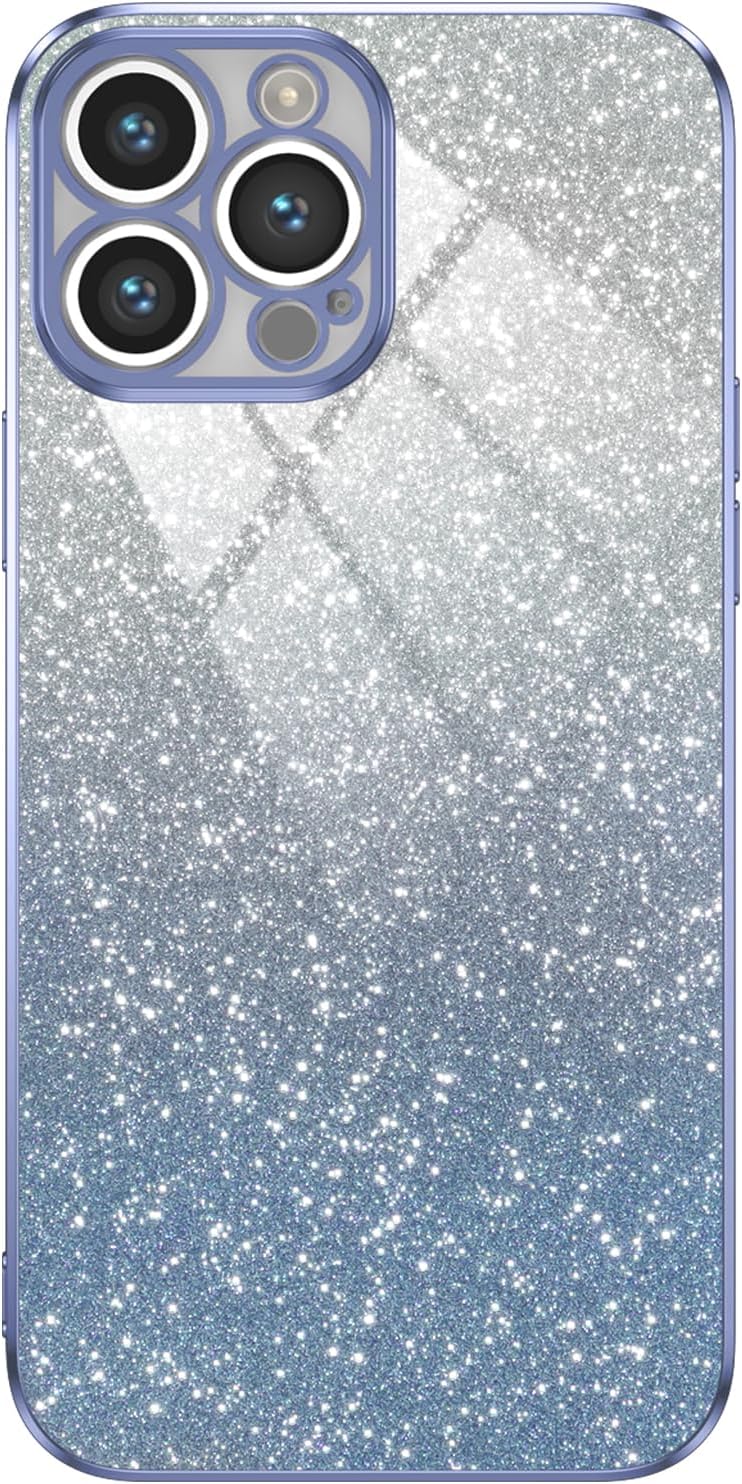
Figur 2.1: Forside view of the phone case, showcasing its gradient design and camera cutout.

Figure 2.2: Illustration of the phone case absorbing impact during a fall, highlighting its shockproof capabilities.

Figur 2.3: Nærbillede view of the phone case's raised camera bezel, designed to protect the lens from scratches.

Figure 2.4: Image demonstrating the independent and responsive buttons on the phone case, providing a bare metal-like touch experience.

Figure 2.5: The phone case featuring a star-studded, glittery design that illuminates the device's beauty.

Figure 2.6: A hand holding the phone case, illustrating its silky tactile feel and comfortable grip due to classic straight edges.

Figur 2.7: Detaljeret view of the phone case from various angles, showcasing dens overordnede design og pasform.
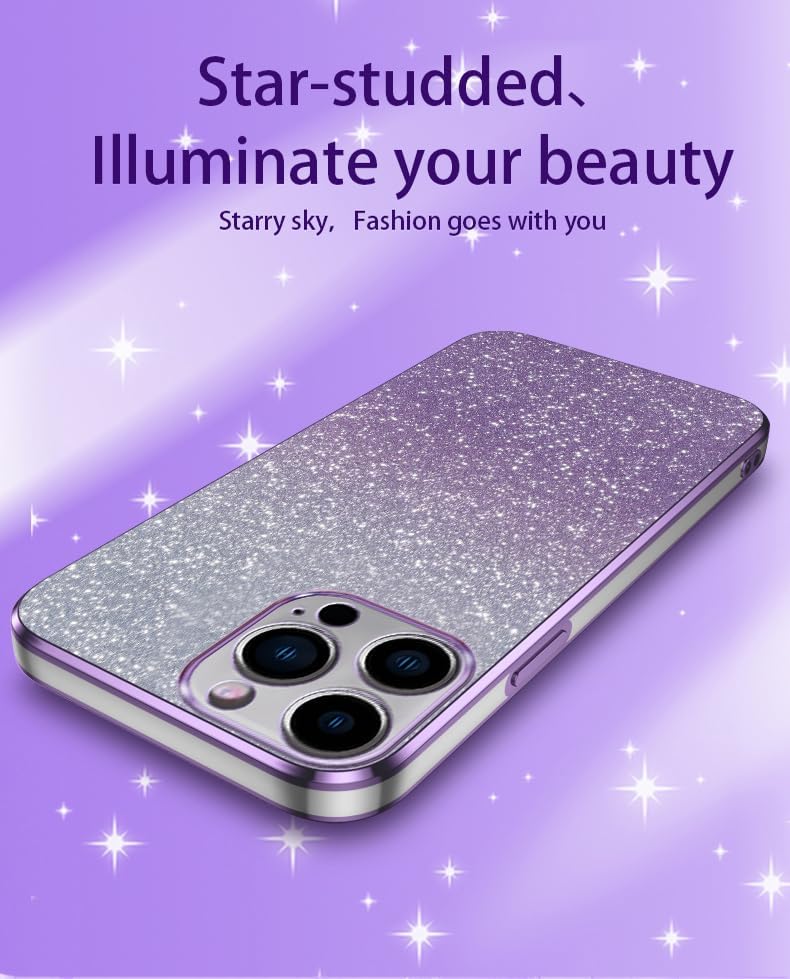
Figure 2.8: Close-up of the phone case material, emphasizing its high-grade PET composition for no yellowing and purer clarity.
3. Opsætning og installation
Installing your phone case is a simple process:
- Rengør din enhed: Before installation, ensure your Infinix Smart 6 X6511b or Smart 6 Plus X6511b is clean and free of dust or debris. Use a soft, lint-free cloth if necessary.
- Juster sagen: Hold the phone case with the camera cutout aligned with your phone's camera module.
- Insert the Phone: Gently push your phone into the case, starting with one side (e.g., the top or bottom). Ensure all corners snap securely into place.
- Check Fit: Once installed, gently press around the edges of the case to ensure it is fully seated and all buttons and ports are accessible and aligned.
4. Betjeningsvejledning
Once installed, the phone case operates seamlessly with your device:
- Knapadgang: The case features precise button covers that allow for easy and responsive pressing of your phone's power and volume buttons.
- Havneadgang: All charging ports, headphone jacks (if applicable), and speaker grilles remain fully accessible through the case's accurate cutouts.
- Kamerabrug: The raised camera protection does not interfere with photo or video capture. Ensure no dust or debris accumulates in the camera cutout for clear images.
5. Vedligeholdelse
To keep your phone case in optimal condition:
- Rensning: Tør etuiet regelmæssigt af med en blød kludamp cloth to remove dust, fingerprints, and smudges. For tougher stains, a small amount of mild soap can be used, followed by rinsing and thorough drying.
- Undgå barske kemikalier: Brug ikke slibende rengøringsmidler, opløsningsmidler eller stærke kemikalier, da disse kan beskadige materialet og finishen på kabinettet.
- Opbevaring: Når etuiet ikke er i brug, skal det opbevares køligt og tørt, væk fra direkte sollys, for at forhindre materialeforringelse.
6. Fejlfinding
Hvis du støder på problemer med dit telefoncover, skal du overveje følgende:
- Etuiet passer ikke korrekt: Ensure you have the correct model of phone case for your device (Infinix Smart 6 X6511b or Smart 6 Plus X6511b). Remove and re-install the case, ensuring all corners snap into place.
- Knapperne føles stive: New cases may have slightly stiffer buttons initially. Repeated use will typically soften them. Ensure the case is correctly aligned, as misalignment can cause stiffness.
- Ridser på kassen: While the case offers protection, it is not entirely scratch-proof. Minor scratches are normal wear and tear.
7. Specifikationer
| Feature | Detalje |
|---|---|
| Produktdimensioner | 0.39 x 0.39 x 0.39 tommer |
| Varens vægt | 2.46 ounce |
| ASIN | B0CS9T3B37 |
| Særlige funktioner | High quality Phone Case, Travel, Enhanced protection, Camera Protection, Phone Case |
| Formfaktor | Grundlæggende sag |
| Farve | Blå |
| Hvad er der i æsken | Gradient plating anti-drop phone case |
| Fabrikant | Generisk |
| Oprindelsesland | Kina |
| Dato først tilgængelig | 13. januar 2024 |
| Kompatible telefonmodeller | Infinix Smart 6 X6511b / Smart 6 Plus X6511b |
| Kompatible enheder | Infinix Smart 6 X6511b / Smart 6 Plus X6511b |
| Materiale | Termoplastisk polyurethan |
8. Garanti og support
This product is typically covered by a standard return policy, allowing for returns or replacements within 30 days of purchase if the item is new and unused. For specific warranty details or support inquiries, please refer to the seller's policy on the platform where the product was purchased. Keep your proof of purchase for any warranty claims.
For further assistance, please contact the seller directly through the platform's messaging system.