
Indledning
This manual provides essential instructions for the safe and efficient operation of your LQWELL HY300 Mini Projector. Please read this manual thoroughly before using the product and retain it for future reference.
The LQWELL HY300 is a portable mini projector designed for home entertainment and presentations. It features 5G WiFi and Bluetooth 5.0 connectivity, automatic keystone correction, and supports up to 4K video input for a clear viewoplevelse.
Hvad er der i æsken
Carefully unpack all items and ensure you have the following components:
- LQWELL HY300 Projector
- Strømledning
- Fjernbetjening
- Instruktionsmanual
Produkt overview
Front View
Billedbeskrivelse: Forsiden view of the LQWELL HY300 Mini Projector, highlighting the projection lens and the manual focus wheel located around the lens. The projector is compact and purple.
Bag og Side Views (Porte)
Billedbeskrivelse: Bagsiden og siden view of the LQWELL HY300 Mini Projector, illustrating the various input/output ports including HDMI, USB, and Audio. These ports allow connection to multiple external devices.
Nøglefunktioner
- 5G WiFi & BT5.0: Supports fast wireless screen synchronization and high-fidelity audio transmission to Bluetooth devices.
- Automatisk keystone-korrektion: Built-in sensor automatically calibrates the projection surface for a rectangular image.
- 220° drejelig stativ: Allows flexible projection angles from floor to ceiling.
- Flere grænseflader: HDMI, USB, and Audio ports for broad device compatibility.
- Native 720P, 4K Support: Delivers clear and bright images with a native resolution of 1280x720 and support for 4K video input.
Opsætning
- Placering: Position the projector on a stable, flat surface. Utilize the 220° rotatable stand to adjust the projection angle as needed. Ensure the projection path is clear of obstructions.
- Strømtilslutning: Connect the power cord to the projector's power input and then to a suitable electrical outlet. The projector will power on or enter standby mode.
- Indledende fokusjustering: Turn the manual focus wheel located around the lens until the projected image appears sharp and clear.
- Automatisk keystone-korrektion: The projector features an automatic keystone correction function. It will automatically adjust the image to be rectangular. If further adjustment is needed, refer to the 'Operating' section for manual correction.
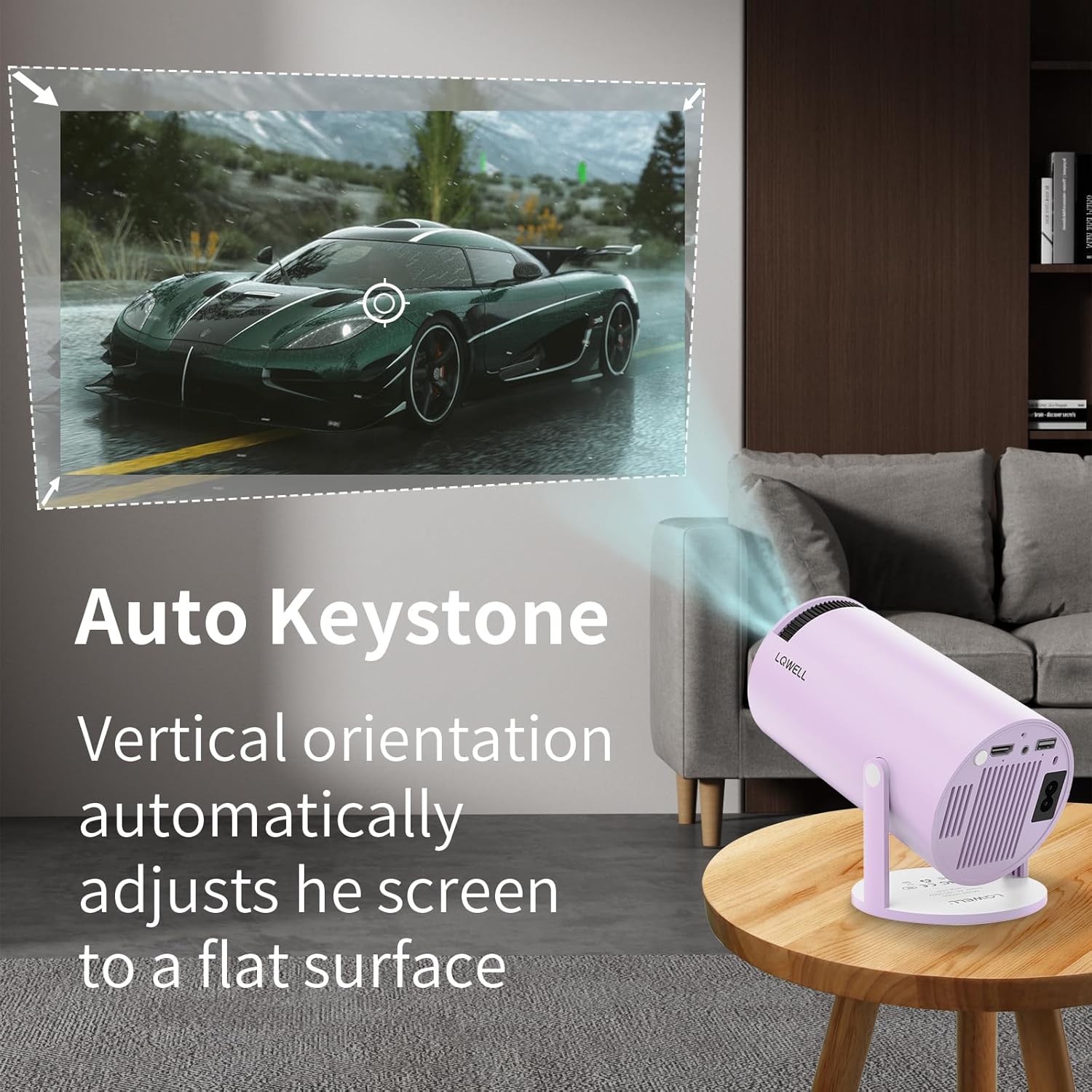
Billedbeskrivelse: An illustration showing the LQWELL HY300 Mini Projector projecting an image onto a wall, with arrows indicating how the automatic keystone correction adjusts the vertical orientation to maintain a flat, rectangular screen.
Drift
Tænd/sluk
- Tryk på tænd/sluk-knappen på projektoren eller fjernbetjeningen for at tænde eller slukke enheden.
Tilslutning af enheder
The HY300 projector supports various connection methods:

Billedbeskrivelse: The LQWELL HY300 Mini Projector shown connected to a smartphone, PC, laptop, and Bluetooth speaker, illustrating its multi-device compatibility via HDMI, USB, and Audio ports.
- HDMI: Connect a PC, laptop, Firestick, TV box, Xbox, or other HDMI-compatible devices using an HDMI cable. Select the HDMI input source from the projector's menu.
- USB: Insert a USB disk into the USB port to play media files. Select the USB input source from the projector's menu.
- Lydudgang: Tilslut eksterne højttalere eller hovedtelefoner via 3.5 mm lydstikket for forbedret lyd.
Wireless Connectivity (WiFi & Bluetooth)

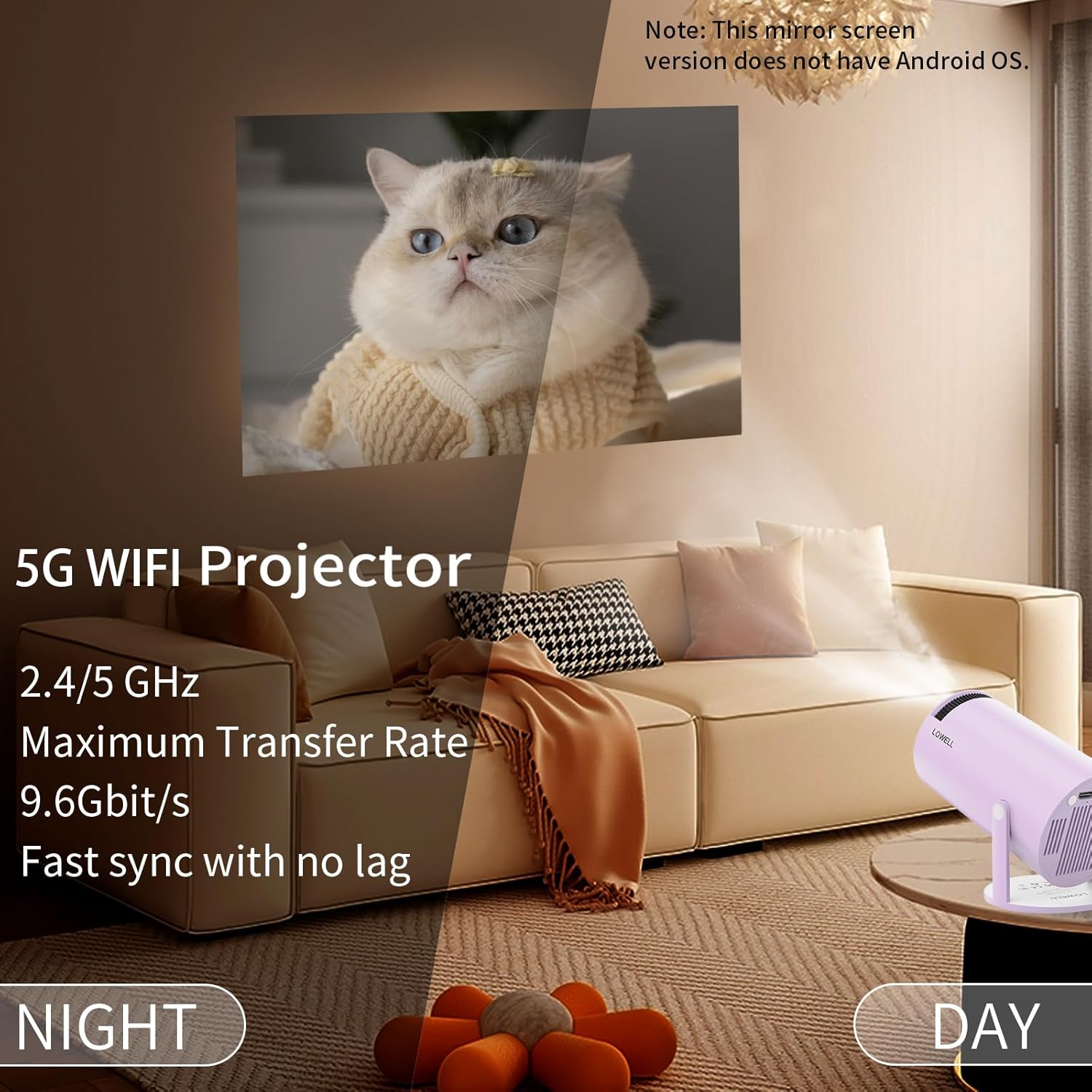
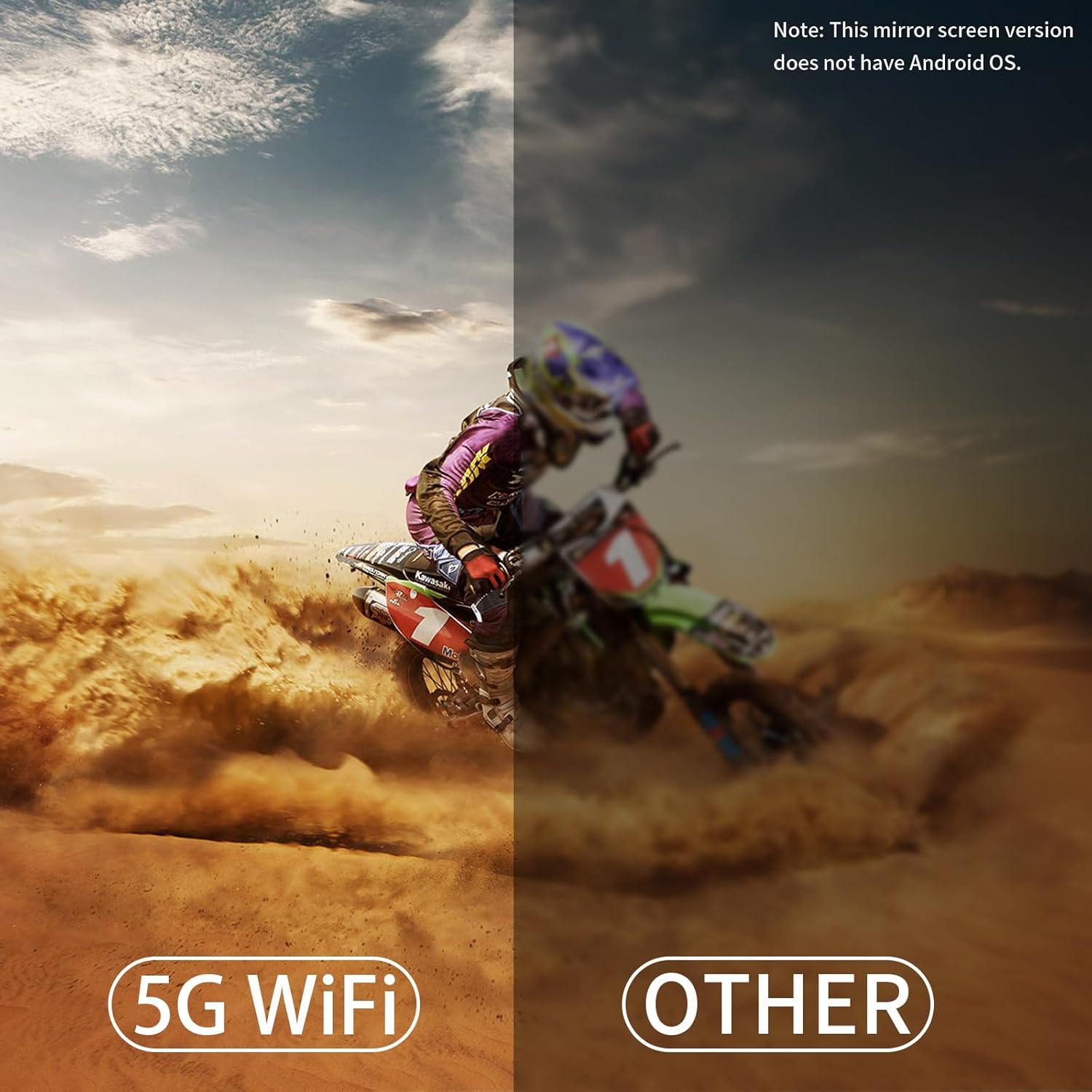
Billedbeskrivelse: A split image showing the LQWELL HY300 Mini Projector projecting a clear image at night, emphasizing its 5G WiFi capabilities for fast and lag-free screen synchronization compared to other projectors.
- WiFi 5G+2.4G: Access the projector's network settings to connect to your home WiFi network. This enables wireless screen mirroring.
- Skærmspejling: The projector supports wireless screen sharing for mobile phones, tablets, and laptops. Follow the on-screen instructions to connect your device. Note: This mirror screen version does not have an Android OS, so direct app installation is not supported.
- Bluetooth 5.0: Pair the projector with Bluetooth speakers or headphones for wireless audio output. Navigate to the Bluetooth settings in the projector's menu to scan for and connect to devices.
Fjernbetjening
The remote control is essential for navigating the projector's menu and adjusting settings. Ensure batteries are correctly installed. Point the remote directly at the projector's IR receiver.
Opretholdelse
- Rengøring af linser: Brug en blød, fnugfri klud eller linserengøringspapir til forsigtigt at tørre projektorlinsen af. Undgå at bruge slibende materialer eller barske kemikalier.
- Fjernelse af støv: Periodically clean the projector's vents to prevent dust buildup, which can affect performance and lifespan. Use a soft brush or compressed air.
- Opbevaring: Når projektoren ikke er i brug i længere perioder, skal den opbevares køligt og tørt, væk fra direkte sollys og ekstreme temperaturer.
Fejlfinding
| Problem | Mulig årsag | Løsning |
|---|---|---|
| Intet billede eller sløret billede | Incorrect focus, lens cap on, incorrect input source, projector too far/close. | Adjust focus wheel. Remove lens cap. Select correct input source. Adjust projection distance. |
| Ingen lyd | Volume too low, incorrect audio output selected, external device volume low. | Øg projektorens lydstyrke. Kontroller indstillingerne for lydudgang. Øg lydstyrken på den tilsluttede enhed. |
| Problemer med Bluetooth-forbindelse | Device not in pairing mode, too far from projector, interference. | Ensure Bluetooth device is in pairing mode. Move device closer. Reduce interference. |
| Skærmspejling virker ikke | Incorrect WiFi connection, device compatibility, firewall settings. | Ensure both devices are on the same WiFi network. Check device compatibility. Disable firewalls temporarily. |
| Fjernbetjeningen reagerer ikke | Dead batteries, obstruction, IR receiver blocked. | Replace batteries. Remove obstructions. Ensure IR receiver is clear. |
Specifikationer
| Feature | Detalje |
|---|---|
| Mærke | LQWELL |
| Modelnavn | HY300 |
| Anbefalet brug | Hjemmebiograf |
| Speciel funktion | Transportabel |
| Forbindelsesteknologi | HDMI, USB, Bluetooth |
| Skærmopløsning (indbygget) | 1280 x 720 |
| Maksimal skærmopløsning | 3840 x 2160 (4K understøttet) |
| Display Type | LCD |
| Produktdimensioner | 21.8L x 13.4B x 11.9H cm |
| Monteringstype | Bordmontering |
| Lysstyrke | 120 ANSI Lumens |
| Farve | Violet |
| Wattage | 50 watt |
| Kontroltype | Fjernbetjening |
| Kompatible enheder | Television, Game Console, Laptop, Smartphone, Tablet |
| Kontrastforhold | 1000:1 - 5000:1 |
| Maks. Projektionsafstand | 10 fod (ca. 3 meter) |
| Lyskildeliv | 50,000 timer |
| Max billedstørrelse | 130 tommer |
| Voltage | 220 volt |
| Min Projection Distance | 1.2 meter |
| Min Image Size | 40 tommer |
| Videokodning | VP9 |
Garanti & Support
Your LQWELL HY300 Mini Projector comes with a 1 års producentgarantiGem venligst din købsbevis i tilfælde af garantikrav.
For technical support, troubleshooting assistance, or warranty inquiries, please contact LQWELL customer service through the retailer's platform or the official LQWELL website. Provide your product model (HY300) and purchase details when contacting support.