
Gigastone LA-22FA51
Gigastone 22-inch VA LED Monitor
Model: LA-22FA51 User Manual
Mærke: Gigastone
1. Introduktion
This manual provides essential information for the safe and efficient operation of your Gigastone 22-inch VA LED Monitor (Model LA-22FA51). Please read it thoroughly before using the product and retain it for future reference.
The Gigastone 22-inch monitor features a Full HD 1920x1080p resolution at 75Hz, a VA LED panel with a 178° ultra-wide viewing angle, and a frameless design for immersive visuals. It incorporates Eye Care Technology, including Low Blue Light and anti-Flicker features, to protect your eyes during extended use. Connectivity options include HDMI and VGA, and it supports VESA mounting for flexible installation.
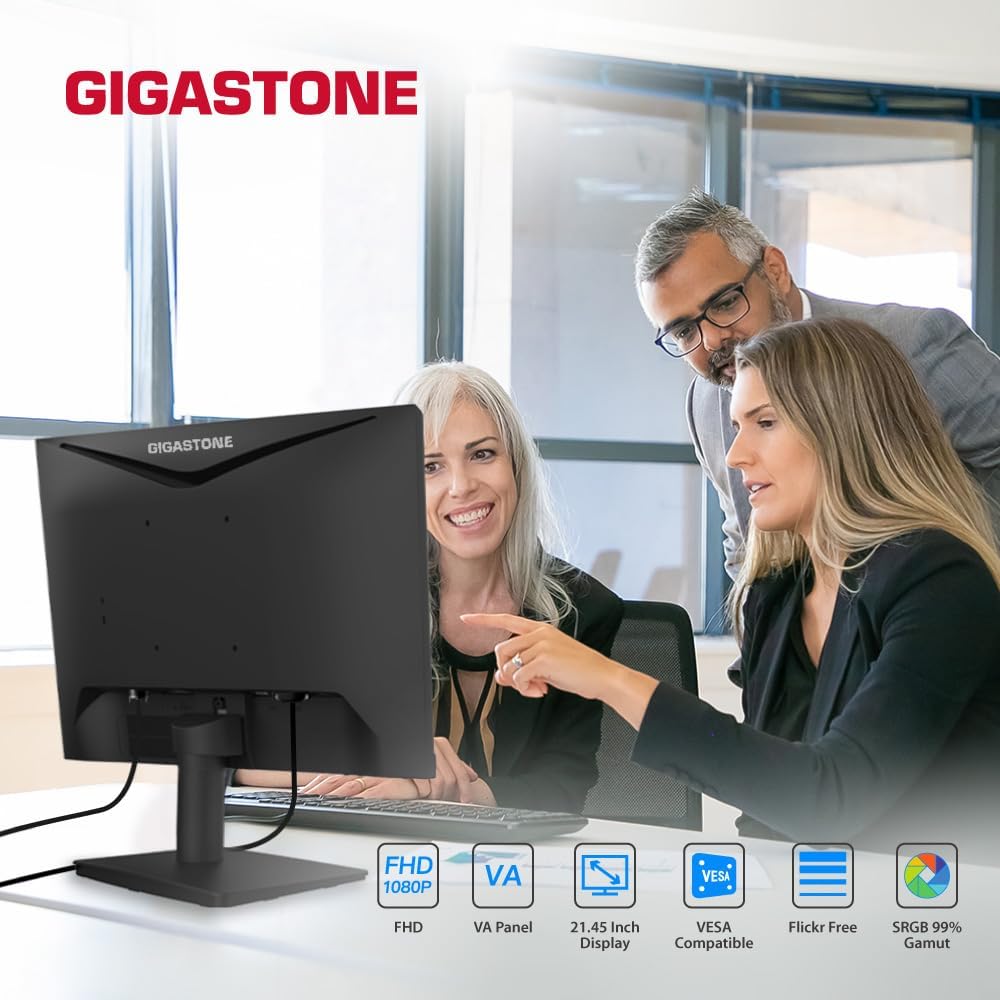
Image 1.1: Gigastone 22-inch VA LED Monitor showcasing its design and core features like FHD, VA Panel, VESA compatibility, and Eye Care.
2. Sikkerhedsoplysninger
- Sørg for, at skærmen er placeret på en stabil, flad overflade for at forhindre utilsigtede fald.
- Bloker ikke ventilationsåbninger.
- Brug kun den strømadapter, der følger med skærmen.
- Hold skærmen væk fra vand, fugt og direkte sollys.
- Frakobl strømkablet under tordenvejr eller når apparatet ikke bruges i længere perioder.
- Overlad al service til kvalificeret servicepersonale.
3. Pakkens indhold
Bekræft at alle varer er til stede i din pakke:
- Gigastone 22-inch VA LED Monitor (x1 or x2 depending on pack)
- Monitor Stand Base
- Hals til monitorstativ
- Strømadapter
- HDMI kabel
- Brugervejledning (dette dokument)
4. Opsætning
4.1 Samling af skærmstativet
- Placer forsigtigt skærmen med forsiden nedad på en blød, ren klud for at undgå ridser.
- Attach the stand neck to the back of the monitor by aligning the tabs and pushing until it clicks into place. No screws are typically required for this model.
- Secure the stand base to the bottom of the stand neck. Ensure it is firmly attached.
- Gently lift the monitor and place it upright on a stable surface.
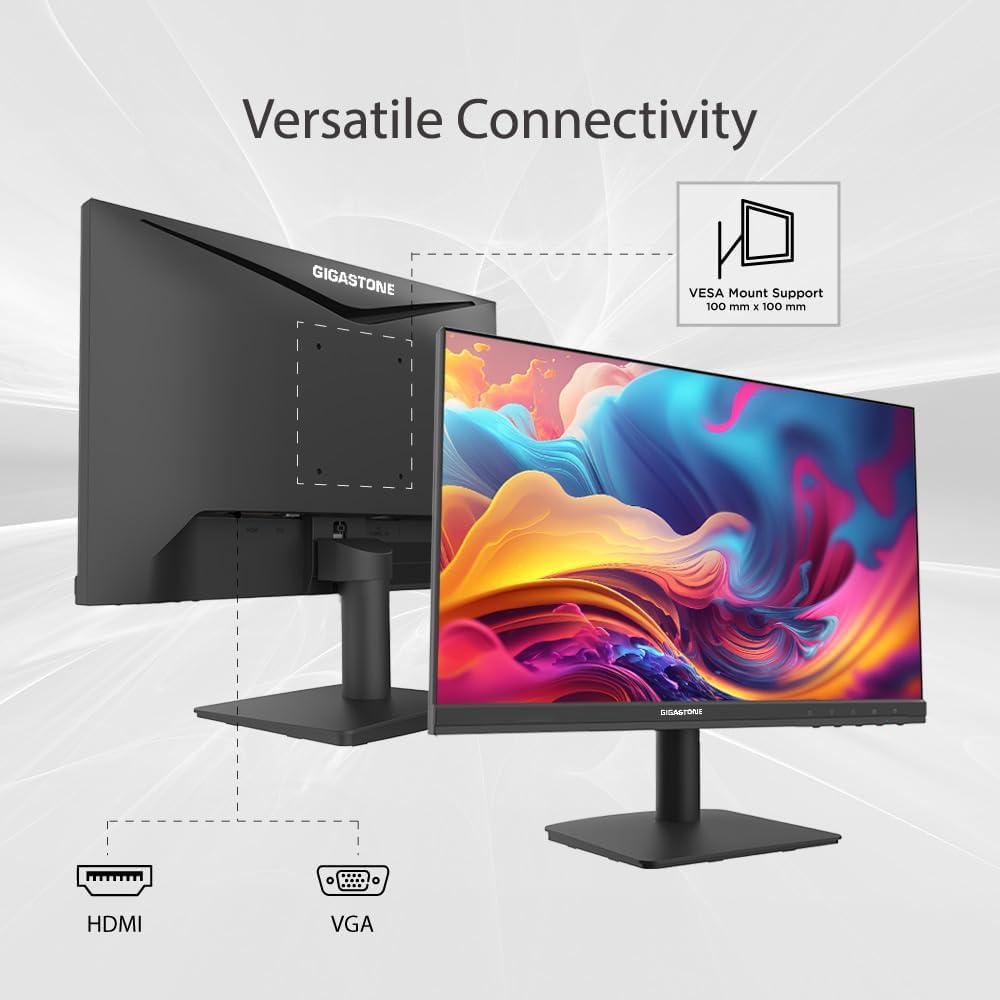
Billede 4.1: Bagside view of the Gigastone monitor, illustrating the VESA mount compatibility and available ports for connectivity.
4.2 Tilslutningskabler
- Strømtilslutning: Connect the power adapter to the monitor's power input port, then plug the other end into a power outlet.
- HDMI-forbindelse: Connect one end of the HDMI cable to the HDMI port on your monitor and the other end to the HDMI output port on your computer or device.
- VGA-forbindelse: Alternatively, connect a VGA cable to the VGA port on your monitor and to the VGA output port on your computer or device.
- Lydindgang: If using VGA, connect an audio cable from your computer's audio output to the monitor's audio input port for sound.
4.3 VESA-montering (valgfrit)
The monitor supports VESA mounting (100x100mm) for wall or desk arm installation. Remove the stand assembly before attaching a VESA-compatible mount (not included).
5. Betjeningsvejledning
5.1 Tænd/sluk
Press the power button, usually located on the back or bottom right of the monitor, to turn the monitor on or off. The power indicator light will illuminate when the monitor is active.
5.2 On-Screen Display (OSD) menu
The OSD menu allows you to adjust various monitor settings. Access it by pressing the OSD menu button (often a joystick-like control or a series of buttons) located on the back or bottom of the monitor. Navigate through the menu using the directional controls.
- Input: Select between HDMI and VGA input sources.
- Billede: Adjust brightness, contrast, sharpness, SmartImage modes, and picture format (e.g., Wide Screen).
- Lyd: Control volume, mute, and select audio source.
- Spilindstilling: Enable or disable Adaptive Sync, adjust MPRT (Moving Picture Response Time) levels, and SmartResponse for optimized gaming performance.
- Farve: Fine-tune color settings.
- Lavblå tilstand: Activate to reduce blue light emission.
5.3 Eye Care Technology
Your Gigastone monitor is equipped with advanced Eye Care Technology to minimize eye strain:
- Lavt blåt lys: Reduces harmful blue light emissions, which can cause eye fatigue. Activate this mode via the OSD menu.
- Flimmerfri: Eliminerer skærmflimmer og giver en mere behagelig oplevelse viewoplevelse. Denne funktion er altid aktiv.
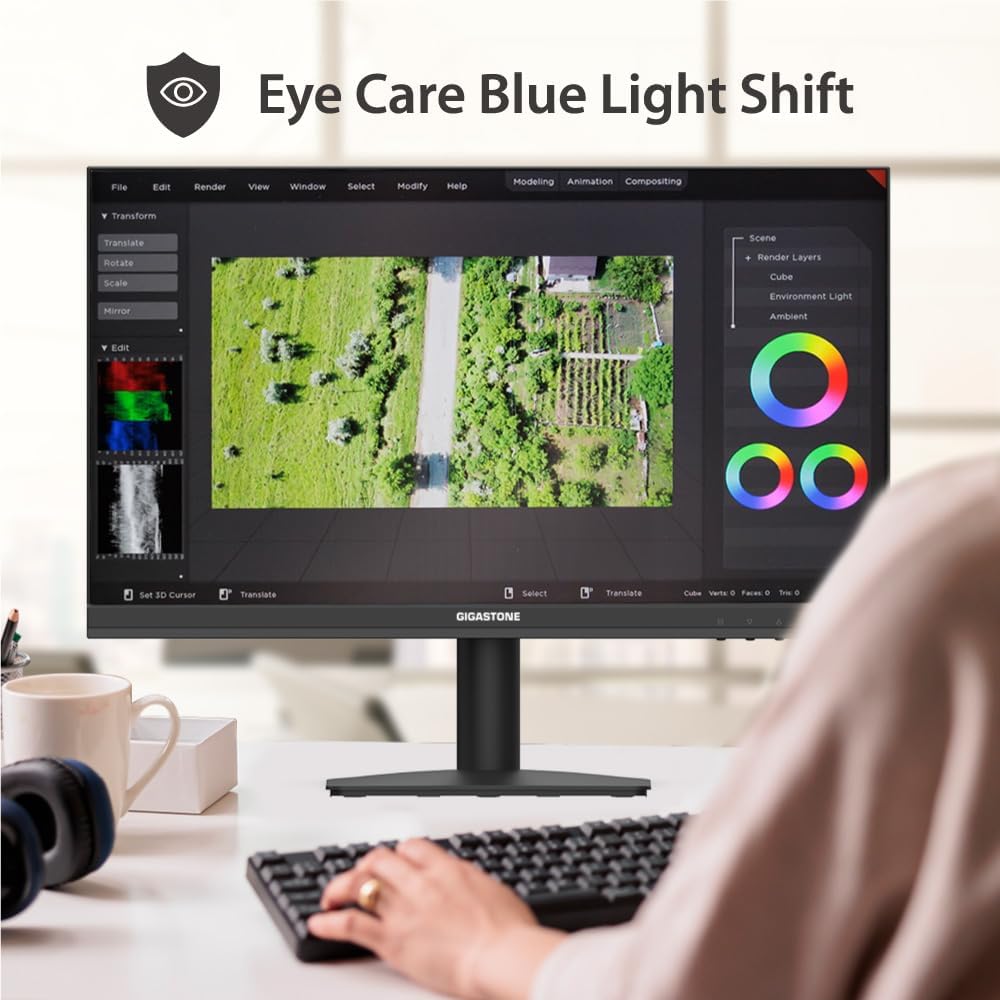
Image 5.1: The monitor's Eye Care Blue Light Shift feature, designed to reduce eye strain during prolonged use.
5.4 Adaptiv synkroniseringsteknologi
Adaptive-Sync (FreeSync compatible) technology synchronizes the monitor's refresh rate with your graphics card's frame rate, virtually eliminating screen tearing and stuttering for a smoother visual experience, especially in gaming.
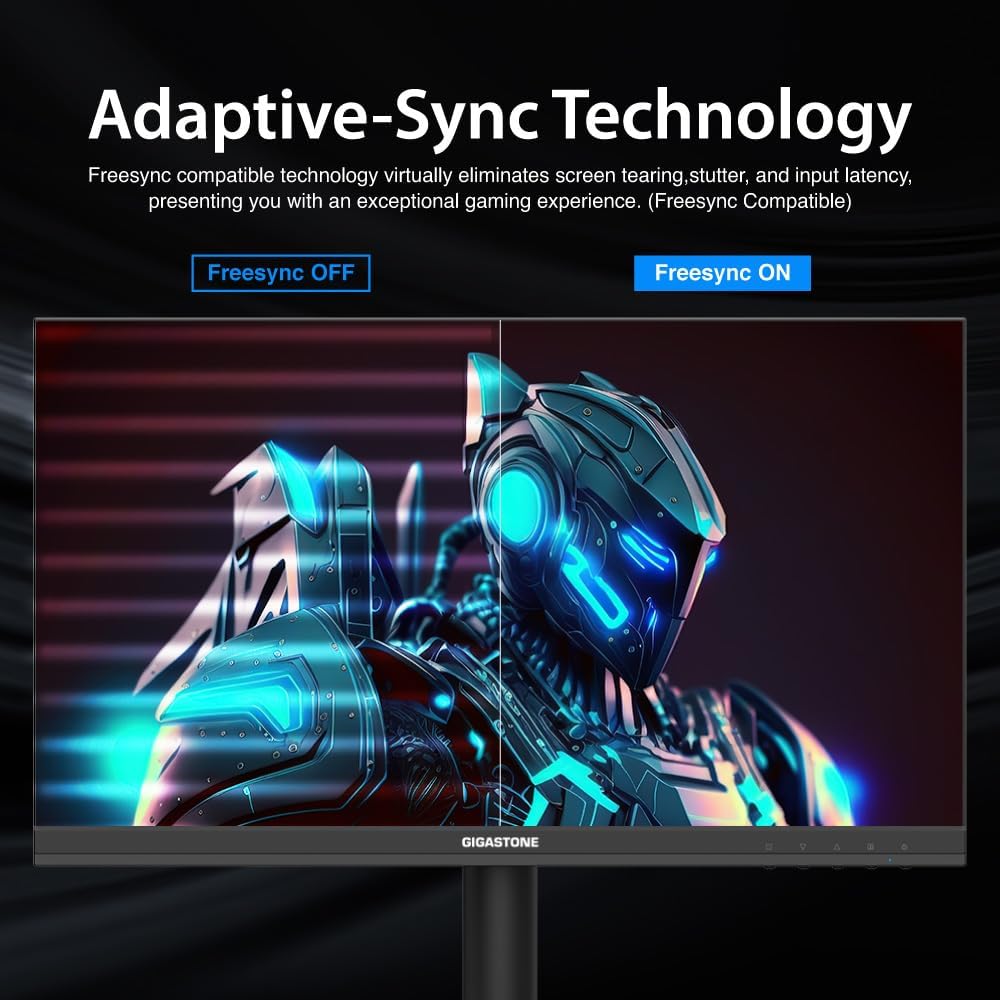
Image 5.2: Visual comparison demonstrating the effect of Adaptive-Sync technology, showing reduced screen tearing when enabled.
5.5 Dual Monitor Setup
If you have a dual monitor setup, connect both monitors to your computer using available HDMI or VGA ports. Configure your display settings in your operating system (e.g., Windows Display Settings or macOS System Preferences) to extend or duplicate your desktop across both screens.
6. Vedligeholdelse
- Rengøring af skærmen: Tør forsigtigt skærmen af med en blød, fnugfri klud. Brug en skærmspecifik rengøringsopløsning på kluden, ikke direkte på skærmen, til genstridige pletter.
- Rengøring af Casing: Brug en blød, tør klud til at rengøre skærmenasing. Undgå at bruge slibende rengøringsmidler eller opløsningsmidler.
- Opbevaring: If storing the monitor for an extended period, disconnect all cables and pack it in its original packaging or a suitable protective box.
7. Fejlfinding
| Problem | Mulig løsning |
|---|---|
| Intet billede på skærmen |
|
| Billedet er sløret eller forvrænget |
|
| Ingen lyd fra højttalerne |
|
| Skærmen flimrer |
|
8. Specifikationer
| Feature | Detalje |
|---|---|
| Mærke | Gigastone |
| Modelnummer | LA-22FA51 |
| Skærmstørrelse | 22 tommer |
| Displayteknologi | VA LED |
| Opløsning | FHD 1920 x 1080p |
| Opdateringshastighed | 75 Hz |
| Svartid | 4 millisekunder |
| Aspektforhold | 16:9 |
| Viewi vinkel | 178 grader |
| Lysstyrke | 250 cd/m2 |
| Kontrastforhold | 1000:1 |
| Forbindelsesteknologi | HDMI, VGA |
| Total Number of HDMI Ports | 1 |
| Adaptiv synkronisering | FreeSync |
| Yderligere funktioner | Blue Light Filter, Flicker-Free, Frameless |
| Monteringstype | Vægmontering (VESA-kompatibel) |
| Varedimensioner (D x B x H) | 1.85" D x 19.4" B x 6.7" H |
| Varens vægt | 3.63 kilo |
| UPC | 804272768701 |
9. Garanti og support
Your Gigastone monitor comes with a 3 års producentgaranti. For any product-related inquiries, technical assistance, or warranty claims, please contact Gigastone customer service. They offer 24/7 world-wide customer service.
For the most up-to-date support information, please visit the official Gigastone webwebstedet eller se kontaktoplysningerne på dit garantikort.
Ask a question about this manual
Ask about setup, troubleshooting, compatibility, parts, safety, or missing instructions. Manuals+ will review the question and use this page’s manual context to help answer it.