
1. Introduktion
Thank you for choosing the Pumwoy 2 Way Wireless Intercom System. This system provides reliable two-way voice communication for various indoor environments, including homes, hospitals, and hotels. With its long-range capability and simple operation, it offers a convenient solution for staying connected.
This manual provides detailed instructions for the proper setup, operation, and maintenance of your intercom system. Please read it thoroughly before use to ensure optimal performance and longevity of the product.
2. Produktet er slutview
The Pumwoy Wireless Intercom System consists of two portable intercom units, each with a charging base and USB cable. Key features include dual-channel communication, a built-in 2000mAh battery, and a transmission range of up to 1000 meters in open areas.
2.1 Pakkens indhold
- 2 x Wireless Intercom Units
- 2 x opladningsbaser
- 2 x USB ladekabler
2.2 Komponentidentifikation
Refer to the diagram below to identify the various parts of your intercom unit.

Figur 1: Intercom Unit Components. This image displays the front, side, and back views of a single intercom unit, with labels pointing to the Speaker, Call Button, Microphone (MIC), Talk Button, Intercom Indicator, Power Light, Charging Base, Power Switch, Volume Button (3 levels), and Ringtone button.
- Højttaler: Outputs audio from the other intercom unit.
- Opkaldsknap: Initiates a call to the other unit.
- MIC (Mikrofon): Captures your voice during communication.
- Taleknap: Press and hold to speak, release to listen.
- Intercom Indicator: Lights up during active communication.
- Strømlys: Indicates power status and charging.
- Opladningsbase: Dock for charging the intercom unit.
- Afbryderen: Tænder eller slukker enheden.
- Lydstyrke knap: Adjusts the speaker volume (3 levels).
- Ringtone Button: Selects the desired ringtone.
3. Opsætning
3.1 Indledende opladning
Before first use, fully charge both intercom units. Connect the provided USB cables to the charging bases and plug them into standard 5V 1-2A USB power adapters (not included, typically phone chargers). Place the intercom units onto their respective charging bases. The Power Light will indicate charging status.
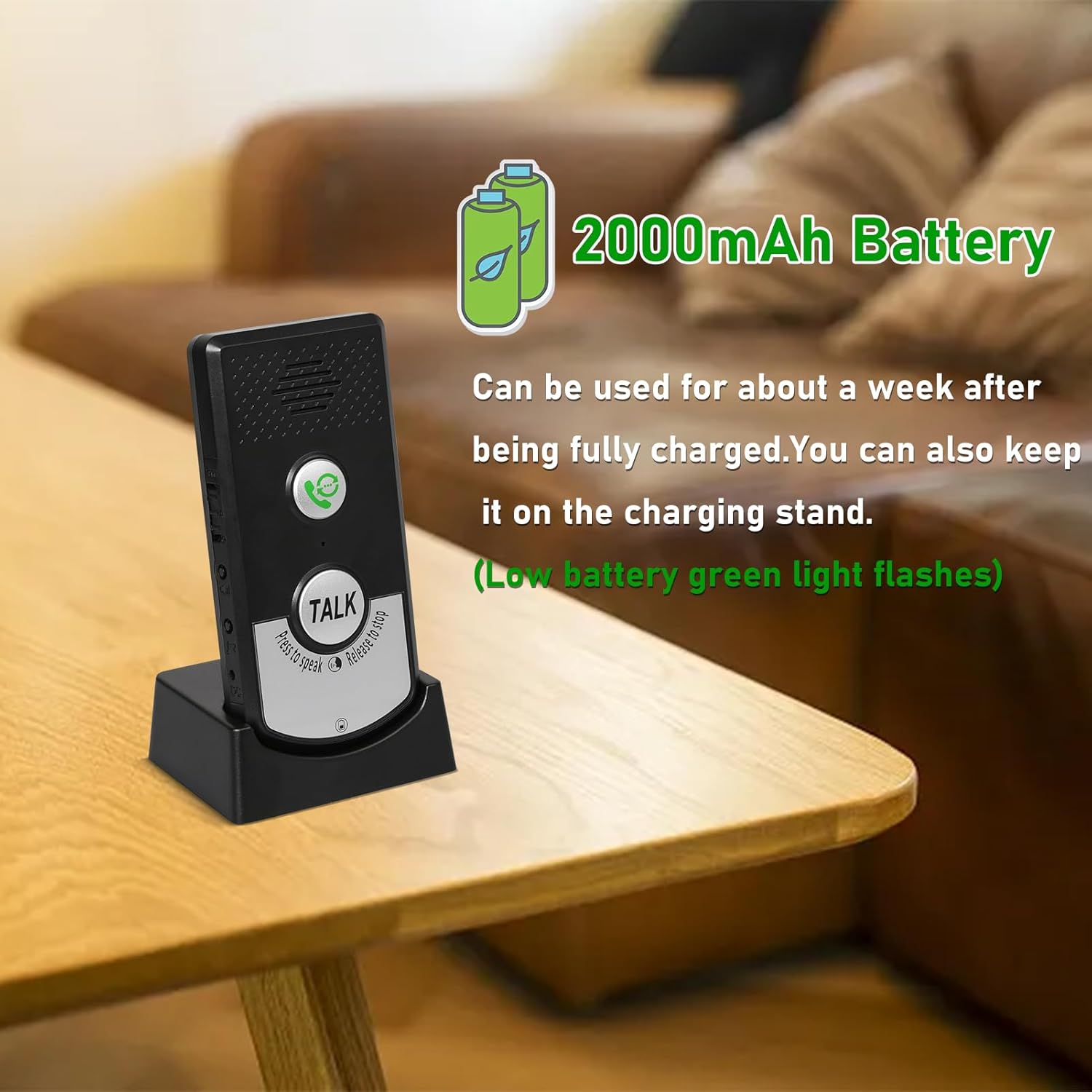
Figur 2: Intercom Unit on Charging Stand. The image shows an intercom unit docked in its charging base, highlighting its 2000mAh battery capacity and the convenience of charging.
A full charge can last for approximately 3 days of typical use. For continuous operation, units can remain plugged into an outlet while on their charging stands.
3.2 Tænd/sluk
- To turn on an intercom unit, slide the Strømafbryder til "TIL"-positionen.
- To turn off an intercom unit, slide the Strømafbryder til "OFF"-positionen.
3.3 Placeringsovervejelser
For optimal performance, place the intercom units in locations that minimize obstructions between them. While the system offers a range of 20-50 meters through walls, direct line of sight or fewer obstacles will improve signal strength and clarity. The maximum range in open areas is up to 1000 meters.

Figur 3: Transmission Range Illustration. This image visually represents the intercom's transmission capabilities, showing signal waves and indicating a range of 1000m in open space and 20-100m through walls.
4. Betjeningsvejledning
4.1 Foretage et opkald
- Sørg for, at begge intercom-enheder er tændt.
- Tryk på Opkaldsknap on your unit. The other unit will ring.
- Tryk på for at besvare et indgående opkald Opkaldsknap on the receiving unit.
4.2 Tovejskommunikation
The intercom system operates like a walkie-talkie:
- For at tale skal du trykke og holde nede Taleknap. Speak clearly into the MIC.
- Slip Taleknap to listen for a response.
- De Intercom-indikator will illuminate during active transmission.
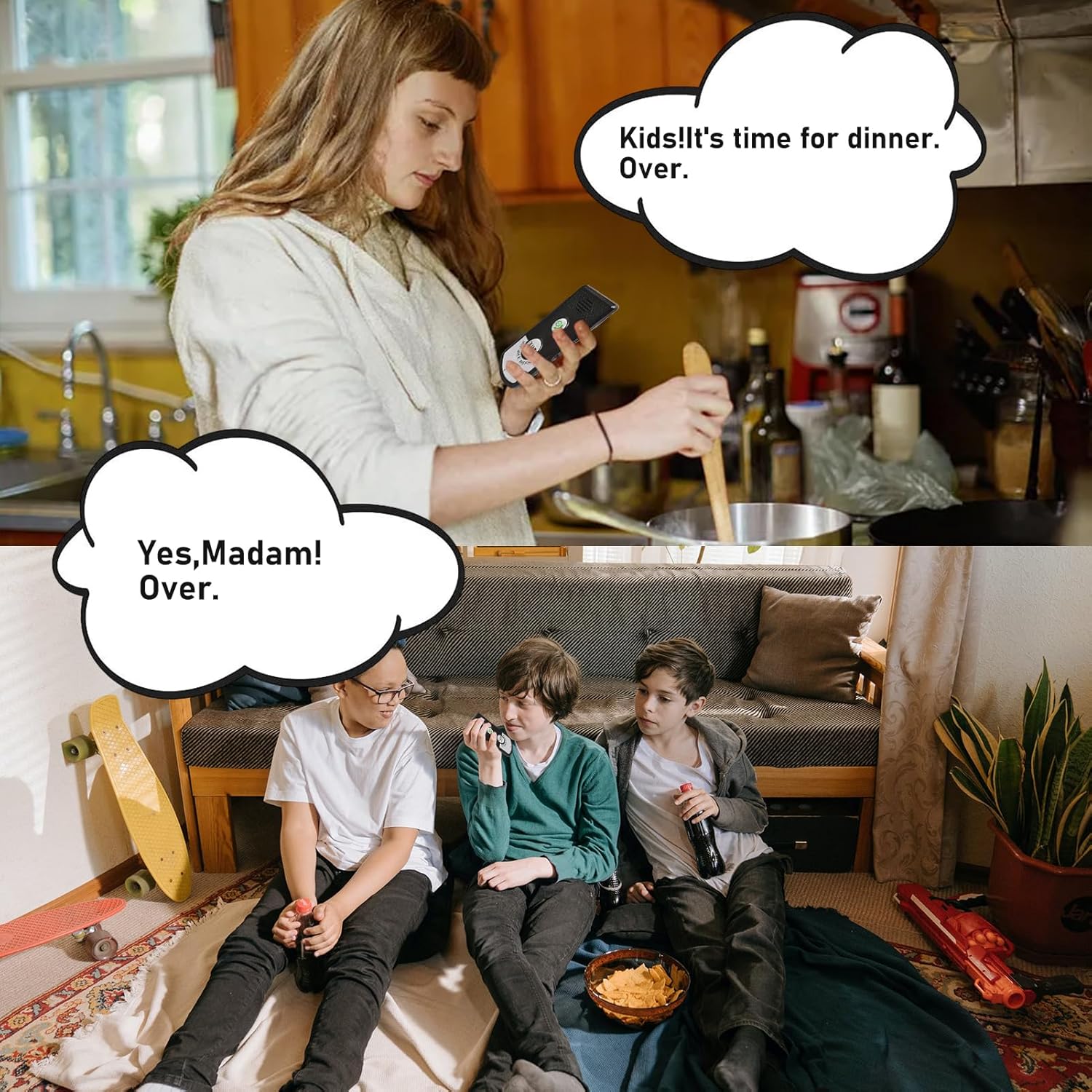
Figur 4: Example of Two-Way Communication. This image illustrates a practical use case of the intercom system for communication within a home.
4.3 Adjusting Volume and Ringtones
- Bind: Brug Lydstyrke knap on the side of the unit to cycle through 3 available volume levels.
- Ringetone: Tryk på Ringetone-knap to select from 38 available ringtones.
4.4 Dual Channel Operation
The system supports dual channels (A and B). If you have multiple intercom systems or wish to avoid interference, you can adjust the channel settings. Refer to the specific instructions provided with your product for channel selection, if applicable. (Note: The provided product information does not detail how to switch channels A/B, only that it supports them.)
5. Vedligeholdelse
- Rensning: Wipe the intercom units with a soft, dry cloth. Do not use abrasive cleaners or solvents.
- Batteripleje: To prolong battery life, avoid fully discharging the units frequently. Charge them regularly, especially if they will be stored for an extended period.
- Opbevaring: Opbevar enhederne et køligt, tørt sted væk fra direkte sollys og ekstreme temperaturer.
6. Fejlfinding
| Problem | Mulig årsag | Løsning |
|---|---|---|
| Ingen strøm / Enheden tænder ikke | Batteriet er fladt; tænd/sluk-knappen er slukket. | Charge the unit fully. Ensure the Power Switch is in the "ON" position. |
| Dårlig lydkvalitet / Statisk | Units are out of range; Obstructions between units; Low battery. | Move units closer together. Reduce obstacles. Ensure units are fully charged. |
| Kort batterilevetid | Frequent use; Battery degradation over time. | Keep units on charging stands when not in active use. Ensure regular charging. |
| Cannot communicate with other unit | Units are off; Out of range; Incorrect channel (if applicable). | Verify both units are on and charged. Move closer. Check channel settings if available. |
| Volume too loud or too quiet | Lydstyrkeindstillingen er ikke optimal. | Juster Lydstyrke knap til dit foretrukne niveau. |
7. Specifikationer
| Feature | Detalje |
|---|---|
| Modelnummer | JY00007 |
| Mærke | Pumwoy |
| Transmission Range (Open Area) | Op til 1000 meter (ca. 3280 fod) |
| Transmission Range (Through Wall) | 20 to 50 meters (approx. 65 to 164 feet) |
| Batterikapacitet | 2000mAh (indbygget) |
| Strømindgang | 5V 1-2A (via USB, adapter not included) |
| Produktdimensioner | 5.9 x 5.9 x 1.96 tommer |
| Varens vægt | 10.5 ounce |
| Inkluderede komponenter | 2 x Wireless Intercom Units |
| Applikationsscenarier | Home, Hospital, Hotel, Factory, Teahouse, Office |
8. Garanti og support
For warranty information and customer support, please refer to the documentation provided at the time of purchase or contact Pumwoy customer service directly. You can typically find support contact details on the manufacturer's official webhjemmeside eller gennem din forhandler.
For yderligere hjælp, besøg venligst Pumwoy Store on Amazon.