
1. Introduktion
Thank you for choosing the Vibe Touch Active Stylus Pen. This manual provides essential information for setting up, operating, and maintaining your stylus to ensure optimal performance with your Vibe Board. The Vibe Touch Active Stylus is designed for high sensitivity and precision, offering a natural writing and drawing experience.
2. Produktfunktioner
- Glat skrift: This stylus provides a natural and familiar writing experience for your Vibe board, similar to using a marker on a traditional whiteboard.
- Excellent Precision: Specifically designed to work with the Vibe smart whiteboard, the 8-millisecond stylus-to-touchscreen response time ensures no lagging, no skips, and no scratches.
- Convenient Magnetic Attachment: The stylus is magnetic and can be attached to the side of the Vibe board or stand for easy storage and accessibility.
- USB-C opladning: Features a USB-C port for convenient charging.
3. Opsætning og første brug
3.1 Udpakning og inspektion
Upon receiving your Vibe Touch Active Stylus, carefully open the packaging and inspect the contents. Ensure all components are present and undamaged. The package should contain the stylus pen and any included accessories.
3.2 Opladning af pennen
The Vibe Touch Active Stylus is rechargeable via a USB-C port. Connect the stylus to a power source using a standard USB-C cable (not included). A full charge typically takes a few hours. The LED indicator on the stylus will show charging status (e.g., red for charging, green for fully charged).

Image: The Vibe Touch Active Stylus features a USB-C charging port for convenient power replenishment.
3.3 Pairing with Vibe Board
The Vibe Touch Active Stylus is designed for seamless integration with Vibe Boards. Simply bring the stylus close to the Vibe Board, and it should automatically connect. No complex Bluetooth pairing steps are typically required. If the stylus does not respond, ensure it is charged and try touching the Vibe Board screen with the stylus tip.
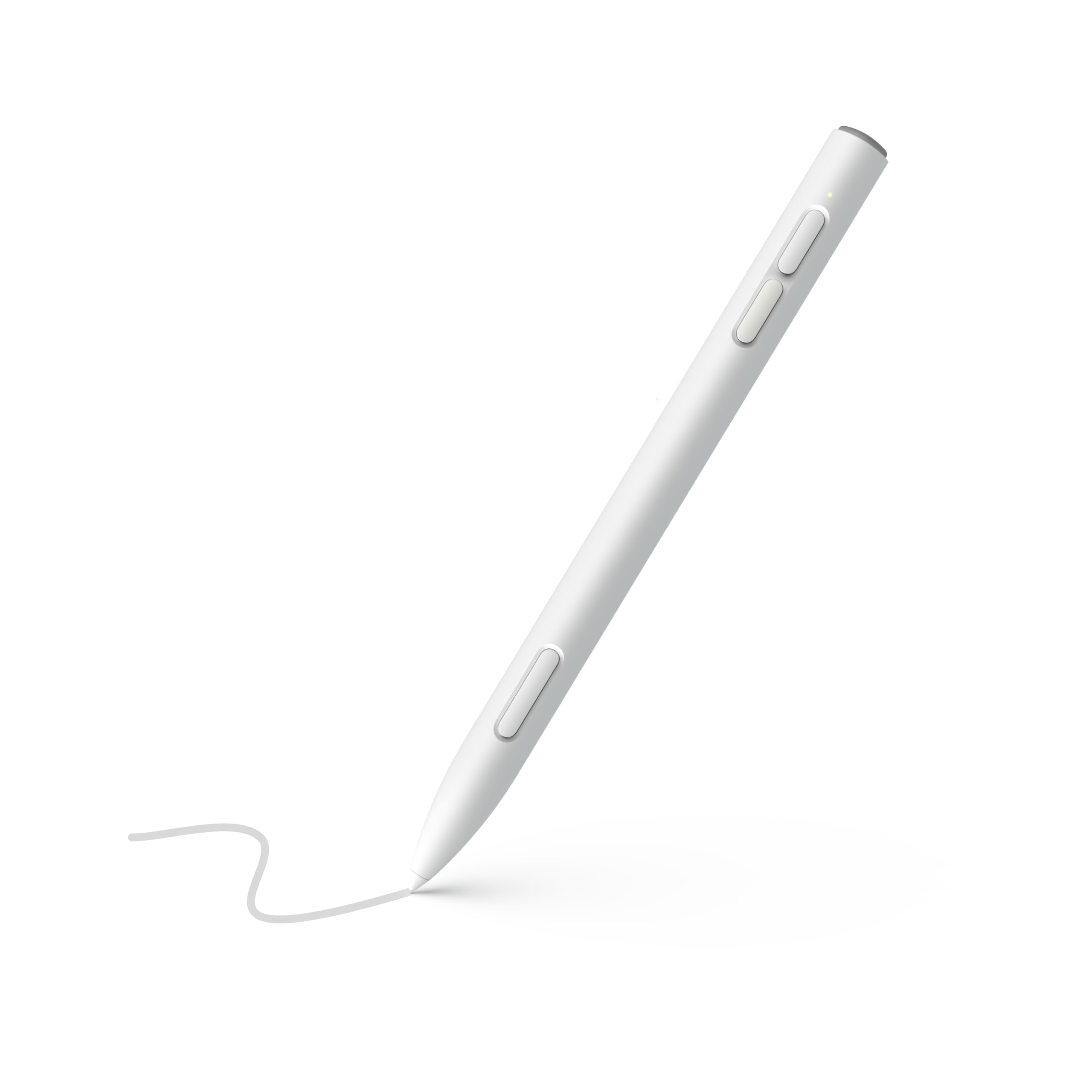
Image: The Vibe Touch Active Stylus provides a smooth and precise writing experience on the Vibe Board.
4. Betjeningsvejledning
4.1 Skrivning og tegning
Hold the stylus as you would a traditional pen. The fine tip allows for precise input on the Vibe Board's touchscreen. Apply light pressure for writing, drawing, and annotating. The stylus's high sensitivity ensures accurate recognition of your movements.

Image: The stylus tip offers excellent precision for detailed writing and drawing.
4.2 Navigation and Interaction
Use the stylus to navigate the Vibe Board's interface, select options, and interact with applications. Its precision is ideal for tasks requiring fine motor control, such as dragging and dropping elements, resizing windows, or using on-screen keyboards.
4.3 Magnetic Storage
When not in use, attach the stylus magnetically to the side of your Vibe Board or its compatible stand. This keeps the stylus secure and readily available.

Image: The magnetic feature allows for easy and secure attachment to the Vibe Board.
5. Vedligeholdelse
5.1 Rengøring
To clean your stylus, gently wipe it with a soft, dry, lint-free cloth. Avoid using harsh chemicals, abrasive cleaners, or excessive moisture, as these can damage the stylus or its tip.
5.2 Udskiftning af spids
The stylus tip is designed for durability but may wear down over time with extensive use. If you notice a decrease in precision or responsiveness, the tip may need to be replaced. Refer to the packaging or Vibe's official support resources for instructions on replacing the stylus tip. Ensure you use only genuine Vibe replacement tips.
6. Fejlfinding
- Pennen svarer ikke: Ensure the stylus is fully charged. If it is, try restarting your Vibe Board.
- Inaccurate or lagging input: Check if the stylus tip is clean and undamaged. If the tip is worn, replace it. Ensure there are no obstructions or debris on the Vibe Board screen.
- Problemer med magnetisk fastgørelse: Ensure the stylus and the Vibe Board's magnetic area are clean and free of debris.
- Andre problemer: For persistent problems, consult the Vibe support webwebsted eller kontakt kundeservice.
7. Specifikationer
| Feature | Detalje |
|---|---|
| Mærke | Vibe |
| Modelnummer | Aktiv stylus |
| Materiale | Plast |
| Varens vægt | 0.1 kilo |
| Kompatible enheder | Vibe Board S1 |
| Batterier medfølger | Ingen |
| Batterier påkrævet | Ingen |
| Minimum krævet operativsystem | Android 10.0 |
| Fabrikant | Vibe Inc. |
8. Garanti og support
8.1 Garantioplysninger
The Vibe Touch Active Stylus Pen comes with a 1 års garanti fra købsdatoen. Denne garanti dækker fabrikationsfejl og funktionsfejl ved normal brug. Gem venligst din købsbevis til garantikrav.
8.2 Kundesupport
For technical assistance, warranty claims, or any questions regarding your Vibe Touch Active Stylus, please visit the official Vibe support website or contact Vibe customer service. You can find contact information on the Vibe webwebstedet eller din produktemballage.