
ES-28ML-BK
RENPHO ES-28ML-BK Smart Scale User Manual
Model: ES-28ML-BK | Brand: Generic
1. Introduktion
This user manual provides detailed instructions for the RENPHO ES-28ML-BK Bluetooth Body Fat Smart Scale. This digital bathroom scale is designed to help you monitor various body composition metrics, including weight, body fat percentage, BMI, muscle mass, and bone mass, through its accompanying smartphone application.

Figur 1: Forside view of the RENPHO ES-28ML-BK Smart Scale, displaying its sleek black tempered glass surface and digital readout.
2. Nøglefunktioner
- Omfattende analyse af kropssammensætning: Measures weight, Body Fat%, BMI, Muscle Mass, Bone Mass, and more.
- Smartphone app integration: Syncs data with the RENPHO app, which displays progress graphs and allows for unlimited user accounts.
- Fitness App Compatibility: Seamlessly syncs with popular fitness applications such as Samsung Health, Apple Health, Google Fit, and Fitbit APP.
- USB genopladeligt batteri: Features a long-lasting lithium battery that charges in 3-4 hours for 2-3 months of use, eliminating the need for disposable batteries.
- Sensorer med høj nøjagtighed: Equipped with auto-calibrated high-precision sensors and 4 sensitive electrodes for accurate measurements.
- Holdbart design: Constructed with a 6mm tempered glass platform, making it easy to clean, lightweight, and portable.
- Offline Measurement Sync: Allows weighing without the app open; data syncs automatically once the app is connected.

Figure 2: The RENPHO Smart Scale positioned next to a smartphone displaying the RENPHO app interface, illustrating the seamless data synchronization and detailed measurement readouts.
3. Opsætningsvejledning
3.1 Udpakning
Carefully remove the scale from its packaging. Ensure all components, including the USB charging cable, are present and undamaged.
3.2 Opladning af vægten
Before first use, fully charge the scale. The charging port is located on the side of the device.
- Connect the provided USB charging cable to the scale's USB charging port.
- Plug the other end of the USB cable into any standard USB power source (e.g., AC adapter, desktop PC, notebook, portable power bank).
- Displayet viser opladningsstatus. En fuld opladning tager typisk 3-4 timer.

Figur 3: Nærbillede view of the RENPHO Smart Scale, highlighting the USB charging port and the reset button, along with various compatible charging modes.
3.3 Appinstallation
The RENPHO scale requires the RENPHO app for full functionality and data tracking.
- Søg efter "RENPHO" in the Apple App Store (for iOS devices) or Google Play Store (for Android devices).
- Download and install the official RENPHO app.
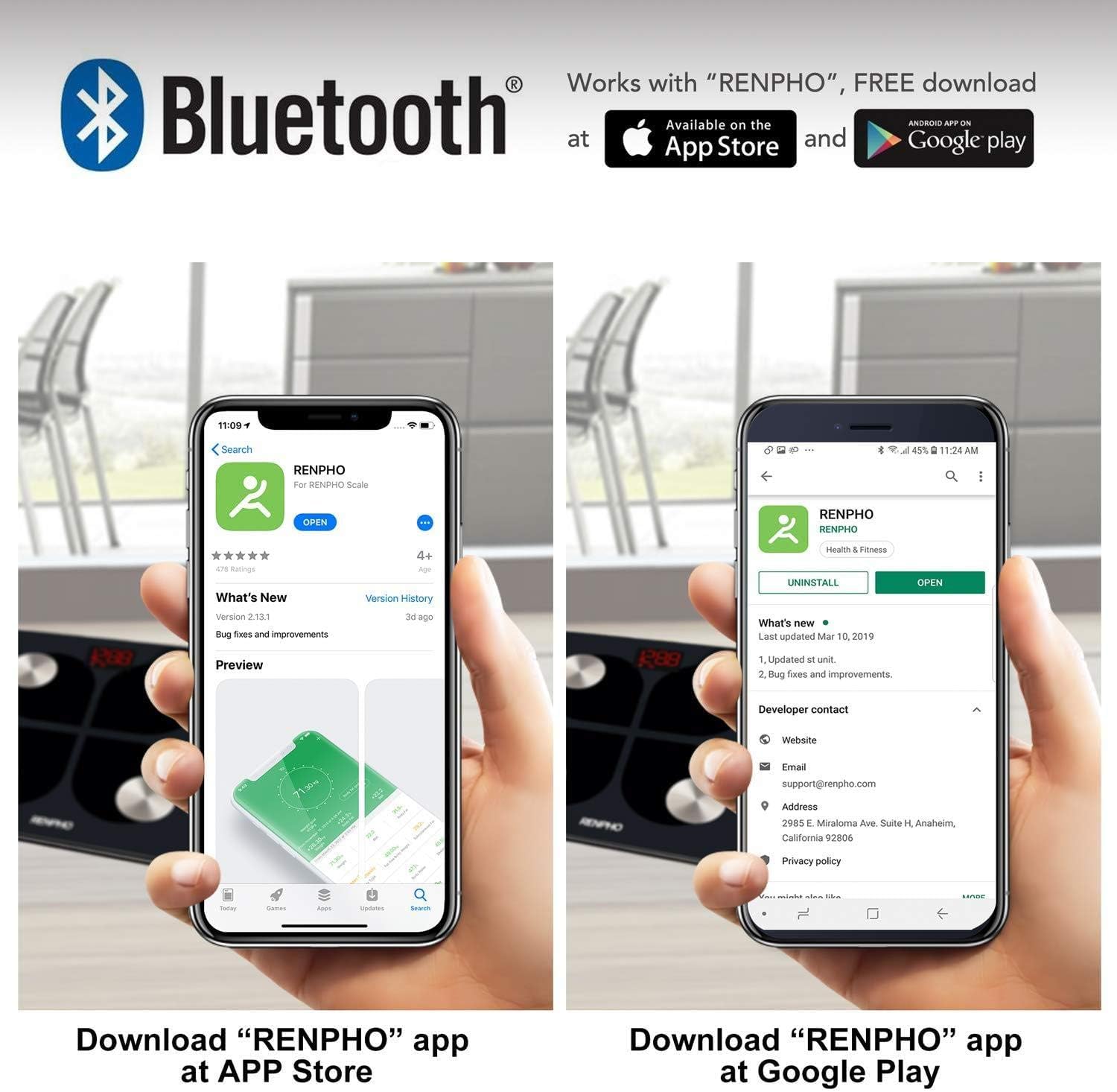
Figure 4: Visual guide showing how to download the RENPHO app from both the Apple App Store and Google Play Store, emphasizing Bluetooth connectivity.
3.4 Indledende parring
- Sørg for, at Bluetooth er aktiveret på din smartphone.
- Open the RENPHO app and create a user profile eller log ind.
- Træd kort op på vægten for at aktivere den. Displayet lyser.
- Appen burde automatisk registrere og oprette forbindelse til vægten. Følg eventuelle instruktioner på skærmen i appen for at fuldføre parringsprocessen.
4. Betjeningsvejledning
4.1 Tage en måling
- Placer vægten på en hård, plan overflade. Undgå tæpper eller ujævne gulve.
- Sørg for, at dine fødder er rene og tørre.
- Step onto the scale barefoot, placing your feet on the four metal electrodes. Stand still until your weight is displayed and stabilized.
- If the app is open and connected, your measurements will automatically sync. If not, the data will sync the next time the app is opened and connected.
4.2 Forståelse af målinger
The RENPHO app provides a detailed breakdown of your body composition:
- Vægt: Din samlede kropsmasse.
- Kropsfedtprocenttage (%): Andelen af fedt i forhold til den samlede kropsvægt.
- BMI (Body Mass Index): Et mål for kropsfedt baseret på højde og vægt.
- Muskelmasse: Den samlede vægt af muskler i din krop.
- Knoglemasse: Den samlede vægt af knogler i din krop.
- Additional metrics may include Body Water, Visceral Fat, Protein, BMR, and Metabolic Age.
4.3 Brug af appen
The RENPHO app is your central hub for tracking progress and managing users.
- Dashboard: View your latest measurements and a summary of your progress.
- Tendenser: Access historical data and graphs for each metric to visualize changes over time.
- Brugeradministration: Add unlimited user accounts, making it suitable for the whole family. Each user's data is kept separate.
- Synkroniser med fitnessapps: Configure the app to automatically transfer your data to Samsung Health, Apple Health, Google Fit, or Fitbit APP.

Figure 5: An illustration demonstrating the RENPHO app's capability to synchronize body measurement data with various popular health platforms, including Samsung Health, Fitbit App, Google Fit, and Apple Health.
5. Vedligeholdelse og pleje
- Rensning: Aftør skalaens overflade med adamp klud og et mildt rengøringsmiddel. Brug ikke slibende rengøringsmidler, og nedsænk ikke vægten i vand.
- Opbevaring: Opbevar vægten et køligt og tørt sted. Undgå ekstreme temperaturer eller direkte sollys.
- Batteripleje: Recharge the scale when the battery indicator is low. Avoid completely draining the battery for extended periods.
- Håndtering: Handle the scale with care. Avoid dropping it or subjecting it to strong impacts, as this may damage the sensors or glass platform.
6. Fejlfinding
| Spørgsmål | Mulig årsag | Løsning |
|---|---|---|
| Skalaen tænder ikke. | Lavt batteri. | Oplad vægten med det medfølgende USB-kabel. |
| Measurements are inaccurate or inconsistent. | Scale on uneven surface; feet not properly placed; scale needs calibration. | Place scale on a hard, flat surface. Ensure bare feet are centered on electrodes. Step on and off the scale quickly to re-calibrate to zero before weighing. |
| Appen opretter ikke forbindelse til vægten. | Bluetooth off; app not open; scale not activated. | Ensure Bluetooth is on. Open the RENPHO app. Step on the scale to activate it. Restart app/phone if necessary. |
| Kropssammensætningsdata vises ikke i appen. | Not weighing barefoot; profile ufuldstændig. | Ensure you are weighing barefoot with feet on electrodes. Check your profile in the app for complete height, age, and gender information. |
7. Produktspecifikationer
| Feature | Detalje |
|---|---|
| Modelnummer | ES-28ML-BK |
| Type | Digital Smart Scale |
| Forbindelse | Bluetooth |
| Maksimal vægtkapacitet | 180 kg (396 lbs) |
| Strømkilde | USB Rechargeable Lithium Battery |
| Display Type | Digital LED |
| Platformmateriale | 6mm hærdet glas |
| Særlige funktioner | Body Fat, Muscle Mass, Bodyweight, BMI, Bone Mass, App Sync |
| Farve | Sort |
8. Garanti og support
For warranty information and customer support, please refer to the product packaging or contact the retailer from whom you purchased the RENPHO ES-28ML-BK Smart Scale. You may also find support resources on the official RENPHO webwebsted.