
1. Produktet er slutview
The Bkiyougo Smart WiFi Bulb Socket transforms standard E26/E27 light fixtures into smart, controllable lighting. This device allows for remote control via the eWeLink app, voice control through Amazon Alexa and Google Home, and programmable timers. It is designed for indoor use with compatible LED, CFL, and fluorescent bulbs.
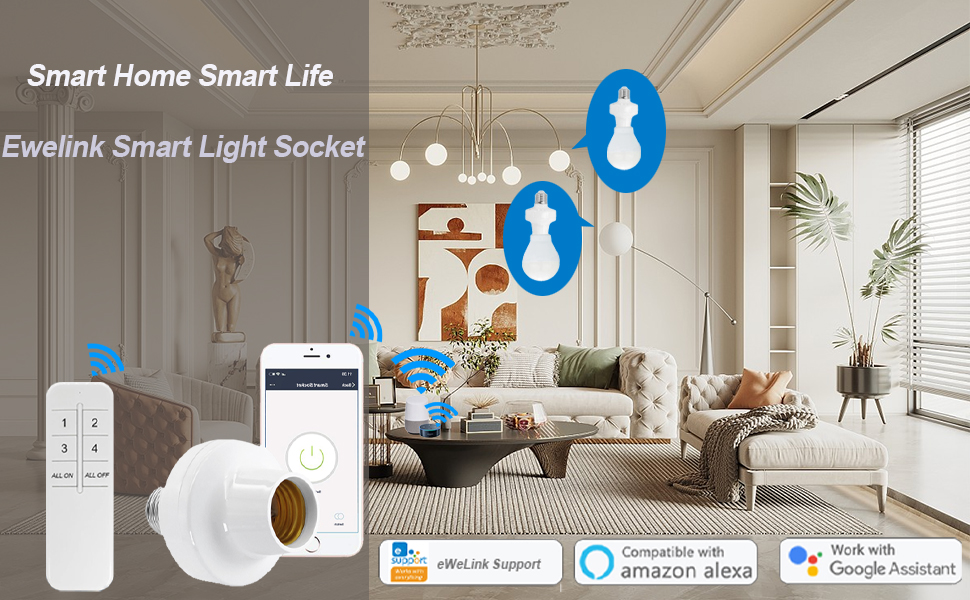
Billede: Overview of the Bkiyougo Smart WiFi Bulb Socket demonstrating app, voice, and remote control capabilities.
2. Sikkerhedsoplysninger
- Kun indendørs brug: This product is designed for indoor environments. Do not use outdoors or in damp steder.
- Kompatible pærer: Use only with LED, CFL, or fluorescent bulbs. GØR IKKE use with incandescent, halogen, or tungsten bulbs, as this may damage the socket.
- Effektværdi: Ensure the connected bulb's wattage does not exceed the socket's maximum power rating of 30W.
- Voltage: Arbejd inden for den specificerede voltage område på 100-120V AC.
- Installation: Ensure power is off before installing or removing the bulb socket.
- Armaturkompatibilitet: Verify that the dimensions of the smart bulb socket fit within your light fixture before purchase and installation.
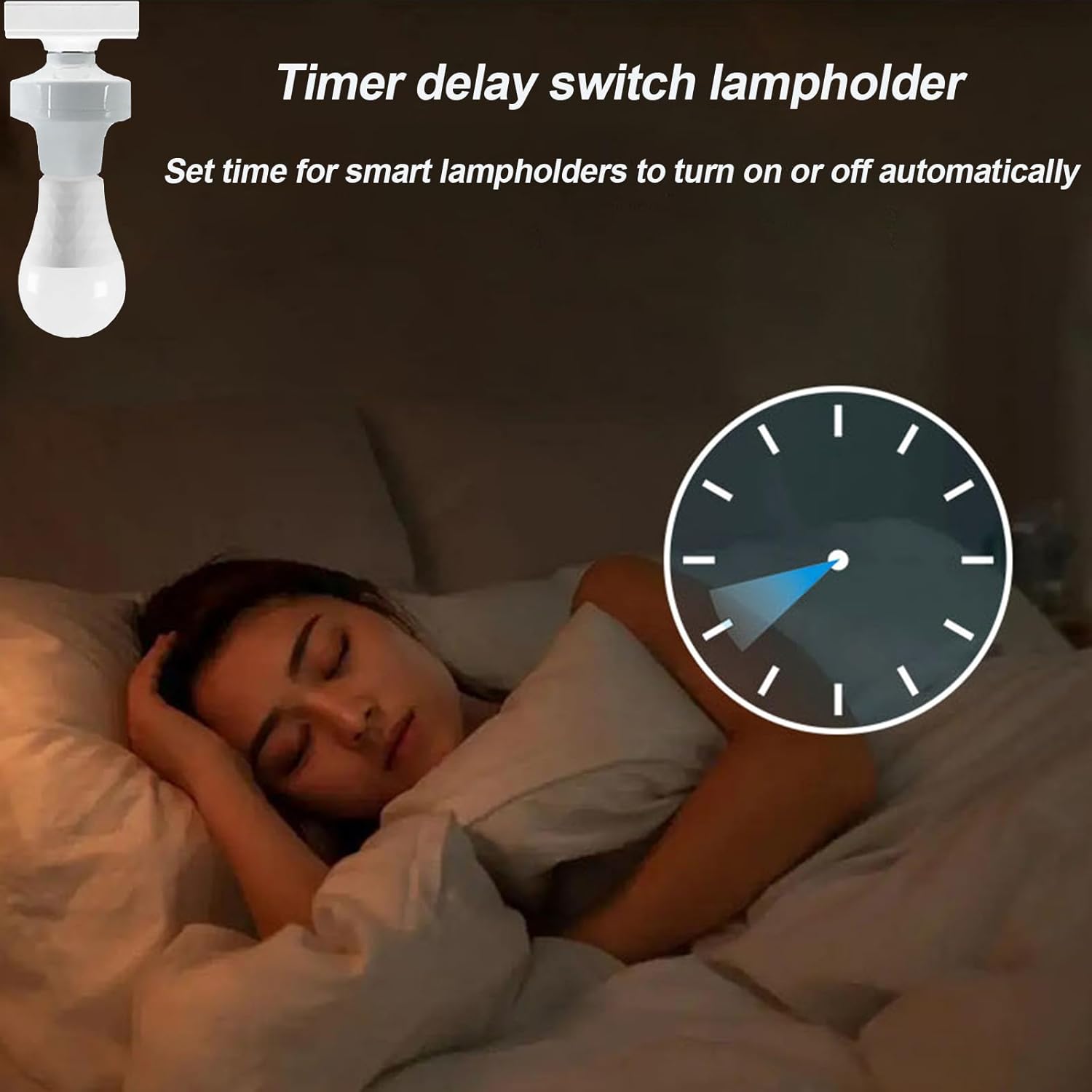
Image: Visual warning indicating that the smart socket is not compatible with incandescent, tungsten, or halogen bulbs.
3. Pakkens indhold
Din pakke skal indeholde følgende varer:
- Bkiyougo Smart WiFi Bulb Socket (2 units)
- Instruktionsmanual (dette dokument)
Note: Remote control is not included with this ASIN and must be purchased separately if desired.
4. Produktspecifikationer
| Feature | Specifikation |
|---|---|
| Mærke | Bkiyougo |
| Model | Smart WiFi Bulb Socket (B0CPP4Y7J) |
| Light Type Compatibility | LED, CFL, Fluorescent (NOT Incandescent, Halogen, Tungsten) |
| Pære base | E26 / E27 |
| Input bindtage | 100-120V AC |
| Frekvens | 60 Hz |
| Maks. Belastningsstrøm | 2.5 Amp |
| Max Power | 30W |
| Trådløs forbindelse | Wi-Fi (802.11 b/g/n 2.4GHz only) |
| Appkompatibilitet | eWeLink APP (Android 5.0 & iOS 10 or higher) |
| Stemmestyringskompatibilitet | Amazon Alexa, Google Home |
| Materiale | PC V0, Copper |
| Dimensioner (B x H) | 66 mm x 92 mm (2.75" B x 3.93" H) |
| Varens vægt | 0.16 kilo |

Image: Product dimensions and a visual representation of compatible bulb types (LED, fluorescent, CFL) and incompatible types (incandescent).
5. Opsætningsvejledning
5.1 Fysisk installation
- Sluk: Ensure the power to the light fixture is turned off at the circuit breaker before installation.
- Screw in Smart Socket: Carefully screw the Bkiyougo Smart WiFi Bulb Socket into your existing E26/E27 light fixture.
- Installer pære: Screw a compatible LED, CFL, or fluorescent bulb into the smart socket.
- Tænd: Restore power to the light fixture. The bulb should turn on.

Image: Step-by-step visual guide for installing the smart bulb socket into a standard lamp base and then inserting a bulb.
5.2 eWeLink App Setup
- Download app: Download the "eWeLink APP" from your mobile phone's app store (available for Android 5.0+ and iOS 10+).
- Registrer/Log ind: Åbn eWeLink-appen, og opret en ny konto, eller log ind med en eksisterende.
- Tilføj enhed: Follow the in-app instructions to add a new device. The smart socket should be in pairing mode (often indicated by a blinking light).
- Opret forbindelse til Wi-Fi: Connect the device to your 2.4GHz Wi-Fi network.
- Vigtig: The smart socket only supports 2.4GHz Wi-Fi. If you have a dual-band router (2.4GHz and 5GHz), temporarily disable the 5GHz band or ensure the 2.4GHz band has a distinct name.
- Navn på enhed: Assign a recognizable name to your smart bulb socket (e.g., "Living Room Light").
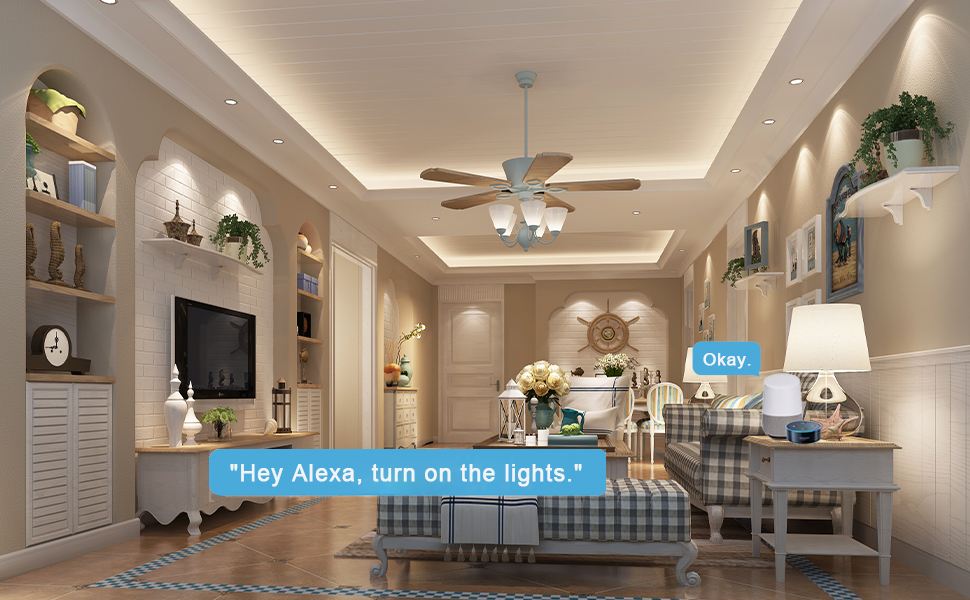
Image: A smartphone displaying the eWeLink app interface, illustrating remote control of the smart light socket.
5.3 Stemmestyringsintegration (Alexa/Google Home)
- Åbn Smart Assistant-appen: Åbn Amazon Alexa-appen eller Google Home-appen på din mobilenhed.
- Enable Skill/Link Account:
- For Alexa: Go to "Skills & Games" and search for "eWeLink Smart Home". Enable the skill and link your eWeLink account.
- For Google Home: Go to "Works with Google" and search for "eWeLink Smart Home". Link your eWeLink account.
- Opdag enheder: Once linked, ask your smart assistant to "Discover devices" or manually initiate device discovery in the app.
- Styring med stemme: You can now control your light socket using voice commands (e.g., "Alexa, turn on Living Room Light" or "Hey Google, turn off Living Room Light").

Image: Smart speakers (Amazon Echo Dot and Google Home Mini) demonstrating voice control integration with the smart light socket.
6. Betjeningsvejledning
6.1 App Control (eWeLink APP)
- Fjernbetjening til/fra: Open the eWeLink app. Tap on the device name to turn the light on or off from anywhere with an internet connection.
- Timer funktion:
- Access the timer settings within the device's control interface in the app.
- Set schedules for automatic on/off times (e.g., turn on at dusk, turn off at dawn).
- Configure countdown timers for temporary operation.
- Gruppekontrol:
- In the eWeLink app, create groups of multiple smart bulb sockets.
- Control all devices within a group simultaneously with a single command (e.g., turn all living room lights off).
- Deling af enhed: Share control of your smart bulb sockets with family members through the eWeLink app, allowing multiple users to manage the lights.

Image: A visual representation of the timer function, showing lights turning off at 11 PM and turning on at 7 AM.
6.2 Stemmekontrol
Once integrated with Amazon Alexa or Google Home, use simple voice commands to control your lights:
- "Alexa, tænd for [Enhedsnavn]."
- "Alexa, sluk [Enhedsnavn]."
- "Hej Google, tænd [Enhedsnavn]."
- "Hej Google, sluk [Enhedsnavn]."
6.3 Ekstra fjernbetjening
If you have purchased a compatible 433MHz RF remote control separately, you can pair it with the smart socket for local control. Refer to the remote control's instructions for pairing procedures. This allows for control even without Wi-Fi connectivity.

Image: A hand holding a remote control, illustrating its use for individual or group control of lights.
7. Vedligeholdelse
- Rensning: Disconnect power before cleaning. Wipe the smart socket with a dry, soft cloth. Do not use liquid cleaners or abrasive materials.
- Firmwareopdateringer: Periodically check the eWeLink app for available firmware updates for your device to ensure optimal performance and security.
- Udskiftning af pære: Always turn off power to the fixture before replacing the light bulb in the smart socket.
8. Fejlfinding
- Problem: Device cannot connect to Wi-Fi / App setup fails.
- Tjek Wi-Fi-bånd: Ensure your Wi-Fi network is 2.4GHz. The device does not support 5GHz Wi-Fi. If you have a dual-band router, temporarily disable the 5GHz band or ensure the 2.4GHz band has a distinct name.
- Wi-Fi signalstyrke: Ensure the smart socket is within range of your Wi-Fi router.
- Routerindstillinger: Check your router's settings for any restrictions (e.g., MAC filtering) that might prevent new devices from connecting.
- Nulstil enhed: Refer to the eWeLink app or product documentation for instructions on how to reset the smart socket to factory settings and re-enter pairing mode.
- App version: Sørg for, at din eWeLink-app er opdateret til den nyeste version.
- Problem: Voice control (Alexa/Google Home) is not working.
- eWeLink Account Link: Bekræft, at din eWeLink-konto er korrekt knyttet til din Alexa- eller Google Home-app.
- Enhedsopdagelse: Ask your smart assistant to "Discover devices" again.
- Enhedens navn: Ensure the device name in eWeLink is simple and easily recognizable by your smart assistant. Avoid special characters.
- Internetforbindelse: Confirm that both your smart assistant device and the smart socket have an active internet connection.
- Problem: Light bulb does not turn on/off.
- Strømforsyning: Tjek om lampen har strøm.
- Pære kompatibilitet: Ensure you are using a compatible bulb type (LED, CFL, fluorescent). Incandescent, halogen, or tungsten bulbs are not supported.
- Bulb Functionality: Test the light bulb in a different, known-working fixture to ensure the bulb itself is not faulty.
- Socket Connection: Ensure both the smart socket and the light bulb are screwed in firmly.
9. Garanti og support
Bkiyougo is committed to providing quality products and customer satisfaction. For any questions, technical assistance, or warranty inquiries, please contact Bkiyougo customer support through the platform where you purchased the product or refer to the official Bkiyougo webwebsted for kontaktoplysninger.
Bkiyougo aims to provide perfect after-sales service and will do its best to solve customer problems.
For more information about Bkiyougo products, visit the Bkiyougo Store on Amazon.