
JEYI i9_Zebra_2230C
JEYI 2230 M.2 Enclosure User Manual
Model: i9_Zebra_2230C
1. Produktet er slutview
The JEYI 2230 M.2 Enclosure is a compact, direct-attached USB-C adapter designed to convert your M.2 NVMe 2230 solid state drive into a portable, high-speed external storage device. It offers 10Gbps data transfer speeds, allowing for rapid file transfers and efficient data management across various devices.

Image: The JEYI 2230 M.2 Enclosure, showcasing its compact design and direct USB-C connection.
2. Pakkens indhold
Kontroller venligst, at alle nedenstående varer er inkluderet i din pakke:
- 1x JEYI 10Gbps Type-C Enclosure
- 1 x skruetrækker
- 1x Screw (for SSD retention)
- Multiple Thermal Pads

Image: Visual representation of the items included in the JEYI 2230 M.2 Enclosure package.
3. Opsætning og installation
Follow these steps to install your M.2 NVMe 2230 SSD into the enclosure:
- Åbn kabinettet: Use the provided screwdriver to loosen the screws on the enclosure and carefully remove the outer cover.
- Indsæt SSD'en: Gently insert your M.2 NVMe 2230 SSD into the designated slot within the enclosure. Ensure it is fully seated.
- Påfør termiske puder: Place the provided thermal pads onto the SSD chip to ensure proper heat dissipation.
- Sikker og tæt: Tighten the screw to secure the SSD in place. Then, reattach the outer cover and tighten the screws to close the enclosure.

Image: Illustration of opening the enclosure by loosening screws.

Image: Illustration of inserting the SSD into the enclosure slot.

Image: Illustration of applying thermal pads over the SSD.

Image: Illustration of closing and securing the enclosure.
Installationsvideoguide
Video: A step-by-step guide demonstrating the installation process of the M.2 NVMe SSD into the JEYI 2230 M.2 Enclosure.
4. Betjeningsvejledning
The JEYI 2230 M.2 Enclosure is designed for plug-and-play functionality with various devices.
Tilslutning til en smartphone
Simply open the magnetic protective cover and plug the USB-C interface directly into your smartphone. The enclosure will be recognized as external storage, allowing you to access files.

Image: The enclosure directly connected to a smartphone, ready for use.
Connecting to a Computer (Laptop/Desktop)
Plug the USB-C interface of the enclosure directly into an available USB-C port on your computer. The device will appear as a removable drive. For optimal performance, ensure your computer's USB-C port supports USB 3.2 Gen2 (10Gbps).

Image: The enclosure connected to a tablet, demonstrating its direct-attached capability.

Image: The enclosure directly connected to a laptop, showing its compact form factor.
LED-indikatorstatus
- Grønt lys: Indicates Work Mode (active data transfer or ready for use).
- Blåt lys: Indicates Sleep Mode (idle or low power state).

Image: Close-up of the enclosure showing the intelligent LED indicator.
5. Vedligeholdelse
To ensure the longevity and optimal performance of your JEYI 2230 M.2 Enclosure and the installed SSD, consider the following maintenance tips:
- Varmeafledning: Aluminium casing is designed to dissipate heat. Ensure the enclosure is not covered during heavy use to allow for proper airflow. The included thermal pads are crucial for efficient heat transfer from the SSD to the enclosure.
- Sikker udkastning: Always safely eject the drive from your operating system before unplugging it to prevent data corruption.
- Rensning: Brug en blød, tør klud til at rengøre ydersiden af kabinettet. Undgå at bruge flydende rengøringsmidler eller slibende materialer.
- Opbevaring: When not in use, keep the protective cap on the USB-C connector to prevent dust and damage. The magnetic attraction ensures the cap stays securely in place.

Billede: Eksploderet view illustrating the aluminum case and thermal pads for effective heat dissipation.

Image: The enclosure with its magnetic protective cover, designed for secure attachment and portability.
Understanding Operating Temperatures
Video: This video demonstrates temperature readings during operation. While the enclosure is designed for heat dissipation, it may become warm during intensive use. This is normal and indicates the heat is being effectively transferred away from the SSD.
6. Fejlfinding
- Enhed ikke genkendt:
- Sørg for, at SSD'en er korrekt installeret og fastgjort i kabinettet.
- Try plugging the enclosure into a different USB-C port on your device.
- Verify that your operating system (Windows, Mac, Android) is up to date.
- Check if the SSD itself is functional by testing it in another compatible enclosure or system, if possible.
- Langsomme overførselshastigheder:
- Ensure your host device's USB-C port supports USB 3.2 Gen2 (10Gbps). Older USB versions will result in lower speeds.
- Confirm that the SSD installed is an NVMe M.2 2230 model. SATA M.2 SSDs are not compatible and will not function.
- Luk alle baggrundsprogrammer, der muligvis bruger systemressourcer eller disk-I/O.
- Verify that the thermal pads are correctly installed to prevent thermal throttling due to overheating.
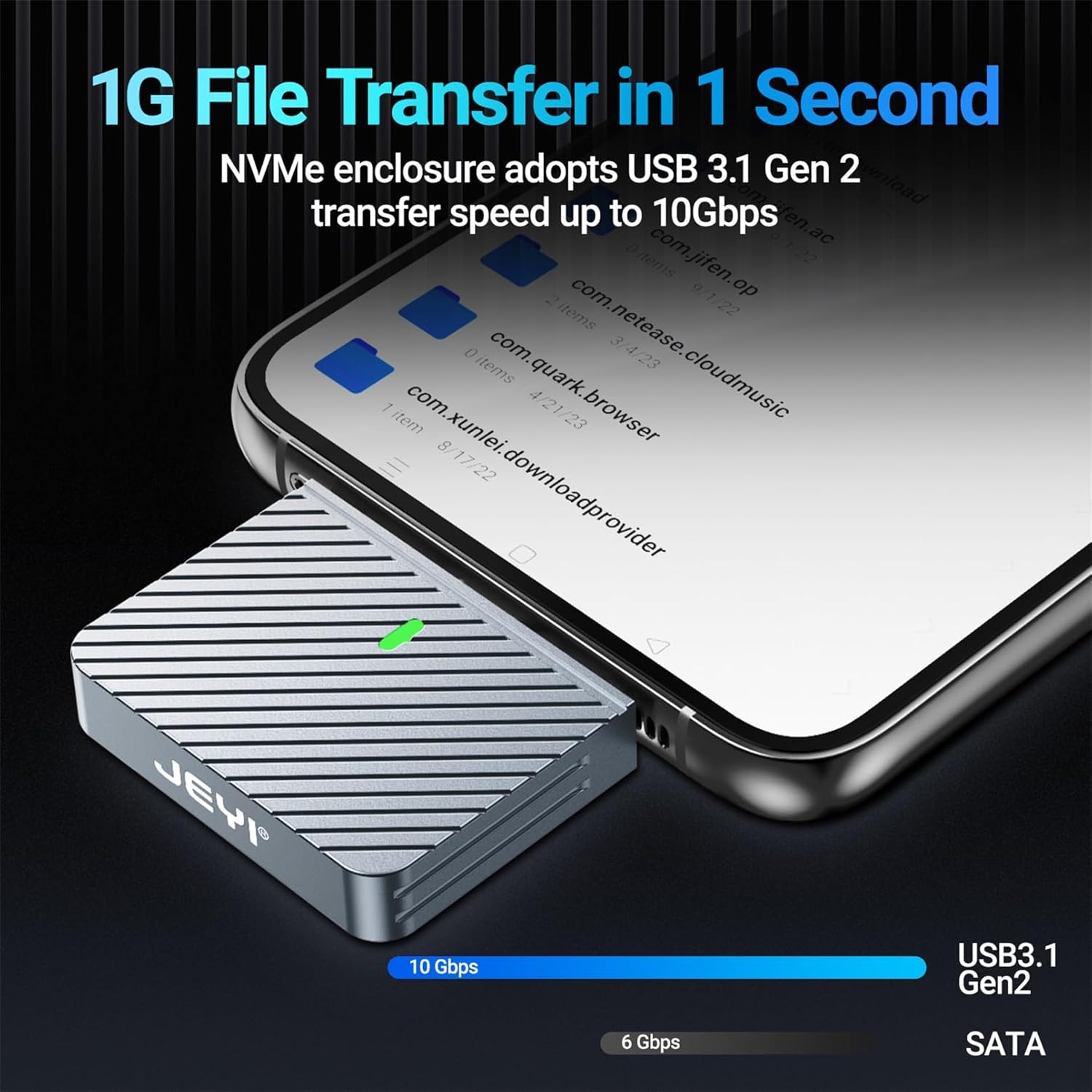
Image: Illustration highlighting the 10Gbps transfer speed capability of the enclosure.
- Kabinettet bliver varmt:
- It is normal for the aluminum enclosure to become warm during heavy data transfers, as it is designed to dissipate heat from the SSD.
- Ensure the thermal pads are properly placed between the SSD and the enclosure for efficient heat transfer.
- If temperatures are excessively high and causing performance issues, ensure the enclosure is in an open area with good airflow.
- Incompatible SSD:
- This enclosure supports ONLY 2230 NVME M.2 SSDs. It is not compatible with SATA M.2 SSDs or M.2 SSDs of other form factors (e.g., 2242, 2260, 2280).

Image: Diagram illustrating the compatible M.2 NVMe key types (M-Key, B&M-Key) and incompatible NGFF (B-Key) for this enclosure.
7. Specifikationer
| Modelnummer | i9_Zebra_2230C |
| Materiale | Metal (aluminium) |
| Compatible SSD Form Factor | M.2 NVMe 2230 (3 Centimeters) |
| Max Supported Capacity | 2TB |
| Dataoverførselshastighed | 10 Gbps (USB 3.2 Gen 2) |
| Hardware-interface | USB 3.2 Gen 2, PCIE x 4 |
| Produktdimensioner | 1.57 x 1.57 x 0.31 tommer (40 x 40 x 8 mm) |
| Varens vægt | 1.76 ounce |
| Farve | Sort |

Image: Diagram illustrating the precise dimensions of the JEYI 2230 M.2 Enclosure.
8. Garanti og support
JEYI products are manufactured with high-quality standards. For any warranty claims, technical support, or inquiries regarding your JEYI 2230 M.2 Enclosure, please contact the manufacturer directly through their official support channels. Keep your purchase receipt as proof of purchase for warranty purposes.
For mere information kan du besøge JEYI Store on Amazon.
Ask a question about this manual
Ask about setup, troubleshooting, compatibility, parts, safety, or missing instructions. Manuals+ will review the question and use this page’s manual context to help answer it.