
Indledning
This manual provides instructions for the Akasa AK-CR-12 2-in-1 USB 3.2 Dual Card Reader. This device offers expanded connectivity for common memory cards, including SD, SDHC, SDXC, microSD, microSDHC, and microSDXC, in a compact aluminum housing. It is designed for compatibility with various devices featuring either USB Type-C or USB Type-A connectors.
Produktegenskaber
- Dobbelt port design: Features both USB Type-A and Type-C connectors for versatile device compatibility.
- Højhastighedsdataoverførsel: Supports USB 3.2 Gen 1, providing data transfer rates up to 5Gbps.
- Dobbelt kortpladser: Simultaneously reads and writes SD and microSD cards.
- Wide Operating System Compatibility: Works with macOS, Windows, Linux, and Android systems.
- Holdbar konstruktion: Premium aluminum housing enhances heat dissipation and protection.
- Plug & Play: Ingen drivere kræves til de fleste operativsystemer.
- Hot Swappable: Allows for connection and disconnection without restarting the device.
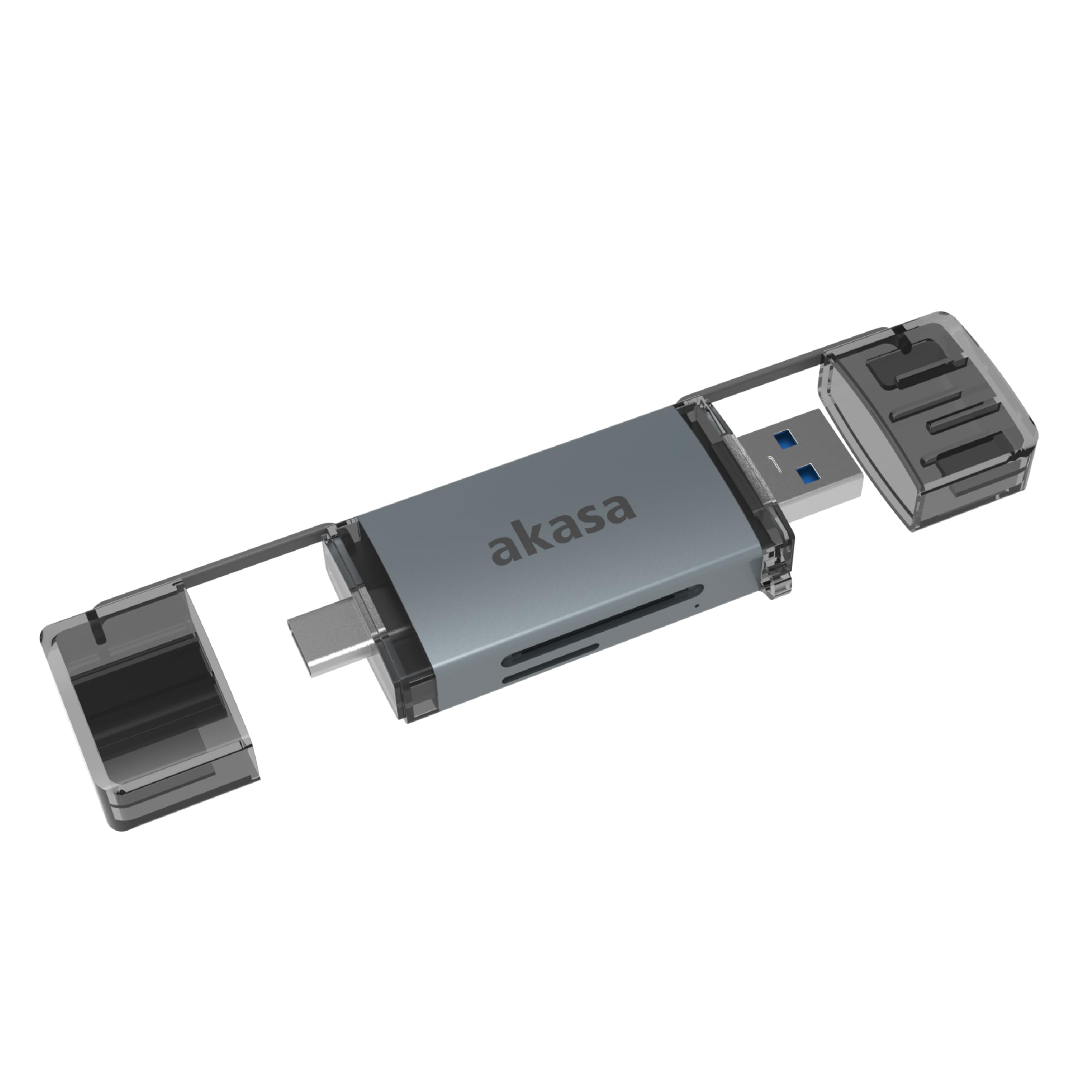
Image: The Akasa AK-CR-12 connected to a laptop, highlighting its USB 3.2 Gen 1 high-speed data transmission capability of up to 5Gbps, compared to USB 2.0's 480Mbps.

Billede: Et nærbillede view of the Akasa AK-CR-12, emphasizing its aluminum housing designed for enhanced heat dissipation and protection, and its ease of plugging into various devices.
Opsætning og drift
- Indsæt hukommelseskort: Gently insert your SD or microSD card into the corresponding slot on the Akasa AK-CR-12. Ensure the card is inserted correctly with the contacts facing down.
- Opret forbindelse til enhed:
- For devices with a USB Type-C port (e.g., modern laptops, smartphones, tablets), connect the USB Type-C end of the card reader.
- For devices with a USB Type-A port (e.g., older laptops, desktop PCs), connect the USB Type-A end of the card reader.
- Adgangsdata: Once connected, your operating system should automatically detect the card reader and the inserted memory card. The memory card will appear as a removable drive. You can then access, transfer, and manage filesom du ville gøre med enhver anden lagringsenhed.
- Sikker udskubning: Before disconnecting the card reader, always safely eject the removable drive through your operating system's interface to prevent data corruption.
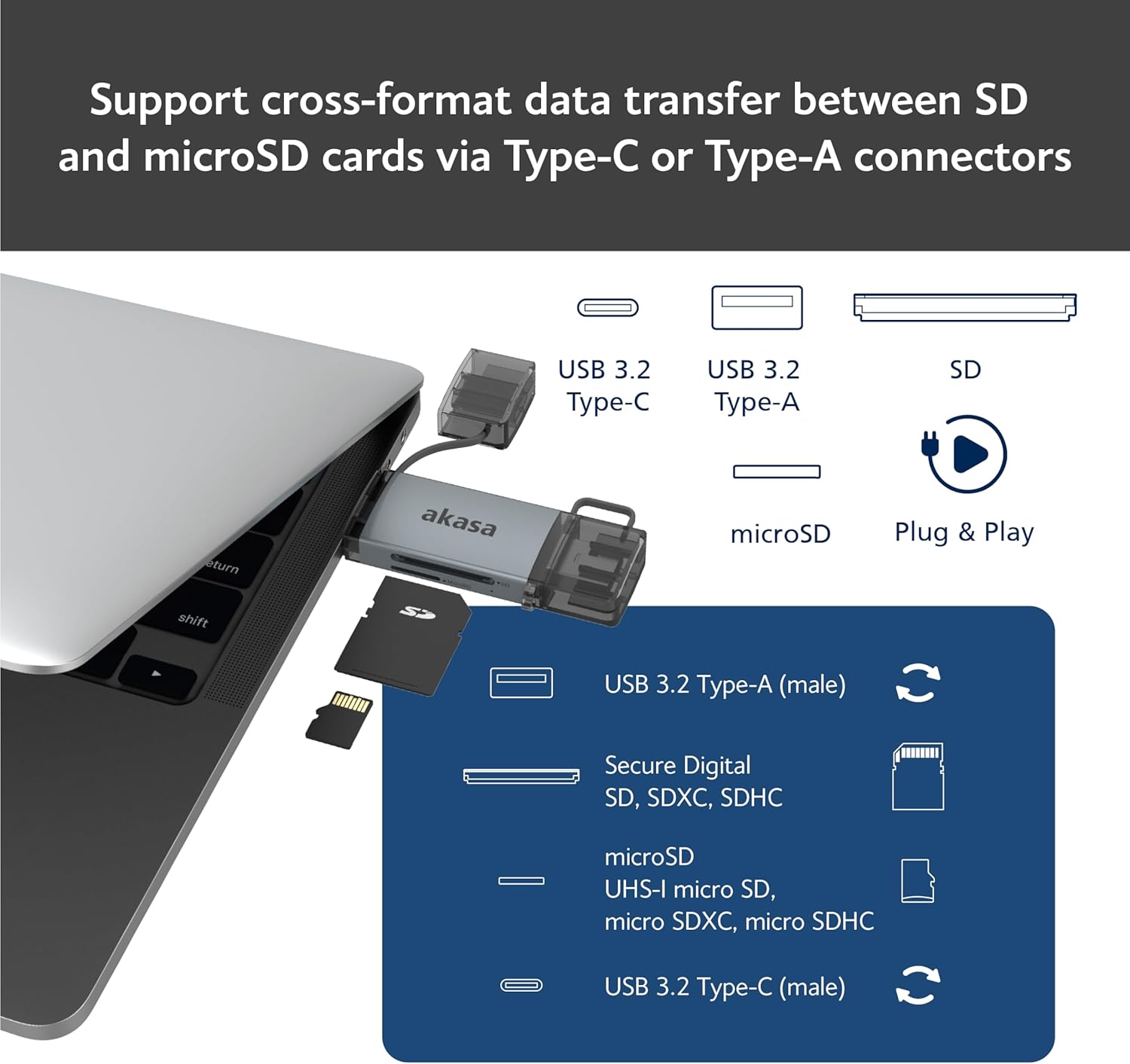
Image: An illustration demonstrating how to support cross-format data transfer between SD and microSD cards using the Type-C or Type-A connectors of the Akasa AK-CR-12, showing the different connector types and card slots.
Kompatibilitet
The Akasa AK-CR-12 is designed for broad compatibility with various operating systems and devices:
- Operativsystemer:
- macOS 10.6.2 eller nyere
- Windows XP/7/8/10/11
- Linux Fedora FC8 or higher
- Android system
- Kompatible enheder: Personal Computers, Laptops, Smartphones, Tablets.
- Hukommelseskorttyper: Secure Digital (SD, SDHC, SDXC, UHS-I), microSD (microSD, microSDHC, microSDXC).
Note for Smartphone/Tablet Devices:
If an adapter is needed for smartphone/tablet devices, the device must have USB OTG (On-The-Go) functionality to utilize the card reader feature.
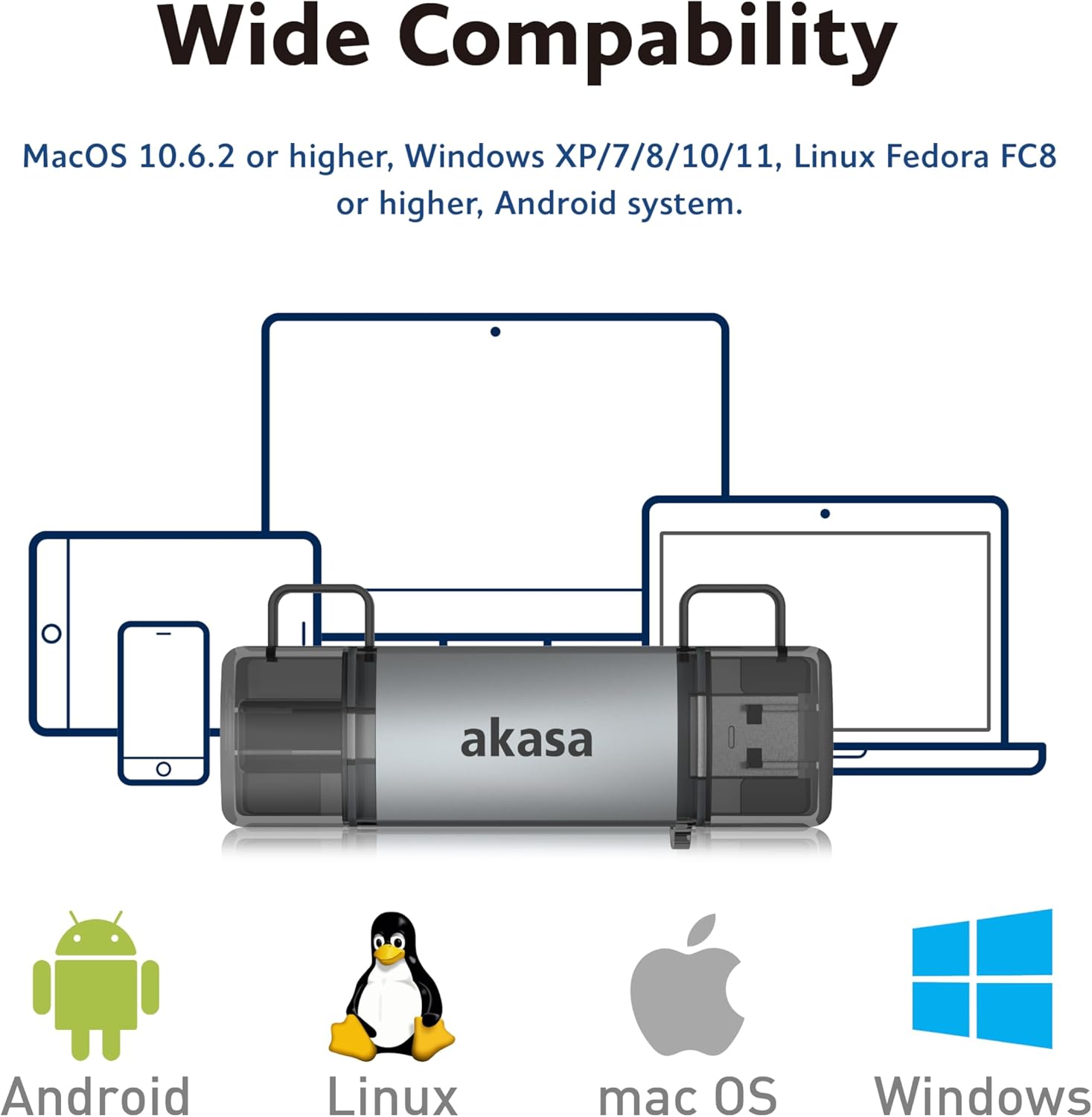
Image: The Akasa AK-CR-12 positioned centrally with logos for Android, Linux, macOS, and Windows operating systems, illustrating its wide compatibility across different platforms.
Specifikationer
| Feature | Detalje |
|---|---|
| Anvendelse | External USB 3.2 Gen 1 Card Reader |
| Dimensioner | 84.5 x 25.35 x 11.4 mm |
| Opstrøms porte | USB 3.2 Type-C (male) & USB 3.2 Type-A (male) |
| Memory Card Types | Secure Digital (UHS-I micro SD, micro SDXC, micro SDHC), microSD (micro SD, micro SDXC, micro SDHC) |
| Maks. Dataoverførselshastighed | 5Gb/s (USB 3.2 Gen 1 / USB 3.0), 480Mb/s (USB 2.0) |
| OS kompatibilitet | macOS 10.6.2 or higher, Windows XP/7/8/10/11, Linux Fedora FC8 or higher, Android System |
| Plug & Play | Understøttet |
| Hot swappable | Understøttet |
| Produktkode | AK-CR-12 |
| Varens vægt | 20 gram |

Image: A detailed diagram illustrating the physical dimensions of the Akasa AK-CR-12, including its length (84.5mm), width (25.35mm), and thickness (11.4mm).
Fejlfinding
- Enhed ikke fundet:
- Ensure the card reader is firmly connected to your device's USB port.
- Prøv en anden USB-port på din computer eller enhed.
- Verify that the memory card is correctly inserted into the card reader.
- Test the card reader on another compatible device to rule out a port issue.
- Langsom dataoverførsel:
- Ensure you are connected to a USB 3.0/3.2 port for optimal speeds. Connecting to a USB 2.0 port will result in lower transfer rates (up to 480Mb/s).
- Check the speed class of your memory card; slower cards will limit transfer speeds.
- Undgå at overføre mange små filesamtidig, da dette kan reducere den samlede hastighed.
- Kan ikke få adgang Files:
- Ensure the memory card is not write-protected (check for a physical lock switch on SD cards).
- Verify the memory card is formatted correctly for your operating system.
- Try accessing the card directly if your device has a built-in card reader to confirm the card itself is functional.
- Smartphone/Tablet Compatibility:
- Confirm your smartphone or tablet supports USB OTG (On-The-Go) functionality. This is essential for the device to recognize external USB storage.
- Some devices may require enabling OTG in their settings.
Opretholdelse
- Rensning: Use a soft, dry cloth to clean the exterior of the card reader. Avoid liquid cleaners or solvents.
- Opbevaring: Opbevar kortlæseren et køligt, tørt sted væk fra direkte sollys og ekstreme temperaturer.
- Beskyttelse: Keep the protective caps on the USB connectors when not in use to prevent dust and damage.
- Håndtering: Undgå at tabe enheden eller udsætte den for kraftige stød.
Garanti og support
For garantioplysninger og teknisk support henvises til den officielle Akasa webwebstedet eller kontakt din lokale forhandler. Gem din købskvittering som købsbevis.
Akasa Official Webwebsted: www.akasa.com.tw