
1. Introduktion
Tak for købetasing the BoxWave SlimKeys Bluetooth Keyboard. This portable, backlit keyboard is designed to enhance your typing experience across various devices, including tablets, smartphones, and computers. Its slim profile, customizable LED backlight, and reliable Bluetooth connectivity make it an ideal companion for productivity on the go. This manual provides detailed instructions for setup, operation, maintenance, and troubleshooting to ensure optimal performance of your device.

Image: The SlimKeys Bluetooth Keyboard positioned alongside a Blackview Tab 7 tablet, demonstrating its compact size and compatibility.
2. Produktfunktioner
- Integreret LED-baggrundsbelysning: Illuminates keys for typing in low-light or dark environments.
- Tilpasset baggrundsbelysning: Choose from seven vibrant LED backlight colors to personalize your setup.
- Pålidelig trådløs forbindelse: Connects quickly and easily via Bluetooth 3.0 for a stable and responsive typing experience.
- Battery-Saving Power Switch: A dedicated on/off switch helps extend battery life during travel or downtime.
- Slankt og bærbart design: Compact and lightweight, making it easy to store and transport without added bulk.
- Chiclet Keys: Funktioner lav-profile keys designed for quiet and comfortable typing.
- Multi-platform kompatibilitet: Seamlessly connects across Android, Windows, and iOS devices.

Image: An infographic highlighting the main features of the SlimKeys keyboard, including backlit keys, multi-platform compatibility, chiclet keys, and its ultra-slim and light design.
3. Opsætningsvejledning
3.1. Opladning af tastaturet
Before first use, ensure the keyboard is fully charged. Connect the included charging cable to the keyboard's charging port and to a USB power source (e.g., computer USB port, USB wall adapter). The 'Charge' indicator light will illuminate during charging and turn off when fully charged.

Image: The SlimKeys keyboard with its charging cable connected, demonstrating the charging process and highlighting its long-lasting battery life.
3.2. Tænd/sluk
Locate the ON/OFF switch on the top right side of the keyboard. Slide the switch to the 'ON' position to power on the keyboard. The 'Power' indicator light will briefly illuminate. To conserve battery, slide the switch to 'OFF' when not in use.
3.3. Bluetooth-parring
- Sørg for, at tastaturet er tændt.
- Press the 'Connect' button located near the ON/OFF switch. The 'Connect' indicator light will start blinking, indicating the keyboard is in pairing mode.
- On your device (tablet, smartphone, computer), go to the Bluetooth settings.
- Aktiver Bluetooth og søg efter tilgængelige enheder.
- Select 'BoxWave SlimKeys Keyboard' (or similar name) from the list of found devices.
- If prompted, enter the pairing code displayed on your device's screen using the SlimKeys keyboard, then press Enter.
- Once paired, the 'Connect' indicator light on the keyboard will stop blinking and remain solid, or turn off, depending on the model. Your keyboard is now ready for use.
Billede: En detaljeret view of the top right section of the SlimKeys keyboard, highlighting the 'Connect' button and the 'ON/OFF' switch, along with the indicator lights.
4. Betjeningsvejledning
4.1. Indtastning
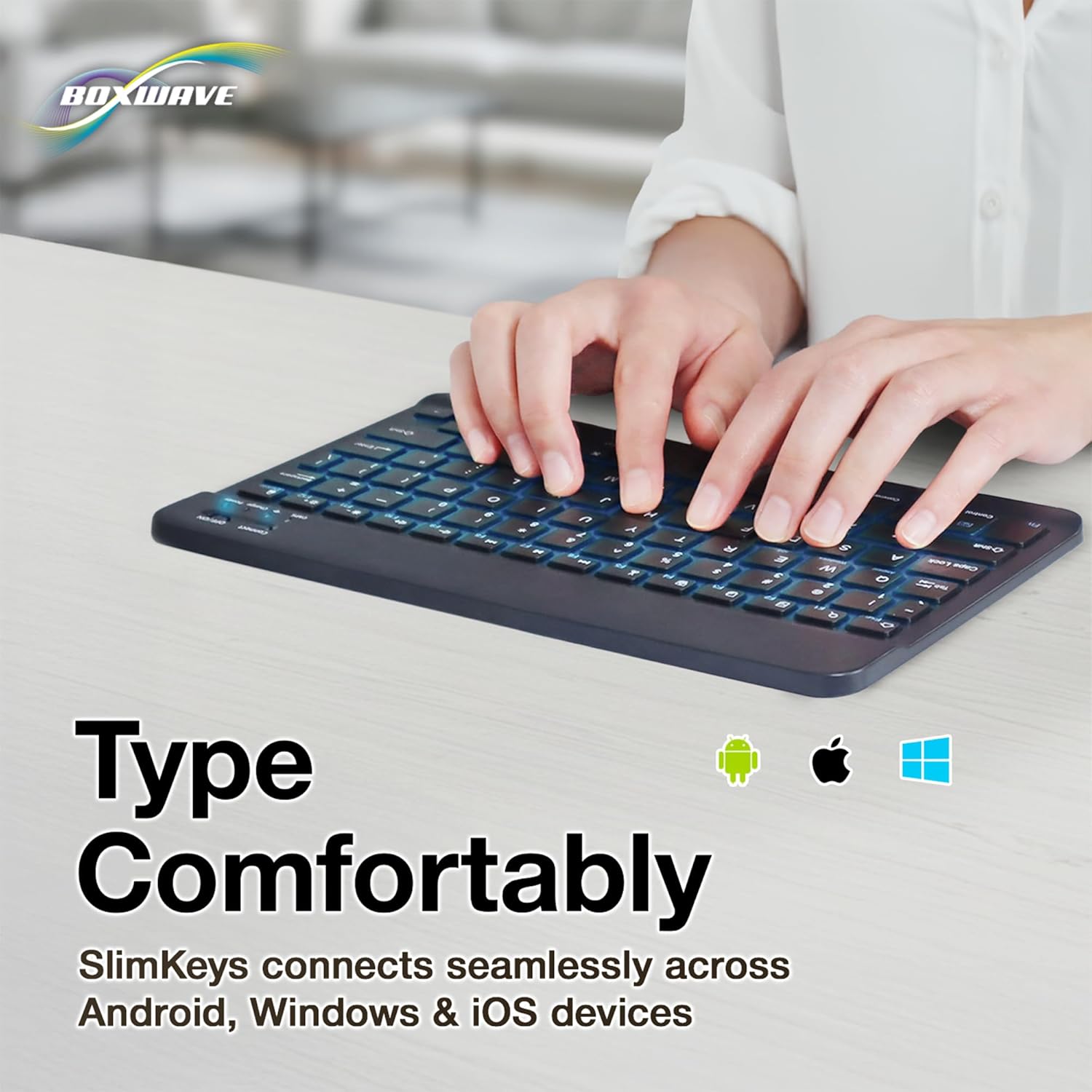
Once successfully paired, you can use the SlimKeys keyboard for all your typing needs. The chiclet-style keys provide a comfortable and responsive typing experience.
4.2. Baggrundslysstyring
The keyboard features an integrated LED backlight with seven customizable colors. To control the backlight:
- Tryk på Lyspære key (usually located near the right Ctrl key) to turn the backlight on or off.
- Tryk på RGB key (usually located next to the Light Bulb key) to cycle through the seven available backlight colors.

Image: The SlimKeys keyboard showcasing its seven different backlight colors, demonstrating the customization options.
4.3. Specialized Function Keys
The SlimKeys keyboard includes a row of specialized function keys (F1-F12) that provide quick access to common commands. These functions may vary slightly depending on your operating system (Android, Windows, iOS). To use a function key, press the Fn key (usually located near the left Ctrl key) simultaneously with the desired function key.
| Nøglekombination | Fungere |
|---|---|
| Fn + Esc (Home) | Gå til startskærmen |
| Fn + F1 (Search) | Åbn Søg |
| Fn + F2 (Select All) | Select All text/items |
| Fn + F3 (Copy) | Copy selected content |
| Fn + F4 (Paste) | Paste content |
| Fn + F5 (Cut) | Cut selected content |
| Fn + F6 (Skip Back) | Spring til forrige nummer |
| Fn + F7 (Play/Pause) | Afspil eller sæt medier på pause |
| Fn + F8 (Skip Forward) | Spring til næste nummer |
| Fn + F9 (Volume Down) | Sænk volumen |
| Fn + F10 (Volume Up) | Øg volumen |
| Fn + F11 (Brightness Down) | Reducer skærmens lysstyrke |
| Fn + F12 (Brightness Up) | Øg skærmens lysstyrke |
| Fn + Delete (Lock) | Lock device screen |

Image: A visual representation of the specialized function keys on the SlimKeys keyboard, detailing their respective commands.
5. Vedligeholdelse
To ensure the longevity and optimal performance of your BoxWave SlimKeys Bluetooth Keyboard, follow these maintenance guidelines:
- Rensning: Brug en blød, fnugfri klud til at tørre tastaturets overflade af. Tør genstridigt snavs let af.ampRengør kluden med vand eller et mildt, ikke-slibende rengøringsmiddel. Undgå for meget fugt.
- Opbevaring: Opbevar tastaturet et køligt, tørt sted væk fra direkte sollys og ekstreme temperaturer.
- Undgå væsker: Udsæt ikke tastaturet for væsker. I tilfælde af utilsigtet spild skal du straks slukke tastaturet og lade det tørre helt, før du bruger det igen.
- Håndteres med forsigtighed: Undgå at tabe tastaturet eller udsætte det for kraftige stød, da dette kan beskadige de interne komponenter.
6. Fejlfinding
If you encounter issues with your BoxWave SlimKeys Bluetooth Keyboard, refer to the following common problems and solutions:
| Problem | Mulig årsag | Løsning |
|---|---|---|
| Tastaturet tænder ikke. | Batteriet er afladet. | Oplad tastaturet helt. |
| Cannot pair the keyboard with my device. | Bluetooth not enabled on device; keyboard not in pairing mode; interference. | Ensure Bluetooth is on. Press 'Connect' button on keyboard. Move closer to device. Remove previous pairings. Restart both devices. |
| Tastaturet afbrydes ofte. | Lavt batteri; for langt fra enheden; interferens. | Charge keyboard. Keep keyboard within 10 meters of device. Avoid strong electromagnetic interference. |
| Baggrundsbelysningen virker ikke eller sidder fast på én farve. | Backlight off; low battery; software glitch. | Press the Light Bulb key. Charge the keyboard. Power cycle the keyboard (turn off, then on). |
| Taster reagerer ikke. | Keyboard not paired; low battery; hardware issue. | Re-pair the keyboard. Charge the keyboard. If problem persists, contact customer support. |
If the problem persists after trying these solutions, please contact BoxWave customer support for further assistance.
7. Specifikationer
| Feature | Detalje |
|---|---|
| Modelnavn | SlimKeys Bluetooth Keyboard |
| Forbindelse | Bluetooth 3.0 |
| Baggrundsbelysning | 7 LED-farver |
| Kompatibilitet | Android, Windows, iOS |
| Varens vægt | 8.6 ounce (ca. 244 gram) |
| Dimensioner (ca.) | 9.5 in (Width) x 5.75 in (Depth) x 0.2 in (Height) |
| Fabrikant | BoxWave |

Image: The SlimKeys keyboard shown with its approximate dimensions, illustrating its ultra-slim and lightweight design for portability.
8. Garanti og support
BoxWave products are designed for quality and reliability. For information regarding product warranty, returns, or technical support, please refer to the warranty card included with your product or visit the official BoxWave website. You may also contact BoxWave customer service directly for assistance with any product-related inquiries.
Kontaktoplysninger: Please refer to the packaging or BoxWave's official webwebstedet for de mest aktuelle kontaktoplysninger til kundesupport.