
WONLINK WL-AP7202-CAHS1-YAM
WONLINK Outdoor WiFi Extender User Manual
Model: WL-AP7202-CAHS1-YAM
1. Produktet er slutview
The WONLINK Outdoor WiFi Extender (Model: WL-AP7202-CAHS1-YAM) is a high-performance, dual-band (2.4GHz and 5GHz) wireless device designed to extend your WiFi network coverage outdoors. It supports speeds up to 1200Mbps and features Power over Ethernet (PoE) for flexible installation. Its IP66 weatherproof and robust design ensures reliable operation in various outdoor environments.

Figur 1.1: Forside view of the WONLINK Outdoor WiFi Extender, illustrating its wireless signal propagation.
Nøglefunktioner
- Dual Band AC1200: Simultaneous 2.4GHz (300Mbps) and 5GHz (867Mbps) for high-speed connectivity.
- Power over Ethernet (PoE): Forenkler installationen ved at levere strøm og data via et enkelt Ethernet-kabel.
- IP66 Vejrbestandig: Designed to withstand harsh outdoor conditions, including rain, dust, and extreme temperatures.
- Flere driftstilstande: Supports Access Point (AP), Repeater, Bridge, and Router modes for versatile network deployment.
- Høj effekt Amplivsstil: Enhances signal strength and coverage for long-range outdoor applications.
- Gigabit-port: Ensures high-speed wired connections.
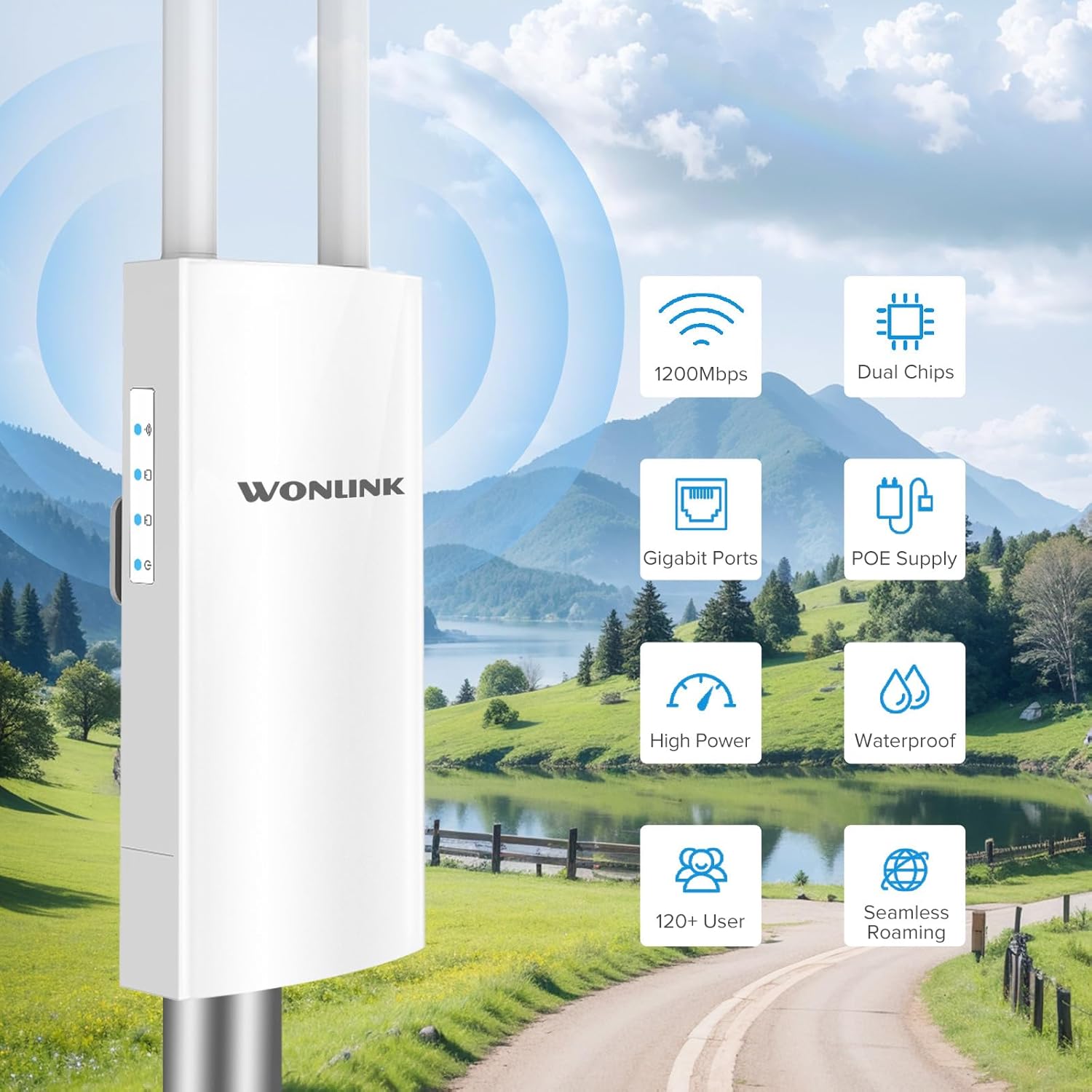
Figur 1.2: Overview of key features including 1200Mbps speed, dual chips, Gigabit ports, PoE supply, high power, waterproof design, support for 120+ users, and seamless roaming.

Figure 1.3: Breakdown of Dual Band AC1200 speeds, showing 5GHz (867Mbps) for less interference and faster speed, and 2.4GHz (300Mbps) for strong compatibility and better penetration.
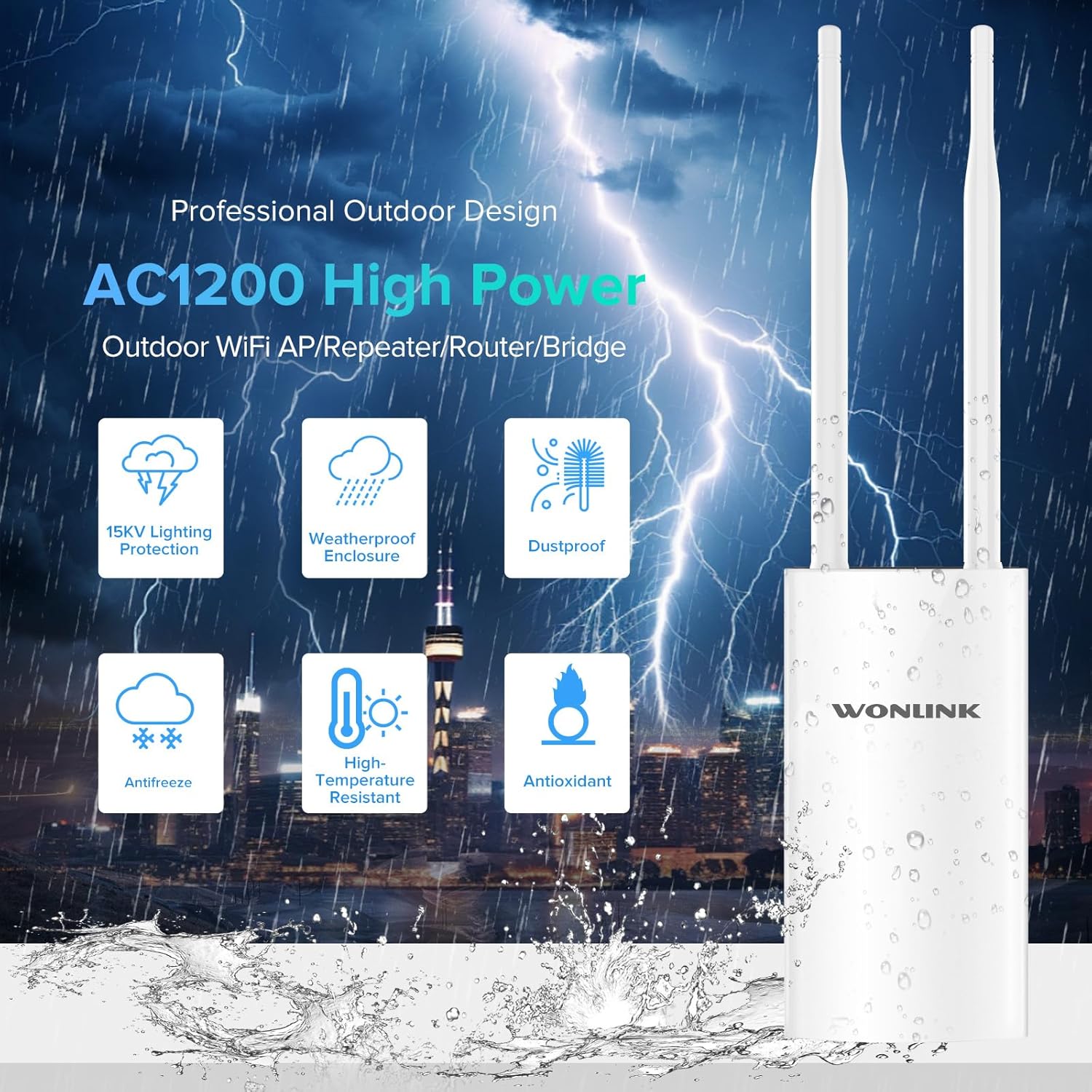
Figure 1.4: Features of the professional outdoor design, including 15KV lighting protection, weatherproof enclosure, dustproof, antifreeze, high-temperature resistance, and antioxidant properties.
2. Opsætning og installation
This section guides you through the physical installation and initial configuration of your WONLINK Outdoor WiFi Extender.
2.1 Pakkens indhold
Før du starter, skal du sørge for, at alle dele er til stede i pakken:
- 1 x Outdoor WiFi Extender
- 1 x 48V PoE Adapter
- 2 x skruer
- 1 x Hurtig installationsvejledning
- 2 x Silicone Seals
- 2 x Stainless Ties
2.2 Fysisk installation
The device can be mounted on a pole or wall using the provided accessories. Choose a location that offers optimal signal coverage and is within 80 meters of the PoE adapter.
- Attach the antennas to their respective ports on the device.
- Use the stainless ties to secure the device to a pole, or use screws with the bracket for wall mounting.
- Connect an Ethernet cable from the device's WAN/PoE port to the "PoE" port on the 48V PoE Adapter.
- Connect another Ethernet cable from the "LAN" port on the PoE Adapter to your router or network switch.
- Plug the power cord of the PoE Adapter into an electrical outlet.

Figure 2.1: Diagram illustrating the Power Over Ethernet (PoE) connection, showing the 48V PoE Adapter connecting the device to the network and power source.

Figur 2.2: Eksamples of multiple application scenarios, including yard, swimming pool area, park, and farm, demonstrating the versatility of the outdoor WiFi extender.
2.3 Indledende konfiguration
Refer to the Quick Installation Guide for detailed steps on accessing the web management interface and configuring the device for your desired operating mode (AP, Repeater, Bridge, or Router).

Figure 2.3: Visual representation of the four main operating modes: Access Point (AP) Mode, Repeater Mode, Bridge Mode, and Router Mode, showing how the device integrates into different network setups.
3. Operating Modes and Indicators
The WONLINK Outdoor WiFi Extender supports various operating modes to suit different network requirements.
3.1 driftstilstande
- Access Point (AP) tilstand: Connects to a wired network and broadcasts a wireless signal, allowing wireless devices to connect.
- Repeater-tilstand: Extends the range of an existing wireless network by re-broadcasting its signal.
- Brotilstand: Connects two wired networks wirelessly.
- Routertilstand: Fungerer som en primær router, der giver internetadgang til tilsluttede enheder.
3.2 LED-indikatorer
Enheden har adskillige LED-indikatorer, der viser dens status:
| Indikator | Status | Beskrivelse |
|---|---|---|
| Strømindikator | Lyser konstant | Enheden er tændt. |
| LAN-indikator | Solid On/Blinking | Angiver LAN-portaktivitet. |
| WAN-indikator | Solid On/Blinking | Indicates WAN port activity. |
| WiFi-signalindikator | Solid On/Blinking | Indicates wireless signal activity. |

Figur 3.1: Detaljeret produkt overview showing the location of power, LAN, WAN, and WiFi signal indicators, antennas, bracket, LAN port, reset button, and WAN port.
4. Vedligeholdelse
Proper maintenance ensures the longevity and optimal performance of your outdoor WiFi extender.
- Rensning: Tør enhedens yderside regelmæssigt af med en blød, tør klud.amp cloth. Do not use harsh chemicals or abrasive cleaners. Ensure all ports are free from debris.
- Firmwareopdateringer: Tjek producentens website (szwonlink.com) for available firmware updates. Keeping the firmware updated can improve performance and security.
- Miljøbeskyttelse: While the device is IP66 weatherproof, ensure proper installation to prevent water ingress into cable connections. Use the provided silicone seals for port protection.
5. Fejlfinding
Hvis du støder på problemer med din enhed, kan du se følgende almindelige fejlfindingstrin:
- Ingen strøm:
- Sørg for, at PoE-adapteren er korrekt tilsluttet en stikkontakt og enheden.
- Verify the power indicator LED is on.
- Check the Ethernet cable connecting the PoE adapter to the device.
- Ingen internetadgang:
- Confirm your main router has internet access.
- Check the WAN/LAN indicator LEDs on the device and PoE adapter for activity.
- Ensure the device is configured correctly for its operating mode (AP, Repeater, Bridge, Router).
- Weak or Unstable WiFi Signal:
- Flyt enheden til en mere central position eller højere oppe.
- Sørg for, at antennerne er sikkert fastgjort og orienteret korrekt.
- Check for physical obstructions between the device and client devices.
- Kan ikke få adgang Web Administrationsgrænseflade:
- Verify your computer is connected to the device's network (either wirelessly or via Ethernet).
- Ensure you are using the correct IP address for the device (refer to the Quick Installation Guide).
- Deaktiver midlertidigt enhver firewall eller antivirussoftware på din computer.
- Gendan fabriksindstillinger: If issues persist, you can perform a factory reset.
- With the device powered on, use a paperclip or pin to press and hold the Reset button (located near the ports) for approximately 5-10 seconds until the LEDs flash.
- Enheden genstarter med fabriksindstillingerne. Du skal konfigurere den igen.
6. Specifikationer
Detailed technical specifications for the WONLINK Outdoor WiFi Extender (WL-AP7202-CAHS1-YAM).
| Feature | Detalje |
|---|---|
| Mærke | WONLINK |
| Model | WL-AP7202-CAHS1-YAM |
| Dataoverførselshastighed | 1200 megabit pr. sekund (Mbps) |
| Trådløs Standard | 802.11n, 802.11ac |
| Frekvensbåndsklasse | Dobbeltbånd (2.4 GHz og 5 GHz) |
| Frekvens | 2412 MHz (2.4GHz band) |
| Antal havne | 1 (Gigabit Ethernet) |
| Forbindelsesteknologi | Wi-Fi (802.11ac, 802.11n), Ethernet |
| Kompatible enheder | Laptop, personlig computer, smartphone |
| Sikkerhedsprotokol | WPA2, WPA3 |
| Ingress Protection (IP) Rating | IP66 Vejrbestandig |
| Strømforsyning | 48V PoE adapter |
| Farve | Beige hvid |
| Pakkedimensioner | 22.7 x 19.8 x 5.2 cm |
| Varens vægt | 580 g |
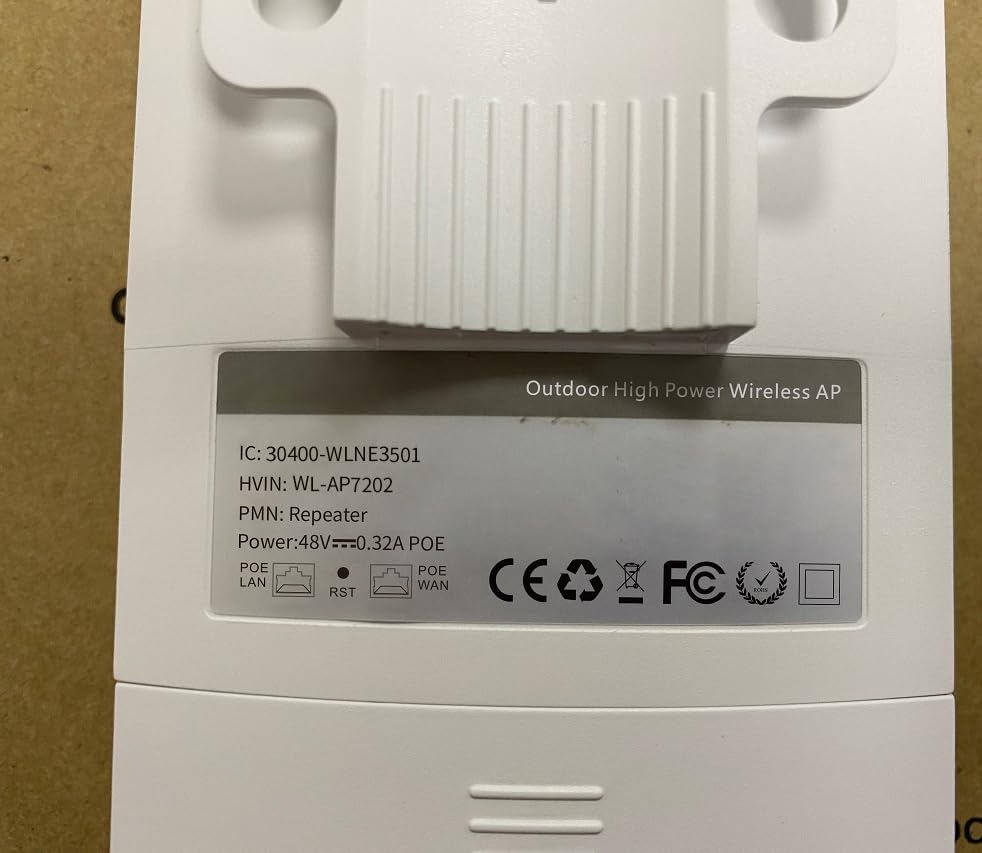
Figure 6.1: Back label of the device, displaying model number (WL-AP7202) and power specifications (48V PoE).
7. Garanti og support
For warranty information, technical support, or further inquiries, please contact WONLINK customer service through their official website or the retailer from whom you purchased the product. Keep your purchase receipt for warranty claims.
Officiel Webwebsted: szwonlink.com
Ask a question about this manual
Ask about setup, troubleshooting, compatibility, parts, safety, or missing instructions. Manuals+ will review the question and use this page’s manual context to help answer it.