
1. Introduktion
Thank you for choosing the Rettru Q18 4K Wireless WiFi Camera. This compact and versatile camera is designed for home security, baby monitoring, pet monitoring, and general surveillance. Featuring 4K Ultra HD resolution, a long-lasting 1800mAh battery, advanced night vision, and two-way audio, the Q18 provides reliable monitoring both indoors and outdoors. This manual will guide you through the setup, operation, and maintenance of your new camera.
2. Pakkens indhold
Markér venligst feltet for følgende elementer:
- 1 x Rettru Q18 Camera
- 1 x magnetisk base
- 1 x Micro SD kortlæser
- 1 x brugermanual
- 1 x USB Charging Cable (1 meter)
3. Produktfunktioner
3.1. 4K Ultra HD Resolution
The Q18 camera boasts a 5-megapixel sensor, delivering stunning 2560x1440 (2K) Ultra HD video quality. This ensures clear and detailed footage, allowing you to capture important visual information.
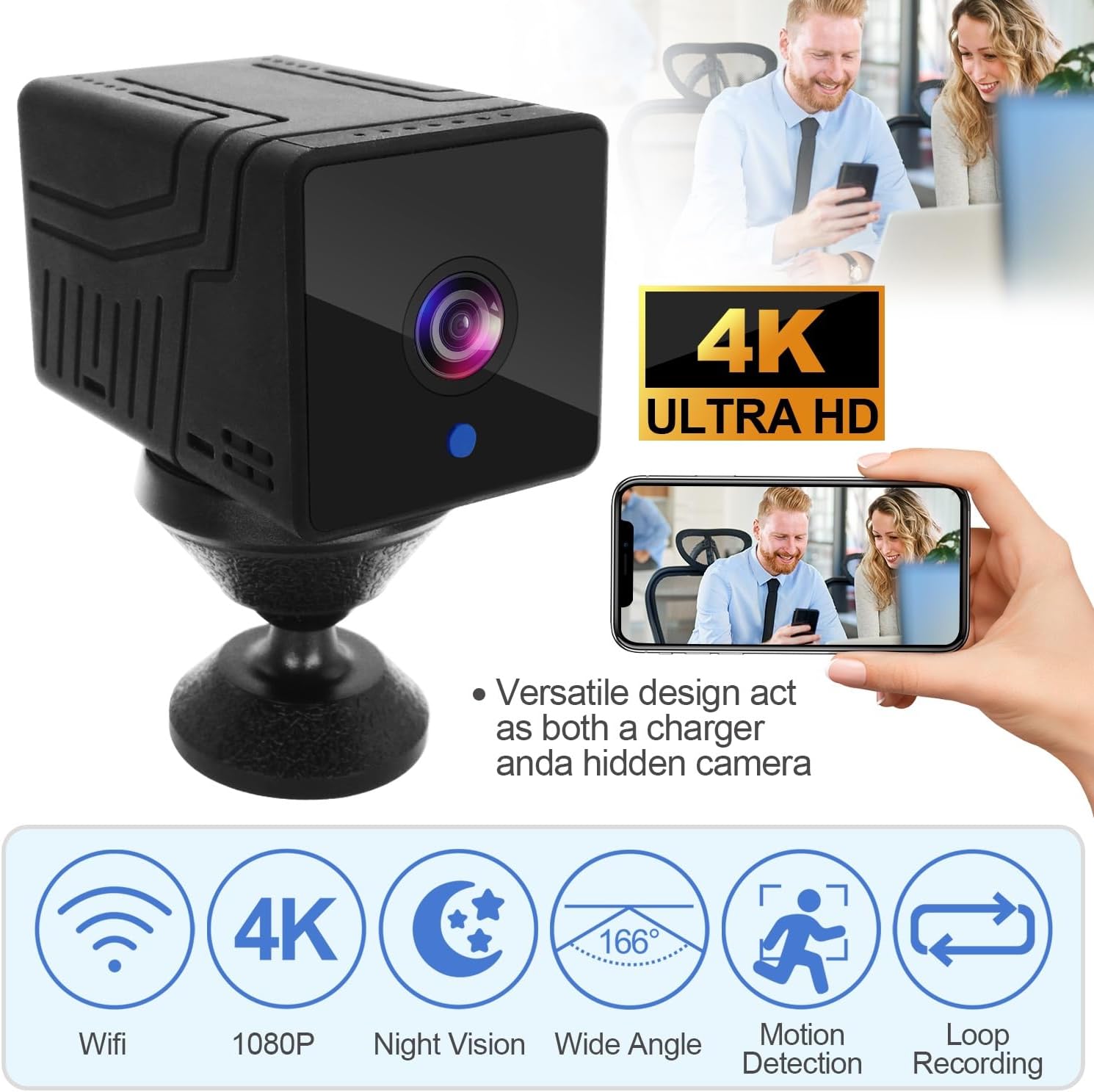
Image: The Rettru Q18 camera highlighting its 4K Ultra HD video capability for superior image clarity.
3.2. Long-Lasting Battery
Equipped with a built-in 1800mAh dual lithium battery, the camera offers over 5 hours of continuous working time and a standby time of more than 1 year. For extended use, it can be connected to a power bank or USB adapter via the included 1-meter USB cable for 24-hour operation.
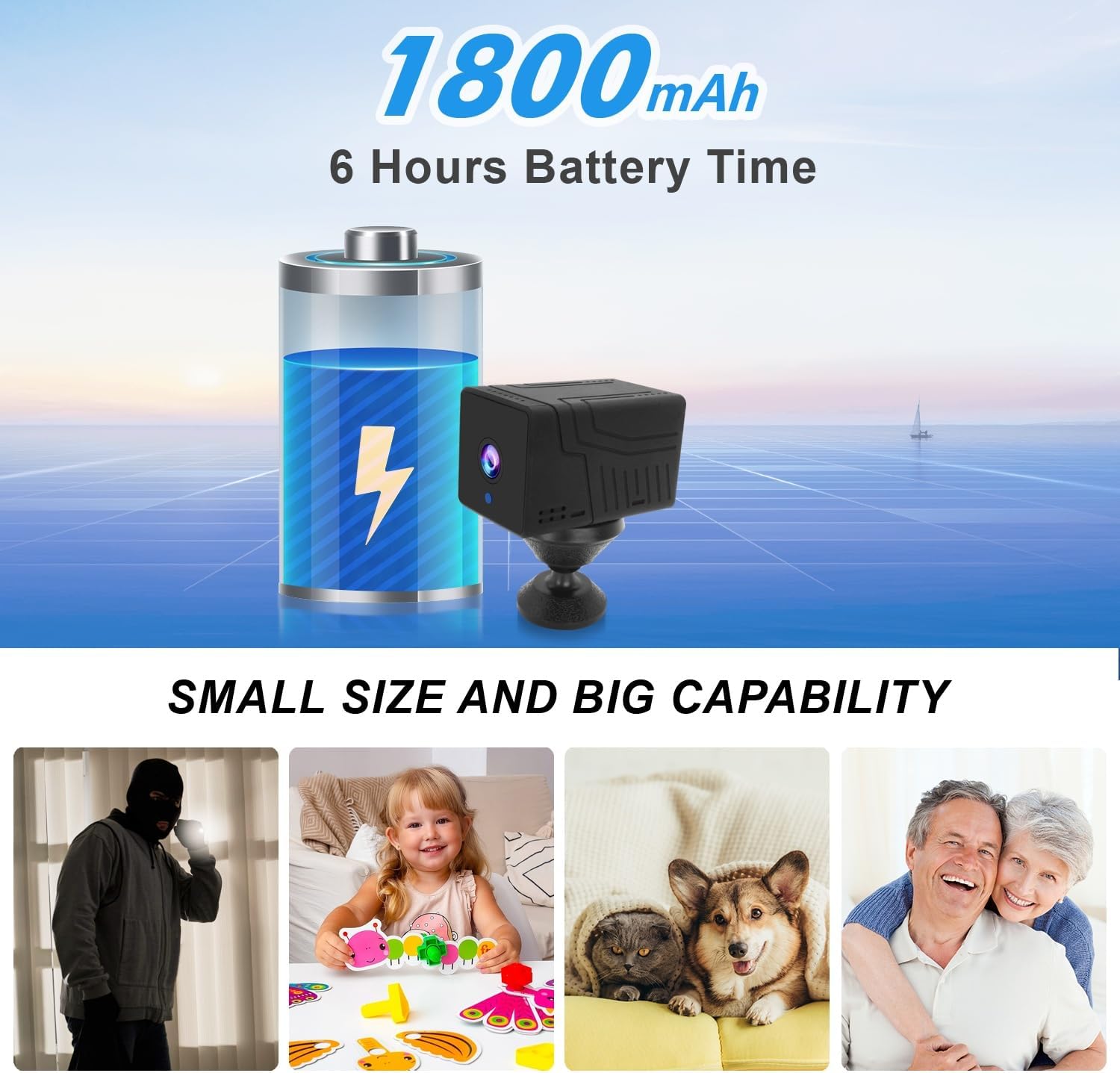
Image: Visual representation of the Q18 camera's 1800mAh battery, indicating extended operational hours.
3.3. Forbedret nattesyn
The Q18 features 8 straw hat 940nm infrared lights and an automatic IR-CUT function. This allows for clear night vision without a visible red dot, ensuring discreet surveillance even in complete darkness. The 5-megapixel sensor further enhances night vision clarity.
3.4. Tovejs taletelefon
Communicate in real-time with individuals near the camera using the two-way voice intercom feature. This allows for direct interaction through your mobile phone, whether you're at home or away.
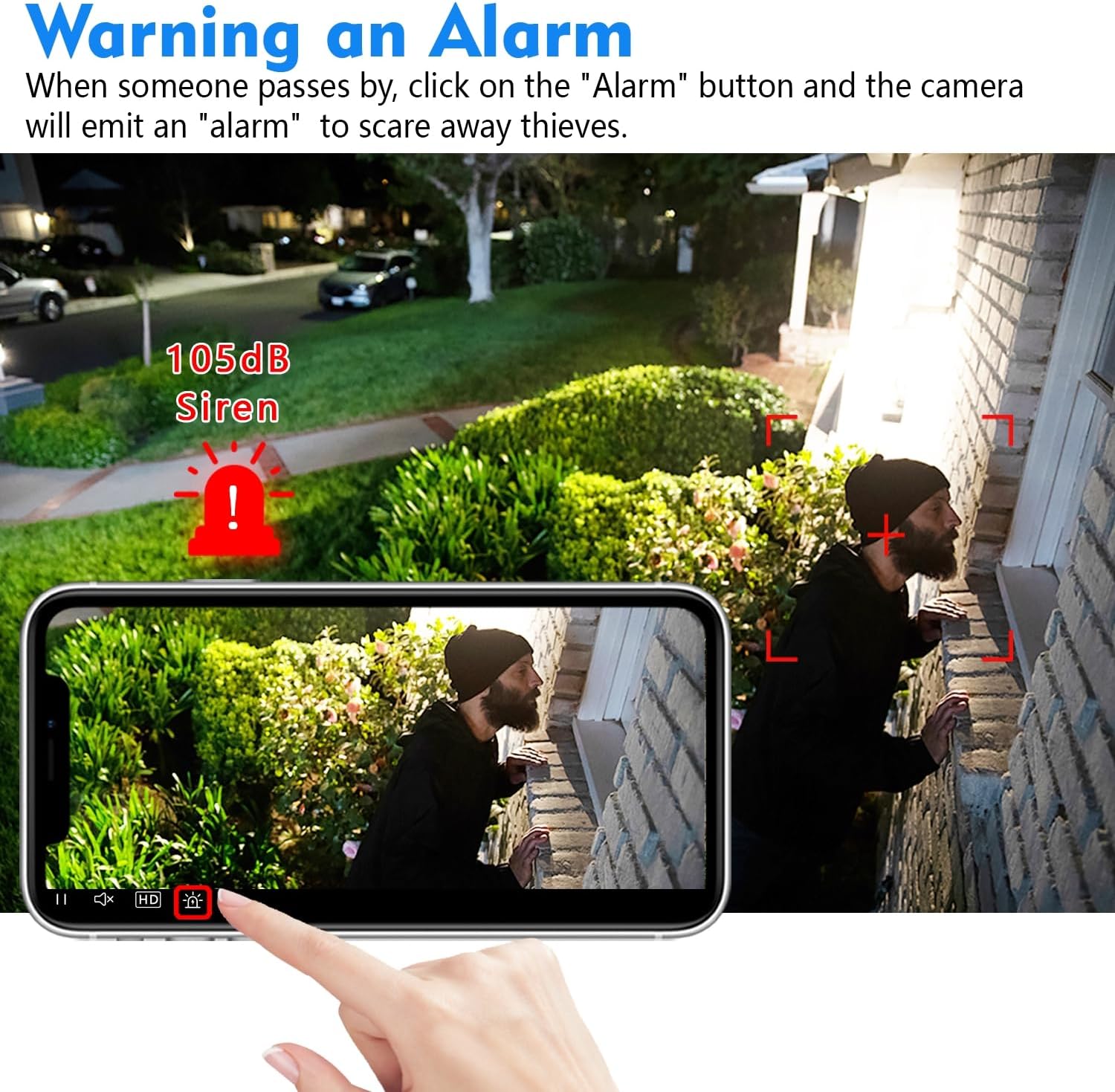
Image: The Q18 camera illustrating its real-time voice intercom function, enabling communication with pets or family.
3.5. Vidvinkelobjektiv
A 160-degree wide-angle lens provides a broad field of view, minimizing blind spots and capturing more of the environment, suitable for both indoor and outdoor monitoring.

Billede: En detaljeret view of the Q18 camera's lens, highlighting its wide-angle capability and pixel count.
3.6. Local Storage Support
The camera supports up to a 128GB Micro SD card (not included) for local video storage, ensuring continuous recording without concerns about memory limitations.
4. Opsætningsvejledning
4.1. Første opladning
Before first use, fully charge the camera using the provided USB cable and a 5V/1A USB power adapter (not included). The charging indicator light will typically change color or turn off once fully charged.
4.2. Download og installer appen
Søg efter og download V380 Pro app from your mobile device's app store (iOS App Store or Google Play Store). Install the app and create an account if you are a new user.
4.3. Opret forbindelse til WiFi
- Tænd for kameraet.
- Open the V380 Pro app and follow the on-screen instructions to add a new device.
- Select your 2.4GHz WiFi network and enter the password. (5GHz WiFi is not supported).
- The camera will connect to your WiFi network. Once connected, you can view det levende feed.
4.4. Montering af kameraet
The Q18 camera is designed for flexible placement. Use the included magnetic base for surface mounting or attach it to a wall. Its compact size allows for discreet placement without drilling or complex wiring.

Image: The Q18 camera demonstrating its small size and versatile mounting options for discreet placement.
5. Betjeningsvejledning
5.1. Lev View
Open the V380 Pro app and select your camera from the device list to access the live video feed. You can view foo i realtidtage hvor som helst med en internetforbindelse.
5.2. Videooptagelse
Insert a Micro SD card (up to 128GB, not included) into the camera's slot for continuous or event-triggered recording. You can configure recording settings within the V380 Pro app.
5.3. Aktivering af nattesyn
The camera's night vision automatically activates in low-light conditions thanks to its built-in IR-CUT function. No manual intervention is required.
5.4. Brug af to-vejs lyd
Mens i live view mode in the app, tap the microphone icon to speak through the camera's speaker. Tap the speaker icon to listen to audio from the camera's surroundings.
5.5. Bevægelsesdetektion og advarsler
Enable motion detection in the app settings to receive instant alerts on your phone when movement is detected. You can also set up an alarm siren to deter intruders.
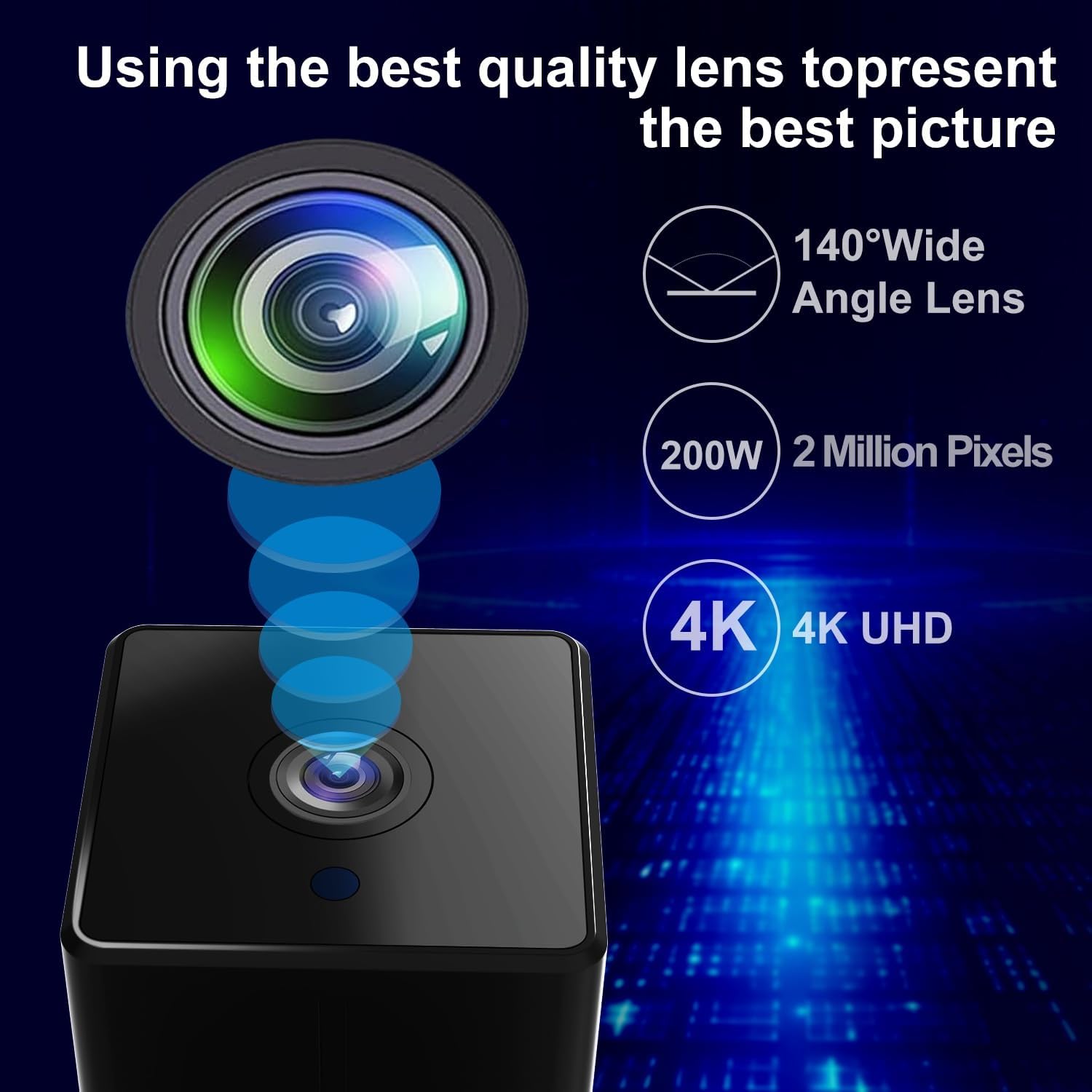
Image: An illustration of the camera's motion detection and alarm feature, showing an alert on a smartphone.
6. Vedligeholdelse
6.1. Rensning
Tør forsigtigt kameralinsen og huset af med en blød, tør klud. Undgå at bruge skrappe kemikalier eller slibende materialer, der kan beskadige enheden.
6.2. Batteripleje
To prolong battery life, avoid exposing the camera to extreme temperatures. If storing for an extended period, charge the battery to about 50% and recharge every few months.
6.3. Firmwareopdateringer
Periodically check the V380 Pro app for available firmware updates. Keeping your camera's firmware up-to-date ensures optimal performance and security.
7. Fejlfinding
- Kameraet opretter ikke forbindelse til WiFi: Ensure your WiFi network is 2.4GHz. Check that the WiFi password is correct. Move the camera closer to the router. Restart the camera and your router.
- Dårlig videokvalitet: Ensure a stable WiFi connection. Check for obstructions in front of the lens. Clean the lens if necessary.
- Batteri holder ikke opladning: Ensure you are using a compatible 5V/1A power adapter and the provided USB cable. If the issue persists, contact support.
- Bevægelsesdetektion virker ikke: Verify that motion detection is enabled in the app settings. Adjust sensitivity levels if needed. Ensure the camera has a clear view af området.
- No audio from two-way intercom: Check microphone and speaker settings in the app. Ensure your phone's volume is up.
8. Specifikationer
| Feature | Detalje |
|---|---|
| Modelnummer | Q18 |
| Effektiv stillopløsning | 5 MP (2560x1440) |
| Videooptagelsesformat | MPEG-4 |
| Billedhastighed | 30 billeder i sekundet |
| Forbindelsesteknologi | Trådløs (Wi-Fi) |
| Forbindelsesprotokol | Wi-Fi (kun 2.4 GHz) |
| Strømkilde | Batteridrevet (1800mAh) |
| Batterilevetid | Approx. 5+ hours working, 1+ year standby |
| Night Vision Range | Op til 26 fod |
| Viewi vinkel | 160 grader |
| Support til opbevaring | Micro SD-kort op til 128 GB (medfølger ikke) |
| Controller type | V380 Pro App |
| Kompatible enheder | iOS/Android Phone/Window/Mac PC |
| Monteringstype | Wall-Mounted & Surface-Mounted |
| Produktdimensioner | 21.6 x 13.3 x 13.3 tommer (emballage) |
| Varens vægt | 0.8 ounce |
9. Garanti og support
9.1. Garantioplysninger
The Rettru Q18 camera comes with a standard manufacturer's warranty. Please refer to the warranty card included in your package or contact Rettru customer service for specific details regarding warranty duration and terms. Extended protection plans may be available for purchase separately.
9.2. Kundesupport
For technical assistance, troubleshooting, or any questions regarding your Rettru Q18 camera, please contact Rettru customer support. Contact details can typically be found on the product packaging, the official Rettru website, or within the V380 Pro app's 'Help' section.