
Indledning
Tak for købetasing the LONPOO LP-118W Portable CD Player Boombox. This device offers versatile audio playback options including CD, Bluetooth, FM radio, USB, and AUX input, along with a microphone port for karaoke. Designed for portability and ease of use, this manual provides essential information for safe and optimal operation. Please read this manual thoroughly before using the product and retain it for future reference.
Sikkerhedsoplysninger
- Udsæt ikke enheden for regn eller fugt for at forhindre brand eller elektrisk stød.
- Åbn ikke c'enasing. Overlad al service til kvalificeret personale.
- Undgå at placere enheden i nærheden af varmekilder såsom radiatorer, varmeapparater, komfurer eller andre apparater (herunder ampløftere), der producerer varme.
- Beskyt netledningen mod at blive trådt på eller klemt, især ved stik, stikkontakter og det sted, hvor de kommer ud af apparatet.
- Brug kun tilbehør/tilbehør specificeret af producenten.
- Træk stikket ud af dette apparat under tordenvejr, eller når det ikke skal bruges i længere perioder.
- Bortskaf batterier ansvarligt. Udsæt ikke batterier for overdreven varme.
Pakkens indhold
Bekræft, at alle nedenstående varer er inkluderet i din pakke:
- LONPOO LP-118W Portable CD Player Boombox
- Fjernbetjening
- AC strømkabel
- Brugermanual

Image: The LONPOO LP-118W boombox shown with its included remote control, AC power cable, and user manual, illustrating the complete package contents.
Produkt overview
Familiarize yourself with the main components and controls of your LP-118W boombox.
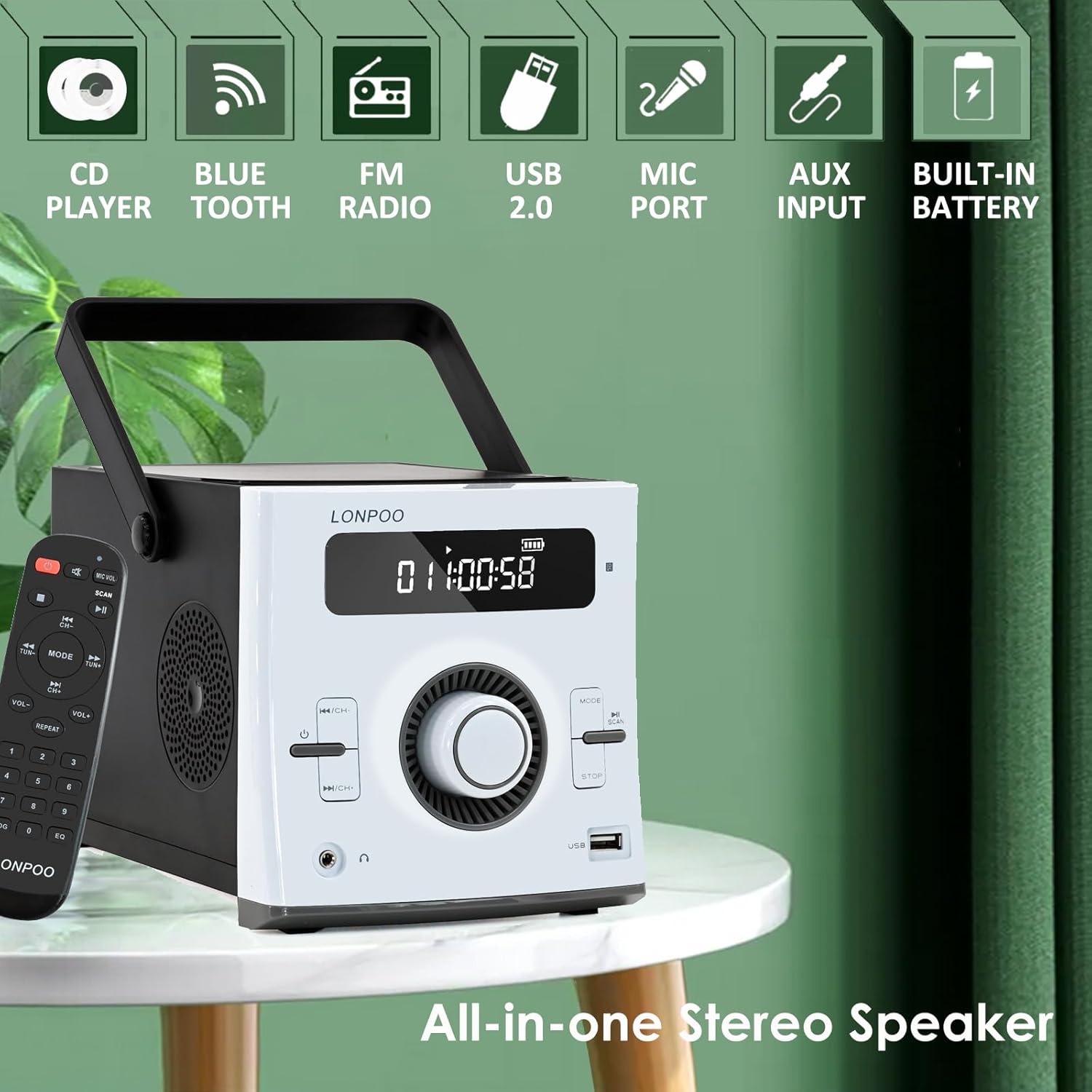
Billede: Forside view of the LONPOO LP-118W boombox, highlighting its multi-functional capabilities including CD playback, Bluetooth connectivity, FM radio, USB port, microphone input, AUX input, and built-in rechargeable battery.
Kontrol på frontpanelet:
- LCD-skærm: Shows track number, time, mode, volume, and battery status.
- Power knap: Tænder/slukker enheden.
- Mode knap: Switches between CD, Bluetooth, FM, USB, and AUX modes.
- Afspil/pause knap: Starter eller sætter afspilning på pause.
- Stop-knap: Stopper afspilning.
- Skip/Search Buttons (Previous/Next): Navigerer mellem spor eller radiostationer.
- Lydstyrkeknap: Justerer lydudgangsniveauet.
- USB-port: Til afspilning fra USB-drev.
- Hovedtelefonudgang: 3.5 mm jackstik til privat lytning.
Bagpanelporte:
- DC IN: Power input for AC adapter.
- AUX IN: 3.5 mm indgang til eksterne lydenheder.
- MIC-port: 6.35mm input for a microphone (microphone not included).
- FM-antenne: External wire antenna for FM reception.
Opsætning
Strømforsyning til enheden
The LP-118W can be powered by the included AC power cable or its internal rechargeable battery.
- AC strøm: Connect the AC power cable to the DC IN port on the rear of the unit and plug the other end into a standard wall outlet.
- Batteristrøm: The unit has a built-in 2000mAh rechargeable battery. Ensure the battery is charged before portable use.
Indledende batteriopladning
For optimal performance, fully charge the battery before first use. Connect the unit to AC power; the battery indicator on the LCD display will show charging status. A full charge provides over 5 hours of continuous playback.
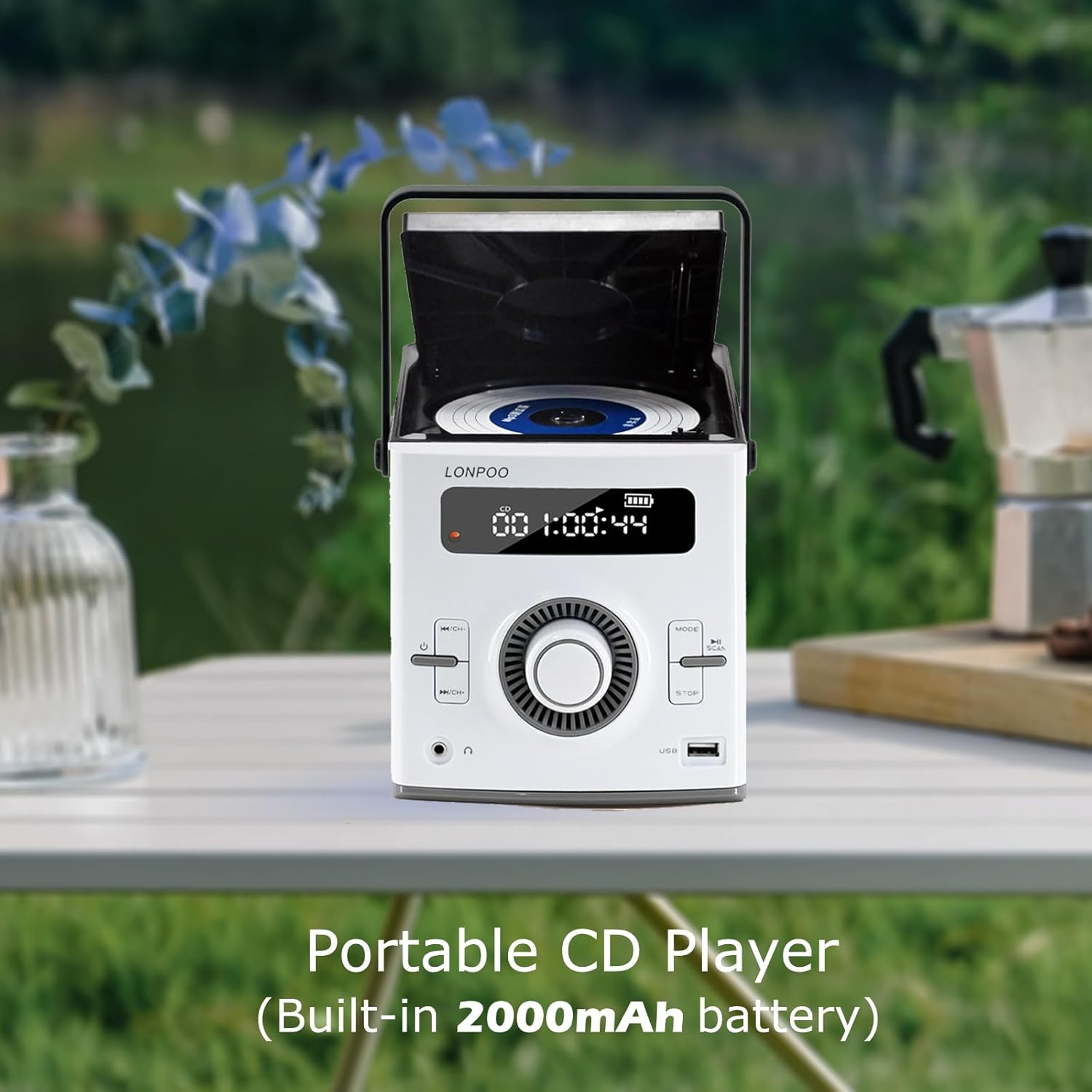
Image: The LONPOO LP-118W portable CD player with its top-loading CD compartment open, displaying the built-in 2000mAh battery capacity on the screen, indicating its portable nature.
FM Antenna Setup
For best FM radio reception, fully extend the wire antenna located at the rear of the unit. Position it for optimal signal strength.
Betjeningsvejledning
Generel drift
- Tryk på Magt knappen for at tænde enheden.
- Drej på Volumenknap for at justere lydniveauet.
- Tryk på Mode button repeatedly to cycle through available input sources: CD, Bluetooth, FM, USB, AUX.
CD-afspilning
- Åbn lågen til cd-rummet.
- Placer en CD med etiketten opad.
- Close the CD compartment door securely.
- Tryk på Mode knappen, indtil "CD" vises på displayet.
- CD'en begynder at afspille automatisk. Hvis ikke, tryk på Afspil/pause knap.
- Brug Spring/søg knapper til at navigere i spor.
Bluetooth-tilstand

Image: A person relaxing on a couch, using a smartphone to wirelessly connect to the LONPOO LP-118W boombox via Bluetooth, demonstrating its stable and fast connection for streaming music.
- Tryk på Mode button until "BT" (Bluetooth) appears on the display. The unit will enter pairing mode.
- On your Bluetooth-enabled device (e.g., smartphone, tablet), search for available devices and select "LP-118W".
- Once paired, you can play audio from your device through the boombox.
FM radio
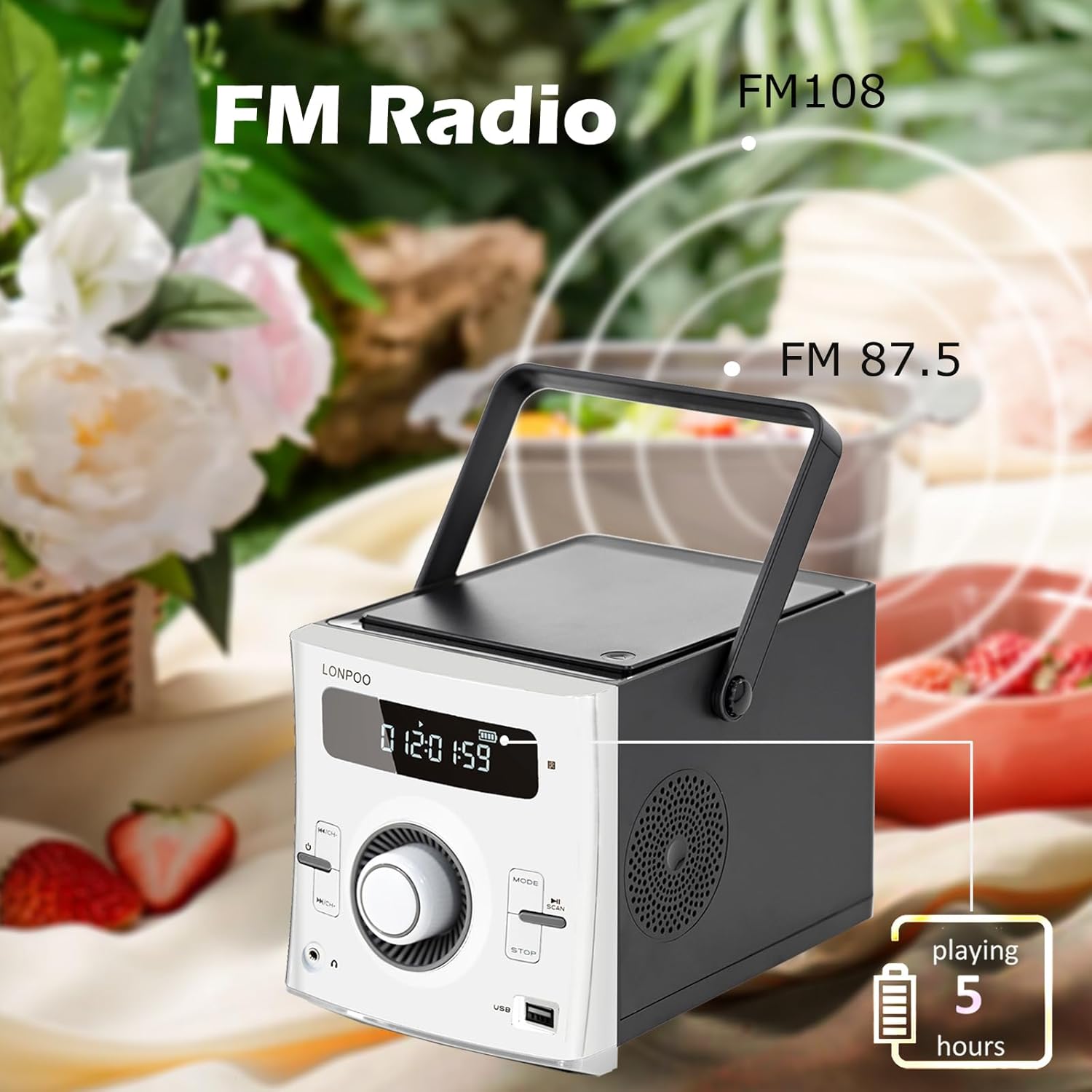
Image: The LONPOO LP-118W boombox positioned outdoors, illustrating its FM radio capability with a frequency range from FM 87.5 to FM 108, and indicating over 5 hours of playback on battery.
- Tryk på Mode knappen, indtil "FM" vises på displayet.
- Tryk og hold på Afspil/pause knappen for automatisk at scanne og gemme tilgængelige FM-stationer.
- Brug Spring/søg knapper til at bladre gennem gemte stationer.
USB-afspilning
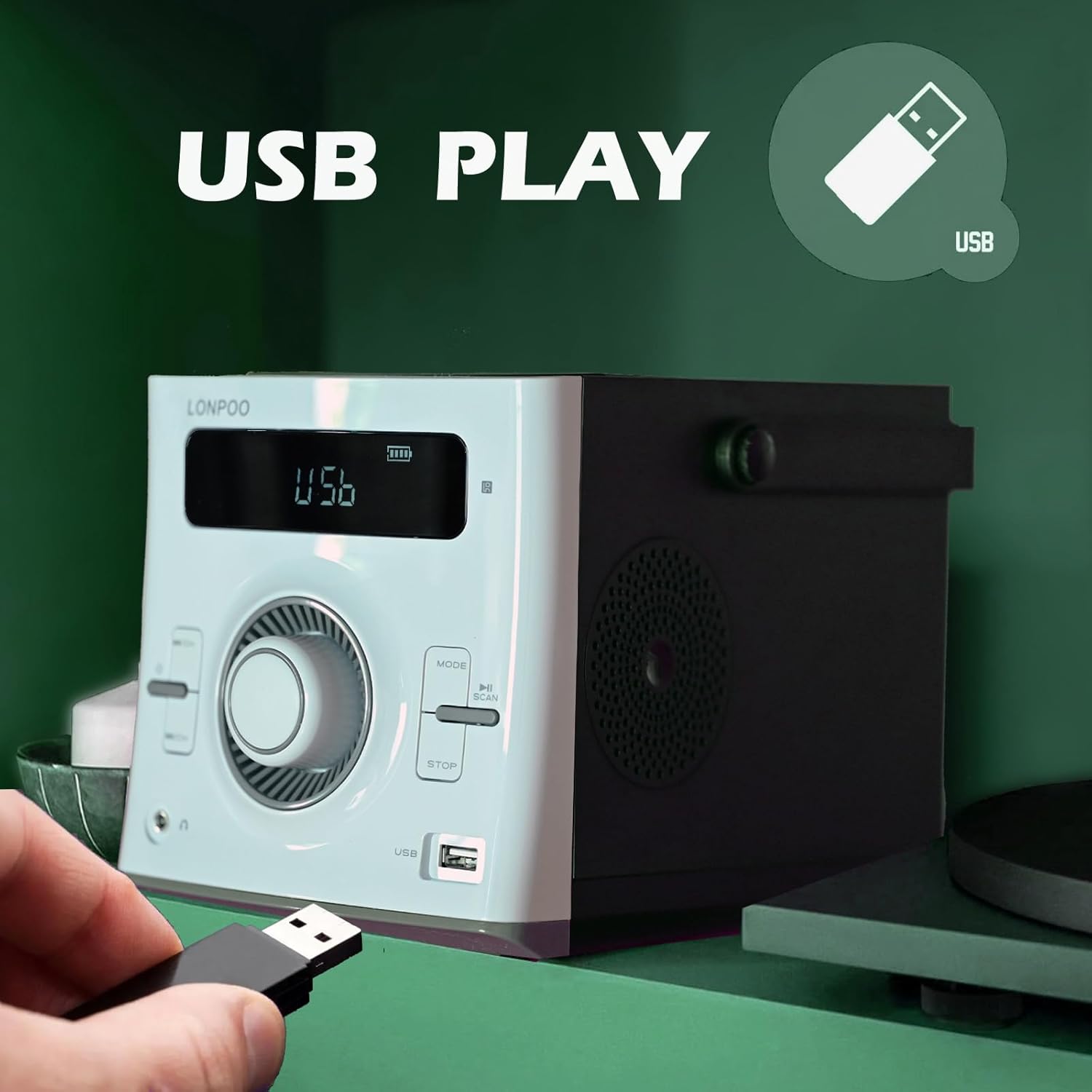
Image: A hand inserting a USB flash drive into the dedicated USB port on the front of the LONPOO LP-118W boombox, demonstrating its USB playback functionality.
- Indsæt et USB-flashdrev med MP3-lyd files i USB-porten.
- Tryk på Mode button until "USB" appears on the display.
- Afspilningen starter automatisk. Brug Afspil/pause og Spring/søg knapper til at styre afspilning.
AUX-indgang
- Connect an external audio device (e.g., smartphone, MP3 player) to the AUX IN port on the rear of the unit using a 3.5mm audio cable (not included).
- Tryk på Mode knappen, indtil "AUX" vises på displayet.
- Styr afspilning fra din eksterne lydenhed.
Brug af mikrofon
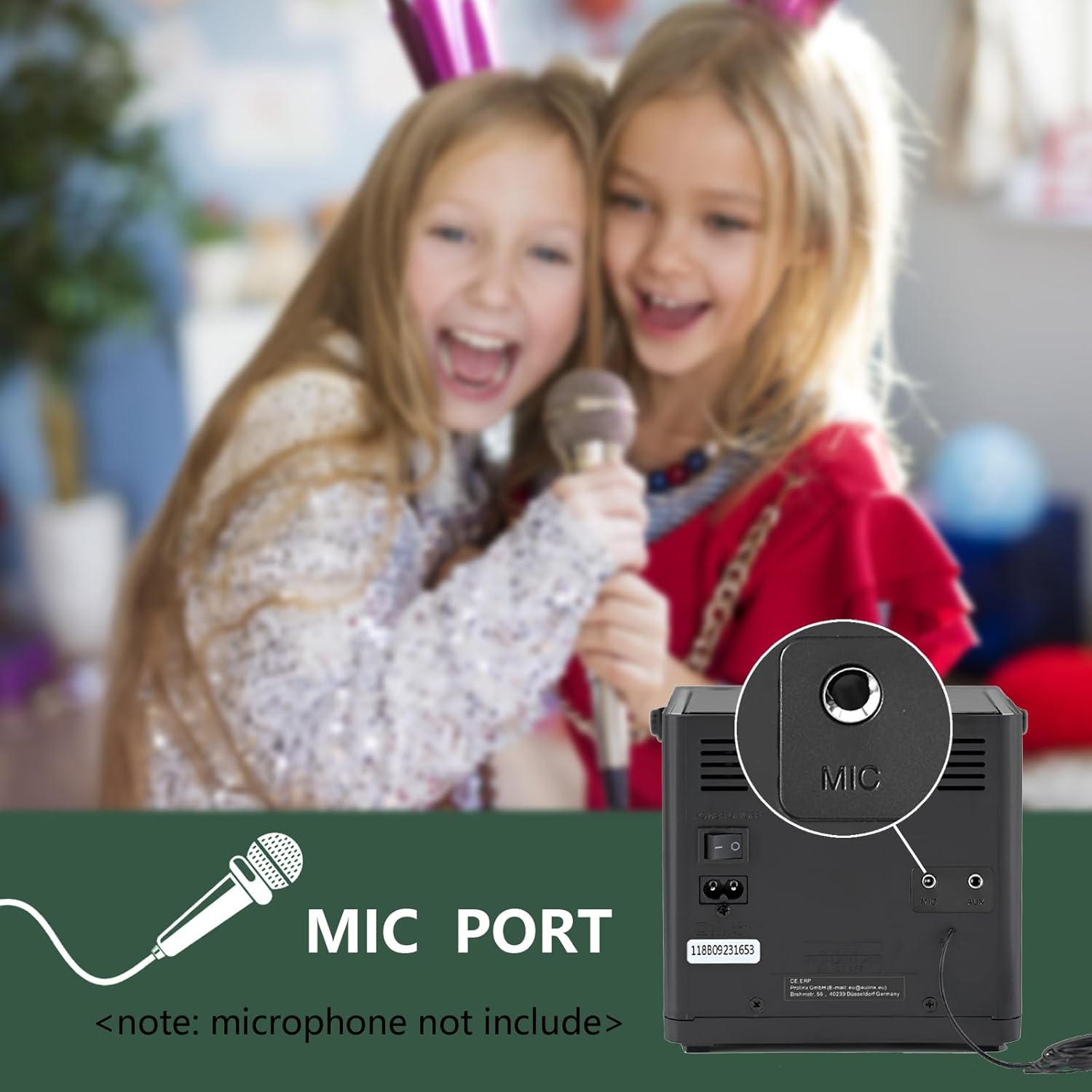
Billede: Et nærbillede view of the microphone port located on the rear panel of the LONPOO LP-118W boombox, with a note indicating that the microphone is not included. Children are visible in the background, suggesting karaoke use.
- Connect a 6.35mm microphone (not included) to the MIC Port on the rear of the unit.
- Adjust the microphone volume using the dedicated control on the microphone itself, if available, or the main volume knob on the boombox.
Fjernbetjening
The included remote control allows for convenient operation from a distance. Functions include power, mode selection, volume adjustment, track navigation, play/pause, stop, and EQ settings.
Opretholdelse
- Rensning: Brug en blød, tør klud til at rengøre enhedens yderside. Brug ikke slibende rengøringsmidler eller opløsningsmidler.
- CD-linsepleje: If CD playback issues occur, use a commercially available CD lens cleaner.
- Opbevaring: Når enheden ikke er i brug i længere perioder, skal den opbevares køligt og tørt, væk fra direkte sollys og ekstreme temperaturer.
- Batteripleje: For at forlænge batteriets levetid, undgå at aflade batteriet helt ofte. Oplad enheden regelmæssigt, selvom den ikke er i brug.
Fejlfinding
| Problem | Mulig årsag | Løsning |
|---|---|---|
| Enheden tænder ikke. | No power, discharged battery, faulty power cable. | Ensure AC cable is securely connected. Charge the battery. Try a different power outlet. |
| Ingen lyd. | Volume too low, incorrect mode, headphone connected. | Increase volume. Select correct input mode. Disconnect headphones. |
| CD'en hopper eller afspilles ikke. | Dirty or scratched CD, dirty CD lens, unit moved during playback. | Clean or replace CD. Use a CD lens cleaner. Place unit on a stable surface. |
| Bluetooth-enheden vil ikke parres. | Unit not in pairing mode, device too far, interference. | Ensure boombox is in BT mode. Move device closer. Restart both devices. |
| Dårlig FM-modtagelse. | Antenna not extended, weak signal. | Fully extend and adjust the wire antenna. Try repositioning the unit. |
| USB-afspilning virker ikke. | Ikke understøttet file format, corrupted USB drive, incorrect mode. | Sikre files are MP3. Try a different USB drive. Select USB mode. |
Specifikationer
Image: The LONPOO LP-118W boombox with its dimensions (5.9 inches width, 8.5 inches depth, 5.9 inches height) and weight (3.9 lbs / 1.77 kg) clearly labeled, providing a visual reference for its compact size.
| Feature | Detalje |
|---|---|
| Modelnummer | LP-118W |
| Mærke | LONPOO |
| Strømudgang | 20 watt (10 W x 2 RMS) |
| Forbindelsesteknologi | Bluetooth, USB, AUX (3.5mm), FM Radio |
| Understøttede medier | CD, CD-R/RW, MP3 (via USB) |
| Strømkilde | AC Power, Built-in Rechargeable Battery (2000mAh) |
| Batterilevetid | Up to 5+ hours (approx.) |
| Dimensioner (L x B x H) | 21 x 20 x 15 cm (8.5 x 5.9 x 5.9 tommer) |
| Varens vægt | 1.77 kg (3.9 lbs) |
| Kompatible enheder | Bærbar computer, smartphone, MP3-afspillere |
| Særlige funktioner | Microphone Port, Remote Control, LCD Display, Programmable CD Memory (20 tracks) |
Garanti og support
LONPOO products are designed for reliability and performance. This product comes with a standard manufacturer's warranty. Please refer to the warranty card included in your package for specific terms and conditions, including the warranty period and coverage details.
For technical support, troubleshooting assistance, or warranty claims, please contact LONPOO customer service through the retailer where you purchased the product or visit the official LONPOO webwebsted for kontaktoplysninger.
Please have your model number (LP-118W) and proof of purchase ready when contacting support.