
Indledning
This manual provides essential instructions for the safe and efficient use of your BoxWave Wall Charger Direct (15W) for Yamaha YH-L700A. Please read this manual thoroughly before using the product and retain it for future reference.
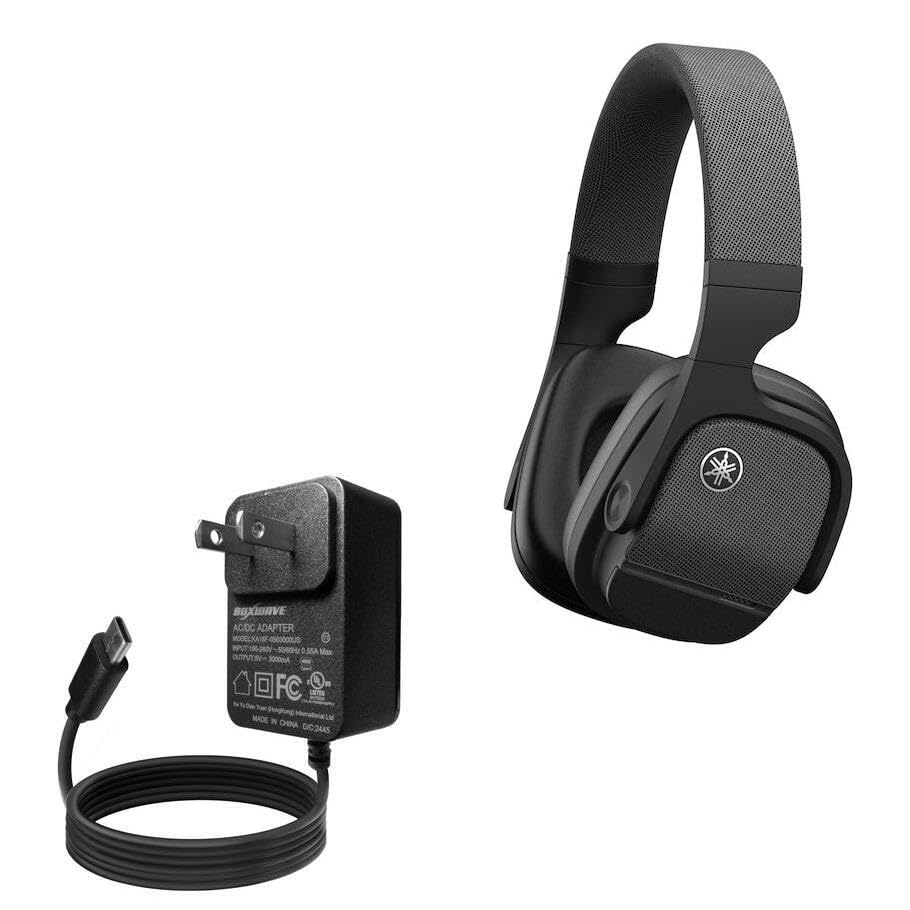
Image: The BoxWave Wall Charger Direct, featuring a compact black wall adapter with a permanently attached 3-foot USB-C cable coiled below it.
Sikkerhedsoplysninger
- Do not expose the charger to liquids or extreme temperatures.
- Forsøg ikke at adskille eller modificere opladeren.
- Opbevares utilgængeligt for børn.
- Ensure the wall outlet is easily accessible for disconnection.
- Brug kun med kompatible enheder.
Pakkens indhold
- 1 x BoxWave Wall Charger Direct (15W) with built-in 3ft USB Type-C cable
Opsætning
The BoxWave Wall Charger Direct is designed for simple plug-and-play functionality.
- Tilslut til stikkontakten: Insert the charger's prongs into a standard North American or international (100-240V) wall power outlet.
- Opret forbindelse til enhed: Plug the integrated USB Type-C cable into the charging port of your Yamaha YH-L700A or other compatible device.
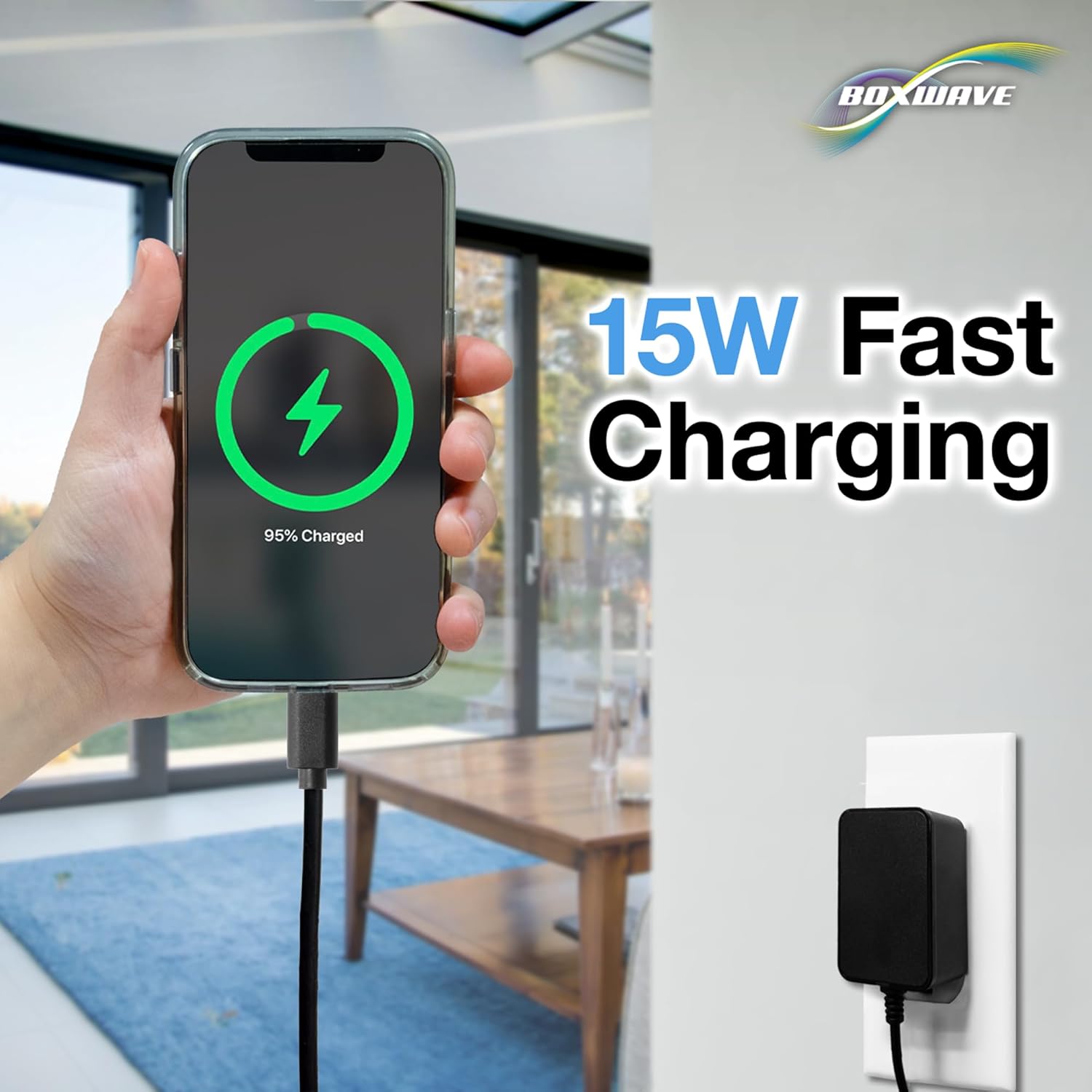
Image: A smartphone displaying a 95% charged battery icon, connected to the BoxWave Wall Charger Direct plugged into a wall outlet.
Betjeningsvejledning
Once connected, the charger will automatically begin to rapid-charge your device. The 15W power delivery ensures efficient charging.
- Ensure your device's charging indicator shows that it is receiving power.
- Disconnect the charger from your device once charging is complete or when you need to use your device.
- Træk opladeren ud af stikkontakten, når den ikke er i brug.
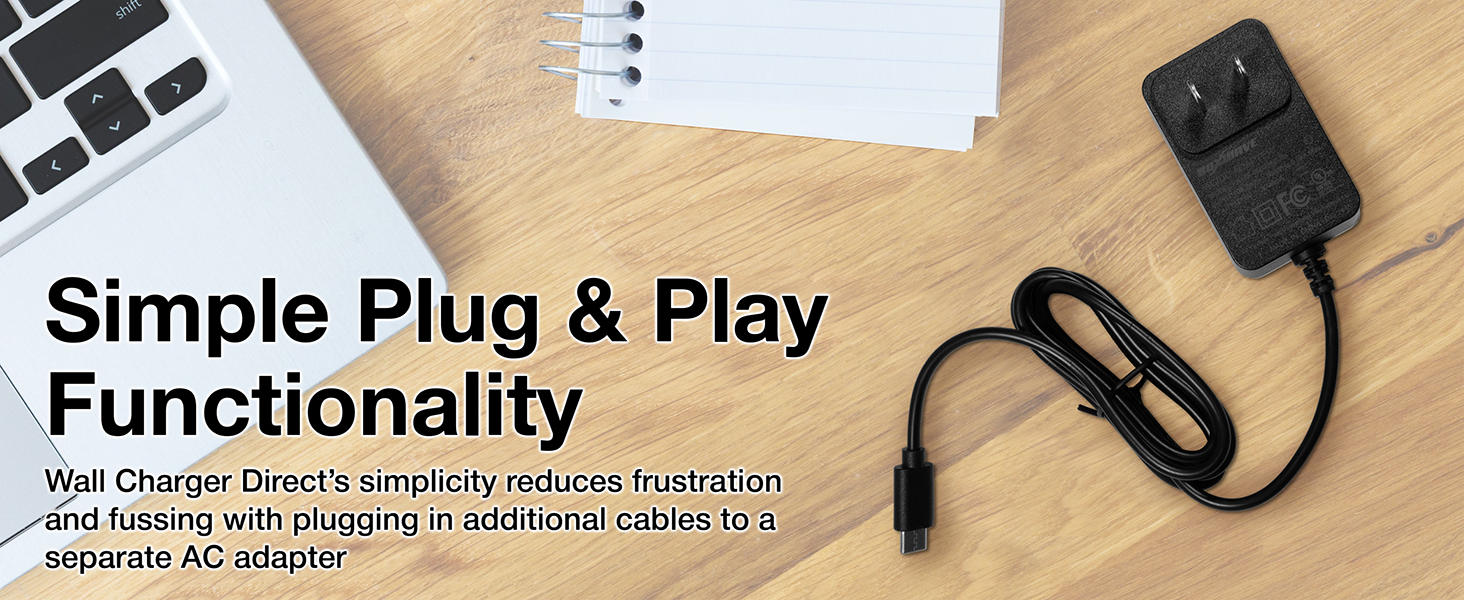
Billede: Et overheadbillede view of the BoxWave Wall Charger Direct on a wooden desk next to a laptop, illustrating its simple plug-and-play design.
Opretholdelse
- Rensning: Disconnect the charger from the power outlet before cleaning. Wipe the surface with a soft, dry cloth. Do not use liquid cleaners or aerosols.
- Opbevaring: Opbevar opladeren et køligt, tørt sted væk fra direkte sollys og fugt, når den ikke er i brug.
- Kabelpleje: Avoid sharp bends or excessive pulling on the cable to prevent damage. The reinforced strain relief helps protect the cable from kinking and tearing.

Billede: Et nærbillede view of the reinforced USB-C connector and cable, highlighting its durable design.
Fejlfinding
| Problem | Mulig årsag | Løsning |
|---|---|---|
| Enheden oplader ikke. | Charger not properly plugged into wall outlet. Device not properly connected to charger. Faulty wall outlet. | Ensure the charger is securely plugged into a working wall outlet. Reconnect the USB-C cable to your device. Try a different wall outlet. |
| Langsom opladning. | Device is in heavy use while charging. Device requires higher wattage than 15W for optimal rapid charging. | Reduce device usage during charging. While this charger provides 15W rapid charging, some devices may support even higher wattages. Ensure your device is compatible with 15W charging for optimal speed. |
| Opladeren føles varm. | Normal drift under opladning. | It is normal for chargers to become warm during use. If the charger becomes excessively hot or emits smoke/odor, discontinue use immediately and contact support. |
Specifikationer
| Feature | Detalje |
|---|---|
| Mærke | BoxWave |
| Modelnummer | BW-WCD |
| Wattage | 15 watts (Output: 5V / 3000mA) |
| Input bindtage | 100-240V ~ 50/60Hz 0.55A Maks |
| Connector Type | USB Type-C (indbygget) |
| Kabellængde | 3 fod |
| Materiale | Polycarbonat |
| Varens vægt | 3.3 ounce |
| Type hovedstrømstik | 2 Pin (US standard, adaptive for international) |
Garanti og support
BoxWave products are designed for reliability. For any questions or technical assistance, please refer to the contact information provided with your purchase or visit the official BoxWave webwebsted.
This product includes limited 3rd party tech support for your device (up to 3 inquiries via messaging) - not affiliated with or endorsed by Yamaha.