
Indledning
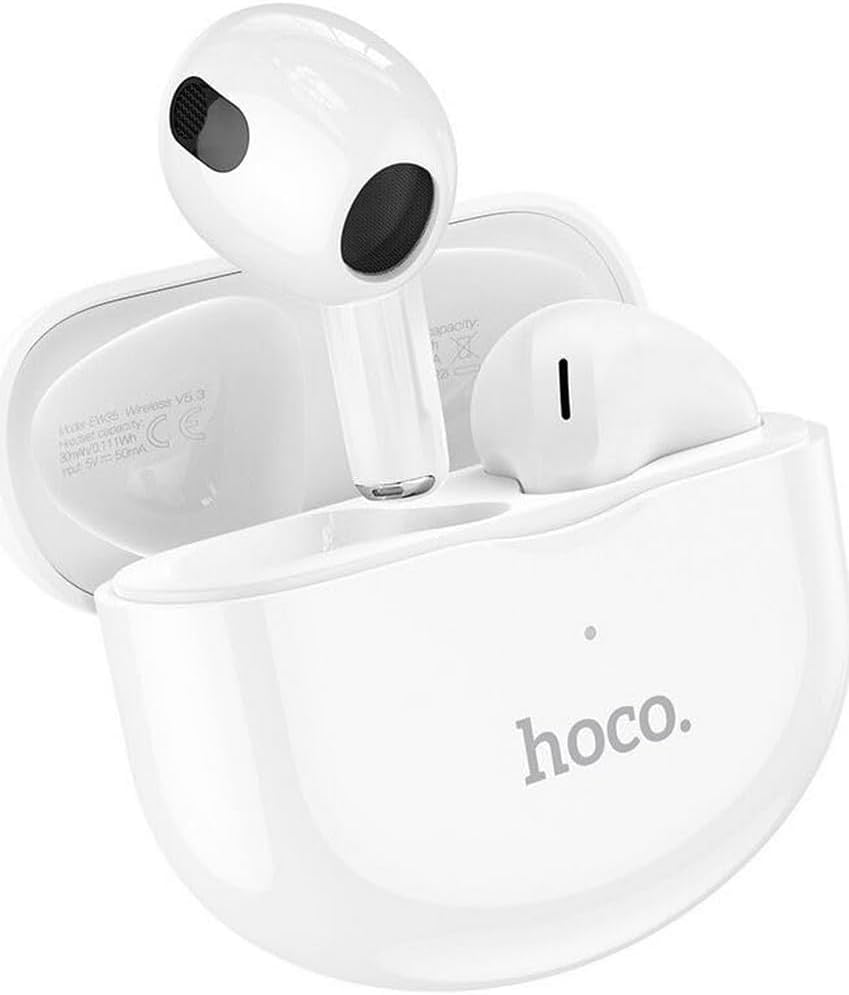
Thank you for choosing the Hoco EW35 Wireless Bluetooth Earphones. These earphones are designed to provide a high-quality audio experience with the convenience of wireless connectivity. Featuring Bluetooth 5.3, touch controls, and an integrated voice assistant, the EW35 offers seamless interaction with your compatible devices. This manual will guide you through the setup, operation, and maintenance of your earphones.
Pakkens indhold
Tjek venligst pakken for følgende varer:
- Hoco EW35 Wireless Bluetooth Earphones (Left and Right)
- Opladningsetui
- Brugermanual
- Beskyttende etui

Opsætning
1. Opladning af øretelefoner og etuiet
Before first use, ensure both the earphones and the charging case are fully charged. The charging case holds multiple charges for the earphones, extending their usage time.
- Placer øretelefonerne i opladningsetuiet. Sørg for, at de er korrekt placeret i deres respektive holdere.
- Tilslut opladningsetuiet til en strømkilde ved hjælp af et kompatibelt USB-kabel.
- The indicator light on the charging case will show the charging status. Refer to the product's specific LED indicators for full charge notification.

2. Parring med en Bluetooth-enhed
The Hoco EW35 earphones use Bluetooth 5.3 for a stable and efficient connection.
- Open the charging case. The earphones will automatically enter pairing mode (indicated by a flashing LED on the earphones).
- Gå til Bluetooth-indstillingerne på din enhed (smartphone, tablet, bærbar computer osv.).
- Søg efter available devices and select "Hoco EW35" from the list.
- Once connected, the earphones will indicate a successful pairing (e.g., a voice prompt or solid LED light).
- Høretelefonerne genopretter automatisk forbindelsen til den sidst parrede enhed, når de tages ud af etuiet, hvis Bluetooth er aktiveret på enheden.
Betjeningsvejledning
Tryk på kontrolelementer
The Hoco EW35 earphones feature intuitive touch controls on each earbud. The specific functions may vary slightly depending on your device and application.
- Afspil/pause: Et enkelt tryk på begge øretelefoner.
- Næste nummer: Dobbelttryk på den højre øreprop.
- Forrige nummer: Dobbelttryk på den venstre øreprop.
- Besvar/afslut opkald: Enkelt tryk på en af øretelefonerne under et indgående opkald eller et aktivt opkald.
- Afvis opkald: Tryk og hold en af øretelefonerne nede i 2 sekunder under et indgående opkald.
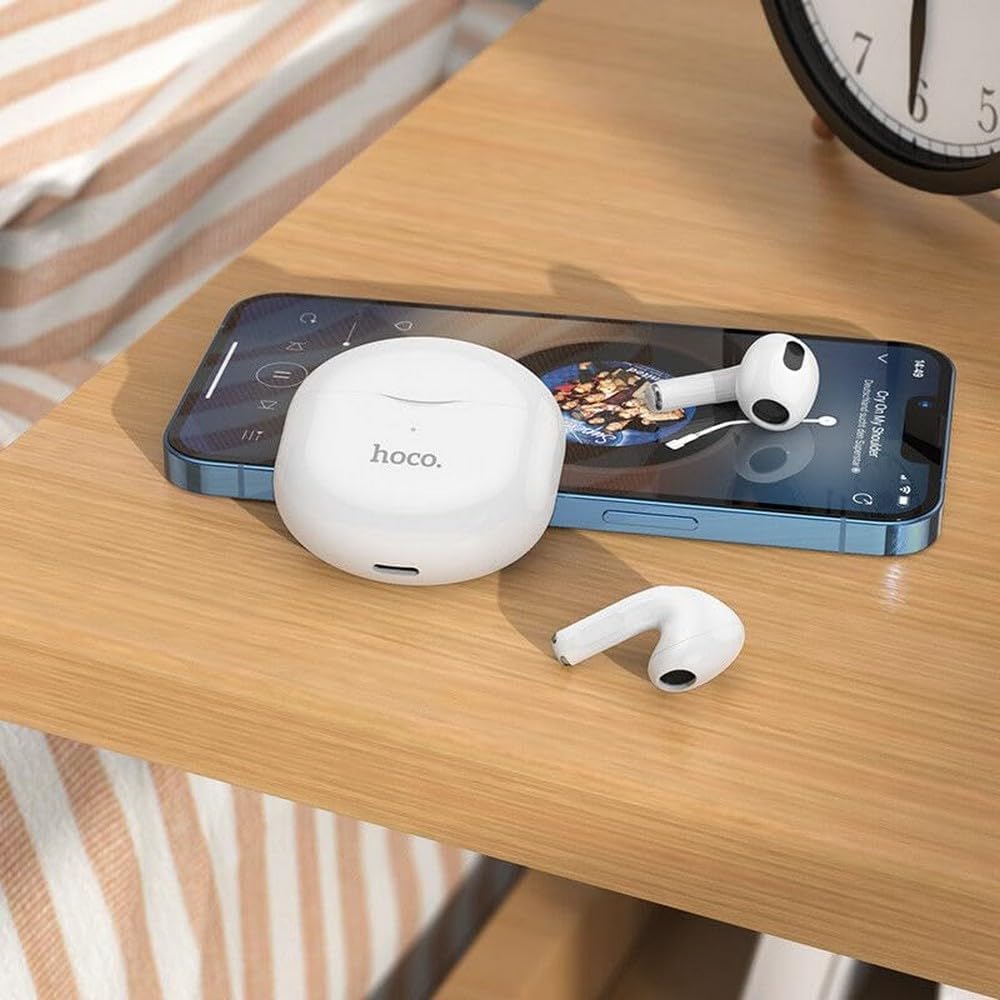
- Aktiver stemmeassistent: Tryk tre gange på en af øretelefonerne.
Stemmeassistent
The integrated voice assistant allows you to control your device using voice commands. Triple tap either earbud to activate your device's voice assistant (e.g., Siri, Google Assistant).
Opretholdelse
Rensning
Regelmæssig rengøring hjælper med at opretholde lydkvalitet og hygiejne.
- Brug en blød, tør og fnugfri klud til at tørre øretelefonerne og opladningsetuiet af.
- Til genstridigt snavs, let dampRengør kluden med vand eller et mildt, ikke-slibende rengøringsmiddel. Undgå at få væske i åbningerne.
- Brug ikke skrappe kemikalier, alkohol eller slibende materialer.
- Gently clean the ear tips and speaker mesh to remove earwax or debris.
Opbevaring
Når de ikke er i brug, skal øretelefonerne opbevares i deres opladningsetui for at beskytte dem og holde dem opladede.
- Opbevares på et køligt, tørt sted, væk fra direkte sollys og ekstreme temperaturer.
- Avoid exposing the earphones or case to excessive moisture. While the earphones are rated as waterproof, prolonged exposure or submersion is not recommended.
Fejlfinding
If you encounter issues with your Hoco EW35 earphones, try the following solutions:
- Høretelefoner parres ikke:
- Sørg for, at begge øretelefoner er opladet.
- Sluk Bluetooth på din enhed, og tænd den igen.
- Forget "Hoco EW35" from your device's Bluetooth list and attempt to pair again.
- Place earphones back in the case, close it, wait a few seconds, then open it again to re-enter pairing mode.
- Ingen lyd fra en eller begge hovedtelefoner:
- Kontroller lydstyrkeniveauet på din tilsluttede enhed.
- Sørg for, at øretelefonerne sidder korrekt i dine ører.
- Tilslut øretelefonerne til din enhed igen.
- Rengør eventuelt snavs fra højttalernettet.
- Opladningsproblemer:
- Sørg for, at opladningskablet er korrekt tilsluttet til både etuiet og strømkilden.
- Prøv et andet opladningskabel eller en anden strømadapter.
- Rengør opladningskontakterne på både øretelefonerne og etuiet.
- Touch-kontrollerne reagerer ikke:
- Sørg for, at dine fingre er rene og tørre.
- Prøv at genstarte øretelefonerne ved at lægge dem i etuiet og tage dem ud igen.
Specifikationer
| Feature | Detalje |
|---|---|
| Modelnavn | EW35 |
| Mærke | Hoco |
| Forbindelsesteknologi | Trådløs (Bluetooth 5.3) |
| Øreplacering | In-Ear |
| Formfaktor | In-Ear |
| Materiale | Plast |
| Afspilningstid | Up to 4 hours (per earbud) |
| Kontrolmetode | Berøring, stemmestyring |
| Særlige funktioner | Integrated Voice Assistant, Touch Control |
| Vandmodstandsniveau | Vandtæt |
| Støjreduktion | Ingen |
| Kompatible enheder | Smartphones, Tablets, Laptops, Desktops, Smart Speakers, Game Consoles |
| Batteri | 1 litium-ion-batteri (inkluderet) |
| Genopladeligt batteri | Ja |

Sikkerhedsoplysninger
Læs og følg disse sikkerhedsretningslinjer for at forhindre skader på din enhed eller dig selv:
- Undgå at lytte ved høje lydstyrker i længere perioder for at forhindre høreskader.
- Do not use the earphones in situations where inability to hear ambient sounds could be dangerous (e.g., driving, cycling, walking in traffic).
- Keep the earphones and charging case away from extreme temperatures, direct sunlight, and open flames.
- Forsøg ikke at adskille, reparere eller ændre produktet. Dette kan ugyldiggøre garantien og forårsage skade.
- Opbevares utilgængeligt for børn og kæledyr. Små dele kan udgøre en kvælningsfare.
- Bortskaf produktet og dets batteri på ansvarlig vis i henhold til lokale regler.
Garanti og support
For detailed warranty information, please refer to the warranty card included in your product packaging. If you require further assistance or have questions not covered in this manual, please visit the official Hoco webwebstedet eller kontakt deres kundesupport direkte.
Du kan finde mere information og supportressourcer på: www.hoco.com