
1. Introduktion
This manual provides essential information for the safe and efficient use of your Haier 43-inch 4K Ultra HD Smart LED Google TV, model L43FG. Please read these instructions carefully before operating the television and retain them for future reference.

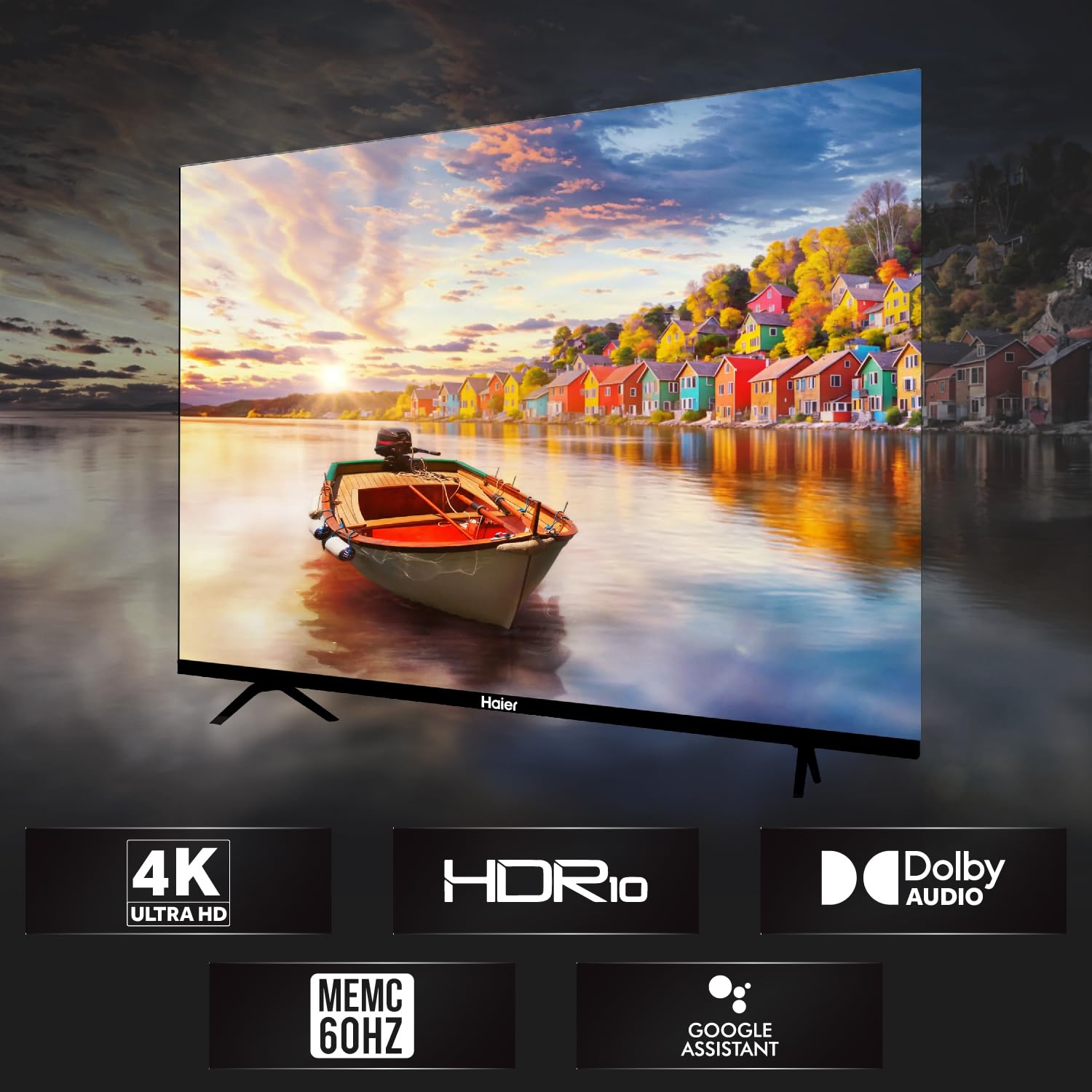
Billede 1.1: Forside view of the Haier 43-inch 4K Ultra HD Smart LED Google TV.
Video 1.1: Produkt overståetview of the Haier 43-inch 4K Ultra HD Smart LED Google TV.
2. Hvad er der i æsken
Pak forsigtigt kassen ud, og sørg for, at alle dele er til stede og ubeskadigede. Hvis der mangler eller er beskadigede dele, skal du kontakte din forhandler.
- 1 x Haier 43-inch LED TV
- 2 x bordstativbase
- 1 x fjernbetjening
- 1 x AV IN-adapter
- 1 x lysnetledning
- 2 x AAA batterier
- 1 x Brugermanual (dette dokument)
- 1 x garantikort
3. Opsætningsvejledning
3.1 Montering af tv'et
Your television can be set up using the included table stand or mounted on a wall. Ensure the TV is placed on a stable, level surface or securely mounted to a wall according to VESA standards.
3.1.1 Installation af bordstativ
- Placer forsigtigt tv'et med forsiden nedad på en blød, ren overflade for at forhindre, at skærmen beskadiges.
- Attach the two table stand bases to the designated slots on the bottom of the TV.
- Fastgør baserne med de medfølgende skruer.
- Løft forsigtigt tv'et op til en stabil overflade.
3.1.2 Vægmontering
For wall mounting, use a VESA-compatible wall mount (200 x 200 mm) that can support the weight of the television. Follow the instructions provided with your wall mount kit. Professional installation is recommended.
Billede 3.1: Forside view of the TV with table stand.
Billede 3.2: Bagside view of the TV, highlighting VESA mounting points.
3.2 Tilslutning af enheder
TV'et tilbyder forskellige porte til tilslutning af eksterne enheder.
- HDMI-porte: Connect set-top boxes, Blu-ray players, gaming consoles, and other HDMI-enabled devices to the 4 HDMI ports.
- USB-porte: Connect USB storage devices (hard drives, flash drives) to the 2 USB ports for media playback.
- AV IN: Brug den medfølgende AV IN-adapter til at tilslutte ældre enheder med kompositvideo- og stereolydudgange.
- Ethernet: Tilslut et Ethernet-kabel for en kablet internetforbindelse.
- Wi-Fi: Connect to your wireless network for internet access.
- Bluetooth: Tilslut kompatible Bluetooth-enheder såsom hovedtelefoner eller soundbars.
Billede 3.3: Side view of the TV, illustrating various connectivity ports.
3.3 Strømtilslutning
After connecting all necessary devices, plug the AC power cord into the TV's power inlet and then into a wall outlet. The TV will enter standby mode.
4. Betjeningsvejledning
4.1 Fjernbetjening
The remote control allows you to navigate the TV's features. Insert the two AAA batteries into the remote control, observing the correct polarity.
- Power knap: Tænder eller slukker for tv'et (standbytilstand).
- Navigationsknapper: Brug retningsknappen og OK-knappen til at navigere i menuerne.
- Lydstyrkeknapper: Juster lydstyrken.
- Kanalknapper: Skift tv-kanaler.
- Google Assistent-knap: Activate voice commands for Google Assistant.
- Hurtigstartsknapper: Dedicated buttons for popular streaming services like Netflix and YouTube.

Image 4.1: Haier Smart TV remote control.
4.2 Smart TV-funktioner (Google TV)
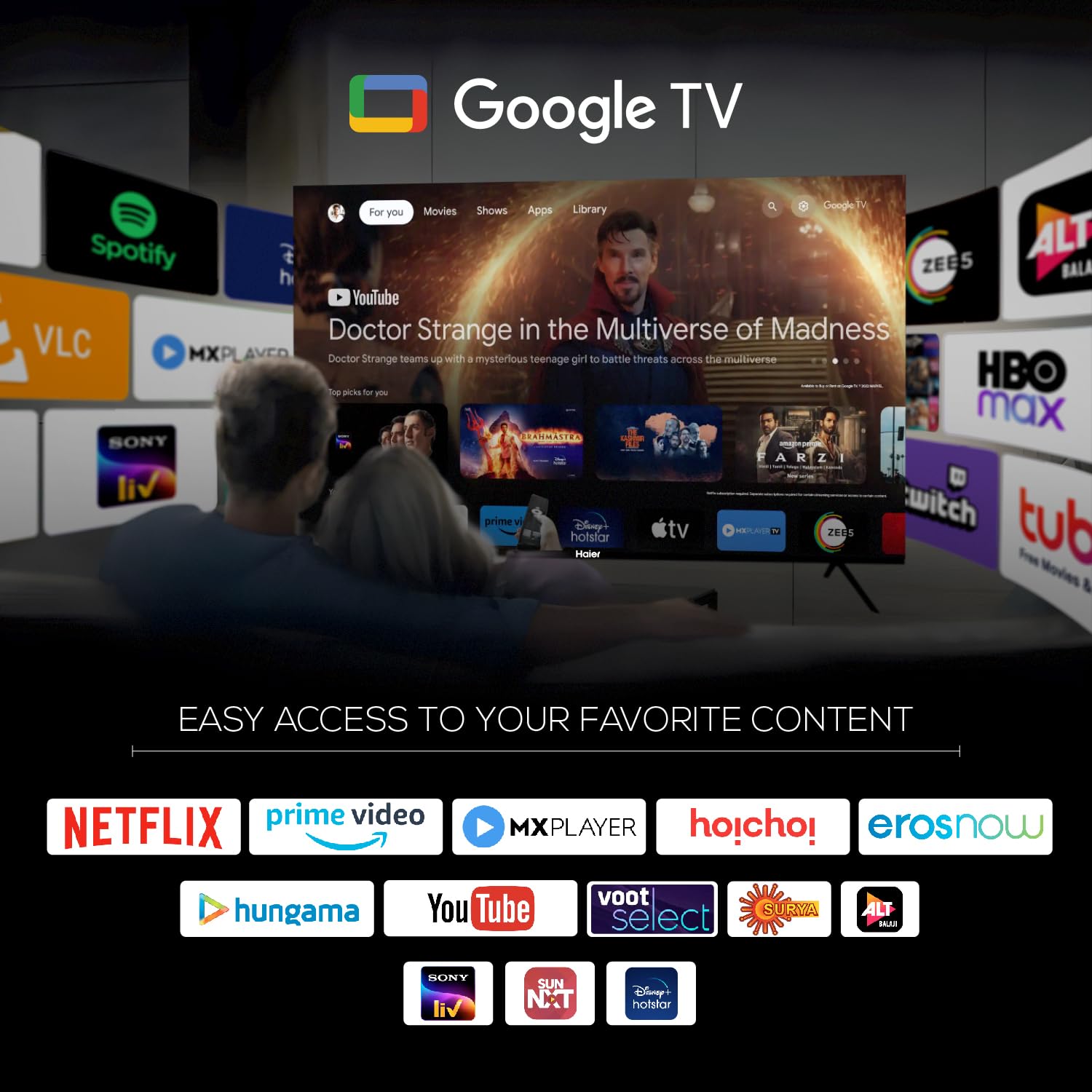
Your Haier TV runs on Google TV, providing access to a wide range of content and smart features.
- Google Assistant: Brug stemmekommandoer til at søge efter indhold, styre smart home-enheder og få oplysninger.
- Google Play: Download og installer yderligere apps fra Google Play Store.
- Chromecast indbygget: Cast content from your compatible mobile devices or computer directly to the TV.
- Forudinstallerede apps: Access popular streaming services such as Netflix, Amazon Prime Video, Sony Liv, Disney+Hotstar, Zee5, YouTube, Eros Now, Hungama, JioCinema, and Oxygen Play.
- Overvågningsliste: Organize and track movies and shows you want to watch.

Image 4.2: Google TV interface with accessible applications.
4.3 Skærmindstillinger
The TV features a 4K Ultra HD display with advanced picture technologies.
- 4K Ultra HD (3840 x 2160): Provides high-resolution images with enhanced detail and clarity.
- HDR10: Supports High Dynamic Range content for a wider range of colors and deeper contrast.
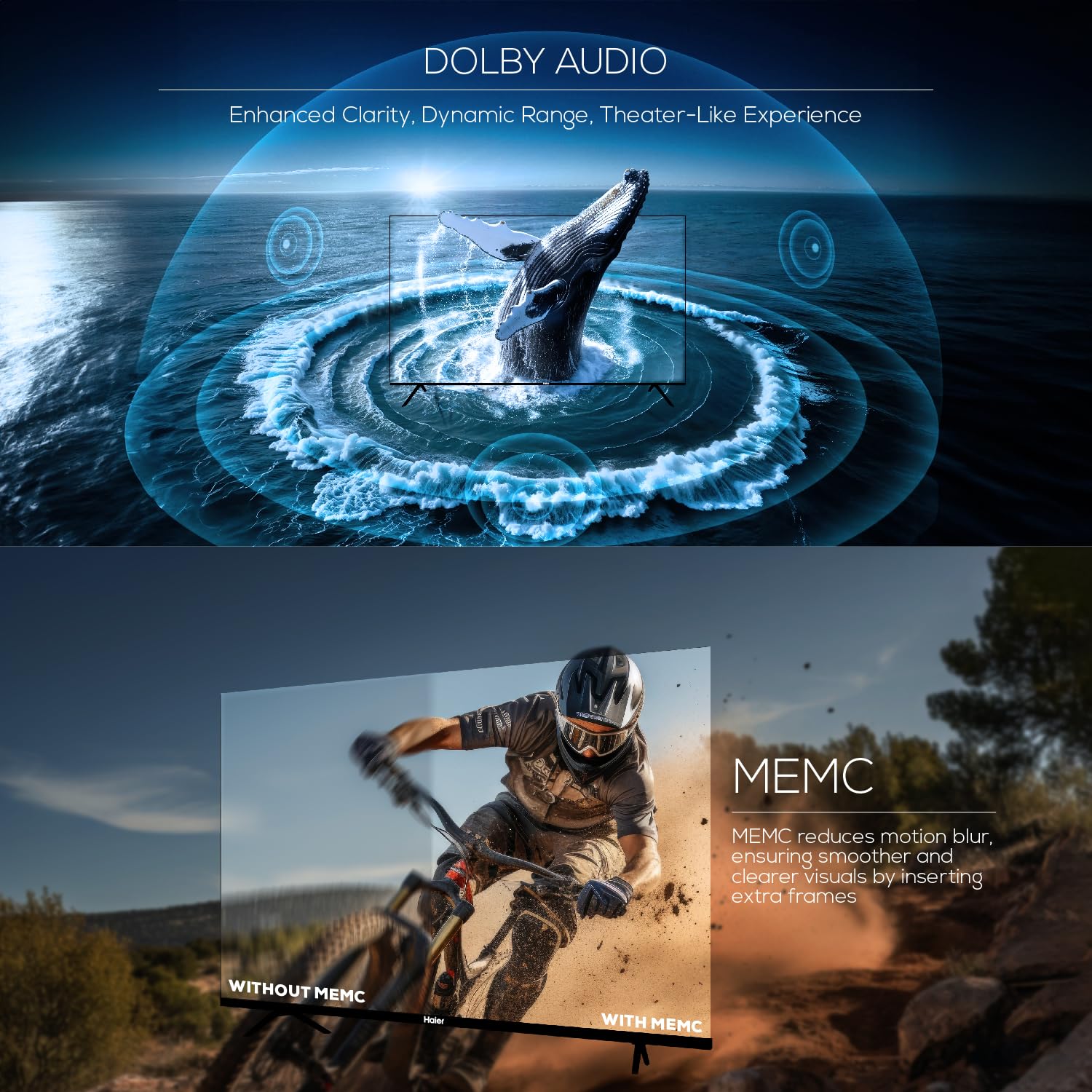
- MEMC (bevægelsesestimering, bevægelseskompensation): Reduces motion blur in fast-moving scenes by inserting extra frames, resulting in smoother visuals at 60Hz.
- 178 grader bred Viewvinkel: Ensures consistent picture quality from various viewing stillinger.

Image 4.3: Illustration of Ultra High Definition display.

Image 4.4: Explanation of MEMC 60Hz technology.
4.4 Lydindstillinger
The TV is equipped with a powerful audio system for an immersive sound experience.
- 24 watt udgangseffekt: Provides clear and robust sound.
- Dolby Audio: Enhances sound clarity, dynamic range, and delivers a theater-like audio experience.
- Built-in Box Speakers: Designed to produce powerful stereo sound.

Image 4.5: Illustration of Dolby Audio capabilities.
5. Specifikationer
Detailed technical specifications for the Haier 43-inch 4K Ultra HD Smart LED Google TV L43FG.
| Feature | Specifikation |
|---|---|
| Skærmstørrelse | 43 tommer (108 cm) |
| Displayteknologi | LED |
| Opløsning | 4K Ultra HD (3840 x 2160) |
| Opdateringshastighed | 60 Hz |
| Viewi vinkel | 178 grader |
| HDR-format understøttet | HDR10 |
| Motion Enhancement Technology | MEMC |
| Lydudgang | 24 watt |
| Lydteknologi | Dolby Audio, Dolby Atmos |
| Operativsystem | Google TV |
| Processor | ARM Multicore Cortex Processor |
| Hukommelse (RAM) | 2 GB |
| Lager (ROM) | 32 GB |
| HDMI porte | 4 |
| USB-porte | 2 |
| Forbindelse | Wi-Fi, Bluetooth, Ethernet |
| Skærmspejling | Google Cast |
| Produktmål (D x B x H) | 23.3D x 95.7W x 62H Centimeters (with stand) |
| Nettovægt | 7.3 kilo |
| VESA-monteringsstandard | 200 x 200 mm |

Image 5.1: Diagram illustrating TV dimensions and weight.

Image 5.2: Information on TV's RAM and ROM.
6. Fejlfinding
Hvis du støder på problemer med dit tv, kan du se følgende almindelige problemer og løsninger.
- Ingen strøm:
Ensure the power cord is securely connected to both the TV and the wall outlet. Check if the outlet is functioning by plugging in another device. - Intet billede, men der er lyd:
Verify the correct input source is selected. Check all cable connections (HDMI, AV) for looseness or damage. Try connecting a different device to the same input. - Ingen lyd, men der er billede:
Check the TV's volume level and ensure it is not muted. Verify audio cable connections. If using external audio devices, ensure they are powered on and correctly configured. - Fjernbetjeningen virker ikke:
Udskift batterierne i fjernbetjeningen. Sørg for, at der ikke er nogen forhindringer mellem fjernbetjeningen og tv'ets IR-sensor. - Problemer med netværksforbindelse:
For Wi-Fi skal du sørge for, at din router er tændt og inden for rækkevidde. For Ethernet skal du kontrollere kabelforbindelsen. Prøv at genstarte din router og tv'et. - Picture Quality Issues (Blurry, Distorted):
Check the resolution settings of your input source. Ensure the cables are high-quality and properly connected. Adjust picture settings (brightness, contrast, sharpness) in the TV menu.
For persistent issues, contact Haier customer support.
7. Vedligeholdelse
Proper maintenance helps prolong the life of your television.
- Rengøring af skærmen: Use a soft, lint-free cloth specifically designed for electronics. Do not use abrasive cleaners or solvents. Lightly dampen the cloth with water if necessary, and wipe gently.
- Rengøring af kabinettet: Tør tv-kabinettet af med en blød, tør klud.
- Softwareopdateringer: Periodically check for and install software updates to ensure optimal performance and access to the latest features. These can usually be found in the TV's settings menu under System or About.
- Ventilation: Sørg for tilstrækkelig ventilation omkring tv'et. Bloker ikke ventilationsåbningerne.
8. Garanti og support
Your Haier 43-inch 4K Ultra HD Smart LED Google TV L43FG comes with a standard warranty.
- Garantiperiode: 1 års omfattende garanti på produktet og yderligere 1 år på panelet fra købsdatoen.
- Gøre krav på garanti: Mærkegarantien kan benyttes ved at bruge din Amazon-faktura.
- Kundesupport: For assistance, contact Haier toll-free numbers: 18001028471 or 18001020777. Please provide the product's model name (L43FG) and seller's details from your invoice. The service center will schedule a convenient service slot.
For further information regarding EMI options or replacement policies, please refer to the product detail page on the retailer's webwebsted.