
1. Introduktion
This manual provides detailed instructions for the installation, operation, and maintenance of your TAFFIO 9-inch Touch Android Head Unit. This unit is designed for specific compatibility with Mazda CX-7 vehicles manufactured between 2007 and 2014. Please read this manual thoroughly before use to ensure proper functionality and to maximize your experience with the device.
Key features include an intuitive user interface, FULL HD resolution capacitive multi-touch screen, FM/AM radio with RDS, USB/SD/SDHC media playback, Bluetooth hands-free calling and A2DP music streaming, 2-Zone function, Auto-Memory, Back-Zone function, day and night display, Play Store access for Android apps, customizable EQ settings, rear camera connection, multiple audio/video inputs/outputs, integrated CarPlay & Android Auto, and built-in WiFi.
2. Pakkens indhold
Bekræft, at alle nedenstående varer er til stede i din pakke. Hvis der mangler eller er beskadigede varer, bedes du kontakte kundesupport.

Figur 2.1: Inkluderede komponenter
- TAFFIO 9-inch Android Head Unit with Frame
- Power Cable with CAN-BUS Decoder
- USB Cables (for data and charging)
- GPS antenne
- 4G-antenne
- RCA Cables (Audio/Video input/output)
- Radioantenneadapter
- Bagkamera indgangskabel
- Ekstern mikrofon
- Installationsvejledning
- Fejlfinding Guide
- Frame Removal Tool
- Monteringsskruer
3. Opsætning og installation
The TAFFIO head unit features a Plug & Play installation design, minimizing the need for additional adapters or mounting frames. However, professional installation is recommended to ensure correct wiring and vehicle integration.
3.1 Tjekliste før installation
- Sørg for, at køretøjets tænding er slukket, og at batteriet er frakoblet.
- Gather all necessary tools, including the provided frame removal tool.
- Review the vehicle's specific wiring diagram for your Mazda CX-7 (2007-2014).
3.2 Tilslutning af enheden
Connect the various cables to the back of the head unit as shown in the diagram below. Ensure all connections are secure before mounting the unit.

Figur 3.1: Tilslutninger på bagpanelet
- GPS-antenne: Tilslut GPS-antennen for navigationsfunktionalitet.
- 4G antenne: Connect the 4G antenna for mobile data connectivity (if applicable).
- Rear CAM IN: Connect your backup camera here. If using an original rear camera, connect with No. 3.
- USB-porte: Tilslut USB-enheder til medieafspilning eller dataoverførsel.
- CAN-BUS Connector: Connect the vehicle's CAN-BUS system for steering wheel controls and other vehicle data integration.
- RCA Plugs & SIM Slot: Connect RCA cables for audio/video input/output and insert a SIM card if 4G functionality is desired.
- Radioantenne: Tilslut bilens radioantenne.
- Video IN (Optional): For additional video input sources.
- Microphone IN (Optional): For an external microphone.
- Subwoofer (Optional): Til tilslutning af en ekstern subwoofer.
- Video IN 2 (Optional): Second optional video input.
- AUX IN: Ekstra lydindgang.
- Lydudgang V/H: Venstre og højre lydudgange.
After connecting all necessary cables, carefully mount the head unit into the dashboard opening, securing it with the provided fixing brackets and screws. Reconnect the vehicle battery and test the unit.
4. Betjeningsvejledning
The TAFFIO head unit runs on Android 12, offering a familiar and intuitive interface. Navigate using the capacitive multi-touch screen or the physical buttons on the unit.
4.1 Hovedgrænseflade
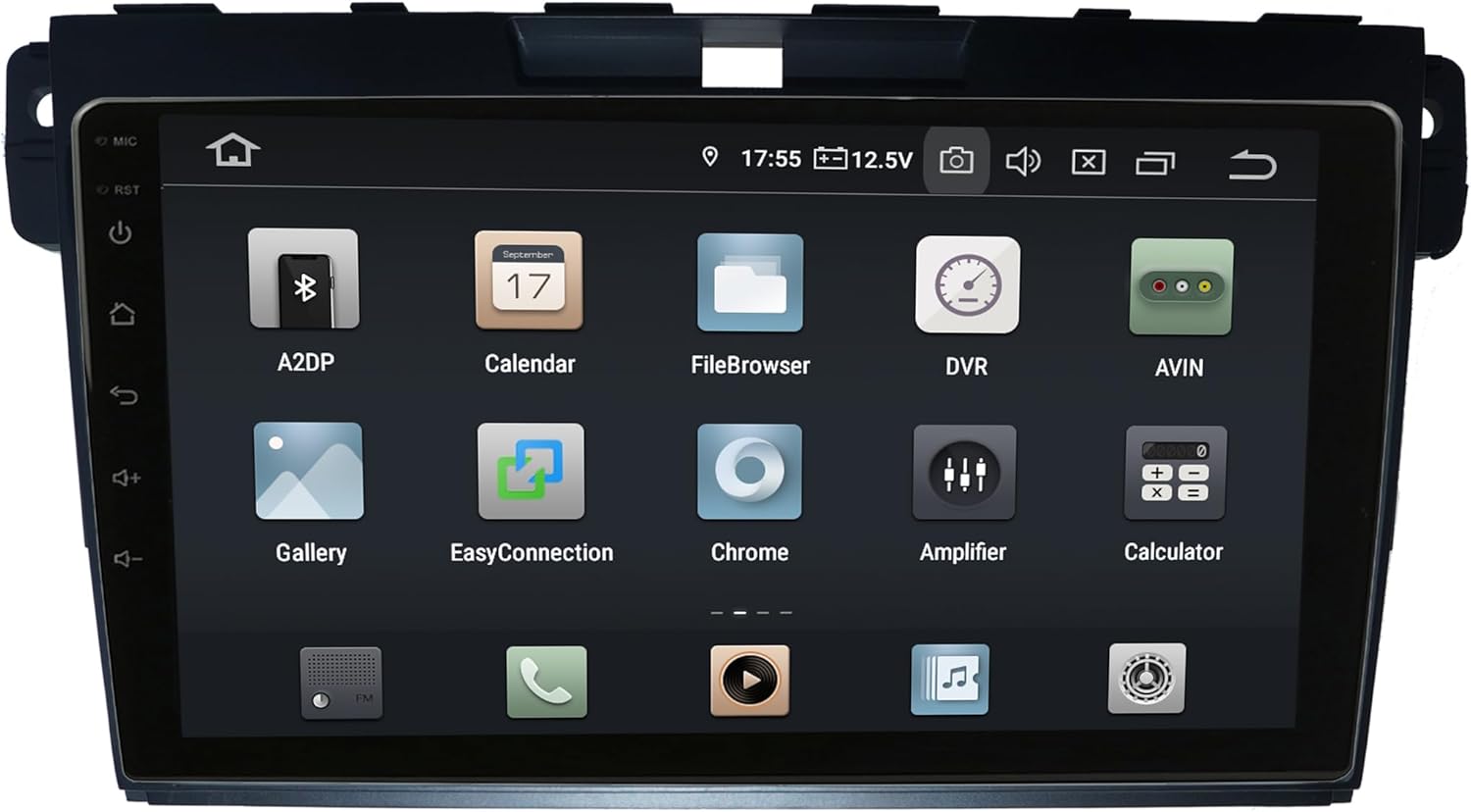
Figure 4.1: Main Android Interface
From the main screen, you can access all installed applications and system settings. Swipe left or right to navigate through app pages.
4.2 CarPlay og Android Auto
The unit supports integrated Wireless CarPlay and Android Auto without requiring additional adapters. Connect your compatible smartphone via USB or wirelessly (if supported by your phone and the unit's software) to access navigation, music, messages, and more directly on the head unit's screen.
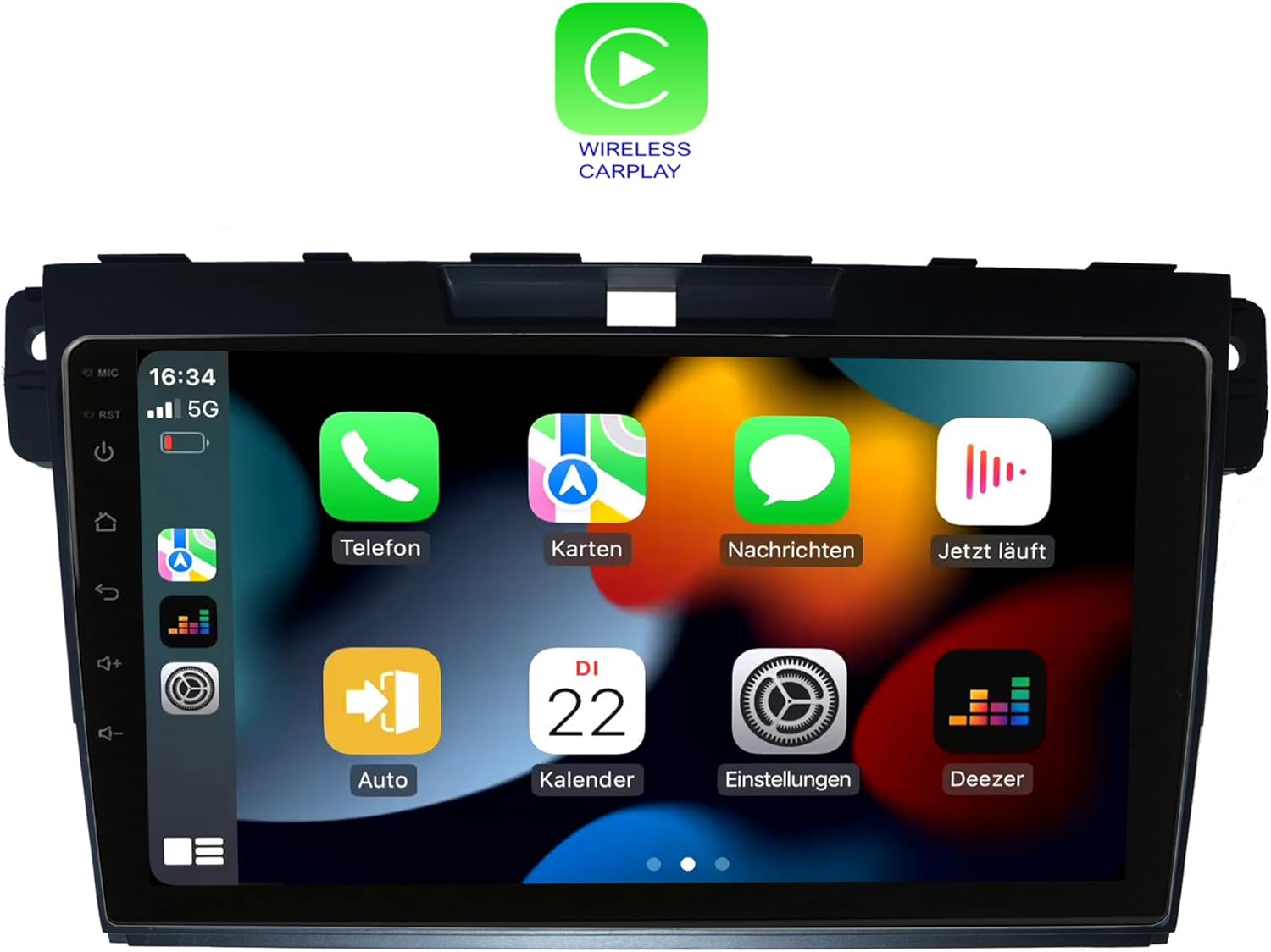
Figur 4.2: Trådløs CarPlay-grænseflade
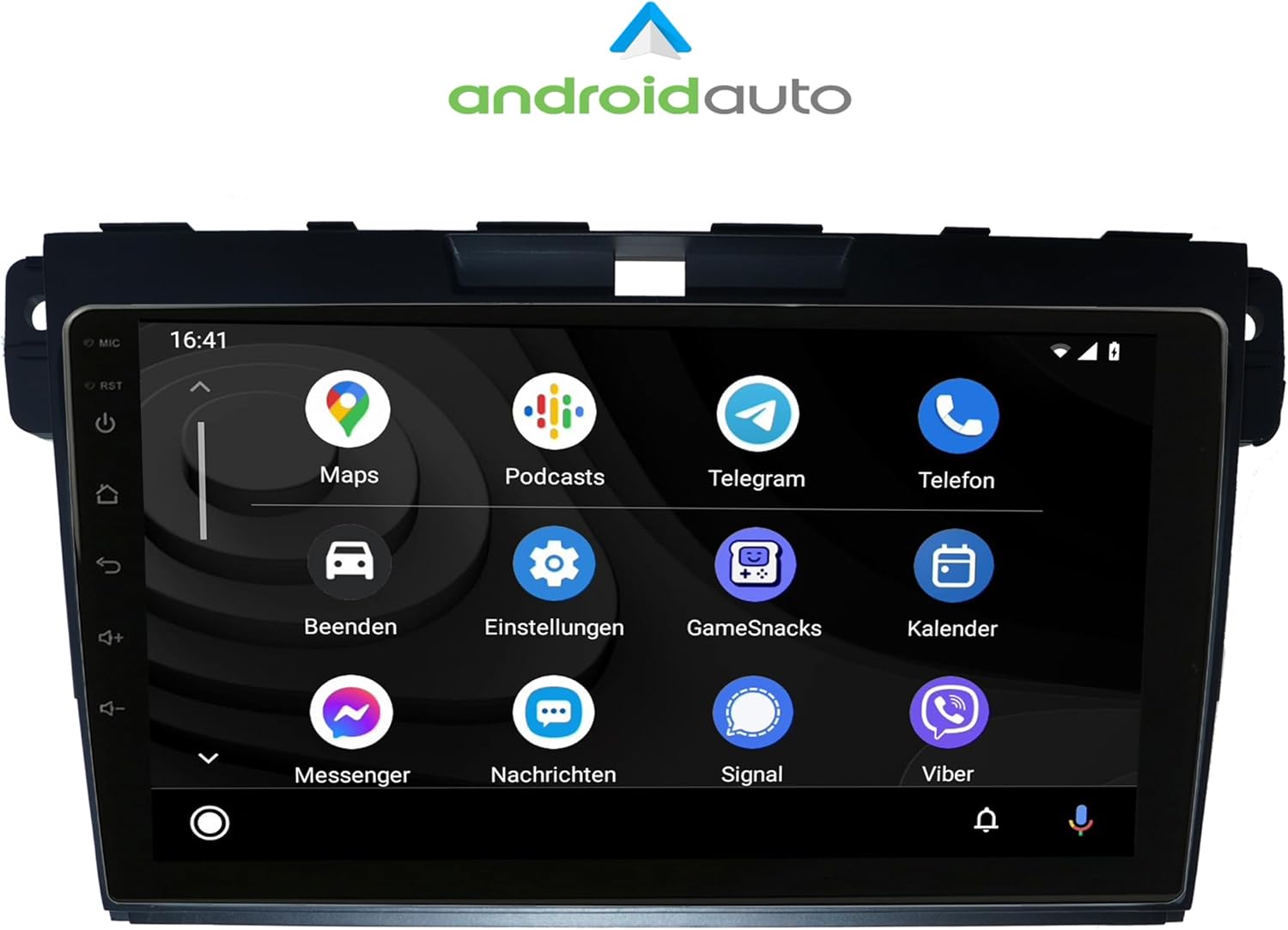
Figur 4.3: Android Auto-grænseflade
4.3 Radio (FM/AM)
Access the Radio application to tune into FM or AM stations. The unit supports RDS (Radio Data System) for displaying station information. Use the on-screen controls or physical buttons to scan, save presets, and adjust volume.

Figur 4.4: Radiogrænseflade
4.4 Bluetooth-funktioner
Pair your mobile phone via Bluetooth for hands-free calling and A2DP music streaming. The unit supports phonebook synchronization for easy access to your contacts.

Figure 4.5: Bluetooth Dialer
4.5 Audio Settings (Amplifier/EQ)
Customize your audio experience using the built-in amplifier and equalizer settings. Adjust bass, treble, and balance, or select from predefined EQ presets (Pop, Classic, Rock, Jazz). You can also fine-tune the sound stage for optimal listening.

Figur 4.6: Amplifier and EQ Settings
4.6 Andre funktioner
- Navigation: Utilize the integrated GPS for worldwide map navigation.
- WiFi: Connect to local WLAN hotspots or your smartphone's hotspot for internet access and app downloads.
- 2-zonefunktion: Allows navigation on the main screen while rear passengers can watch videos or listen to music.
- Back-Zone Function: Navigate in the front while TV or video content plays in the back.
- Auto-hukommelse: All saved settings and positions are automatically retained.
- Day and Night Display: Automatic or manual adjustment of screen brightness for optimal visibility.
- Play Butik: Download and install additional Android applications.
5. Vedligeholdelse
To ensure the longevity and optimal performance of your TAFFIO head unit, follow these maintenance guidelines:
- Rensning: Brug en blød, tør klud til at rengøre skærmen og ydersiden. Undgå slibende rengøringsmidler eller opløsningsmidler.
- Softwareopdateringer: Periodically check for and install software updates to ensure the unit has the latest features and bug fixes. Connect to Wi-Fi to perform updates.
- Temperatur: Undgå at udsætte enheden for ekstreme temperaturer, da dette kan påvirke ydeevne og levetid.
- Magt: Ensure stable power supply to prevent damage. Avoid frequent power interruptions.
6. Fejlfinding
For common issues and solutions, refer to the included "Troubleshooting Guide" document. If you encounter problems not covered in the guide, or if solutions do not resolve the issue, please contact TAFFIO customer support.
Almindelige problemer kan omfatte:
- Ingen strøm, eller enheden tænder ikke.
- Ingen lyd eller forvrænget lyd.
- GPS signal loss or inaccurate navigation.
- Problemer med Bluetooth-forbindelse.
- Touchscreen unresponsiveness.
- CarPlay/Android Auto connection failures.
7. Specifikationer
| Feature | Detalje |
|---|---|
| Modelnummer | LMGQ9187 |
| Skærmstørrelse | 9 tommer |
| Operativsystem | Android 12 |
| Processor | Octa-Core 1.6Ghz CPU |
| VÆDDER | 4 GB |
| Intern opbevaring | 64GB Flash |
| Skærmtype | Kapacitiv Multi-Touch |
| Opløsning | FULD HD |
| Forbindelse | Wi-Fi, Bluetooth |
| Navigation | GPS (Worldwide Map Type) |
| Særlige funktioner | CarPlay, Android Auto, Touchscreen, Bluetooth |
| Lydudgangstilstand | AUX |
| Monteringstype | Dashboard montering |
| Type køretøjstjeneste | Car (Mazda CX-7 2007-2014) |
8. Garanti og support
This TAFFIO head unit comes with a 2 års garanti. For warranty claims, technical support, or any inquiries, please refer to the contact information provided in your purchase documentation or visit the official TAFFIO webwebsted.
Gem venligst din købsbevis for at validere garantien.