
Indledning
This manual provides comprehensive instructions for the installation, operation, maintenance, and troubleshooting of your Yeelight YLKG07YL Smart Dimmer. Please read this manual thoroughly before use to ensure proper functionality and safety.
Produkt overview
The Yeelight YLKG07YL is a mountable smart dimmer designed to control compatible lighting fixtures. It features Wi-Fi connectivity and touch/push-button control for convenient operation.
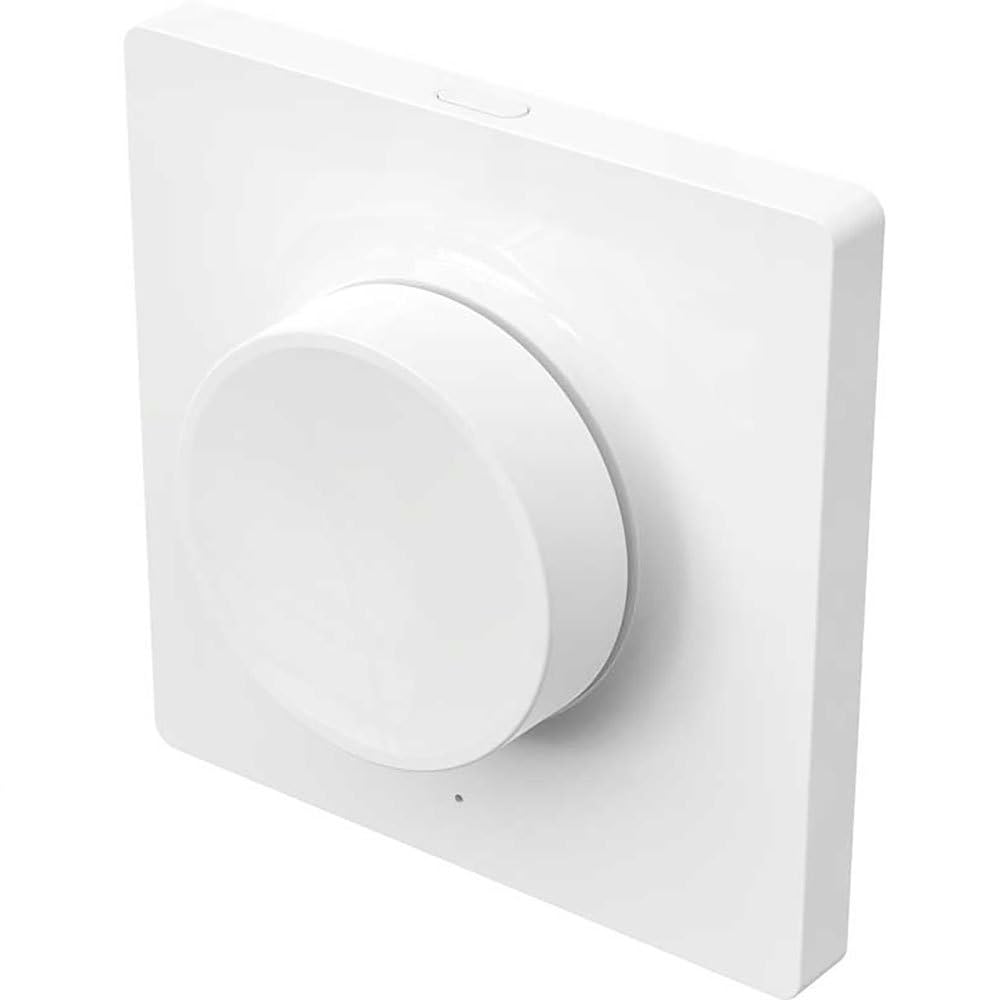
Figure 1: Yeelight YLKG07YL Smart Dimmer. This image displays the front of the dimmer, highlighting its sleek design and touch-sensitive control area.
Sikkerhedsoplysninger
- Afbryd altid strømmen ved afbryderen før installation eller vedligeholdelse.
- Installationen bør udføres af en kvalificeret elektriker, hvis du er i tvivl.
- Udsæt ikke enheden for overdreven fugt eller ekstreme temperaturer.
- Ensure the dimmer is compatible with your lighting fixtures before installation.
Opsætning og installation
- Strømafbrydelse: Turn off the main power supply to the circuit at the circuit breaker. Verify power is off using a voltage tester.
- Fjern den gamle switch: Carefully remove the existing wall switch from its electrical box. Disconnect the wires, noting their connections.
- Tilslutning af lysdæmperen: Connect the wires from the electrical box to the Yeelight YLKG07YL dimmer according to the wiring diagram (refer to product packaging for specific diagrams). Ensure secure connections.
- Monter lysdæmperen: Gently push the wired dimmer into the electrical box. Secure it with screws. Attach the faceplate.
- Gendan strøm: Tænd for hovedstrømforsyningen igen ved afbryderen.
- Pairing (Wi-Fi): Follow the instructions in the Yeelight app to pair the dimmer with your Wi-Fi network and smart home system.
Betjeningsvejledning
The Yeelight YLKG07YL Smart Dimmer offers both physical and smart control options.
Fysisk kontrol:
- Til/fra: Press the main button to toggle the connected lights on or off.
- Dæmpning: Touch and hold the designated dimming area (if applicable, or use up/down buttons) to adjust brightness.
Smart Control (via Yeelight App):
- Open the Yeelight application on your smartphone or tablet.
- Select the YLKG07YL dimmer from your device list.
- Use the in-app controls to turn lights on/off, adjust brightness, set schedules, or integrate with other smart home devices.
Opretholdelse
- Rensning: Wipe the dimmer's surface with a soft, dry cloth. Do not use abrasive cleaners or solvents.
- Firmwareopdateringer: Regularly check the Yeelight app for available firmware updates to ensure optimal performance and security.
- Miljøforhold: Sørg for, at driftsmiljøet forbliver inden for de angivne temperatur- og fugtighedsintervaller for at forhindre skader.
Fejlfinding
| Problem | Mulig årsag | Løsning |
|---|---|---|
| Lysdæmperen reagerer ikke | No power, incorrect wiring, device malfunction. | Kontroller afbryderen. Bekræft ledningsforbindelserne. Kontakt support, hvis problemet fortsætter. |
| Lights flicker or do not dim properly | Incompatible bulb type, overloaded circuit, faulty wiring. | Ensure bulbs are dimmable and compatible. Check total wattage. Re-check wiring. |
| Kan ikke oprette forbindelse til Wi-Fi | Incorrect Wi-Fi password, router too far, network issues. | Verify Wi-Fi password. Move router closer or use a Wi-Fi extender. Restart router. |
Specifikationer
- Model: YLKG07YL
- Dimensioner: 10 x 5 x 1.3 cm (L x B x H)
- Vægt: 1 kilo
- Materiale: Plastic (body), Aluminium (contact)
- Forbindelse: Wi-Fi
- Kontrolmetode: Touch, Push-button
- Monteringstype: Vægmontering
- Nuværende vurdering: 1 A
- IP-vurdering: IP65 (International Protection Marking)
Garantioplysninger
This Yeelight YLKG07YL Smart Dimmer comes with a 2 års producentgaranti fra købsdatoen. Denne garanti dækker defekter i materialer og udførelse ved normal brug. Den dækker ikke skader forårsaget af misbrug, ulykker, uautoriserede ændringer eller forkert installation. Gem venligst din købsbevis i tilfælde af garantikrav.
Støtte
For technical assistance, troubleshooting, or warranty inquiries, please visit the official Yeelight website or contact their customer support. You can often find FAQs and additional resources online.
Officiel Webwebsted: www.yeelight.com